How to Verify Telegram with a Virtual Number: Complete Guide
How to Verify Telegram with a Virtual Number
Telegram requires a phone number during account registration and may use SMS, an in-app method, or another available verification method to confirm that you control the number. For people who prefer not to use their primary phone number, a virtual phone number can be an alternative when the number is supported and capable of receiving Telegram's verification message or call.
If you're wondering how to verify Telegram with a virtual number, the process is relatively straightforward: obtain a suitable number, enter it during Telegram signup, request the verification code, receive the OTP through the number provider when supported, and enter the code in Telegram.
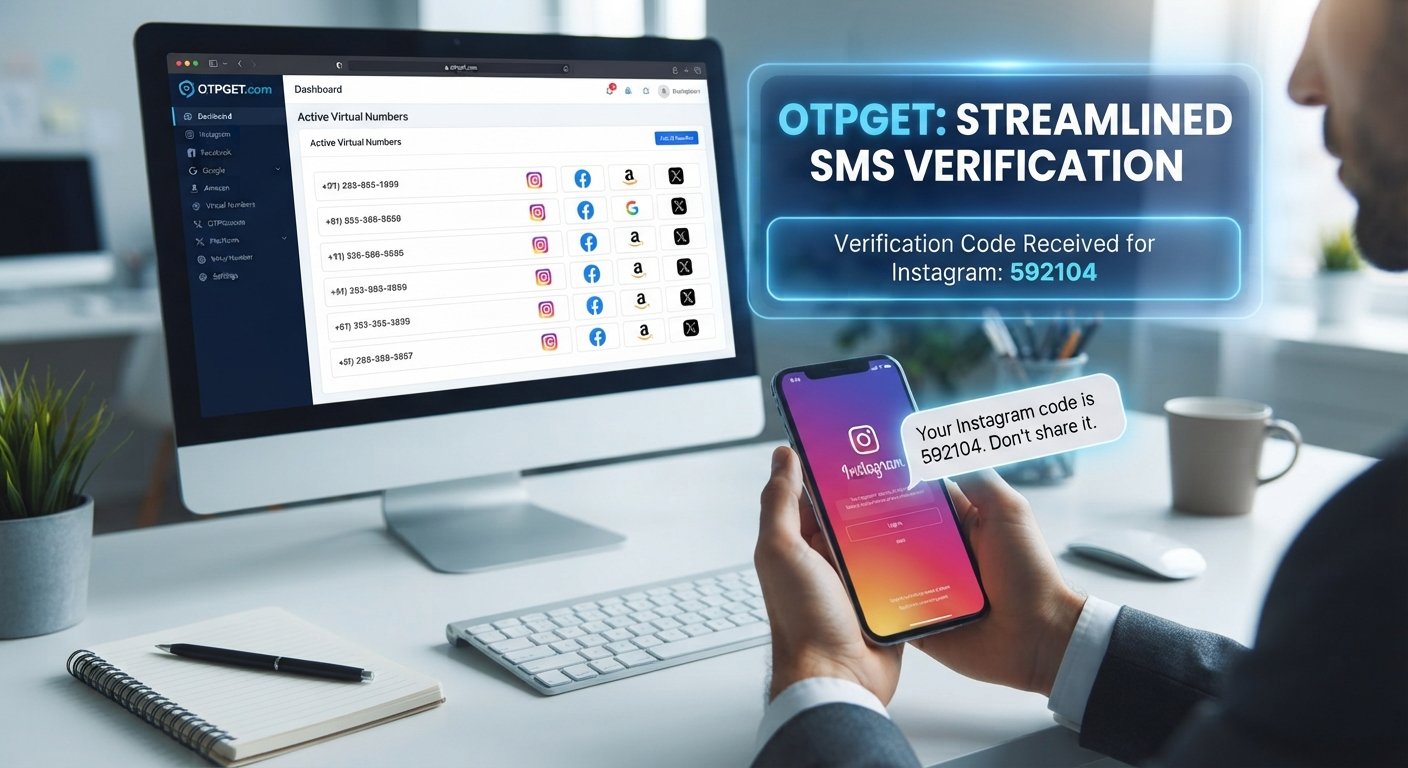
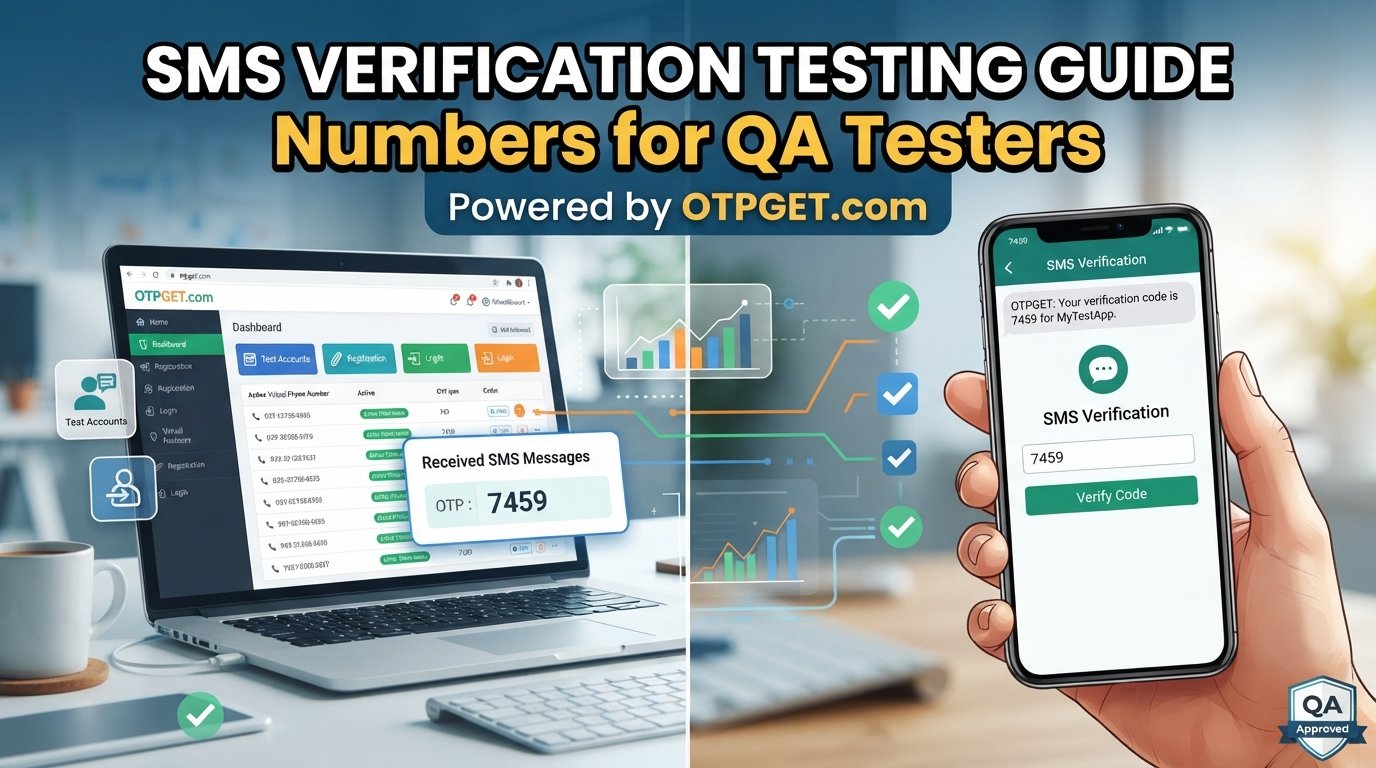
OTPGET can be used to obtain a virtual number for verification purposes. This guide explains how the process works, what to check before choosing a number, and what to do when a Telegram verification code does not arrive.
What Is a Virtual Number?
A virtual number is a phone number that operates through an online service rather than being tied directly to a traditional physical SIM card in your phone.
Depending on the provider, a virtual number may be able to receive SMS messages, calls, or both through an online interface. This makes virtual numbers useful for services that require a phone number for registration or OTP verification.
A virtual number can be different from your personal mobile number in several ways:
- It may be managed through an online platform.
- SMS messages may be displayed through the provider's service.
- It can help separate online registrations from your primary mobile line.
- Availability and functionality can vary by number, country, provider, and service.
Not every virtual number is suitable for every platform. Before using one for Telegram registration, check whether the number supports the required verification method.
Why Use a Virtual Number for Telegram?
There are several legitimate reasons someone may prefer a virtual number for Telegram verification.
Privacy and separation are common considerations. Using a separate number can keep your personal mobile number separate from certain online accounts and registrations. However, a virtual number should not be treated as a guarantee of anonymity.
It can also be convenient for people who want to keep personal and online communication separate. For example, someone managing different areas of their digital activity may prefer a dedicated number rather than using the same number everywhere.
A virtual number can also be useful when you do not want to use your primary SIM for a particular registration. The important point is to choose a number you can legitimately access and, where necessary, continue to control for account recovery.
Can You Verify Telegram with a Virtual Number?
Yes, Telegram can sometimes be verified with a virtual number, provided the particular number is accepted by Telegram and can receive the required verification message or call.
However, there is no guarantee that every virtual phone number will work. Telegram may restrict, reject, or otherwise fail to deliver verification messages to some numbers, while availability can also vary between providers.
For this reason, choosing a suitable number is an important part of the process. A number that cannot receive incoming SMS, is unavailable for the intended service, or has account-history limitations may not be suitable for Telegram verification.
How to Verify Telegram with a Virtual Number
The basic Telegram verification process can be completed in a few steps.
1. Choose a suitable virtual number provider
First, find a provider offering virtual phone numbers that can receive the verification method required by Telegram.
Consider factors such as SMS reception, availability, supported regions, access duration, and whether you can maintain access to the number if you need it later.
2. Obtain a number through OTPGET
OTPGET can be used to obtain an available virtual number for verification. Check the numbers and supported services available through OTPGET before selecting one for Telegram.
Availability can change, so make sure the number you choose is appropriate for your intended use.
3. Open Telegram
Install or open Telegram and begin the account registration or setup process.
When Telegram asks for a phone number, select the appropriate country or region and enter the virtual number you obtained.
4. Request the verification code
Submit the number and wait for Telegram to provide its available verification method.
Depending on Telegram's process and the number, verification may involve an SMS code, an in-app verification method, or another available option.
5. Check for the incoming OTP
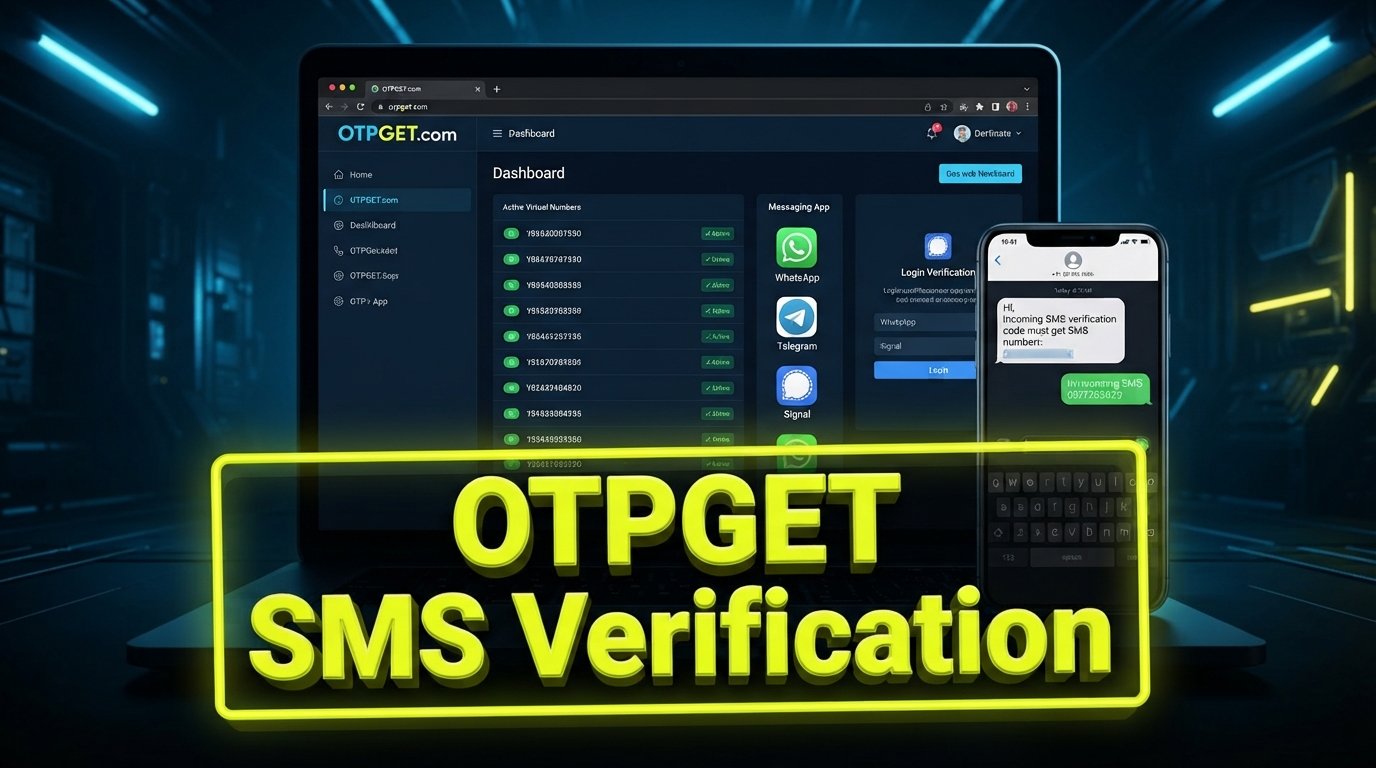
If the selected number supports incoming SMS and Telegram sends a verification message through that method, check the relevant OTPGET interface or service area for the incoming code.
The exact interface and availability of messages can vary, so rely on the options displayed by the service you're using.
6. Enter the verification code
Enter the Telegram verification code into the Telegram app.
Never share a Telegram OTP with another person. A verification code is intended to confirm control of the account or number.
7. Complete your Telegram account setup
Once Telegram accepts the code, continue with the account setup process.
If you intend to keep the account, make sure you understand how account recovery works and whether you will retain access to the number used for registration.
How OTPGET Can Help with Telegram Verification
For readers looking for a virtual number for Telegram, OTPGET can serve as the number source in the verification workflow.
The general process is:
Choose a number → use it for Telegram → request the code → receive the OTP where supported → enter the code → complete verification.
OTPGET's role is to provide access to an available virtual number rather than to guarantee that Telegram will accept every number. Compatibility can depend on the specific number and Telegram's verification process.
Before selecting a number, check the available options and supported services on OTPGET. If a suitable number is available for your intended verification use, you can use it during Telegram registration and monitor the service for the verification message when supported.
This approach is particularly useful for readers who are specifically looking for an online virtual number or virtual number for SMS verification rather than using their personal mobile number.
What to Do If the Telegram Verification Code Does Not Arrive
A missing Telegram verification code does not necessarily mean the number is unusable. Several factors can affect verification.
Start with these checks:
- Confirm the number: Make sure the country code and phone number were entered correctly.
- Check the verification method: Telegram may offer a different verification route depending on the circumstances.
- Check SMS support: Confirm that the selected virtual number can receive incoming SMS.
- Give the process time: Messages may not appear instantly.
- Avoid repeated requests: Requesting multiple codes in a short period can complicate the process.
- Check the number's status: A number may already be associated with an account or may not be suitable for the intended service.
- Review Telegram's prompts: Follow the verification options currently presented inside the app.
- Consider another available number: If the selected number is not supported, another suitable number may be worth considering.
If you use OTPGET, check the available information associated with the selected number and confirm that the number is intended for the type of verification you're attempting.
How to Choose a Virtual Number for Telegram
Not all virtual numbers are equal for account verification. Before choosing one, consider the following factors.
SMS reception
If Telegram sends an SMS verification code, the number must be able to receive incoming SMS messages. This is one of the most important requirements.
Service compatibility
A number can work for one online service but not necessarily another. Check whether the number is suitable for Telegram before relying on it for registration.
Number availability
Virtual numbers can become unavailable or change depending on provider inventory. Check the current options before starting the registration process.
Access period and ownership
Think about how long you will need access to the number. If you lose access after registration, recovering an account could become more difficult.
Reuse considerations
Do not assume a virtual number can be reused indefinitely or for multiple Telegram accounts. The number's previous history, Telegram's policies, and the provider's terms can affect what is possible.
Cost clarity
Understand the applicable cost before obtaining a number. Avoid choosing a service based on vague promises or claims that cannot be verified.
Provider transparency
Use a provider that clearly explains how its numbers work and what services they support. OTPGET is one option readers can evaluate when looking for an available virtual number.
Common Mistakes to Avoid
Using a virtual number for Telegram verification is simple when the number and verification method are compatible, but a few common mistakes can create problems.
Entering the wrong number is an obvious but frequent issue. Double-check the country code and digits before submitting the number.
Assuming every virtual number works with Telegram is another mistake. Compatibility is not universal, so verify the available service information before selecting a number.
Requesting too many OTPs repeatedly can also cause unnecessary delays. If a code does not arrive immediately, check the number and verification method before repeatedly requesting another one.
Losing access to the number can become a bigger issue later. If the account is important, consider the implications of using a number you may not be able to access again.
Finally, never give your verification code to someone else. Do not use virtual numbers for spam, impersonation, fraud, account theft, or other activity prohibited by Telegram or applicable laws.
Is a Virtual Number Safe for Telegram?
A virtual number can be a practical option for Telegram verification, but safety depends heavily on how the number and account are managed.
Choose a service carefully and understand who controls the number and how long you can access it. Protect every OTP just as you would protect a password.
Account recovery is another important consideration. If you lose access to the number associated with an account, you may have fewer options when Telegram asks you to verify ownership.
For better account security, use Telegram's available account-protection features and follow its rules. A virtual number can help separate your personal number from an online account, but it should not be treated as a complete security or anonymity solution.
Frequently Asked Questions
Can I verify Telegram with a virtual number?
Yes, it may be possible if Telegram accepts the particular virtual number and the number can receive the required verification method. Compatibility varies, so there is no guarantee that every virtual number will work.
How do I get a virtual number for Telegram?
You can obtain an available virtual phone number from a service such as OTPGET, then enter that number during Telegram registration. Check the number's supported services and SMS capabilities before using it.
Where can I receive a Telegram verification code?
If Telegram sends the code by SMS, it may appear through the service handling your virtual number when incoming SMS is supported. With OTPGET, check the available information for the number you selected.
Does every virtual number work with Telegram?
No. Telegram may not accept every virtual number, and some numbers may not support the verification method required. Always consider compatibility before selecting a number.
Can I use OTPGET for Telegram verification?
OTPGET can be used to obtain an available virtual number for verification. Whether a specific number works with Telegram depends on its availability, capabilities, and Telegram's acceptance of that number.
What should I do if my Telegram OTP does not arrive?
Check the number, country code, SMS reception capability, and verification method. Avoid repeatedly requesting codes in a short period. If necessary, consider another available number that is suitable for the intended use.
Can I use the same virtual number for another Telegram account?
Do not assume that you can. A number's existing association with an account and Telegram's rules can affect whether it can be used again. Check the circumstances before attempting another registration.
Conclusion
Using a virtual number can be a convenient way to complete Telegram account verification without using your primary phone number. The key is choosing a number that Telegram accepts and that can receive the required verification message or call.
The process is straightforward: obtain a suitable number, enter it in Telegram, request the verification code, receive the OTP through the number service when supported, and enter the code to complete verification.
OTPGET can be a practical option for readers looking for an available virtual number for this purpose. Before starting, review the available numbers and supported services, choose one appropriate for your needs, and make sure you understand how continued access and account recovery may work.
For legitimate Telegram registration and privacy-conscious account management, a suitable virtual number can provide useful separation between your personal phone number and your online account.
Suggested Internal Links
- Anchor: virtual phone numbers for SMS verification
Destination topic: Guide to Choosing a Virtual Number for SMS Verification - Anchor: how online SMS verification works
Destination topic: How SMS and OTP Verification Works with Virtual Numbers - Anchor: choosing a virtual number provider
Destination topic: What to Look for When Choosing a Virtual Number Provider - Anchor: receive SMS online
Destination topic: Complete Guide to Receiving SMS Online with a Virtual Number - Anchor: virtual numbers for account registration
Destination topic: Using Virtual Numbers for Legitimate Online Account Registration