Numbers for QA Testers: SMS Verification Testing Guide
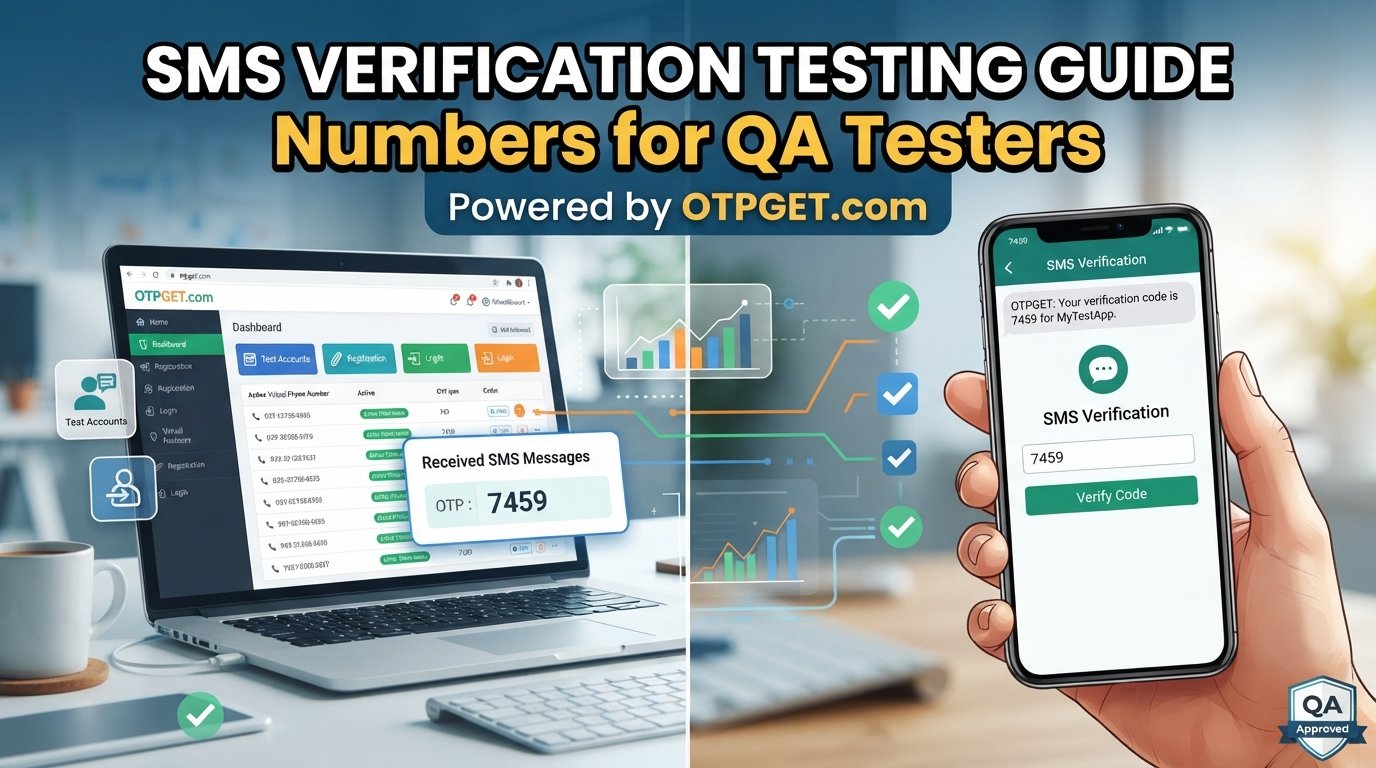
Numbers for QA Testers: SMS Verification Testing Guide
SMS verification is one of those features that can look simple from a user's perspective and become surprisingly complicated during QA.
A user enters a phone number, receives a one-time password (OTP), enters the code, and continues. But for a tester, that short sequence can involve dozens of scenarios: incorrect codes, expired codes, resend requests, delivery delays, rate limits, duplicate accounts, session timeouts, and more.
That is why having suitable numbers for QA testers can make SMS verification testing much easier. Instead of repeatedly relying on a personal phone, testers can use temporary or dedicated numbers intended for verification workflows.
For teams testing registration, login, password recovery, or two-factor authentication, a service such as OTPGET can provide a practical way to obtain numbers for SMS verification testing while keeping testing activity separate from personal communications.
Why SMS Verification Testing Matters for QA Teams
SMS verification is commonly used as part of account registration, login verification, password recovery, phone-number confirmation, and two-factor authentication (2FA).
A successful QA process needs to verify more than whether an SMS arrives. The application also needs to respond correctly to what happens before, during, and after the code is entered.
Useful scenarios include:
- Entering a correct OTP.
- Entering an incorrect OTP.
- Submitting an expired OTP.
- Requesting several OTPs.
- Resending a verification code.
- Handling delayed SMS delivery.
- Entering invalid or incorrectly formatted phone numbers.
- Testing rate limits.
- Verifying login authentication.
- Testing registration verification.
- Testing password-reset flows.
- Checking 2FA behavior.
- Testing account recovery.
These cases can expose problems in both the user interface and backend verification logic. A verification screen might accept an invalid code, allow excessive attempts, fail to invalidate an older code, or behave unexpectedly after a session expires.
Repeated SMS verification testing gives QA teams an opportunity to catch these issues before users encounter them.
The Challenge of Testing SMS and OTP Flows
One of the easiest ways to make SMS testing frustrating is to depend on a personal phone number for every test.
A tester may need to create several accounts, repeat a registration flow, trigger password recovery, or test multiple OTP scenarios. Using a personal number for all of those activities quickly becomes inconvenient.
Common problems include:
- Repeatedly requesting OTPs on the same device.
- Managing multiple test accounts.
- Waiting for incoming verification messages.
- Mixing test messages with personal communications.
- Reproducing specific verification scenarios.
- Keeping test data organized.
- Manually checking messages during repeated test runs.
- Avoiding unnecessary exposure of personal information.
There is also a practical difference between testing once and testing a feature repeatedly. A developer might confirm that one valid OTP works. A QA tester needs to ask what happens when the OTP is wrong, delayed, expired, resent, entered multiple times, or submitted after the session has changed.
That is where dedicated test phone numbers become useful.
What QA Testers Need From a Test Phone Number
A useful number for software testing should fit the tester's workflow rather than create another obstacle.
Important considerations include:
- SMS accessibility: The number should be able to receive the verification messages required by the test scenario.
- Separation from personal communications: Testing activity can remain distinct from a tester's everyday phone.
- Convenience: The process of accessing incoming messages should fit naturally into manual QA work.
- Repeatability: Testers should be able to use suitable numbers when repeating verification scenarios.
- Test-account management: Numbers can help teams organize accounts associated with specific test cases.
- Visibility of incoming messages: Testers need a practical way to inspect the verification message and obtain the code.
- Workflow suitability: The number should be appropriate for the application and verification scenario being tested.
A normal personal phone number is primarily intended for personal communication. A temporary or dedicated testing number serves a different purpose: providing a controlled way to work through phone-based verification scenarios.
The right choice still depends on the application's requirements and the testing policies that apply to it.
How OTPGET Can Help With SMS Verification Testing
For QA teams, the practical problem is often straightforward: where do you get a suitable number to use when an application requires SMS verification?
OTPGET is an option designed around this type of need. QA testers can use numbers obtained through the service for SMS verification testing, allowing them to work through verification flows without depending exclusively on their personal phone numbers.
A typical use case is simple. A tester needs to create or verify a test account, the application sends an OTP, and the tester needs access to the incoming SMS to complete the scenario. Having a number intended for this kind of testing can make the process more manageable.
This can be particularly useful when testing:
- New-user registration.
- Phone-number verification.
- Login verification.
- Password recovery.
- Two-factor authentication.
- Repeated OTP requests.
- Negative verification scenarios.
- Multiple test accounts.
The benefit is less about adding another tool to the QA stack and more about solving a specific testing requirement: having a number available for SMS-based verification without using a personal phone number every time.
OTPGET can therefore fit naturally into manual QA and other testing workflows where testers need to receive verification SMS messages and inspect the resulting OTP.
As with any external testing service, teams should confirm that the number and workflow are appropriate for the specific application, environment, and testing policies involved.
A Practical SMS Verification Testing Workflow
A simple process can keep SMS OTP testing organized.
1. Identify the verification scenario.
Decide whether you are testing registration, login, password recovery, 2FA, or another phone-based flow.
2. Obtain an appropriate test number through OTPGET.
Choose a number suitable for the testing scenario and the application's requirements.
3. Enter the number into the application.
Use the test number where the application requests phone verification.
4. Trigger the SMS request.
Submit the form or action that causes the application to send an OTP.
5. Retrieve the verification message.
Check the incoming SMS through the available testing workflow.
6. Enter the OTP.
Submit the received code in the application's verification interface.
7. Confirm the expected result.
Verify that successful authentication or verification occurs as specified.
8. Test negative and edge cases.
Repeat the process with invalid, expired, or otherwise problematic verification scenarios.
9. Record the result.
Document the steps, expected behavior, actual behavior, and any defects found.
This approach turns SMS testing from an ad hoc activity into a repeatable QA process.
SMS Verification Test Cases QA Teams Should Consider
A strong OTP verification testing plan should cover both normal and abnormal behavior.
| Test scenario | What to verify |
|---|---|
| Valid OTP | The correct code completes verification. |
| Invalid OTP | The application rejects an incorrect code appropriately. |
| Expired OTP | An old code cannot be used after its validity period. |
| Wrong OTP multiple times | Attempt limits and error handling behave as expected. |
| Resend OTP | A new code can be requested according to the intended rules. |
| Multiple OTP requests | The application handles successive requests correctly. |
| Delayed OTP | The experience remains understandable when delivery is slow. |
| Empty OTP field | The application provides appropriate validation. |
| Incorrect OTP length | Invalid input is handled correctly. |
| Special characters | Unexpected input does not bypass validation. |
| Session expiration | Verification behaves correctly after the relevant session expires. |
| Phone already registered | The expected account or validation behavior occurs. |
| Unregistered phone number | Registration or verification follows the defined workflow. |
| Rate limiting | Excessive requests or attempts are handled appropriately. |
| Account lockout | Any defined lockout behavior works as expected. |
| Password reset | OTP verification protects the recovery flow correctly. |
| Login verification | SMS-based authentication works as designed. |
| Registration verification | New-account verification behaves correctly. |
The goal is not simply to prove that one OTP works. Good phone number testing checks how the application behaves across the entire verification lifecycle.
Manual Testing vs. Automated SMS Verification Testing
Manual testing is often the quickest way to explore a new SMS verification flow. A tester can enter a number, request an OTP, inspect the message, enter the code, and immediately investigate unexpected behavior.
It is especially useful for exploratory testing and early validation.
Automation becomes more valuable when a team needs repeatable regression coverage. However, SMS introduces an additional challenge: the automated test needs a dependable way to access the verification message and extract the required test data.
That means QA automation teams should consider:
- How test numbers are provisioned.
- How incoming SMS messages are accessed.
- How OTP values enter the test workflow.
- How test accounts are managed.
- How expired or invalid codes are tested.
- How the process behaves inside a regression pipeline.
- How sensitive test information is handled.
OTPGET can be considered as part of the number-management side of this workflow, but the exact automation approach depends on the capabilities of the testing environment and the tools being used.
The important principle is repeatability. An automated test that depends on unpredictable manual intervention may not provide reliable regression coverage.
Best Practices for Testing OTP and SMS Verification
A few practices can make SMS OTP testing considerably easier.
- Do not rely only on a personal number for QA testing. Dedicated test numbers can keep testing separate from personal communications.
- Maintain dedicated test accounts where appropriate. This makes repeated verification scenarios easier to organize.
- Document expected OTP behavior. Know what should happen when codes expire, are resent, or are entered incorrectly.
- Test both success and failure paths. A valid OTP is only one part of the verification experience.
- Test expiration and resend logic. Confirm that older and newer codes behave according to the application's rules.
- Test rate limits. Repeated requests and failed attempts should receive the intended treatment.
- Try unusual input. Check empty fields, incorrect lengths, invalid characters, and other unexpected input.
- Separate test data from production data. Keep QA activity within the appropriate environment and accounts.
- Avoid unnecessary personal information. Test workflows should not require exposing personal communications when a suitable testing approach is available.
- Record reproducible steps. Clear test cases make defects easier to reproduce and fix.
- Verify application behavior, not just SMS delivery. The real objective is a correct authentication or verification experience.
Why a Dedicated Testing Number Can Make QA Easier
A dedicated or temporary number can remove a surprisingly common source of friction from QA.
Instead of repeatedly waiting for a personal phone to receive another OTP, testers can use numbers intended for verification scenarios. This can help keep test accounts organized, separate QA activity from personal communications, and make repeated testing more convenient.
For teams performing software testing, this separation can also make test procedures easier to document. A test case can specify the verification setup without tying the process to an individual's personal phone number.
OTPGET can be useful in this context by giving testers a practical option for obtaining numbers used to receive SMS verification messages.
The result is a cleaner testing workflow: identify the scenario, use an appropriate test number, trigger the verification message, inspect the OTP, validate the application's response, and document the outcome.
Choosing the Right Approach for Your QA Workflow
Not every SMS testing approach will suit every application. Before selecting a number or SMS testing solution, QA teams should consider:
- Number availability: Are suitable numbers available when testing requires them?
- SMS reception: Can the number receive the messages required by the test scenario?
- Ease of use: Can testers access verification messages without unnecessary complexity?
- Privacy considerations: Does the approach keep personal communications separate from testing?
- Test-account compatibility: Does the number fit the application's registration and verification requirements?
- Geographic requirements: Does the application's testing scenario require a particular location or number format?
- Reliability for the intended scenario: Is the approach suitable for the specific verification flow being tested?
- Workflow convenience: Can the process be repeated without creating excessive manual work?
- Cost considerations: Does the approach make sense for the team's testing volume and requirements?
- Application policies: Is the testing method permitted by the application or service being tested?
OTPGET is one option QA teams can evaluate against these requirements. The right choice depends on the application's behavior, the team's workflow, and the specific SMS verification scenarios being tested.
Final Thoughts
SMS verification testing is easy to underestimate. A verification screen may contain only a phone-number field and an OTP input, but the underlying workflow can involve registration, authentication, retries, expiration, rate limits, sessions, and account security.
For QA testers, having suitable numbers for QA testers can make that work more organized and practical. Instead of depending entirely on personal phone numbers, teams can use dedicated or temporary numbers as part of their testing process.
OTPGET can provide a practical option for obtaining numbers for SMS verification testing, helping testers keep verification activity separate from personal phone communications and making repeated test scenarios easier to manage.
The key is to test the complete experience—not just whether an SMS arrives. Cover valid and invalid codes, expiration, resends, repeated attempts, account behavior, and edge cases. When your test data and verification process are organized, SMS and OTP testing becomes much easier to repeat and maintain.