How Long Is an OTP Code Valid? OTP Expiration & Security Guide
How Long Is an OTP Code Valid?
An OTP, or one-time password, is designed to work for a limited period rather than indefinitely. How long is an OTP code valid? There is no single expiration time that applies to every service. Depending on the platform, authentication system, delivery method, and security settings, an OTP may remain valid for a short period before it expires.
Some systems use a brief validity window, while others allow a little more time for the user to enter the code. Time-based authenticator codes can also follow different rules from codes delivered through SMS or email.
The important point is simple: an OTP is temporary by design. If the code expires, the usual solution is to request a new one rather than continue trying to use the old verification code.
For people who regularly deal with online verification, understanding OTP code validity can make the process much easier and help avoid unnecessary security problems.
How Long Is an OTP Code Valid?
The OTP validity period depends on the service that generated the code. There is no universal standard requiring every OTP to remain active for exactly the same amount of time.
A service might configure an OTP to expire after a short window, while another may provide a longer period. Some systems also invalidate an OTP immediately after it has been successfully used, even if its time-based validity has not ended.
Several factors can affect OTP expiration time, including:
- The authentication system being used
- Whether the code is sent by SMS or email
- Whether it is generated by an authenticator application
- The security configuration of the service
- Whether the OTP has already been used
- Whether a newer OTP has replaced an older one
So, if you are wondering how long does an OTP last, the most accurate answer is: until the validity window set by the issuing service ends or the code is otherwise invalidated.
Always follow the instructions displayed by the website or app generating the code.
What Is an OTP Code?
OTP stands for one-time password. It is a temporary authentication code used to confirm that someone has access to a particular device, phone number, email account, or authentication method.
Unlike a regular password, an OTP is generally intended for limited or one-time use.
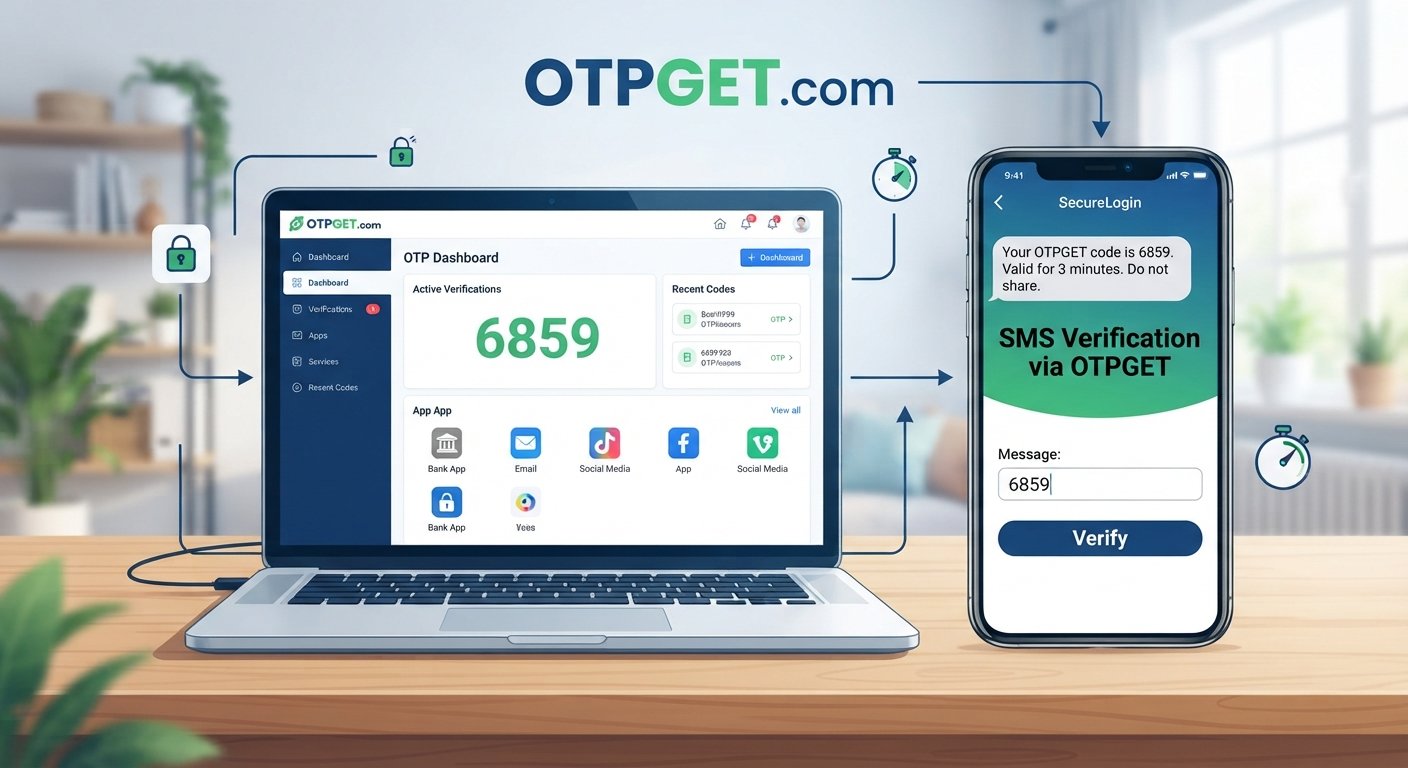
For example, when signing in to an account, a service may send an SMS OTP to a registered phone number. You enter the code on the website, and the system checks whether it is valid.
Common types include:
- SMS OTP: A verification code delivered through text message.
- Email OTP: A temporary code sent to an email address.
- Authenticator codes: Codes generated by an authentication application.
- Transaction OTPs: Codes used to confirm certain sensitive actions.
OTPs are widely used as part of two-factor authentication (2FA) and other forms of digital authentication.
The main advantage is that an OTP adds a temporary verification factor beyond a normal username and password.
How OTP Expiration Works
OTP systems typically combine temporary validity with rules about how and when a code can be used.
When a service generates an OTP, it associates that code with a validity window. During that window, the system can accept the code if the other verification requirements are satisfied.
Once the window ends, the OTP expires.
An OTP can also become unusable for another reason. For example, some systems invalidate a code after successful use. Others may replace an earlier code when a user requests another one.
This is why requesting several codes in quick succession can sometimes create confusion. The newest code may be the one the system expects you to enter.
After an OTP expires, entering it again generally results in a message such as “expired OTP,” “invalid code,” “verification code expired,” or “verification failed.”
The exact message depends on the platform.
Why Do OTP Codes Expire?
OTP expiration is an important part of OTP security. A temporary code is much less useful to an attacker when its validity is limited.
There are several reasons for this design.
Reducing the Risk of Interception
If a verification code is intercepted, a short validity period limits the amount of time in which it may be useful.
This does not make interception harmless, but it reduces the opportunity for an intercepted code to remain usable.
Preventing Replay Attacks
An attacker may try to reuse a previously captured authentication code. One-time use and expiration make this type of replay attempt more difficult.
Limiting Unauthorized Access
A code that remains valid indefinitely could create a larger security window. Temporary authentication codes help reduce that window.
Protecting Against Leaked Codes
People sometimes accidentally expose verification codes through screenshots, messages, or conversations. A temporary OTP has limited usefulness once it expires.
For these reasons, OTP code expiration is not an inconvenience added without purpose. It is a deliberate security mechanism.
What Happens When an OTP Expires?
When an OTP expires, the authentication system normally rejects it.
You may see messages such as:
- “Invalid OTP”
- “OTP expired”
- “Verification failed”
- “Verification code expired”
- “Please request a new code”
At that point, repeatedly entering the same code usually will not solve the problem.
The better approach is to use the service's resend OTP option or request a new verification code.
If a new code is generated, use the newest code provided and enter it carefully within the available validity window.
Why Is My OTP Not Working?
An OTP not working does not necessarily mean the authentication system is broken. Several ordinary issues can cause a verification attempt to fail.
1. The OTP Has Expired
This is one of the most common explanations. If too much time has passed, the temporary verification code may no longer be accepted.
2. You Entered the Wrong Code
A single incorrect digit or character can cause verification to fail. Carefully compare the code before submitting it.
3. You Requested Multiple OTPs
Requesting several codes can make it unclear which one is currently valid. Some systems invalidate previous codes when a new one is issued.
4. Delivery Was Delayed
SMS or email delivery may occasionally take longer than expected because of network conditions, email filtering, or other delivery issues.
5. The Contact Information Is Incorrect
If the registered phone number or email address is wrong, the expected verification code may not reach you.
6. The Service Is Experiencing an Issue
A temporary problem on the service side can also prevent successful OTP verification.
When troubleshooting, avoid repeatedly requesting codes without a reason. Instead, check the destination, wait for the message, use the newest available code, and request a fresh OTP if the previous one has expired.
How to Use OTP Codes Safely
Convenience should never come at the expense of account security. Follow these OTP security best practices whenever you receive an authentication code.
- Never share an OTP with another person. Legitimate services generally do not need you to disclose a private verification code to a caller or stranger.
- Enter OTPs only on the legitimate website or application you intended to use.
- Be cautious of unexpected verification requests. An unsolicited OTP can be a sign that someone is attempting to access an account.
- Use the newest OTP when multiple codes have been requested and the service indicates that older codes may no longer be valid.
- Request a fresh OTP when the previous one expires instead of repeatedly submitting an expired code.
- Protect your phone and email account, since these may be used to receive authentication codes.
- Do not post OTPs publicly or include them in screenshots shared online.
A secure OTP verification process depends not only on the technology but also on how users handle their temporary authentication codes.
How OTPGET Can Help With OTP Verification
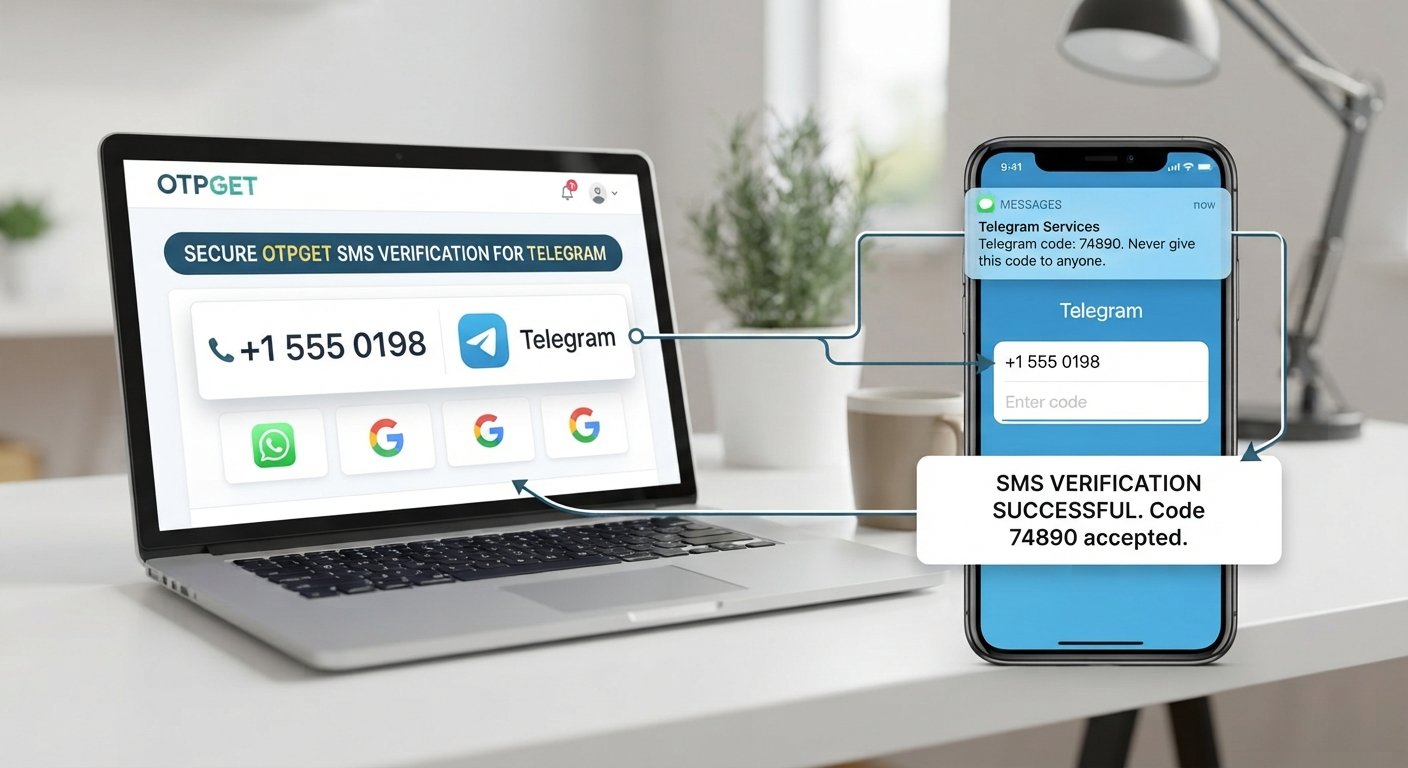
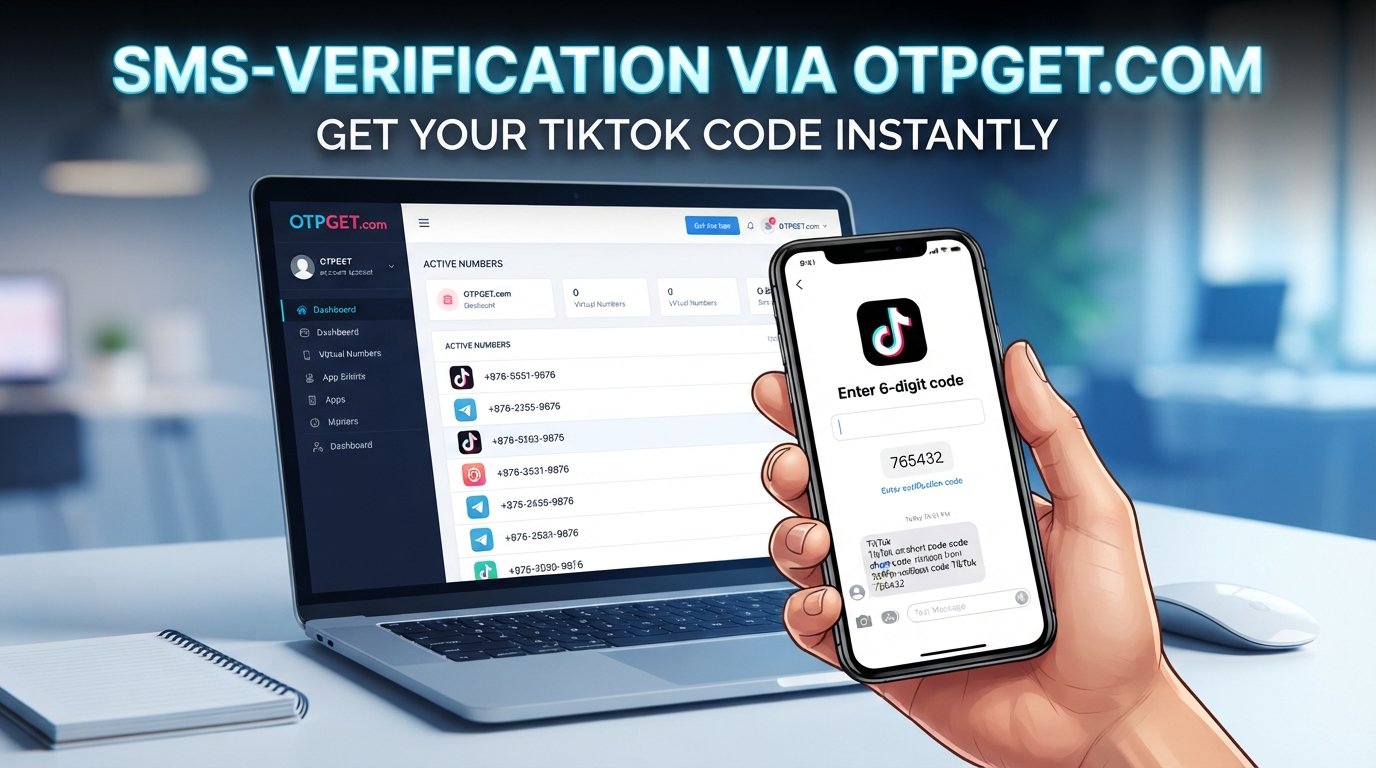
For users who need a practical way to handle OTP-related verification, OTPGET can be relevant as an OTP service focused on verification needs.
The basic challenge is familiar: you need a temporary verification code, but the process can involve expiration windows, delivery delays, or the need to manage verification separately from your primary contact details.
OTPGET provides a practical option for users looking for OTP-related verification services. Rather than treating an OTP as a permanent credential, users can approach the process with a clearer understanding of temporary codes, validity periods, and verification requirements.
The important thing to remember is that OTPGET does not change the fundamental security principle behind OTPs: verification codes are temporary and their acceptance depends on the service and its configuration.
If you are evaluating an OTP service, consider factors such as the verification workflow, supported use case, reliability of the service for your needs, and the security practices surrounding your account and verification activity.
Tips for Getting OTP Verification Smoothly
A few simple habits can make OTP verification less frustrating.
- Keep the verification screen open while waiting for your code.
- Check your SMS or email promptly after requesting an OTP.
- Use the latest code when multiple codes have been requested.
- Avoid unnecessary resend requests, particularly if the first code may still arrive.
- Enter the code carefully rather than relying on memory.
- Request a new OTP if the previous one has clearly expired.
- Check your connection and delivery channel if messages are delayed.
- Use legitimate services and applications when entering authentication codes.
- Never give an OTP to someone who contacts you unexpectedly and asks for it.
These steps address many common problems without compromising basic OTP security.
Frequently Asked Questions About OTP Validity
1. How long is an OTP code valid?
There is no universal validity period. The exact OTP validity depends on the service, authentication method, delivery channel, and security configuration. Always follow the instructions shown by the issuing platform.
2. What happens if an OTP expires?
An expired OTP is normally rejected. You will usually need to select resend OTP, request a new code, and complete verification using the replacement code.
3. Can I use an expired OTP?
Generally, no. Once an OTP has passed its validity period or has otherwise been invalidated, the system should not accept it.
4. Why does my OTP expire so quickly?
A short OTP validity period can be an intentional security measure. Limiting how long a temporary authentication code remains usable reduces the window in which a compromised code could potentially be abused.
5. What should I do if my OTP is not working?
First, check that you entered the code correctly and that it has not expired. If multiple codes were requested, try the newest one. If the problem continues, request a new OTP or contact the service's support team.
6. Can I request a new OTP?
Most services provide a resend OTP or similar option. However, the exact process varies by platform. A newly generated code may also invalidate an earlier one.
7. Does every OTP have the same validity period?
No. One time password validity can vary between services and authentication systems. SMS OTP, email OTP, and authenticator-generated codes may follow different rules.
8. Is OTP verification secure?
OTP authentication can add a useful layer of protection, particularly when combined with other security controls. However, users should still protect their devices and accounts, avoid sharing codes, and enter verification codes only through legitimate channels.
Conclusion
So, how long is an OTP code valid? The answer depends on the service that generates it. OTPs are intentionally temporary, and their validity period can vary according to the authentication method, security configuration, and delivery system.
When an OTP expires, the practical solution is usually straightforward: request a new verification code and use the latest valid code. Delays, multiple OTP requests, incorrect entries, and service-side issues can also cause verification problems.
Understanding how OTP expiration works makes online verification easier and helps users avoid common mistakes. For people who need a practical OTP service, OTPGET can be a relevant option for OTP-related verification needs.
Whether you use SMS OTP, email OTP, an authenticator, or another authentication method, the same principle applies: treat every temporary verification code as sensitive, use it only through a legitimate verification process, and never share it with someone else.