Why Do Websites Ask for Your Phone Number? A Complete Guide
Why Do Websites Ask for Your Phone Number?
You are signing up for a new website, filling out a checkout form, or trying to log in from a different device. Then you see a familiar request: “Enter your phone number.”
It is a reasonable question to ask: why do websites ask for your phone number?
In many cases, the reason is straightforward. Businesses use phone numbers for account verification, login security, account recovery, fraud prevention, transaction confirmation, and one-time passwords (OTPs). But that does not mean every request should automatically be trusted.
For users, understanding why a number is requested can help them make informed privacy decisions. For businesses, understanding the verification process can help create account journeys that are easier to use while supporting appropriate security controls.
This guide explains why websites request phone numbers, how phone verification works, what OTP verification means, what privacy concerns to consider, and how OTPGET can support businesses that need OTP-based phone verification.
Why Do Websites Ask for Your Phone Number?
There are several legitimate reasons websites ask for phone numbers. The exact purpose depends on the service and the action you are trying to complete.
Account verification
A website may ask for your number to confirm that there is a real user associated with an account. The business can send a verification code and ask you to enter it before completing registration.
This is commonly known as phone number verification or mobile number verification.
Preventing fake accounts
Phone verification can be used as part of a broader approach to reducing fake or automated registrations. Requiring a user to verify access to a phone number adds another step beyond simply entering an email address and password.
It is not a complete solution to every form of abuse, but it can be useful as one part of a user verification process.
Login security
Some websites use phone verification when a user signs in under circumstances that require additional confirmation. For example, a service may request an OTP when someone logs in from a new device.
This can add an authentication step beyond the initial login credentials.
Account recovery
A verified phone number can also support account recovery. If a user forgets a password or loses access to another authentication method, a website may use the phone number to help confirm account ownership.
Transaction and sensitive-action verification
Businesses may request phone verification before certain sensitive actions, such as confirming an important account change or transaction. The purpose is to add an additional confirmation step before the action is completed.
Important account notifications
Some services use phone numbers to send account-related alerts or verification messages. Whether this is appropriate depends on the site's stated practices and the user's consent or communication preferences.
Two-factor authentication and OTPs
Phone numbers can also be used for two-factor authentication (2FA) through SMS-based authentication. In this setup, an OTP may provide an additional authentication factor after the user enters their usual credentials.
What Is Phone Number Verification?
Phone number verification is the process of confirming that a user can receive and enter a verification code associated with a particular phone number.
The process is usually simple.
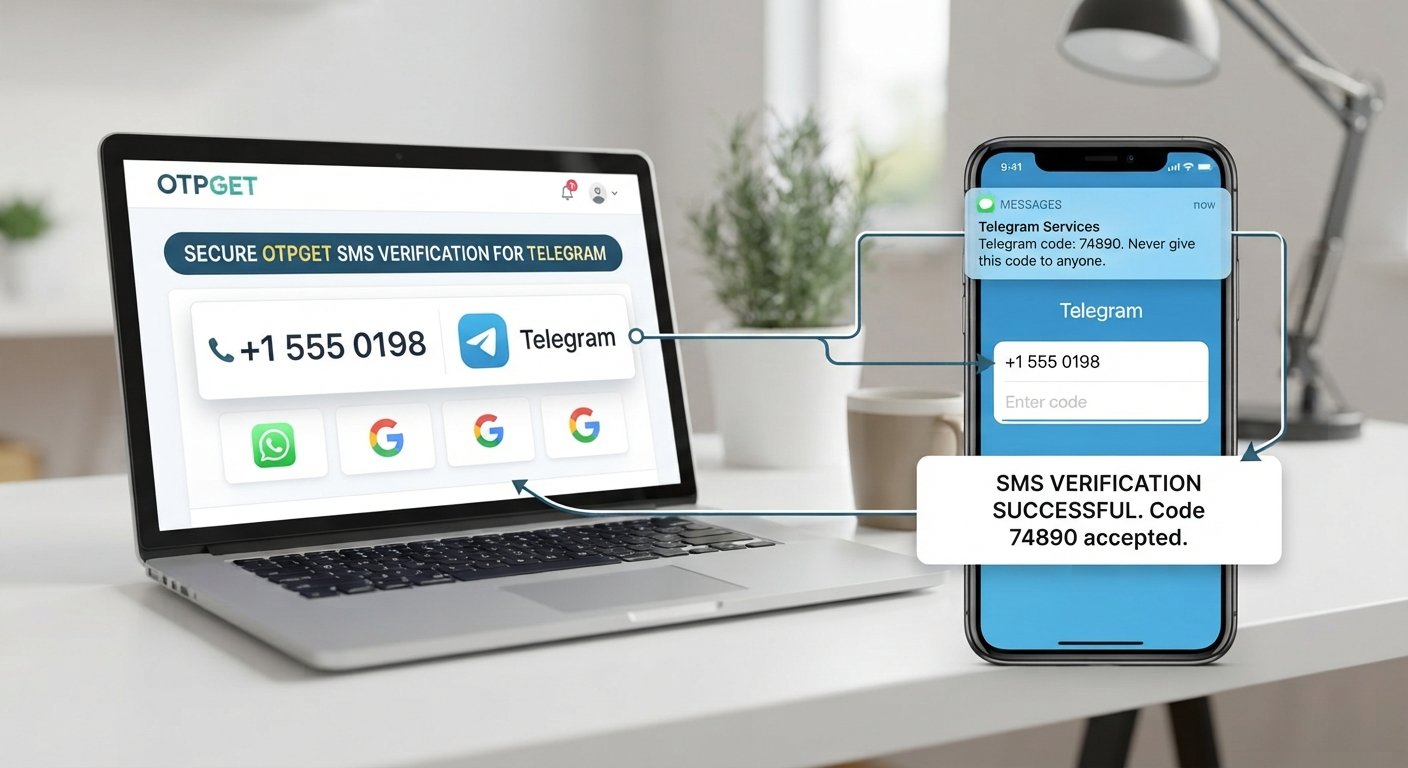
A user enters a phone number into a website or app. The service then sends a verification code, often through SMS. The user enters that code into the verification screen. If the submitted code matches the expected value and remains valid, the system can mark the phone number as verified.
An OTP, or one-time password, is a temporary code created for a specific verification or authentication attempt. Because it is intended for short-term use, an OTP generally has a limited validity period or usage window.
This makes OTP verification useful for actions where a website wants an additional confirmation that the person interacting with the service can access the phone number being verified.
The basic flow looks like this:
Phone number → SMS verification code → User enters OTP → System validates code → Number verified
How Does OTP Verification Work?
Although implementations vary, a typical SMS OTP verification process follows these steps:
- User enters a phone number.
The user provides a mobile number during registration, login, recovery, or another account-related action. - Website or app requests verification.
The system determines that phone verification is required for the requested action. - An OTP is generated.
A temporary one-time password is created for the verification attempt. - The OTP is delivered.
The verification code is sent to the user's phone, commonly through SMS. - User enters the OTP.
The user types the received code into the website or app. - The system validates the code.
The submitted value is checked against the verification attempt and its applicable validity conditions. - The phone number is verified.
If the verification succeeds, the service can continue the relevant account or authentication workflow.
The value of a one-time password is its limited purpose. Instead of relying on a permanent password for every verification event, the system uses a temporary code for a particular interaction.
Why Do Businesses Use SMS OTP Verification?
For businesses, phone verification is more than a form field. It is part of the user authentication and account-management experience.
Businesses may use SMS OTP verification to:
- Reduce fake or automated registrations as part of a broader prevention strategy
- Confirm that a user can access a particular phone number
- Add another authentication layer to selected account actions
- Support account recovery workflows
- Protect sensitive account changes or transactions
- Create a straightforward verification experience for users
- Support phone-based authentication during registration or login
The business challenge is making this process work without adding unnecessary friction.
A verification journey that is confusing, poorly explained, or difficult to complete can create frustration during signup or login. On the other hand, a clearly designed process can make it easier for users to understand what is happening and why a code is being requested.
That is why businesses looking for a phone verification service, OTP solution, or SMS OTP service need to think about both the technical workflow and the user experience.
Is It Safe to Give Your Phone Number to a Website?
There is no universal answer. The safety of sharing a phone number depends largely on why the website wants it and how the business handles the information.
Before providing your number, consider:
- Why is it being collected? The website should provide a reasonable explanation.
- How is personal data handled? Look for a privacy policy that explains relevant data practices.
- Will the number be used for marketing? Verification messages and marketing communications are different purposes.
- Can marketing messages be disabled? Check available communication or opt-out controls.
- Does the website appear legitimate? Be cautious with unfamiliar services or suspicious pages.
- Is the requested verification expected? An unexpected OTP can be a sign that someone is attempting an account action involving your number.
Potential concerns include unwanted marketing, spam, inappropriate data sharing, phishing attempts, and risks associated with attacks such as SIM swapping.
That does not mean users should avoid phone verification altogether. It means the request should make sense in context.
A website asking for a phone number to verify an account is different from a website collecting the same information without clearly explaining why it needs it. Users should consider the purpose, privacy practices, and legitimacy of the service before sharing personal information.
What Is the Difference Between OTP Verification and Two-Factor Authentication?
These terms are related, but they are not interchangeable.
| Term | What it means |
|---|---|
| Phone verification | Confirms that a user can access a particular phone number. |
| OTP verification | Uses a temporary one-time password to confirm an action or verification attempt. |
| SMS authentication | Uses SMS-delivered information as part of an authentication process. |
| Two-factor authentication (2FA) | Uses two distinct authentication factors rather than relying on a single factor. |
For example, a website might ask you to enter a password and then enter an OTP sent by SMS. In that situation, the SMS OTP can be part of a broader 2FA process.
By contrast, a website might send an OTP simply to verify a phone number during account registration. That is OTP verification, but it does not necessarily mean the complete account uses two-factor authentication.
The distinction matters because phone verification can serve different purposes depending on the user journey.
How OTPGET Helps With Phone Verification
For businesses, implementing phone verification means more than simply displaying an OTP field. There needs to be a practical workflow for requesting verification, delivering a code, and handling the user's response.
This can become particularly relevant when phone verification is part of registration, login, account recovery, or another account-related action.
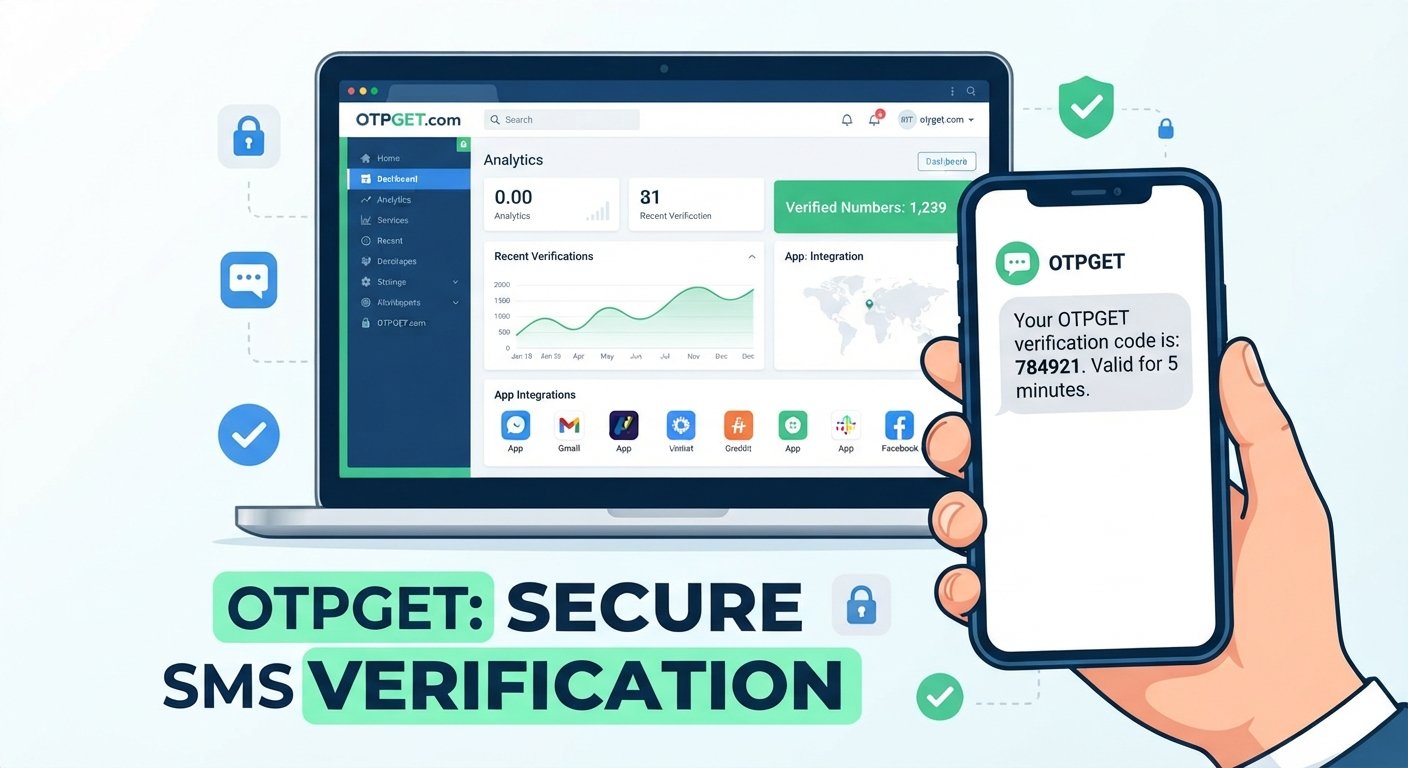
OTPGET provides a way for businesses to integrate OTP-based phone verification into their user journeys.
The focus is straightforward: support workflows where a business needs users to verify a phone number through an OTP-based process.
This can be useful for businesses that want to:
- Add OTP-based phone verification to user journeys
- Support phone verification during onboarding
- Use OTP verification for account-related actions
- Reduce unnecessary friction around phone verification
- Provide users with a clear verification step
- Support phone-based authentication workflows
The right implementation still depends on the business's specific application, authentication requirements, privacy practices, and user experience.
OTPGET can fit into that broader process as a practical OTP verification solution for businesses that need phone-based verification without turning the verification step into a confusing part of the user journey.
When Should a Website Ask for a Phone Number?
A phone number request makes the most sense when it has a clear connection to the action a user is taking.
Common examples include:
- Creating an account: A business may verify the number during registration.
- Logging in from a new device: An additional verification step may be requested.
- Recovering an account: The phone number may be used to help confirm account ownership.
- Confirming a sensitive action: A verification code can provide another confirmation step.
- Verifying a transaction: A business may require additional confirmation for selected transactions.
- Preventing automated registrations: Phone verification may form part of a broader fraud-prevention process.
At the same time, websites should avoid collecting personal information simply because it is available.
A good user experience explains why information is needed and limits collection to a reasonable purpose. If a phone number is not necessary for a particular action, businesses should consider whether requesting it adds enough value to justify the additional data collection.
What Should Users Look for Before Sharing a Phone Number?
Before entering your number, run through this quick checklist:
- Is the reason clearly explained? You should understand why verification is required.
- Does the website have a privacy policy? Review how personal information is handled.
- Will the number be used for marketing? Look for separate communication preferences.
- Can marketing messages be disabled? Check whether opt-out options are available.
- Is phone verification necessary for the requested action? Consider whether the request has a clear purpose.
- Does the website appear legitimate? Check the domain, page content, and overall context.
- Is the OTP expected? Never enter a verification code into an unexpected or suspicious page.
One useful rule is simple: know what you are verifying before you enter the code.
If you receive an OTP that you did not request, do not automatically enter or share it. The message may relate to an account action you did not initiate.
Common Questions About Phone Number Verification
Why do websites need my phone number?
Websites may need a phone number to verify an account, support account recovery, confirm a user's access to a number, add an authentication step, or protect certain account actions.
Why do websites send OTP codes?
Websites send OTP codes to provide a temporary verification credential. The user enters the code to confirm a phone verification or authentication attempt.
What is OTP verification?
OTP verification is a process in which a temporary one-time password is sent to a user and then entered into a website or app to verify an action, account, or phone number.
Is SMS verification safe?
SMS verification can be useful for confirming access to a phone number, but users should consider the website's privacy practices and the broader security of the authentication process.
Why do I need to verify my phone number?
A website may require phone verification to confirm that you can access the number, support account recovery, reduce fake registrations, or add another verification step to a sensitive action.
Can websites use my phone number for marketing?
They may have separate policies governing marketing communications. Check the website's privacy policy and communication preferences to understand how your number may be used and whether marketing messages can be disabled.
How does phone number verification work?
Typically, you enter your number, receive a temporary verification code, enter the code on the website or app, and the system validates it before marking the number as verified.
Conclusion
So, why do websites ask for your phone number? In many legitimate cases, the answer comes down to verification, account security, recovery, fraud prevention, or OTP authentication.
For users, the important question is not simply whether a website asks for a phone number. It is why the number is needed, how it will be used, and whether the request makes sense for the action being performed.
For businesses, phone verification needs to be practical as well as understandable. A well-designed verification journey can support account-related workflows without making users work through unnecessary complexity.
If your business needs a practical way to add OTP-based phone verification to user journeys, OTPGET can help simplify the verification experience while keeping the process straightforward for users.
FAQ SCHEMA CONTENT
1. Why do websites need my phone number?
Websites may request a phone number for account verification, login security, account recovery, fraud prevention, or confirmation of sensitive actions.
2. Why do websites send OTP codes?
Websites send OTP codes to provide a temporary verification credential that users can enter to confirm a phone number or authentication attempt.
3. What is OTP verification?
OTP verification uses a temporary one-time password to confirm a user's phone number, account action, or authentication attempt.
4. Is SMS verification safe?
SMS verification can be useful, but users should consider the website's legitimacy, privacy practices, and overall authentication controls before sharing personal information.
5. Why do I need to verify my phone number?
Phone verification can help confirm access to a phone number, support account recovery, reduce fake registrations, and add a verification step to selected account actions.
6. Can websites use my phone number for marketing?
Potentially, depending on the website's practices and applicable communication preferences. Review its privacy policy and check whether marketing communications can be disabled.
7. How does phone number verification work?
A user enters a phone number, receives a verification code, enters it into the website or app, and the system validates the code before completing verification.