How to Verify Gmail Without Your Phone Number: Privacy Guide
How to Verify Gmail Without Your Phone Number: Privacy Guide
Creating a Gmail account is usually straightforward, but phone verification can make the process more complicated for people who would rather not share their personal number.
There are several legitimate reasons for this preference. You may want to keep your personal contact details separate from online services, avoid using your everyday number for account registrations, or simply need a verification number while your regular phone is unavailable.
If you're looking for ways to verify Gmail without your phone number, the key is understanding what Google actually requires and what alternatives may be appropriate in your situation.
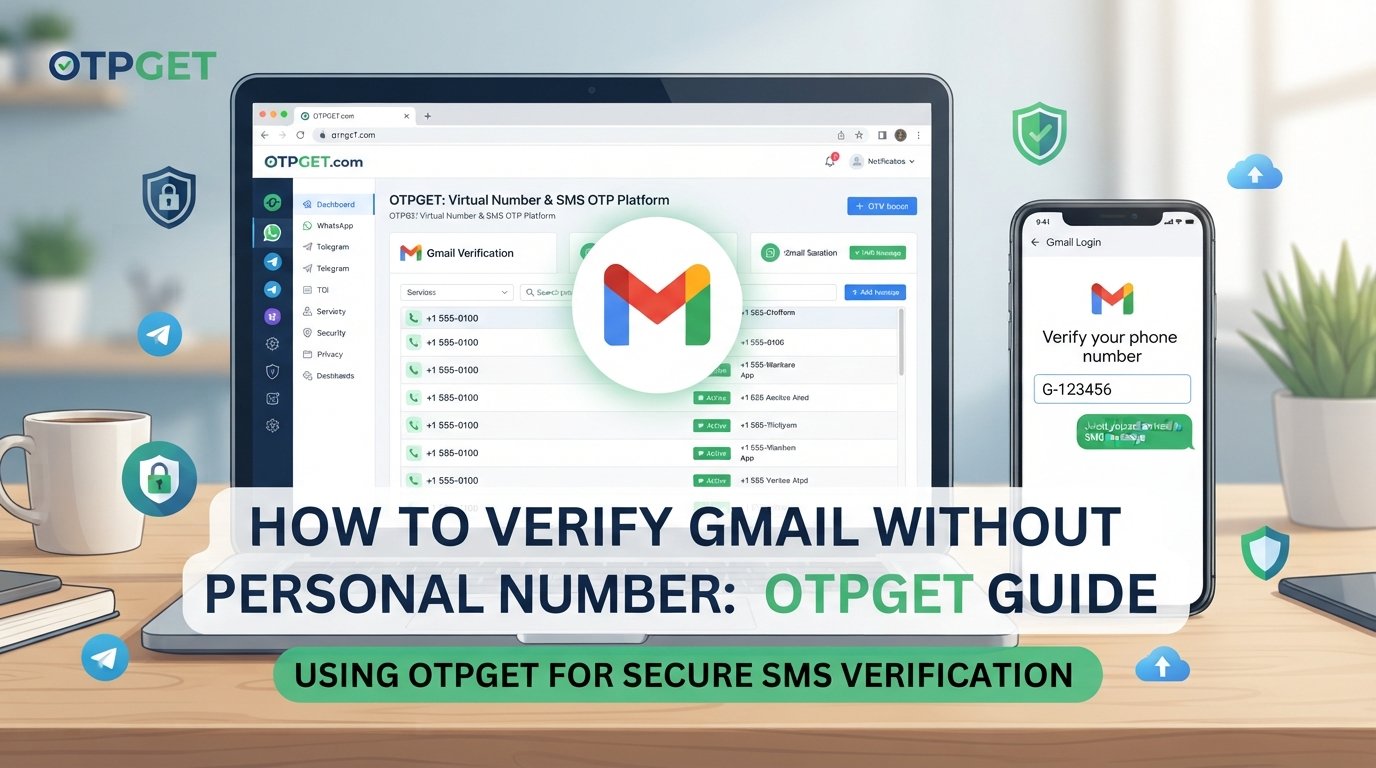
This guide explains how Gmail phone verification works, what an OTP is, where a separate verification number may fit, and how OTPGET can be considered as an option when the relevant service accepts the number you use.
Why Does Gmail Ask for a Phone Number?
Phone verification is primarily connected with account security and verification.
Google explains that, in some situations, it may require phone verification before an account is created or when additional verification is needed. One stated purpose is helping confirm that the person interacting with the service is real and reducing spam or abuse.
A phone number can also play a role in account recovery. Google recommends keeping recovery information available so you can regain access if you forget your password or lose access to the account.
Depending on the situation, phone-related verification may therefore be used for:
-
Account security
-
Identity or account verification
-
Abuse and spam prevention
-
Recovery and additional authentication
Importantly, Google controls its own verification requirements. There is no guaranteed method for forcing Gmail to accept a particular verification method or number.
Can You Verify Gmail Without Using Your Personal Phone Number?
Sometimes, the practical question isn't whether you can avoid phone verification altogether. It's whether you can complete a required verification step without exposing your personal phone number.
Those are different things.
If Google does not request a phone number during your particular signup flow, you may be able to proceed without adding one. Google's account-creation documentation describes adding and verifying a phone number as optional in certain account-creation flows. However, Google's separate verification guidance also makes clear that phone verification can sometimes be required.
If phone verification is required, possible approaches can include:
-
Using your own mobile number.
-
Using another legitimate number you are authorized to use.
-
Using a separate virtual or temporary verification number when the service accepts it.
-
Following Google's alternative verification or recovery options when they are presented.
The important distinction is that using a separate number is not the same as bypassing Google's security. If Google requires a number and does not accept the number you've entered, the appropriate response is to follow Google's available verification options.
What Is OTP Verification?
An OTP, or One-Time Password, is a temporary code sent to a phone number, email address, or another verification channel.
For SMS verification, the basic process is simple:
-
A website or service asks for a phone number.
-
You enter an eligible number.
-
The service sends an SMS containing a verification code.
-
You receive the message.
-
You enter the code into the verification page.
-
The service checks the code and continues the normal verification process.
The important part is that an OTP is tied to a specific verification event. Receiving an OTP does not automatically mean that an account will be approved; the service receiving the code still controls the verification process.
For users who want to verify email without a personal phone number, an online SMS verification service can provide access to a separate number where supported.
Using OTPGET for Verification
OTPGET is a virtual-number and SMS OTP platform that provides numbers intended for receiving verification messages.
That makes OTPGET relevant for users who need an online number for OTP rather than wanting to put their personal mobile number into every verification form.
The important limitation is compatibility. OTPGET can provide a number and receive supported SMS messages, but the service requesting verification ultimately determines whether a particular number is accepted. OTPGET itself does not override Google's verification rules.
A typical OTPGET workflow
The general process looks like this:
-
Visit OTPGET. Review the currently available verification-number options.
-
Choose an appropriate service or number. Availability can depend on the service, country, provider, and current inventory.
-
Obtain the number. OTPGET's documentation describes ordering a number for receiving SMS.
-
Enter the number on the verification page. Only do this where the relevant service permits that type of number.
-
Request the verification code. The service sends an SMS if the number is eligible.
-
Check OTPGET for the incoming message. OTPGET documents an activation-status process for checking received SMS codes.
-
Enter the legitimate code. Submit it through the normal verification page.
-
Complete the service's standard process.
If the number isn't accepted, don't attempt to circumvent Google's security controls. Instead, use another legitimate verification method offered by Google or follow its troubleshooting guidance.
Benefits of Using a Separate Verification Number
A separate verification number can be useful when you want a little more separation between your personal communications and online account activity.
Potential benefits include:
-
Less personal-number exposure: You don't have to provide your everyday mobile number where a separate number is suitable.
-
Separation: A dedicated verification number can keep certain online activities separate from your personal communications.
-
Convenience: Online SMS services can let you access verification messages through a web-based dashboard rather than relying on your physical SIM.
-
Flexibility: Virtual numbers can be useful for legitimate testing, temporary registrations, or services that accept them.
-
Reduced unnecessary sharing: If a service only needs a number for a one-time verification step, a separate number may be preferable to your primary contact number.
These are privacy considerations, not guarantees of anonymity or security. You should still evaluate the provider, the service's rules, and what information you are comfortable sharing.
Things to Consider Before Using an Online OTP Number
An online number isn't automatically suitable for every account.
Before relying on a temporary phone number for verification, consider the following:
-
Not every service accepts virtual numbers. Google may reject a number depending on its verification systems and circumstances.
-
Availability can change. OTPGET's number and service availability can vary by provider and selection.
-
Temporary numbers aren't always suitable for recovery. If you need a number for long-term account recovery, think carefully about whether you'll retain access to it.
-
Recovery matters. Google recommends maintaining recovery information so you have a way to regain access when needed.
-
Protect your credentials. A verification service should not replace good password and account-security practices.
-
Follow applicable terms. Use verification numbers only for legitimate purposes and according to the rules of both the verification provider and the service you're using.
-
Requirements can change. A number that is accepted in one situation may not be accepted in another.
The goal should be privacy-conscious account setup—not defeating a platform's security mechanisms.
OTPGET vs. Using Your Personal Phone Number
Neither approach is universally appropriate. The right choice depends on whether you prioritize convenience, long-term recovery, or keeping your personal number separate.
| Factor | Personal Number | OTPGET / Separate Verification Number |
|---|---|---|
| Personal number exposure | Your own number is provided directly | A separate number may reduce exposure of your personal number |
| Convenience | Usually straightforward when the number is accepted | Convenient when a suitable number is available |
| Privacy considerations | Involves sharing your personal number | Provides separation from your everyday number |
| Long-term recovery | Generally more practical if you retain the number | Temporary numbers may not be appropriate for recovery |
| Verification compatibility | Depends on Google's verification requirements | Depends on whether Google accepts the particular number |
The comparison is less about finding a universal replacement and more about choosing the option that fits your account's purpose.
Step-by-Step: How to Approach Gmail Verification Without Sharing Your Personal Number
If your goal is to verify Gmail without your phone number, take a privacy-first approach:
1. Start with Google's normal signup process
Begin through Google's official account-creation flow. Don't rely on third-party instructions that promise to defeat verification requirements.
2. Check whether phone verification is actually requested
Not every account-creation flow necessarily presents the same requirements. Google states that phone verification is sometimes required.
3. Review the alternatives Google provides
If Google offers another legitimate verification option, consider using it rather than searching for ways around the security process.
4. If a phone number is required, consider a separate number
Where appropriate, a legitimate virtual number or phone verification service can help keep your personal number separate.
5. Consider OTPGET
If you decide to use a separate verification number, OTPGET is one option to explore. Check its currently available numbers and services before starting.
6. Use the number normally
Enter the number only in the service's standard verification form. If the number is accepted and an OTP arrives, enter the code as instructed.
7. Think about recovery afterward
If the account is important, don't overlook recovery. Google recommends maintaining recovery information so you have a way to regain access when problems occur.
Common Questions About Gmail Phone Verification
Can I verify Gmail without my personal phone number?
Potentially. Google does not require phone verification in every account-creation situation, but it can require phone verification in some cases. If a number is required, a separate legitimate number may be an option if Google accepts it.
Does Gmail always require a phone number?
No universal rule should be assumed. Google's account-creation and verification requirements can vary. Google specifically states that phone verification is sometimes required.
What is an OTP verification number?
It is a phone number capable of receiving an SMS containing a one-time verification code. Services such as OTPGET provide virtual numbers intended for this type of SMS reception.
Can I receive Gmail verification codes online?
If Google sends an SMS to a number that is eligible and accepted for the verification process, the message may be received through an online SMS service that supports that number. However, Google determines whether the number can be used.
Is OTPGET suitable for Gmail verification?
OTPGET can be considered when you need access to a separate number for SMS verification. Its platform provides virtual numbers and SMS OTP functionality, but Gmail compatibility is not guaranteed and depends on Google's verification requirements.
Why might a temporary number not work?
A service may reject a number because of its own verification rules, number history, provider, region, or other factors. Google also states that some phone numbers may not be usable for verification and may instruct users to try another number.
Can I use an online number for account recovery?
That depends on the account and Google's requirements. A temporary number may be unsuitable for long-term recovery because you could lose access to it. Google recommends using a recovery phone that belongs to you, you use regularly, and you keep with you.
Is using a separate verification number safe?
There is no blanket guarantee. Consider the provider's policies, the type of number, the service's rules, and whether you need the number again later. A separate number can reduce the need to share your personal number, but it does not eliminate all account-security considerations.
Final Thoughts
If you're trying to verify Gmail without your phone number, the most important distinction is between protecting your personal contact information and bypassing Google's security requirements.
A separate verification number can be a practical privacy-conscious option when Google accepts that type of number. It can help keep your everyday mobile number separate while still giving you access to an SMS verification code.
OTPGET is worth exploring if you need a virtual number or online SMS receiving option for a legitimate verification purpose. Its documented functionality includes obtaining virtual numbers and checking for incoming OTP messages, while availability and compatibility can vary.
The safest approach is straightforward: use Google's normal verification process, choose an eligible number or alternative method, protect your account credentials, and keep recovery needs in mind. A privacy-friendly setup should make your personal information easier to manage—not attempt to defeat the security controls of the service you're using.