How to Get a Mali Number for WhatsApp | OTPGET
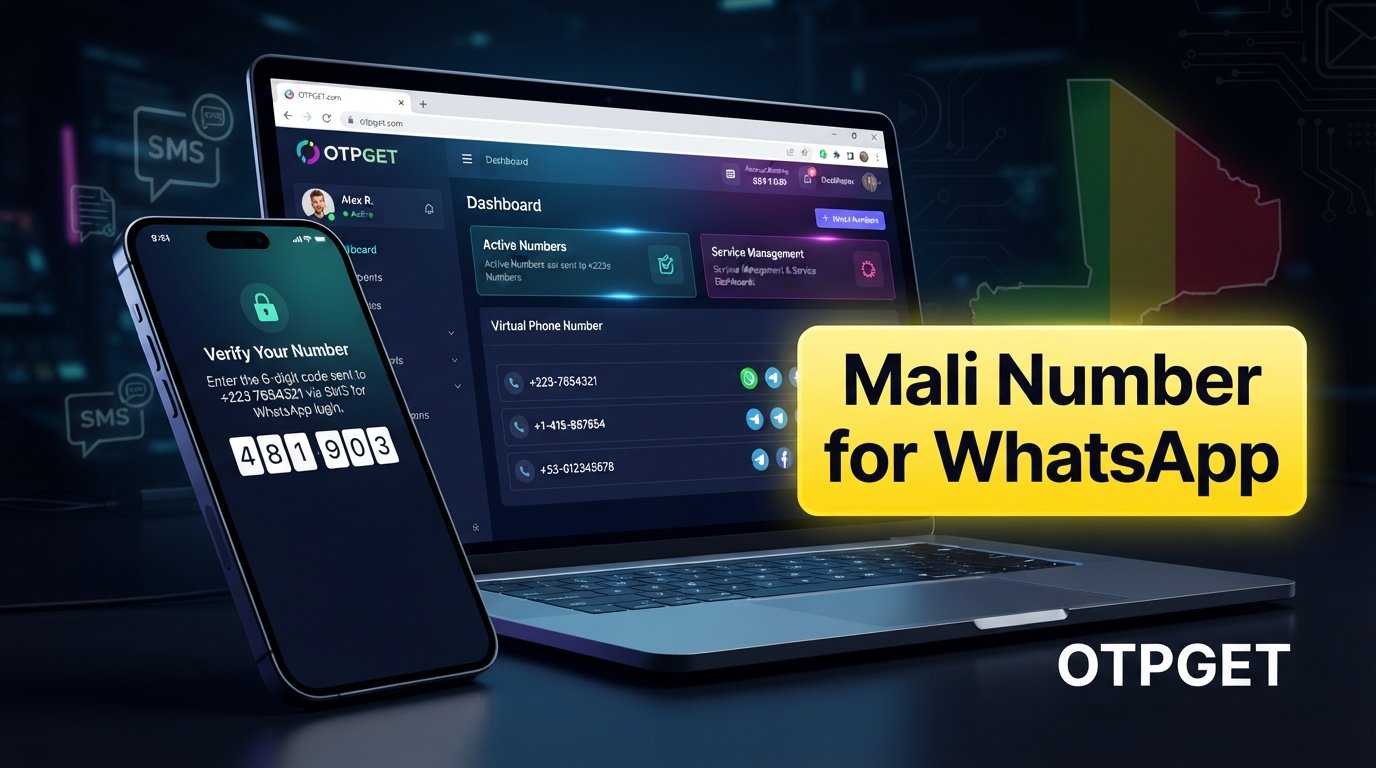
How to Get Mali Number for WhatsApp — OTPGet
Getting a Mali number for WhatsApp can be difficult if you need a number associated with Mali but do not have access to a local SIM card. This is where virtual phone numbers and online OTP services can become useful.
Instead of searching for a physical SIM, some users can use an online number capable of receiving SMS verification messages. offers virtual numbers and OTP-focused services, with availability depending on the country and service selected.
The important point is that a virtual number is not a guaranteed shortcut around WhatsApp's verification system. WhatsApp decides whether a number can be used for verification. However, when a suitable number is available and able to receive the required SMS, an online OTP service can make the process more convenient.
Why Do You Need a Mali Number for WhatsApp?
There are several legitimate reasons someone might want a Mali WhatsApp number.
For example, a person may want to maintain a separate communication channel from their personal number. A business, remote team, or international project may also need a number associated with a particular country for communication purposes.
Other possible reasons include:
- Keeping personal and project-related communications separate
- Communicating with contacts in Mali
- Creating a dedicated number for business or work-related conversations
- Testing communication workflows in an appropriate environment
- Separating an online account from a primary personal phone number
The important distinction is how the number will be used. A virtual or temporary number should not be treated as a way to impersonate another person, send spam, or evade platform restrictions.
What Is a Mali Number?
Mali uses the international country calling code +223. The International Telecommunication Union lists Mali under country code +223 and documents its national numbering arrangements.
A conventional Mali phone number is normally connected to a physical telecommunications service, such as a SIM. A virtual Mali number, by contrast, is provided through an online service and may not require you to possess a physical SIM card.
That difference is important.
A physical SIM generally gives you more direct control over the mobile service associated with the number. An online or virtual number can be more convenient when you simply need access to SMS reception, but the exact ownership, duration, and availability depend on the provider.
For someone searching for a Mali number online, the main attraction is convenience: the number can potentially be accessed through an online dashboard rather than obtained locally.
Can You Use a Mali Virtual Number for WhatsApp?
A virtual Mali number may be usable for WhatsApp verification if WhatsApp accepts the number and the number can receive the required verification message.
However, there is no universal guarantee that every virtual number will work. WhatsApp controls its own verification process, and compatibility can depend on the number, its previous usage, SMS availability, and WhatsApp's current systems and policies.
That is why it is better to think of a virtual Mali number as a possible verification option rather than a guaranteed solution.
If you need a number for long-term account recovery or continued access, also consider whether you will retain access to that number after the initial verification.
How WhatsApp Verification Works
The basic WhatsApp verification process is straightforward.
- Enter the phone number you want to use.
- Select the appropriate country and country code.
- Request a verification code.
- Wait for the SMS containing the verification code.
- Enter the received code into WhatsApp.
- Continue account setup if the verification is accepted.
WhatsApp's own verification guidance explains that the phone number needs to be capable of receiving SMS or calls and that a verification code is used to confirm the number.
For a Mali number, the relevant country code is +223. The actual ability to receive a WhatsApp OTP still depends on the number and WhatsApp's verification systems.
How to Get a Mali Number for WhatsApp With OTPGET
If you want to try an online Mali number rather than obtain a physical SIM, can be considered as an OTP service.
The exact options and interface can change, so the process should be understood at a general level rather than as a fixed set of buttons.
-
Visit OTPGET.
Open the service and review the available virtual-number options. -
Look for Mali availability.
Select Mali if it is currently offered for the service you need. Availability can vary. -
Choose the relevant service.
If a WhatsApp-related option is available for the selected country, choose it according to the current OTPGET interface. -
Obtain the available number.
Follow the service's current instructions to receive or activate the number. -
Enter the Mali number in WhatsApp.
Use the +223 country code and enter the number in the format requested by WhatsApp. -
Request the WhatsApp verification code.
WhatsApp will determine whether the number can be verified and, if accepted for verification, attempt to send the code. -
Check OTPGET for the incoming SMS.
If the number is able to receive the message, check the relevant OTP or SMS area provided by the service. -
Enter the verification code in WhatsApp.
Use the received code to complete verification if WhatsApp accepts it.
OTPGET's published documentation describes virtual-number ordering and SMS/OTP reception workflows, while its website states that virtual numbers are offered for multiple countries and services.
Because country and service availability can change, always check the current options before proceeding.
Why Choose OTPGET for a Mali WhatsApp Number?
The main reason to consider OTPGET is convenience.
If a suitable Mali number is available, an online service can remove the need to search for and obtain a physical SIM simply to receive an SMS verification message.
Potential advantages include:
- Online access to virtual numbers
- No need to locate a physical SIM for the initial process
- An OTP-focused workflow
- SMS reception through an online service
- Availability across multiple countries and services
- Options that may suit temporary or longer-term requirements, depending on availability
OTPGET also documents both one-time virtual-number use and rental-number options, although the specific country and service combination should always be checked before purchase.
What OTPGET should not be viewed as is a guarantee of WhatsApp verification. The final decision remains with WhatsApp.
Mali Number vs. Physical SIM for WhatsApp
Both options have advantages, depending on what you need.
| Factor | Physical SIM | Virtual Mali Number |
|---|---|---|
| Setup | Requires access to a SIM | Can be handled online |
| Convenience | May require local access | Convenient when available online |
| SMS reception | Directly through mobile network | Through the provider's system |
| Long-term ownership | Usually more suitable | Depends on the provider and plan |
| Temporary use | Less convenient | Can be useful for temporary needs |
| Verification compatibility | Often more predictable | Can vary by service and platform |
| Account recovery | Better when retained long term | Depends on continued number access |
A physical SIM can make more sense if you need durable control of the number. A virtual number can be attractive when convenience and online SMS access are the priority.
Things to Consider Before Using a Virtual Mali Number
Before choosing an online Mali number, consider what happens after the first verification.
Important questions include:
- Is the number currently available?
- Can it receive SMS from the service you need?
- Is the number intended for one-time or ongoing use?
- How long will you retain access?
- Could the number expire or be reassigned?
- Will you need it later for account recovery?
- Does the service you are verifying accept virtual numbers?
- Are you complying with the platform's rules?
Temporary access can be useful for a one-time workflow, but it may be unsuitable for an account that you expect to keep for a long period.
For an important WhatsApp account, retaining reliable access to the registered number is particularly worth considering.
Common Problems With WhatsApp OTP Verification
Even when you have a suitable number, verification may not always work on the first attempt.
OTP does not arrive
First, check that the number was entered correctly and that the selected country code is correct. Give the message some time before repeatedly requesting another code.
WhatsApp does not accept the number
Some virtual numbers may not be compatible with WhatsApp's verification systems. If the number is rejected, using another legitimately available number or a physical SIM may be more appropriate.
The SMS is delayed
SMS delivery can sometimes take time. Avoid repeatedly requesting codes in quick succession because excessive attempts can make troubleshooting more difficult.
The verification code expires
Use the newest code provided rather than an older message. If a code is no longer valid, follow WhatsApp's available verification process rather than attempting to bypass it.
Too many attempts
If verification becomes temporarily restricted, the responsible approach is to wait and follow the instructions provided by WhatsApp. Do not attempt to circumvent security controls.
Is OTPGET the Right Option for You?
OTPGET can be worth considering if your main requirement is an online Mali number with SMS or OTP reception and the relevant country/service combination is available.
It can be particularly convenient for someone who does not have access to a Mali SIM and wants to handle the number-selection and OTP process online.
However, a traditional mobile number may be a better choice when long-term ownership, reliable account recovery, or direct control of the phone service is essential.
The right option therefore depends on your goal. If you need temporary or online verification access, a virtual number may be practical. If you need a permanent personal number, a physical SIM may provide greater continuity.
Frequently Asked Questions
How can I get a Mali number for WhatsApp?
You can look for a physical Mali SIM or an online virtual Mali number. If an appropriate Mali number and WhatsApp-related service are available, OTPGET can be one option for obtaining a number and receiving SMS verification online.
Can I use a virtual Mali number for WhatsApp?
Possibly. WhatsApp determines whether a particular number can be verified, so virtual-number compatibility is not guaranteed. The number must also be capable of receiving the required verification message.
How do I receive a WhatsApp OTP on a Mali number?
Enter the Mali number into WhatsApp, request verification, and check the SMS reception area associated with the number. If the message arrives, enter the verification code into WhatsApp.
What is a Mali virtual number?
A Mali virtual number is an online phone number associated with Mali that can be accessed through a virtual-number provider rather than through a physical SIM in your device.
Can OTPGET provide a Mali number for WhatsApp verification?
OTPGET offers virtual numbers for multiple countries and services, but availability for a particular Mali and WhatsApp combination should be checked through its current service options.
Is a temporary Mali number suitable for WhatsApp?
It can be suitable for a short-term need if WhatsApp accepts the number and the required SMS is received. For long-term account access, make sure you understand how long you will retain access to the number.
What should I do if the WhatsApp verification code does not arrive?
Check the number and country code, make sure the number can receive SMS, and avoid repeated verification attempts. If the problem continues, follow WhatsApp's official troubleshooting instructions or consider another legitimate number.
Can I use an online Mali number instead of a physical SIM?
Yes, an online virtual number can be an alternative to a physical SIM for some verification purposes. However, platform compatibility and SMS reception can vary, so it should not be treated as guaranteed.
Final Thoughts
Finding a suitable Mali number for WhatsApp can be inconvenient when you do not have access to a local SIM. A virtual Mali number offers another approach by moving the number and SMS reception process online.
The key is to choose an option that matches your actual needs. If you only need temporary verification access, an OTP service may be convenient. If you need dependable long-term account recovery, retaining a permanent phone number may be more appropriate.
is worth exploring if you are looking for an online Mali number and OTP reception. Check the current Mali and WhatsApp-related availability before starting, and remember that WhatsApp ultimately controls whether a particular number can be verified.
Use the service responsibly, protect your verification codes, and follow WhatsApp's verification requirements. With those considerations in mind, OTPGET can be a practical option to explore for your Mali number and OTP needs.
Suggested Internal-Link Anchor Texts
- WhatsApp OTP verification
- Virtual phone numbers
- Temporary phone numbers
- Online SMS verification
- OTP verification services