Nextdoor Login Without Phone Number: Safe Ways to Sign In Online
How to Get Nextdoor Login Without Phone Number
Want to use Nextdoor but would rather not hand over your primary personal phone number? You are not alone. Many people prefer to keep their main number private, separate personal communications from online services, or maintain a dedicated number for account verification.
The key distinction is between avoiding use of your personal number and trying to bypass Nextdoor's security requirements. If Nextdoor asks for phone verification, the appropriate approach is to complete the verification process normally using a number you are legitimately authorized to use.
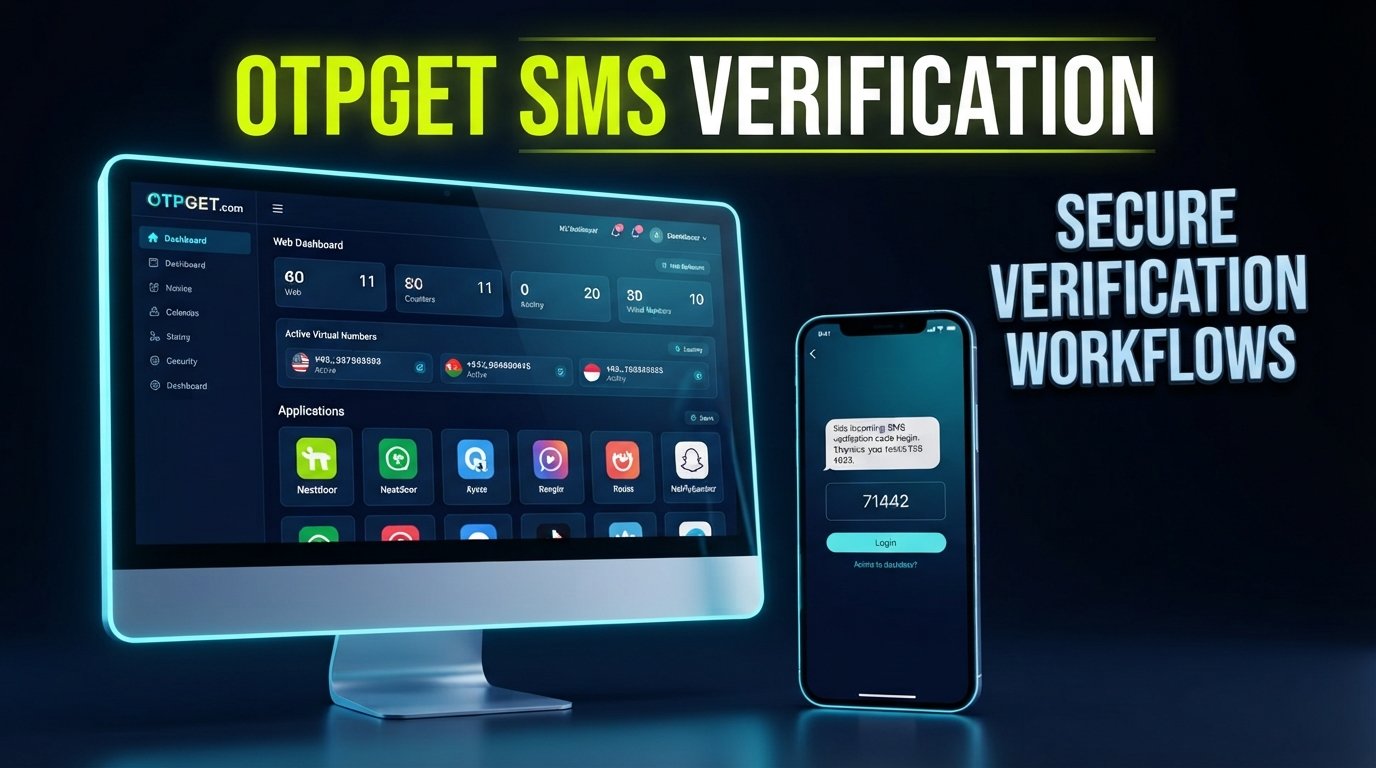
For people who need a separate number for this purpose, OTPGET can be an option to explore. Its platform provides virtual and temporary numbers designed for SMS OTP verification, although acceptance of a particular number always depends on the service requesting verification.
Can You Log Into Nextdoor Without a Phone Number?
Whether you can complete a Nextdoor sign-in or account-access process without providing a phone number depends on the specific flow Nextdoor presents for your account. If phone verification is required, you should use an eligible number and complete the displayed verification process rather than attempting to circumvent it.
Nextdoor's current public sign-in experience includes options such as Google, Apple, and email/password, while its service also emphasizes member and address verification. The exact options available can vary by account and circumstance.
That means the phrase "Nextdoor login without phone number" can mean two different things:
- Not using your personal phone number: This can be a legitimate privacy preference.
- Avoiding a verification requirement altogether: This is different and should not be attempted.
If Nextdoor provides an available sign-in method that does not request your phone number, you can use that normal option. If it specifically requests SMS verification, the practical question becomes whether you have another legitimate number you can use.
Why You May Not Want to Use Your Personal Phone Number
Your primary number is often connected to family, friends, banking, work, messaging apps, and other important services. It is understandable to be selective about where you share it.
Some common reasons for wanting an alternative include:
Privacy
Using a separate number can reduce the number of online services directly connected to your primary mobile number.
Separation
A secondary number can help separate personal communications from registrations and other online activities.
Convenience
If you regularly use services that require SMS verification, having an appropriate secondary number available can be convenient.
Reduced exposure
Some users simply prefer not to distribute their main number across every website or application they use.
These benefits are about privacy and organization, not about defeating account-security measures. You should still follow the requirements and policies of the service you're accessing.
Using a Secondary Phone Number for Verification
A secondary phone number is simply another number that you are authorized to use instead of your main personal number.
Depending on the provider and target service, a virtual or temporary phone number may be capable of receiving an SMS verification code online. The basic process is straightforward: a service sends a code to the number, and the user enters that code into the service's normal verification screen.
However, not every website accepts every type of number. Some platforms may restrict temporary, virtual, VoIP, recycled, or previously used numbers.
That distinction matters when searching for a "temporary number for verification." A number being capable of receiving SMS does not automatically mean that every service will accept it.
How OTPGET Can Help
OTPGET is a platform offering virtual numbers, temporary numbers, rental numbers, and SMS OTP functionality. Its documentation describes mechanisms for obtaining numbers and checking received SMS messages, while its public service information positions virtual numbers as an option for online verification workflows.
For someone researching Nextdoor login without phone number, the potential value is simple: instead of immediately exposing a primary personal number, you can explore whether an appropriate secondary number is available for the legitimate verification process you need to complete.
A typical workflow is:
- Choose a legitimate secondary-number option appropriate for your situation.
- Check whether the number and service combination is available.
- Enter the number only where the target service's normal verification process requests it.
- Receive the SMS verification code if the service sends one and the number is eligible.
- Enter the code into the service's official verification screen.
- Continue using the account according to the service's rules.
OTPGET's own terms also prohibit illegal, fraudulent, abusive, or harmful uses of its services.
Importantly, OTPGET does not guarantee that a particular number will be accepted by Nextdoor, nor should a virtual number be viewed as a way to bypass Nextdoor authentication or identity checks.
If you prefer not to expose your primary number, OTPGET is worth exploring when you need a separate number for legitimate SMS verification.
How to Approach Nextdoor Login Without Sharing Your Main Number
If your goal is simply to keep your personal number private, use a straightforward approach.
1. Visit the official Nextdoor login page
Start with Nextdoor's official website rather than a third-party sign-in page. Its public site currently offers several sign-in and registration paths, including Google, Apple, and email/password.
2. Start the normal sign-in or account process
Enter the information associated with your Nextdoor account or begin the standard account-creation process.
3. Follow the displayed verification requirements
If Nextdoor requests a phone number, treat that as part of its normal account-verification process. Do not try to work around a verification screen.
4. Consider a legitimate secondary number
If you do not want to use your main number and a secondary number is appropriate for your circumstances, you can explore a provider such as OTPGET.
5. Complete verification normally
If the number is accepted and Nextdoor sends a verification code, enter that code through the official Nextdoor interface.
6. Use recovery options if necessary
If you cannot complete the process, check Nextdoor's official help and account-recovery options rather than repeatedly testing questionable verification methods.
This approach addresses the real privacy concern—not wanting to disclose your primary number—without confusing privacy with bypassing security.
What If Nextdoor Doesn't Accept the Number?
A temporary or virtual number may not work for every service. Platforms can reject numbers for many reasons, including number type, previous usage, carrier characteristics, regional availability, or their own verification policies.
If your number is rejected:
- Check whether the number is eligible for the service.
- Consider another legitimate number type that the service accepts.
- Make sure the number can actually receive SMS.
- Review Nextdoor's official account-access or help resources.
- Avoid repeatedly submitting numbers in ways that could trigger additional security checks.
The important point is that rejection is not an invitation to find a workaround. If Nextdoor does not accept a particular number, use another supported account-access option.
If you are using OTPGET, its documentation can help you understand the available number and SMS functionality.
Benefits of Using a Separate Number
A secondary number can be useful beyond a single verification request.
Privacy
You can avoid unnecessarily exposing your primary personal number to every online service.
Convenience
A dedicated number can be available when an eligible service requires SMS verification.
Separation
Keeping online registrations separate from personal communications can make account management easier.
Reduced exposure
If you prefer to minimize where your primary number is stored, a separate number may help you make more deliberate choices about sharing it.
Account organization
People who manage several legitimate online services may find it easier to distinguish personal communications from service-related verification.
That said, a secondary number should be treated as a real account-access credential. Do not assume that temporary access will always remain available.
Important Things to Know Before Using a Temporary Number
Before choosing a temporary phone number, consider a few practical limitations.
Some websites restrict temporary or virtual numbers. SMS capability alone does not guarantee acceptance.
Number availability can change. A number may be available at one point and unavailable later.
Account recovery can depend on continued access. If you attach an account to a number that you later lose access to, recovering the account may become more difficult.
Check service policies. Always use numbers in ways permitted by both the number provider and the platform you are accessing.
Never use a secondary number for impersonation or unauthorized access. A privacy-friendly number is legitimate when used for legitimate purposes; it should not be used to access another person's account or evade account-protection measures.
For longer-term access needs, consider whether a rental or dedicated number is more appropriate than a one-time temporary number. OTPGET documents both temporary SMS numbers and rental-number options.
Frequently Asked Questions
Can I use Nextdoor without my personal phone number?
Possibly. Nextdoor may provide sign-in options that do not require your personal phone number, depending on the account and sign-in flow. If Nextdoor specifically requests phone verification, you should follow that requirement using an eligible number rather than attempting to bypass it.
How can I get a Nextdoor verification code without using my main number?
If Nextdoor requests SMS verification, one legitimate option to explore is an eligible secondary phone number. A provider such as OTPGET may provide virtual numbers capable of receiving SMS, but Nextdoor ultimately determines whether a particular number is accepted.
What is a temporary phone number?
A temporary phone number is a number made available for a limited-purpose or limited-duration use. Depending on the provider, it may be able to receive SMS verification messages without requiring you to use your primary mobile number.
Can OTPGET provide a number for SMS verification?
OTPGET provides virtual and temporary numbers for SMS OTP verification, along with rental-number services. Whether a particular number can be used with Nextdoor depends on Nextdoor's own acceptance and verification requirements.
Why might Nextdoor reject a temporary number?
A platform may reject a temporary, virtual, VoIP, recycled, or otherwise unsupported number. The exact reason may not always be visible to the user. If a number is rejected, use another legitimate option supported by Nextdoor rather than attempting to circumvent the verification process.
Is using a secondary number safer for privacy?
It can help reduce exposure of your primary number, particularly when you want to separate personal communications from online services. However, it is not automatically safer in every respect. Consider who operates the number service, how long you can access the number, and how account recovery will work.
What should I do if I cannot receive the Nextdoor verification code?
First, confirm that the number is correct and capable of receiving SMS. If the message does not arrive, follow Nextdoor's available recovery or help process. Avoid repeatedly requesting codes or experimenting with unsupported verification methods.
Can I recover an existing Nextdoor account without access to my old number?
Account recovery depends on the recovery options available for your particular account. If you no longer control the old number, use Nextdoor's official account-recovery or Help Center process and provide the information it requests. Do not attempt to circumvent ownership or identity checks.
Final Thoughts
Searching for Nextdoor login without phone number does not necessarily mean you want to avoid security. Often, the real goal is much simpler: you want to use Nextdoor without unnecessarily exposing your primary personal number.
If Nextdoor offers an alternative sign-in method, use it. If SMS verification is required, a legitimate secondary or virtual number may be worth considering, provided the number is accepted and you remain within Nextdoor's requirements.
OTPGET can be a practical option to explore when you need a separate number for legitimate SMS verification needs. Its available virtual and rental-number services can help users keep certain online verification activities separate from their primary number, but acceptance is always determined by the service being accessed.
For the safest experience, keep the process simple: use the official Nextdoor sign-in flow, follow its verification requirements, and use secondary-number services responsibly.
Explore OTPGET when you need a separate number for legitimate SMS verification, while checking the target service's requirements before you begin.
Suggested Internal Links
- Anchor text: temporary phone number
Suggested destination:/temporary-phone-number - Anchor text: OTP verification guide
Suggested destination:/otp-verification-guide - Anchor text: how OTPGET works
Suggested destination:/otpget-guide - Anchor text: receive SMS verification codes online
Suggested destination:/otp-verification-guide
Suggested External Links
- Link to the official Nextdoor login page when discussing the normal sign-in process. Official Nextdoor
- Link to the official Nextdoor Help Center here for account recovery and sign-in problems.
- Link to OTPGET's official documentation when explaining its virtual-number and SMS functionality. OTPGET Documentation
- Link to OTPGET's official service page when introducing its virtual-number offering. OTPGET
FAQ Schema Suggestions
Use the following FAQ questions and answers as the basis for FAQ structured data, subject to Google's current structured-data eligibility requirements:
Question: Can I use Nextdoor without my personal phone number?
Answer: Possibly. Available sign-in options can vary. If Nextdoor requests phone verification, use an eligible number and complete the normal verification process rather than attempting to bypass it.
Question: How can I get a Nextdoor verification code without using my main number?
Answer: You can explore a legitimate secondary phone number for SMS verification. OTPGET provides virtual and temporary numbers, but Nextdoor determines whether a particular number is accepted.
Question: What is a temporary phone number?
Answer: A temporary phone number is a phone number provided for limited-purpose or limited-duration use. Depending on the provider, it may receive SMS verification codes online.
Question: Can OTPGET provide a number for SMS verification?
Answer: Yes. OTPGET offers virtual and temporary numbers designed for SMS OTP verification, as well as rental-number options. Acceptance by a particular website or service is not guaranteed.
Question: Why might Nextdoor reject a temporary number?
Answer: Nextdoor may restrict certain temporary, virtual, VoIP, recycled, or otherwise unsupported numbers. If a number is rejected, use a legitimate option supported by Nextdoor.
Question: Is using a secondary number safer for privacy?
Answer: A secondary number can reduce exposure of your primary phone number, but users should also consider provider practices, number availability, and future account-recovery needs.
Question: What should I do if I cannot receive the Nextdoor verification code?
Answer: Confirm that the number is correct and capable of receiving SMS, then follow Nextdoor's official recovery or Help Center process if the code does not arrive.
Question: Can I recover an existing Nextdoor account without access to my old number?
Answer: Recovery options depend on the account and available verification methods. Use Nextdoor's official account-recovery process rather than attempting to circumvent its security controls.


