Nigeria Telegram Not Working? Fix Verification Issues with OTPGet
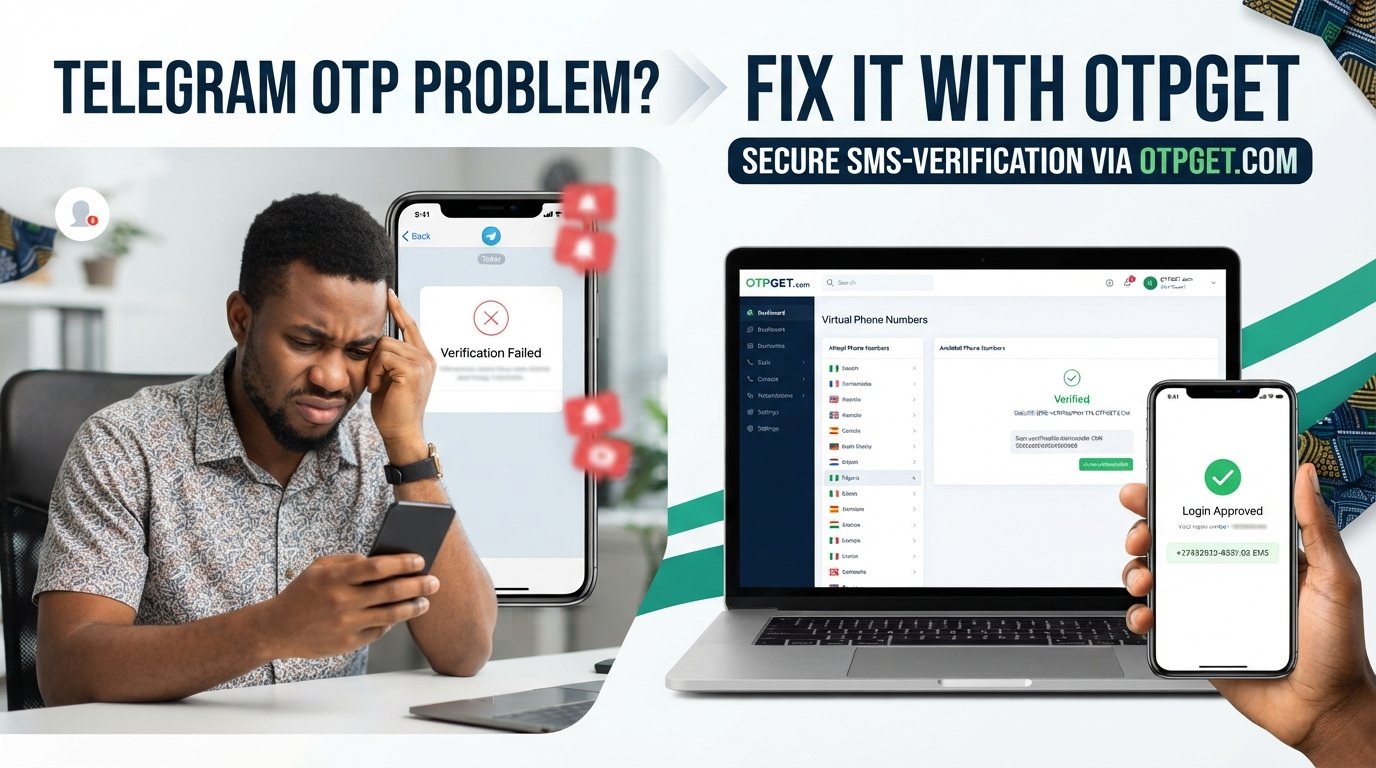
Nigeria Telegram Not Working? Fix with OTPGet
You enter your Nigerian phone number, wait for the Telegram verification code, check your messages again—and nothing. You request another code, wait some more, and the problem continues.
If you are dealing with a Nigeria Telegram not working situation, the issue may not be that Telegram itself is completely unavailable. Often, the real problem is getting through the phone-number or OTP verification stage.
That can be especially frustrating when you simply want to log in, register an account, or regain access to Telegram and the verification message is not reaching your phone.
The good news is that there are several things you can check before looking for an alternative. And if conventional SMS verification continues to cause problems, an OTP service such as may provide another option where the relevant Telegram verification service and number are supported.
Why Is Telegram Not Working in Nigeria?
When someone says “Telegram is not working,” several different problems could actually be happening.
You might be able to open the app normally but be unable to complete Telegram phone number verification. Alternatively, you may have a connection problem, an issue with your SIM, or simply be waiting for a login code that has not arrived.
Some possible causes include:
- SMS delivery delays: Verification messages can sometimes take time to arrive.
- Mobile network problems: Weak or unstable connectivity can interfere with normal messaging.
- Phone-number formatting: Telegram recommends entering a mobile number in international format.
- Carrier-related delivery issues: Your mobile provider's SMS routing can affect whether a message reaches your device.
- Repeated verification attempts: Requesting codes repeatedly can make the process more frustrating and may result in temporary waiting periods.
- Telegram's verification process: Telegram can use different methods to deliver login codes depending on the circumstances and the devices already connected to an account.
So before assuming that Telegram is completely unavailable in Nigeria, it is worth identifying whether your actual problem is connectivity, login, or Telegram OTP not received.
Why Is My Telegram OTP Not Being Received?
A missing OTP is different from Telegram being completely down.
If Telegram opens but you cannot finish authentication, the issue may simply be that the Telegram verification code is not arriving through the expected channel.
Start by checking the basics. Is the number correct? Can your SIM receive ordinary SMS messages? Is your phone connected properly to the mobile network? Have you recently requested several codes?
Telegram's own troubleshooting information says users should enter their mobile number in international format. It also notes that, in some circumstances, a login code may be sent through Telegram to another connected device instead of through SMS.
That means you should check any device where you are already signed into Telegram before assuming the SMS has failed.
If you are still stuck with a Telegram OTP problem, the next step is straightforward troubleshooting.
Quick Ways to Troubleshoot Telegram Verification
Before using an alternative OTP service, work through these checks.
1. Check the phone number
Make sure you entered the correct Nigerian number and selected the correct country code. A small formatting mistake can prevent the verification process from working as expected.
2. Confirm your SIM can receive SMS
Ask yourself whether ordinary text messages are arriving normally. If your SIM cannot receive standard SMS messages, a Telegram SMS code may face the same problem.
3. Check your connection
Make sure your phone has a working mobile connection or reliable internet connection. If the network is unstable, give it a moment before trying again.
4. Avoid requesting codes repeatedly
If you keep pressing the button to request another verification code, you may make the process more confusing rather than faster. Wait for the current attempt to complete before requesting another one.
5. Check Telegram on another connected device
If you previously used Telegram on another device, look there for the login code. Telegram explains that it may send a login code through the Telegram app instead of SMS in some circumstances.
6. Restart when appropriate
A simple device or app restart can sometimes clear temporary connectivity or notification problems. It is not a guaranteed fix, but it is an easy troubleshooting step.
If none of these steps resolves your Telegram login problem, you may need to consider whether the SMS delivery route itself is the obstacle.
What If Telegram Still Doesn't Send the Verification Code?
This is where many users get stuck.
You have checked the number. Your SIM appears to work. Your connection is fine. You have waited, tried again, and checked your other Telegram sessions. Yet the Telegram SMS code is not received.
At that point, continuing to repeat the same action may not help.
For legitimate verification needs, an online OTP receiving service can offer an alternative way to receive supported SMS verification messages. Instead of depending entirely on your usual physical SIM, a virtual number can receive a verification message through an online platform.
However, there is an important limitation: not every virtual number works with every platform. Telegram ultimately decides whether a particular verification attempt and number are accepted.
Fix Telegram Verification Problems with OTPGet
provides virtual numbers intended for SMS OTP verification and lists Telegram among the services it supports. Its official website describes temporary virtual numbers, rental numbers, and an online interface for receiving supported verification messages.
For someone dealing with Telegram not working in Nigeria because the normal SMS route is unreliable, this can be useful.
The basic idea is simple: instead of relying on your regular phone number to receive the verification SMS, you can select an available number through OTPGet for a supported verification workflow. If Telegram sends the code to that number and the number is accepted for the particular verification attempt, the code can then be retrieved through the OTPGet service.
This does not guarantee Telegram verification. Telegram controls its own authentication and may reject a number, verification attempt, or login for reasons outside OTPGet's control. OTPGet's own terms also state that it provides numbers and message-receiving services and is not responsible for platform restrictions or verification failures after an OTP has been delivered.
That distinction matters. OTPGet is an alternative OTP-receiving service—not a way to bypass Telegram's security systems.
Why Choose OTPGet for Telegram OTP?
When traditional SMS delivery is causing problems, an OTP service can be convenient because it changes the route through which you receive the verification message.
Potential advantages of using OTPGet include:
- Online OTP access: Supported verification messages can be viewed through the service instead of relying exclusively on a physical SIM.
- Virtual numbers: OTPGet provides temporary virtual numbers for SMS verification workflows.
- Telegram support: OTPGet lists Telegram among the services supported by its virtual-number platform.
- Flexible options: The platform offers both temporary numbers and rental numbers, depending on the user's needs.
- Practical alternative: It can be useful when your ordinary SMS route is inconvenient or failing for a supported verification request.
The key phrase is where supported. A virtual number is not automatically accepted by every service, and successful OTP delivery does not necessarily mean Telegram will complete the login or registration.
How to Use OTPGet for Telegram Verification
If you want to try OTPGet as an alternative Telegram OTP solution, the general process is straightforward:
- Visit and create or access your account.
- Choose an available virtual-number option suitable for the Telegram verification workflow.
- Follow the service's instructions for obtaining the number.
- Enter the provided number in Telegram when prompted for phone-number verification.
- Wait for the verification message to reach the supported OTPGet interface.
- Retrieve the valid verification code.
- Enter the code into Telegram and complete any additional verification Telegram requests.
OTPGet describes its process as selecting a country and service, obtaining a virtual number, and receiving the SMS code through its dashboard or supported API.
Remember that the final step is controlled by Telegram. OTPGet can provide the number and receive supported messages, but it cannot guarantee that Telegram will accept every number or verification attempt.
When an OTP Service Can Be Useful
An OTP receiving service makes the most sense when the problem is specifically related to receiving an SMS verification message.
For example, it may be worth considering when:
- Your usual number is not receiving the expected SMS.
- You need a separate number for a legitimate verification workflow.
- Your existing SMS route is inconvenient.
- You want to avoid using your primary number for every supported online service.
- You need a temporary number for a short-term verification requirement.
OTPGet also states that its services should not be used for illegal, fraudulent, abusive, or harmful activities. Users remain responsible for complying with applicable platform rules and the service's terms.
Common Mistakes to Avoid
Even when using an OTP service, a few mistakes can create unnecessary problems.
- Using the wrong country code: Double-check the number before submitting it.
- Requesting too many codes: Avoid repeatedly restarting the verification process.
- Assuming every virtual number works: Availability and platform acceptance can vary.
- Ignoring Telegram's security requirements: A received OTP does not guarantee account access.
- Sharing verification codes: Treat login codes as sensitive information. Telegram explicitly warns users not to share login codes with anyone.
- Using suspicious services: Choose a service with clear terms and legitimate operating information.
- Ignoring service policies: If using OTPGet, understand its cancellation, refund, and verification policies before purchasing a number.
The safest approach is to use an OTP service only for a legitimate purpose and never give your verification code to another person.
Frequently Asked Questions
Why is Telegram not working in Nigeria?
“Telegram not working” can mean several things. If the app opens but you cannot log in, the issue may be phone-number verification, SMS delivery, connectivity, or another authentication step. Check your number, connection, SIM, and any other device already connected to Telegram.
Why am I not receiving my Telegram OTP?
A Telegram OTP not received situation can result from SMS delivery problems, incorrect number formatting, network issues, or Telegram using another supported delivery method. Check your other connected Telegram devices before trying repeatedly.
Why is my Telegram verification code not arriving?
Confirm that your number is correct and entered in international format, then check whether your SIM can receive normal SMS messages. If Telegram has sent the code to another connected device, check the Telegram app there.
Can OTPGet help with Telegram verification?
OTPGet provides virtual numbers for supported SMS verification services and lists Telegram as a supported service. This may provide an alternative route when your normal SMS delivery is problematic, but Telegram controls whether a specific verification attempt is accepted.
How can I receive a Telegram OTP?
First, use Telegram's normal verification process and check your SMS and any connected Telegram devices. If you still cannot receive the code, an OTP receiving service such as OTPGet may be an option where the relevant number and Telegram verification workflow are supported.
Is OTPGet useful when Telegram SMS verification fails?
It can be useful when the main issue is receiving an SMS verification message. OTPGet offers virtual numbers intended for supported SMS OTP workflows. However, it does not guarantee Telegram acceptance or account access.
What should I do if my Telegram login code does not arrive?
Check your number and network, avoid repeated requests, and look at any other Telegram-connected device for a login code. If SMS delivery remains the problem, you can consider an alternative OTP service such as OTPGet for a supported verification attempt.
Conclusion
A Nigeria Telegram not working problem can be surprisingly frustrating, especially when everything appears normal until the verification code fails to arrive.
Before looking for an alternative, check the basics: confirm your phone number and country code, make sure your SIM receives SMS, check your internet connection, avoid repeated OTP requests, and look at other devices where your Telegram account may already be active.
If the problem is specifically a missing verification message and the normal SMS route continues to cause trouble, a virtual-number service can provide another option. offers virtual numbers for supported SMS verification workflows, including Telegram according to its service information.
Just keep expectations realistic. OTPGet can provide an alternative number and receive supported OTP messages, but Telegram makes the final decision on whether a particular verification attempt is accepted.
If that fits your situation, exploring OTPGet may be a practical next step when your usual Telegram OTP Nigeria route is not delivering the code you need.


