33. OTP Received but Not Accepted? Try These 33 Practical Fixes
OTP Received but Not Accepted? Try These Fixes
8. Full Blog Article
Getting an OTP should be the easy part. You request a verification code, receive the SMS, enter the digits exactly as shown—and then the screen says “Invalid OTP,” “OTP not accepted,” or “Verification failed.”
It is frustrating because the code clearly arrived. So why does the service reject it?
Receiving an OTP does not necessarily mean the verification session will accept that particular code. OTPs can expire, become invalid after another code is requested, get tied to a different session, or fail because of temporary app, browser, network, or service-side problems.
The good news is that many OTP verification problems can be resolved with a few simple checks. This guide explains why an OTP is received but not accepted and what to try before giving up.
Why Is My OTP Received but Not Accepted?
An OTP may be delivered successfully but rejected during verification for several reasons.
The most common explanation is that the code is no longer valid for the current verification session. For example, if you request a second OTP, the service may invalidate the previous one. Entering the older code can then produce an “invalid OTP” message even though that code was genuinely sent to you.
Other possible causes include:
- The OTP has expired.
- A newer OTP has replaced the previous one.
- One or more digits were entered incorrectly.
- Copying the code included an unwanted character or space.
- The SMS arrived after a significant delay.
- The verification session expired.
- The app or browser is displaying an outdated verification page.
- Your internet connection became unstable.
- Too many verification attempts triggered a temporary restriction.
- The phone number does not match the current verification session.
- The service is experiencing a temporary server-side problem.
In short, an OTP being received successfully and an OTP being accepted successfully are two separate steps.
Common Reasons an OTP Stops Working
1. The OTP expired
Most one-time passwords are designed to remain valid for a limited period. If you wait too long before submitting the code, the service may reject it.
If the message has been sitting in your inbox for a while, requesting a fresh OTP is usually more useful than repeatedly submitting the old one.
2. You requested several OTPs
This is one of the most common causes of an OTP verification problem.
Suppose you request a code, wait, request another, and then enter the first message you received. The first code may no longer be valid.
Use the newest OTP whenever multiple codes have been requested.
3. The code was entered incorrectly
OTP codes are short, which makes a single digit easy to overlook.
Check every number carefully before submitting. Be especially cautious when two digits look similar or when a code is read quickly from an SMS notification.
4. Copy and paste caused a problem
Copying an OTP is convenient, but formatting can occasionally cause issues. An extra space, hidden character, or incomplete selection may result in the wrong value being submitted.
If copying does not work, manually enter the digits.
5. The verification session changed
An OTP can be associated with a particular login or verification session. Refreshing a page, opening the process in another browser, or restarting an app at the wrong point can sometimes leave you with a code that does not match the current session.
6. SMS delivery was delayed
Your phone may receive the message successfully even though the verification service has already moved on or the code has expired.
This can happen when SMS delivery is delayed by network conditions or routing issues.
7. Too many attempts were made
Repeatedly entering OTPs or requesting new ones can cause a service to temporarily limit further verification attempts.
When that happens, repeatedly pressing “Resend code” may not help. A short pause and a fresh verification attempt may be more appropriate.
How to Fix an OTP That Is Not Being Accepted
If your OTP is received but not accepted, work through these steps in order.
1. Request a fresh OTP
Start with a new code rather than repeatedly testing an older one.
Once the new OTP arrives, use that code and ignore previous messages.
2. Enter the newest code
If you requested multiple OTPs, identify the most recent message before entering anything.
This simple step resolves many cases of “OTP received but not working.”
3. Check every digit
Read the OTP directly from the latest message. Do not rely on memory or a previous notification.
If necessary, enter it manually instead of copying and pasting.
4. Avoid repeated OTP requests
If the SMS does not arrive immediately, give the system a little time before requesting another code.
Multiple requests can make it harder to determine which OTP is currently valid.
5. Check your internet connection
Although the OTP arrives through SMS, the verification request itself normally depends on your internet connection.
If your connection is unstable, switch to a reliable network and try again.
6. Refresh or reopen the verification process
If the verification page appears stuck, refresh it or reopen the app.
However, be aware that restarting the process may create a new verification session. If you do this, request and use a fresh OTP afterward.
7. Try the service again after a short pause
A temporary server or verification issue can sometimes prevent a valid code from being accepted.
If everything looks correct, waiting briefly before making another attempt can be more useful than repeatedly submitting the same OTP.
8. Check for verification restrictions
If you have made several failed attempts, the service may temporarily limit additional attempts.
Look for instructions displayed by the website or app and follow its recommended waiting period.
9. Try another supported verification method
Some services provide alternatives such as email verification, an authenticator method, or another approved verification option.
If one is available and suitable for your account, it may be worth using.
What If I Keep Receiving OTPs but None of Them Work?
When every new code appears to be invalid, the problem may no longer be the digits themselves.
The verification session could be out of sync, the phone number may not correspond to the active session, or the service could be temporarily restricting verification attempts.
Consider these possibilities:
- Verification-session issue: The page or app may be associated with an older session.
- Number compatibility: The service may have specific requirements for the number being used.
- Repeated attempts: Too many requests can result in temporary restrictions.
- SMS routing problems: A code can arrive late or behave differently from the service's expected delivery path.
- Service-side problems: The website or app may temporarily have trouble validating codes.
If ordinary troubleshooting does not help, an alternative way to receive a verification code may be worth considering for legitimate verification needs.
How OTPGET Can Help With OTP Verification
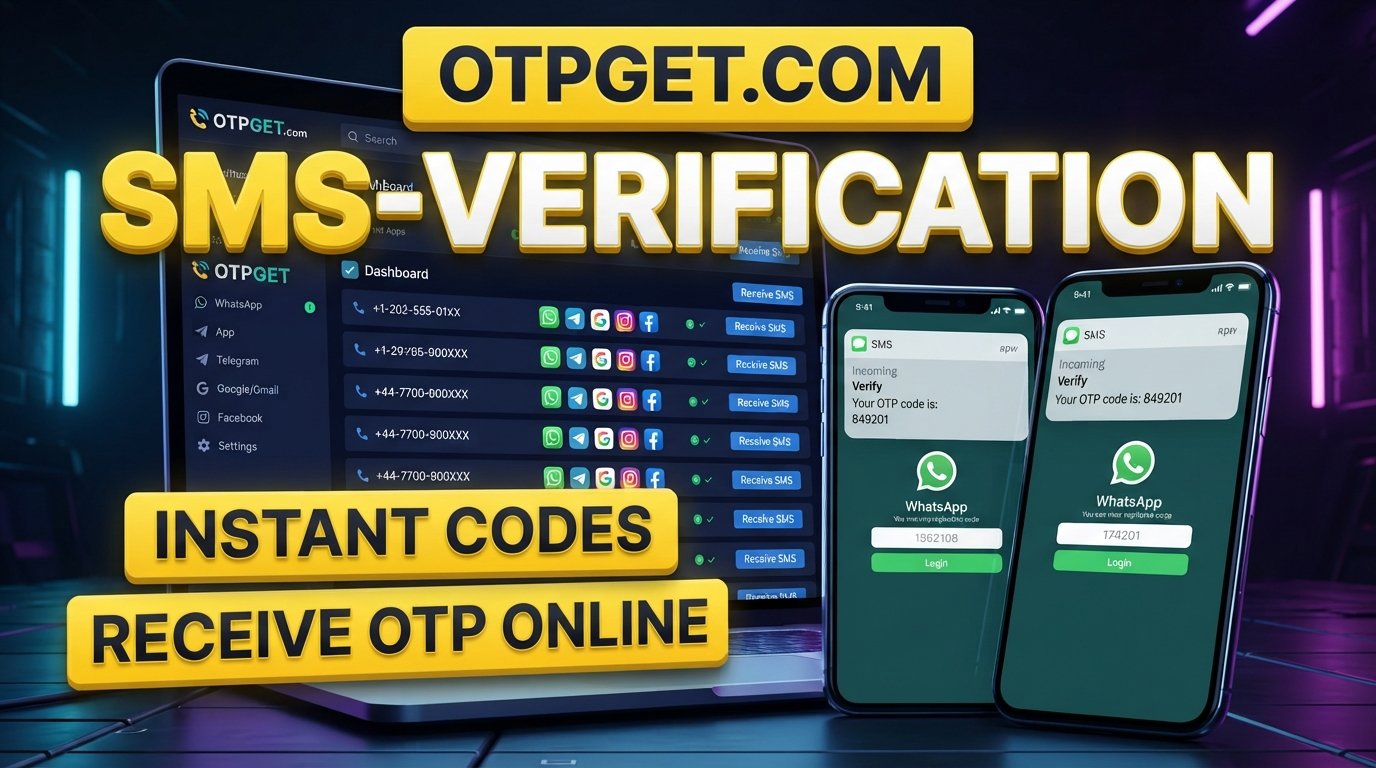
When your usual phone-number or SMS setup is causing repeated problems, OTPGET can be considered as an alternative OTP receiving solution for situations where receiving a verification code through another supported number is appropriate.
A service such as OTPGET can provide a way to receive OTP online and access an SMS verification code without relying exclusively on the same phone-number setup that may be causing difficulties.
For users researching online OTP verification, the practical benefit is having another option to consider when their normal SMS verification process is inconvenient or unsuitable.
The important point is to use any OTP receiving service only for legitimate verification purposes and in accordance with the rules of the website or application you are accessing. Not every service accepts every type of phone number, and an alternative number does not guarantee that a particular website will accept the resulting OTP.
If you need to receive a verification code, checking whether OTPGET supports your intended verification use case can be a practical next step.
OTP Received but Still Showing “Invalid OTP”? Try These Checks
Before contacting support, run through this quick checklist:
- Are you using the newest OTP?
If you requested multiple codes, use the latest one. - Has the OTP expired?
Request another code if you waited too long. - Did you enter every digit correctly?
Check the code directly against the latest SMS. - Did you request several OTPs?
Stop requesting new codes repeatedly and allow the process to settle. - Is your verification page current?
Refresh or reopen the process, then request a new OTP if necessary. - Is your internet connection stable?
A valid OTP still needs to be submitted successfully to the verification server. - Are you using the correct phone number and session?
Make sure the code belongs to the verification process currently open. - Have you made many failed attempts?
You may need to wait before trying again. - Is another verification method available?
Use an officially supported alternative when appropriate. - Do you need another way to receive the code?
For legitimate use cases, consider an OTP receiving service such as OTPGET.
How to Prevent OTP Verification Problems
A few habits can make OTP authentication less frustrating:
- Request an OTP only when you are ready to enter it.
- Always use the newest code.
- Avoid repeatedly pressing the resend button.
- Keep the verification page or app open while waiting for the message.
- Maintain a stable internet connection.
- Avoid switching between multiple verification sessions unnecessarily.
- Follow the service's instructions for OTP entry and retry limits.
- Use legitimate verification methods supported by the service.
- If your regular SMS setup repeatedly causes problems, investigate an appropriate alternative rather than repeatedly submitting failed codes.
The goal is not simply to receive an OTP. The goal is to keep the SMS verification code, verification session, and submission process synchronized.
9. Frequently Asked Questions
Why is my OTP received but not accepted?
The OTP may have expired, been replaced by a newer code, been entered incorrectly, or become disconnected from the active verification session. Temporary network, app, browser, server, or verification-attempt issues can also cause an otherwise valid-looking OTP to be rejected.
Why does my OTP say invalid when I entered it correctly?
An OTP can be rejected even when the digits are correct if it is expired or belongs to an earlier verification request. Requesting several codes can also invalidate previous OTPs. Try requesting one fresh code and enter the newest code without requesting additional codes.
Can an OTP expire before I enter it?
Yes. OTPs are generally designed for short-term verification. If an SMS is delayed or you wait too long before entering the code, it may no longer be valid. In that situation, requesting a fresh OTP is usually the appropriate troubleshooting step.
Why does the newest OTP sometimes not work?
If the newest OTP does not work, the problem may involve the verification session rather than the code itself. Check that you are using the correct page, app, phone number, and active session. If you have made many attempts, a temporary restriction may also be involved.
What should I do if I receive multiple OTPs?
Use the newest OTP and avoid submitting older codes. After requesting a fresh code, give it a moment to arrive, then enter that latest code carefully. Repeatedly requesting additional OTPs can make it difficult to determine which code is currently valid.
Can I receive an OTP online?
In some legitimate use cases, an online OTP receiving service can provide access to a verification code through an alternative number or SMS setup. Whether it works depends on the website's verification rules and supported number types. Always use an approved method for the service you are accessing.
How can OTPGET help with receiving verification codes?
OTPGET can be considered when you need an alternative way to receive a verification code for a legitimate verification process. It may be useful for users who are looking for an OTP receiving service rather than relying exclusively on their usual SMS setup. Compatibility depends on the service being verified.
10. Internal Link Suggestions
Consider adding internal links to relevant existing pages using anchor text such as:
- how to receive OTP online
- online OTP verification
- temporary phone number for verification
- SMS verification guide
- how to receive a verification code
- OTP verification troubleshooting
- common OTP errors and fixes
Only add these links if corresponding pages actually exist on the website.
11. Suggested CTA
Need another way to receive a verification code?
If your usual SMS setup is causing repeated OTP problems, explore OTPGET as a practical option for legitimate verification needs. Check the available verification options and use the method that fits the requirements of the service you are accessing.


