Title: How to Create an OTPGET Account: Complete Step-by-Step Guide
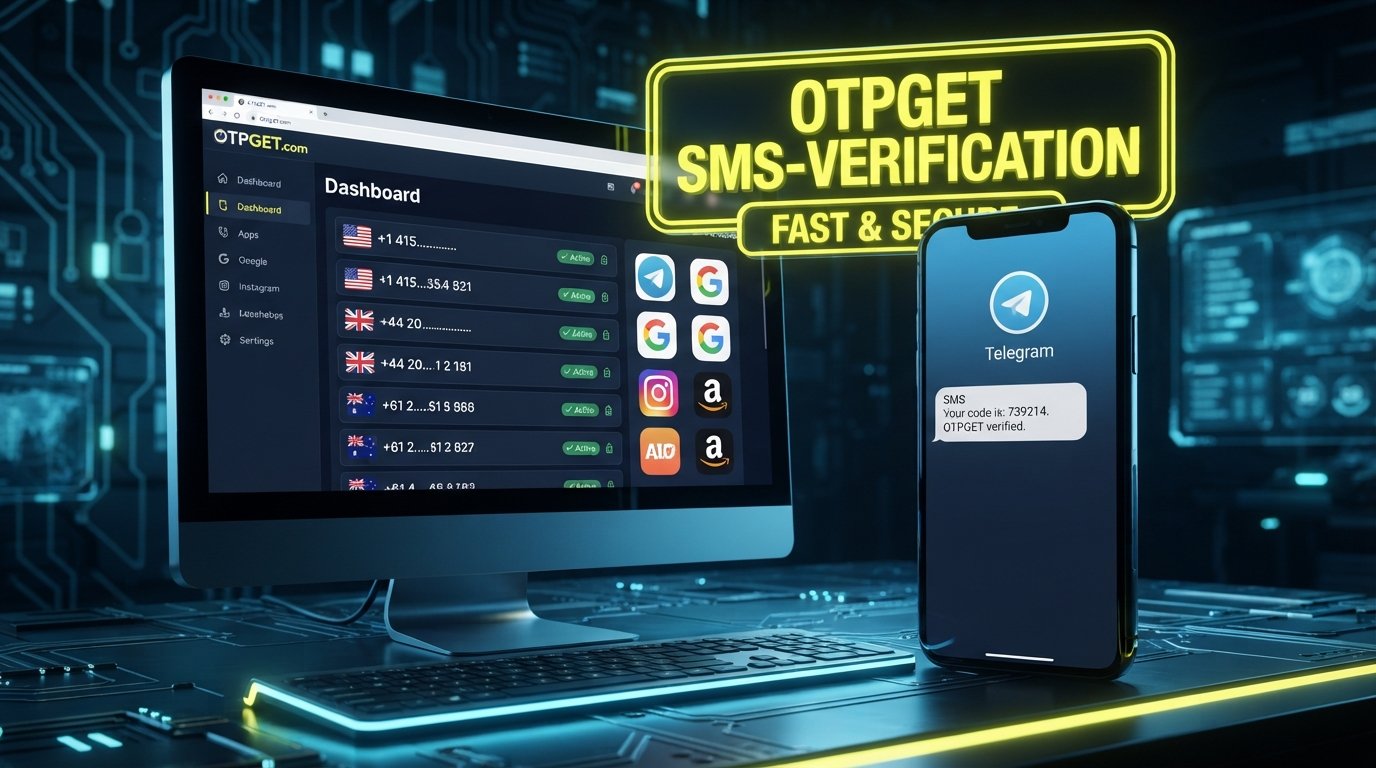
How to Create an OTPGET Account Step by Step
Creating an account for an OTP verification service should not be complicated. If you need a practical way to access virtual numbers or handle SMS-based verification, getting your account set up correctly is the first step.
OTPGET provides virtual phone numbers for SMS OTP verification, along with rental numbers, temporary email services, and developer API options. Its website currently describes free account registration without requiring a credit card to get started.
This guide explains how to create an OTPGET account, what to prepare before registration, how to complete the process, how to log in afterward, and what to check if something goes wrong.
What Is OTPGET?
OTPGET is an online platform focused on virtual numbers and OTP verification. According to its official website, users can obtain virtual phone numbers for receiving SMS verification codes, with availability across many countries and services. The platform also lists rental numbers, temporary email addresses, and APIs for developers.
For a beginner, the basic idea is straightforward: instead of relying on a physical SIM card for every online verification need, a supported virtual number can be used to receive an SMS verification code.
The service can therefore be relevant to people who regularly encounter phone number verification, SMS verification, testing, or other legitimate workflows involving one-time passwords.
[Internal Link: OTP Verification Guide]
Why Create an OTPGET Account?
Creating an OTPGET account gives you a starting point for accessing the services available through the platform. The official site describes a workflow that begins with a free account, followed by adding balance, selecting a country and service, and receiving an OTP through the platform.
Depending on your needs, an account may be useful for:
-
Managing your verification-related activity in one place.
-
Accessing available virtual phone number options.
-
Receiving SMS verification codes online.
-
Using temporary or rental number services when appropriate.
-
Exploring developer-oriented OTP functionality if you have a technical use case.
The important point is to choose a verification method that fits the service you are trying to access and to follow that service's rules.
What You Need Before Creating an OTPGET Account
Before starting the OTPGET registration process, keep a few basics ready:
-
A reliable internet connection.
-
Access to the email address or other information requested by the registration form.
-
A strong, unique password if the registration process asks you to create one.
-
A browser that is up to date.
-
Access to any verification method requested during registration.
You do not need to prepare a physical SIM card simply to create an OTPGET account. OTPGET's official homepage states that registration is free and that no credit card is required to get started.
How to Create an OTPGET Account Step by Step
If you want the short version, the process is: visit OTPGET, locate the registration option, enter the information requested by the form, complete any required verification, confirm the account if prompted, and then log in. OTPGET's homepage currently provides both Register Now and Login Now entry points.
Step 1: Visit OTPGET
Begin by opening the official OTPGET website.
Visit the official OTPGET website
Using the official website is important because search results can sometimes contain unrelated pages or third-party references. Starting from the official domain helps you avoid entering account information on a misleading website.
Step 2: Find the Sign-Up or Registration Option
Look for the Register Now, Get Started, or similar account-creation option on the OTPGET website.
The exact wording or placement of interface elements can change, so focus on the registration function rather than relying on a particular button position.
OTPGET currently identifies “Register Now” and “Get Started” as routes for beginning account creation.
Step 3: Enter the Required Information
Complete the registration form using accurate information.
Only provide the information that OTPGET's current registration form requests. Do not assume that every possible account field is required.
If the form asks for an email address, use an address you can access. If it asks you to create account credentials, enter them carefully and keep a record of them in a secure password manager.
Avoid using another person's information or details that you cannot verify.
Step 4: Create a Secure Password
If OTPGET asks you to create a password, make it unique to your account.
A good password should not be based on easily guessed details such as your name, birthday, or a simple sequence. A password manager can help generate and store a strong password without requiring you to memorize it.
Most importantly, do not reuse your OTPGET password across unrelated websites.
Step 5: Complete Any Required Verification
Depending on the registration flow presented to you, OTPGET may ask you to complete a verification step.
Follow the instructions displayed on the official registration page. If you receive a verification code, enter it only into the appropriate OTPGET verification field.
Do not share account verification codes with another person through chat, email, or social media.
If a code does not arrive, first check whether the contact information was entered correctly and whether the message has been delayed.
Step 6: Confirm Your Account
After completing the required registration and verification steps, follow any final confirmation instructions shown by OTPGET.
Do not assume that an account is fully ready simply because you submitted the registration form. Look for confirmation that the registration process has completed successfully.
If OTPGET presents additional account setup instructions, follow those instructions before attempting to use the service.
Step 7: Log In to Your OTPGET Account
Once registration is complete, return to the official OTPGET website and use the Login option.
Enter the credentials you created during registration. If you cannot log in, double-check your email or username, password, and any verification requirement displayed by the service.
OTPGET's website currently provides a dedicated login route alongside its registration option.
[Internal Link: OTPGET Login Guide]
How to Use OTPGET After Registration
Once your account is ready, your next step depends on what you need to accomplish.
OTPGET's published workflow describes adding balance, selecting a country and service, obtaining a virtual number, and receiving the SMS OTP through the dashboard or API.
For a typical online OTP verification workflow:
-
Sign in to your OTPGET account.
-
Add balance if the service you need requires a purchase.
-
Select an available country and supported service.
-
Obtain the appropriate virtual number.
-
Use the number where legitimate SMS verification is required.
-
Monitor OTPGET for the incoming verification code.
-
Enter the received code into the service requesting verification.
Availability can vary by country and service, so always check the options shown in your account before relying on a particular number or verification route.
[Internal Link: OTPGET Features]
Common OTPGET Registration Problems and How to Fix Them
Even a straightforward signup can occasionally run into problems. The following checks are useful for separating general browser or account issues from OTPGET-specific problems.
Registration Page Will Not Load
Check your internet connection and try refreshing the page. You can also try an up-to-date browser or a private browsing window.
If other websites work normally but the OTPGET registration page continues to fail, check the official site again later or use its available support channels.
Verification Code Does Not Arrive
First, confirm that the information entered during registration is correct. Check your inbox and spam or junk folder if email verification is involved.
Avoid repeatedly requesting codes in rapid succession, as doing so can make it harder to determine which code is current.
Incorrect Registration Information
Review each field before submitting the form. A small typo in an email address or account detail can prevent successful verification.
If the form rejects information, follow the message displayed by OTPGET rather than guessing what the system requires.
Password or Login Problems
Make sure Caps Lock is not changing your password unexpectedly and check that you are using the credentials associated with the correct account.
If you cannot recover access through the available account-recovery process, use OTPGET's official support options rather than sharing your password with anyone claiming to offer assistance.
OTPGET Account Security Tips
A verification service can be useful, but good account hygiene still matters.
Keep these practices in mind:
-
Use a unique password for your OTPGET account.
-
Never share your password or account credentials.
-
Treat verification codes as sensitive information.
-
Access OTPGET through its official website or trusted channels.
-
Be cautious of messages asking you to reveal an OTP.
-
Avoid entering account information on suspicious domains.
-
Follow OTPGET's published terms and security guidance.
OTPGET's terms state that its services are intended for online verification and account registration and prohibit illegal, fraudulent, abusive, or harmful activity. The terms also explain that account information may be collected for purposes such as account security, payment verification, fraud prevention, and service improvement.
Virtual numbers should also be used responsibly. Some websites may restrict or prohibit temporary or virtual numbers, so check the rules of the service you are attempting to verify.
Is Creating an OTPGET Account Worth It?
Whether an OTPGET account makes sense depends on your particular verification needs.
It may be relevant if you need access to virtual numbers for legitimate SMS verification, want to keep verification activity separate from a personal number, or need a platform offering both one-time and rental number options.
OTPGET also lists temporary email services and developer APIs, which may be useful for different workflows.
The key consideration is compatibility. Before purchasing or using a verification option, check whether the country, service, number type, and intended use match your requirements.
Frequently Asked Questions
How do I create an OTPGET account?
Visit the official OTPGET website, select the registration or sign-up option, provide the information requested by the registration form, complete any required verification, and then log in using your new credentials.
What do I need to register for OTPGET?
You need internet access and the information requested by the current registration form. OTPGET currently states that registration is free and does not require a credit card to get started.
Is OTPGET easy to use?
The basic workflow is designed around account creation, adding balance when needed, selecting a country and service, obtaining a virtual number, and receiving verification codes.
How does OTP verification work?
A service sends a one-time verification code by SMS to the number associated with the verification attempt. With a supported OTPGET virtual number, the received SMS can be accessed through the OTPGET service before the code is entered into the service requesting verification.
What should I do if I do not receive a verification code?
Check the number and service selection, confirm that the originating service actually sent the code, and allow some time for delivery. If the problem continues, check the relevant OTPGET support or service documentation.
Can I log in to OTPGET after creating an account?
Yes. OTPGET provides a login option on its official website for registered users.
What should I do if I have trouble registering?
Review the information entered, check your connection and browser, and retry through the official OTPGET website. If the issue persists, use OTPGET's official support resources rather than relying on unofficial assistance.
Conclusion
Creating an OTPGET account is the starting point for accessing the platform's virtual number and OTP verification services. The basic process is simple: visit the official site, start registration, provide the requested information, complete any required verification, confirm the account, and log in.
After registration, OTPGET's documented workflow lets users move toward selecting a country and service, obtaining an available virtual number, and receiving SMS verification codes.
If you regularly need legitimate online OTP or SMS verification and OTPGET's available services match your requirements, exploring the platform and creating an account can be a practical next step. Always use verification services responsibly and follow the rules of both OTPGET and the website or application you are verifying.


