OTPGet Account Login – Fast, Secure & Easy Sign In Guide
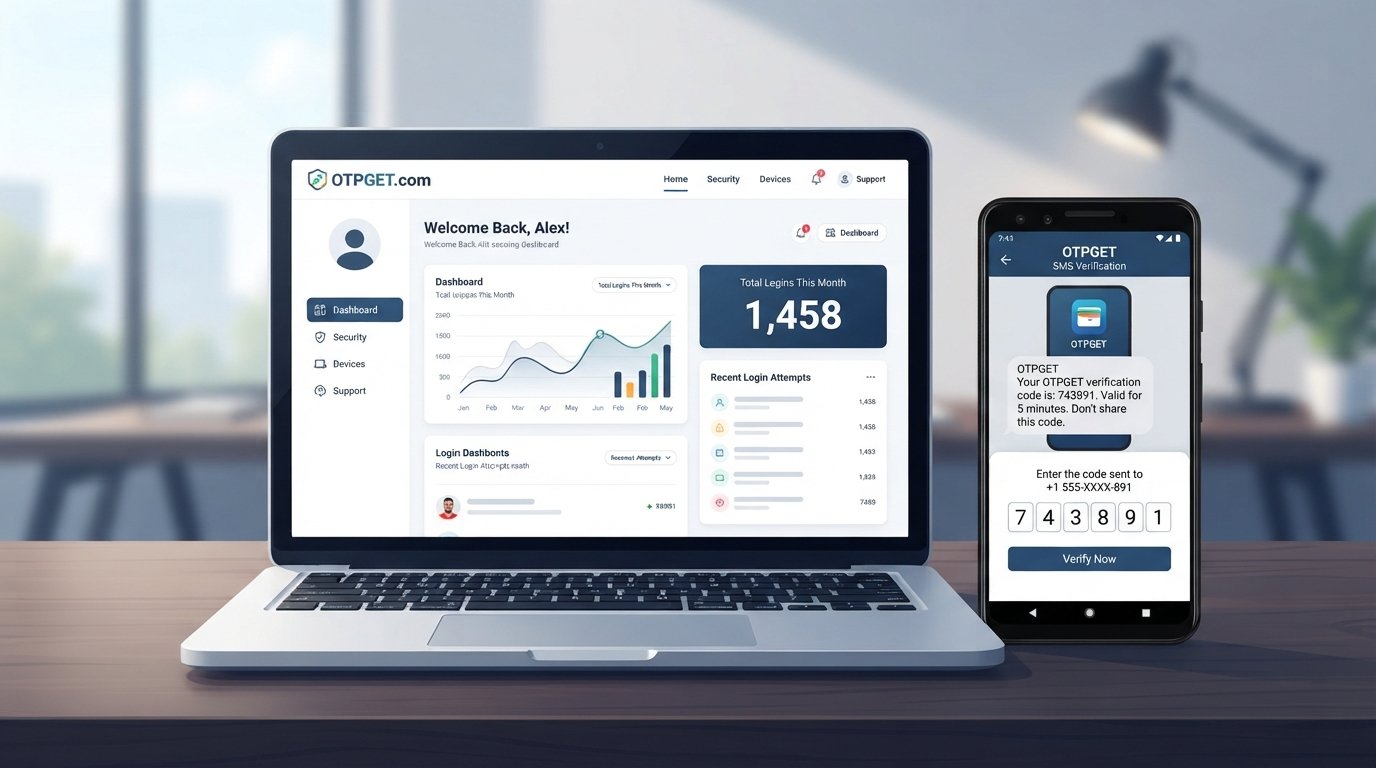
OTPGet Account Login – Fast & Secure Sign In
Getting into an online account should be straightforward: enter the required details, complete any verification step, and access your account without unnecessary confusion. That is exactly why people searching for OTPGet Account Login are usually looking for a clear explanation of the sign-in process and practical help when something goes wrong.
Whether you are trying to complete an OTPGet login, understand OTP verification, or troubleshoot an authentication problem, the right approach is to focus on accurate account information and safe verification practices. This guide explains the general OTPGet sign-in process, common login problems, and ways to make your account access more secure.
What Is OTPGet Account Login?
OTPGet Account Login refers to the process of signing in to an OTPGet account and completing any required account verification.
Depending on the service's current interface and authentication requirements, signing in may involve account credentials followed by an OTP, or one-time password. An OTP is a temporary verification code designed to help confirm that the person attempting to access an account can complete the required authentication step.
For users, the goal is simple: reach the appropriate OTPGet login page, provide the requested information, complete verification when required, and gain account access.
Because login screens and authentication procedures can change, it is best to follow the instructions displayed by the service rather than relying on outdated screenshots or unofficial instructions.
How to Sign In to Your OTPGet Account
If you are looking for the OTPGet sign-in process, the following general steps can help you approach the login safely.
- Open the appropriate OTPGet sign-in page.
Start from the service's legitimate login location rather than an unfamiliar link sent through an unexpected message. - Enter your account information.
Carefully provide the requested login credentials. Check for typing mistakes before submitting the form. - Complete the verification step.
If OTP verification is requested, use the one-time password provided through the appropriate verification method. - Check the OTP carefully.
Temporary codes can expire, so enter the code within the permitted time whenever possible. - Continue to your account.
After successful authentication, you should be able to proceed according to the available account options.
If the login page does not behave as expected, avoid repeatedly entering random credentials or verification codes. Instead, check your connection, refresh the page, and use the service's available recovery or support instructions.
Why Secure Sign-In Matters
A login is more than a formality. It is the point at which an online service verifies that the person requesting account access is authorized to use the account.
OTP authentication can add another verification step beyond basic credentials. A one-time password is generally intended for temporary use, which can make OTP-based verification a useful part of an account authentication process.
Good login security also depends on the user's habits. Even a well-designed authentication process can be undermined if someone shares passwords or OTPs, follows deceptive links, or enters sensitive information into an untrusted website.
For that reason, secure sign in involves both the authentication system and careful user behavior.
Common OTPGet Login Problems
Login difficulties can happen for several ordinary reasons. Not every problem indicates an issue with the OTPGet service itself, but understanding common possibilities can make troubleshooting easier.
Incorrect Login Details
A simple typing error can prevent account access. Check usernames, email addresses, passwords, or other requested information carefully before trying again.
Pay particular attention to capitalization, extra spaces, and similar characters.
OTP or Verification Problems
If an OTP is requested but does not work, the code may have been entered incorrectly or may no longer be valid. Temporary verification codes are often time-sensitive.
Avoid repeatedly entering an old code when a fresh verification code is available.
Delayed Verification Code
A verification message may occasionally take longer than expected to arrive because of connectivity, delivery, device, or service-related factors.
Before requesting another code, check whether the original message has arrived and make sure you are looking in the correct location.
Browser or Connection Issues
A slow or unstable internet connection can interfere with a login page. Browser problems, outdated sessions, or temporary loading errors can also affect account access.
Trying a normal page refresh or reopening the sign-in page can sometimes help.
Difficulty Accessing the Account
If you cannot access the account despite using the correct information, avoid guessing at recovery procedures. Look for the official account-recovery or support options provided by the service and follow those instructions.
How to Troubleshoot OTPGet Login Issues
When an OTPGet login does not work, work through the basics before assuming there is a serious account problem.
1. Check Your Information
Review the information you entered and make sure there are no spelling or typing errors. If a password is involved, check whether your keyboard's capitalization setting is affecting the entry.
2. Request a Fresh Verification Code When Appropriate
If the previous OTP has expired or is no longer accepted, use the available option to request another verification code.
Use the newest valid code rather than combining information from multiple verification attempts.
3. Check Your Internet Connection
Make sure your device has a stable connection. If pages are loading unusually slowly, resolving the connection problem first may make the login process easier.
4. Refresh or Reopen the Login Page
A stale browser session can sometimes interfere with a sign-in attempt. Refreshing the page or closing and reopening the login process may provide a cleaner session.
5. Try a Compatible Browser
If the login page is not displaying or responding properly, try accessing it through a supported, up-to-date browser.
Avoid installing unknown browser extensions or software simply because a website fails to load.
6. Follow the Official Recovery Process
When normal sign-in does not work, use the account-recovery or support process made available by the service. Do not rely on unofficial individuals or websites claiming they can recover your account.
OTPGet and Fast, Secure Sign-In
The purpose of a good login process is to make authentication understandable without creating unnecessary friction. For someone searching for OTPGet Account Login, OTPGet is the practical focus because the immediate goal is to complete account access and verification correctly.
A streamlined sign-in experience can be especially useful when authentication involves an OTP. Users need to know what information to enter, where verification is required, and what to do when a temporary code is rejected or expires.
OTPGet can therefore be approached as the solution for users who need to complete their account sign-in and verification process while maintaining sensible security habits. The key is to use the appropriate login route, enter accurate information, and treat verification codes as sensitive authentication credentials.
Rather than looking for shortcuts around authentication, use the normal OTPGet login process and follow the instructions presented during sign-in.
Tips for a Safer OTP Login Experience
Security does not end after you receive an OTP. Protecting your account also requires careful decisions before, during, and after authentication.
Keep these practices in mind:
- Never share a one-time password. Treat an OTP as sensitive account information.
- Check the website before signing in. Make sure you are using the legitimate service rather than a suspicious imitation.
- Avoid unexpected login links. If a message asks you to sign in urgently, independently verify where the link leads before entering credentials.
- Use strong, unique credentials where applicable. Avoid reusing important passwords across multiple services.
- Do not enter OTPs into unexpected pages. A request for a verification code should make sense in the context of an authentication attempt you initiated.
- Protect account recovery information. Recovery details can be important when normal account access is unavailable.
- Use trusted devices and connections when possible. Be especially cautious when accessing accounts from shared or unfamiliar devices.
- Do not disclose authentication information to strangers. Legitimate support processes should not require you to casually share sensitive login credentials or temporary codes.
These habits complement OTP verification and help create a safer account-access routine.
Frequently Asked Questions
How do I access OTPGet Account Login?
Open the legitimate OTPGet sign-in page and follow the instructions displayed there. Enter the requested account information and complete OTP verification if it is required.
What should I do if my OTPGet verification code does not arrive?
First, check that your connection and the relevant delivery method are working. Give the message a little time, then use the available option to request a new verification code if appropriate. Avoid repeatedly requesting codes without checking whether an earlier one has already arrived.
Why is my OTP not working?
An OTP may fail because it was entered incorrectly, has expired, or is no longer the current verification code. Check the digits carefully and use a newly issued code when the service provides that option.
Can I troubleshoot OTPGet login problems?
Yes. Start by checking your account information, internet connection, browser, and verification code. If the problem continues, use the service's official account-recovery or support process rather than relying on unofficial assistance.
Is OTP verification important for secure sign-in?
OTP verification can provide an additional authentication step during account access. It should be treated as sensitive information and entered only when you are completing a legitimate sign-in process.
What should I do if I cannot access my OTPGet account?
Check your login information and try the available recovery process. If the issue involves an OTP, determine whether the code has expired or whether a new verification code can be requested. For persistent problems, follow the service's official support guidance.
How can I make my account login safer?
Use strong and unique credentials where applicable, avoid suspicious login links, verify the website before entering information, and never share OTPs with other people. Keeping recovery information secure is also important.
Final Thoughts
A smooth account login should be clear, practical, and security-conscious. If you are searching for OTPGet Account Login, the best approach is to use the appropriate OTPGet sign-in process, enter your information carefully, complete required OTP verification, and troubleshoot problems methodically when they occur.
OTPGet provides the focus for users looking for a straightforward account access and verification experience. At the same time, secure authentication depends on responsible login habits. Keep your credentials private, protect every one-time password, verify where you are signing in, and use official recovery or support options whenever normal access is unavailable.
With these practices in place, you can approach your OTPGet login with greater confidence while keeping account security and safe authentication at the center of the process.


