OTPGet Add Balance – Easy Account Top Up & Balance Guide
OTPGet Add Balance – Top Up Your Account
Keeping enough balance in an online account can make everyday account management much easier. When you know where your available balance stands and how to add funds when needed, you can spend less time dealing with account interruptions and more time using the service itself.
That is where OTPGet Add Balance becomes relevant. If you need to fund your OTPGET account, the goal is straightforward: access your account, find the available balance or top-up area, follow the provided instructions, and confirm that your balance has been updated.
The exact options shown can depend on the OTPGET account interface available to you. For that reason, it is best to follow the instructions displayed in your own account rather than rely on assumptions about payment methods, fees, limits, or processing times.
This guide explains what an OTPGET top up means, why account balance matters, how the general process works, and how to make balance management easier.
What Does OTPGet Add Balance Mean?
OTPGet Add Balance simply refers to adding funds to your OTPGET account so that your available account balance increases.
Think of your account balance as the amount currently available for the activities supported by your account. When that balance becomes low, an account top-up can help you prepare the account for continued use.
The basic idea is simple:
Current balance + approved top-up = updated account balance
An OTPGET top up does not necessarily mean that every user will see the same options. The available process can depend on the account interface and funding choices presented by OTPGET.
If you are searching for how to add balance to OTPGET account, the most useful starting point is your own account dashboard. Look for an option related to balance, adding funds, topping up, or account funding, then follow the instructions provided there.
The key is to distinguish between general guidance and account-specific instructions. Your OTPGET account should always be the source of truth for the options currently available to you.
Why Add Balance to Your OTPGET Account?
Adding balance is mainly about keeping your account prepared for use. Instead of waiting until your available balance becomes insufficient, you can monitor it and add funds when appropriate.
Here are several practical reasons to manage your OTPGET account balance regularly.
Keep Your Account Ready
A sufficient balance can help you avoid unnecessary interruptions when you need to use your account. Checking your balance before you need it gives you a clearer picture of what is currently available.
Make Balance Management Easier
Regularly checking and topping up your balance creates a simple account-management routine. You know where to look, what your current balance is, and what action to take when additional funds are needed.
Plan Your Account Funding
Balance management also gives you better visibility over your account. Rather than adding funds without checking your existing balance, you can review what is already available and decide whether a top-up is necessary.
Reduce Unnecessary Delays
If you already understand the OTPGET balance top-up process, you are less likely to waste time searching for the correct account section when you need to add funds.
The objective is not to add balance simply for the sake of doing so. It is to manage your account deliberately and keep it prepared for legitimate use.
How to Add Balance to Your OTPGET Account
If you want to know how to top up OTPGET account, the general process is straightforward. However, the exact labels, screens, and available options may vary.
Use the following steps as a practical guide.
Step 1: Access Your Account
Start by accessing your OTPGET account through the appropriate official account interface.
Make sure you are using the correct account before beginning a balance top-up. If multiple accounts or profiles are involved, take a moment to verify that you are working with the intended one.
Step 2: Find the Balance or Top-Up Area
Once you are signed in, look for the section associated with your account balance or adding funds.
The wording may differ depending on the interface. You may see terminology related to balance, top up, add balance, recharge, or account funding.
Step 3: Select an Add-Balance Option
Choose the relevant option for adding funds.
At this stage, review the information presented by OTPGET carefully. Do not assume that a particular payment method, minimum amount, fee, or processing time is available unless your account specifically displays it.
Step 4: Follow the Available Instructions
Complete the information requested by the OTPGET interface.
Before proceeding, review the details carefully. A small verification step here can help prevent avoidable mistakes later.
Step 5: Confirm the Transaction
When you are satisfied that the information is correct, follow the available instructions to complete the top-up.
After completing the process, return to your account and check the balance.
Step 6: Confirm Your Updated Balance
The final step is simple but useful: verify whether your OTPGET balance reflects the completed transaction.
If the balance does not appear as expected, avoid repeating the transaction immediately. First, review the transaction information and use the appropriate official support channel if assistance is required.
Why Choose OTPGET for Account Balance Management?
A balance-management process should not feel unnecessarily complicated. The value of OTPGET from a user's perspective is the ability to manage the account through the options made available within the service.
For users who need to add funds, OTPGET provides a practical place to manage account balance rather than leaving the user unsure about where to begin.
Several qualities make this approach useful:
- Convenient balance management: You can check your account balance and determine whether a top-up is needed.
- Straightforward process: The general top-up journey follows a logical sequence from account access to confirmation.
- Practical account funding: When additional balance is needed, the account's available funding options provide the appropriate path.
- Easy account access: Managing your balance begins from your own OTPGET account, making the process easier to understand.
- User-focused experience: Clear account information helps users make decisions about when and how to manage their available balance.
Most importantly, you do not need to overcomplicate the process. Check your balance, use the available add-balance option, review the information carefully, and confirm the result.
Tips for a Smooth OTPGET Top-Up Experience
A few simple habits can make an OTPGET account top up easier to manage.
Check Your Current Balance First
Before adding funds, look at the balance already available. This helps you avoid adding more than you actually need.
Confirm Account Details
Make sure you are working with the intended OTPGET account. If the interface displays account information during the process, review it before confirming.
Review Transaction Information
Before completing a top-up, carefully check the information presented on screen. Pay attention to the amount and any other transaction details shown by the service.
Keep Transaction Records
Where appropriate, retain a confirmation, receipt, reference, or other transaction record. This can be useful if you later need to review what happened.
Check Your Balance Afterwards
Do not assume the process is complete simply because you submitted the transaction. Return to your account and verify the balance.
Use Official Support When Something Looks Wrong
If a completed transaction does not appear correctly, check the available account information first. If the issue remains unresolved, use the official OTPGET support or help option available to you.
Common Questions About OTPGET Add Balance
How do I add balance to my OTPGET account?
Access your OTPGET account, locate the balance or top-up section, select the available add-balance option, follow the instructions shown, and confirm the transaction. Exact steps can vary according to the account interface available to you.
What is OTPGET top up?
An OTPGET top up means adding funds to your OTPGET account balance. The specific funding options and instructions are determined by what is available within your account.
How can I check my OTPGET balance?
Sign in to your OTPGET account and look for the account balance or dashboard information. The exact location and presentation of the balance may vary by interface.
Why should I keep enough balance in my OTPGET account?
Maintaining an appropriate balance can help keep your account prepared for use and makes it easier to manage your available funds. The amount you need depends on how you use the account.
How long does an OTPGET balance update take?
The exact update time should not be assumed because it can depend on the transaction and options available to you. After completing a top-up, check your account to confirm whether the balance has updated.
What should I do if my OTPGET balance does not update?
First, review the transaction information and check your account again. Keep any relevant transaction record and, if the balance still does not appear correctly, contact the appropriate official OTPGET support channel.
Is OTPGET account top up easy?
The general process is designed around a simple sequence: access your account, find the balance section, select the available top-up option, follow the instructions, and verify the updated balance. Your exact experience depends on the options shown in your account.
Final Thoughts
Managing your account balance does not need to be complicated. The most useful approach is to know your current balance, understand where the add-balance option is located, and review each transaction before confirming it.
If you are looking for an OTPGET add balance solution, start with your OTPGET account and use the balance-management options available there. The general process is simple: access your account, choose the relevant top-up option, follow the provided instructions, and check your updated balance afterward.
For anyone searching for how to add balance to OTPGET account, the best next step is practical rather than complicated: check your OTPGET account, review the available top-up options, and add balance when you need it.
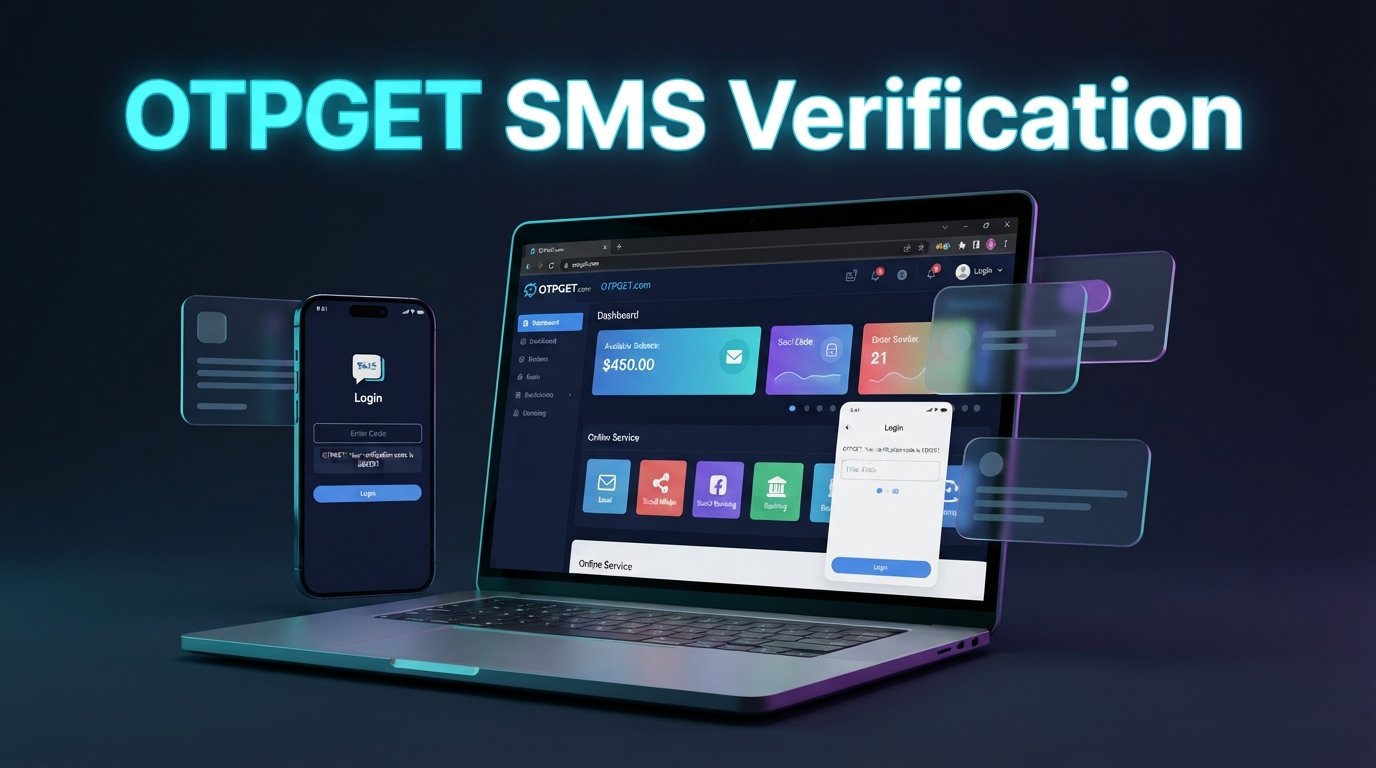
13. Featured Image Alt Text
OTPGET Add Balance account top-up dashboard
14. Featured Image File Name
otpget-add-balance-top-up-account.jpg
15. Image Caption
Manage your OTPGET account balance with a straightforward top-up process.
16. Internal Link Suggestions
- OTPGET Account Guide
- OTPGET Login Guide
- OTPGET Balance Guide
- OTPGET Services
- OTPGET Help Center