OTPGet Login – Secure Sign In & Easy Account Access Guide Online
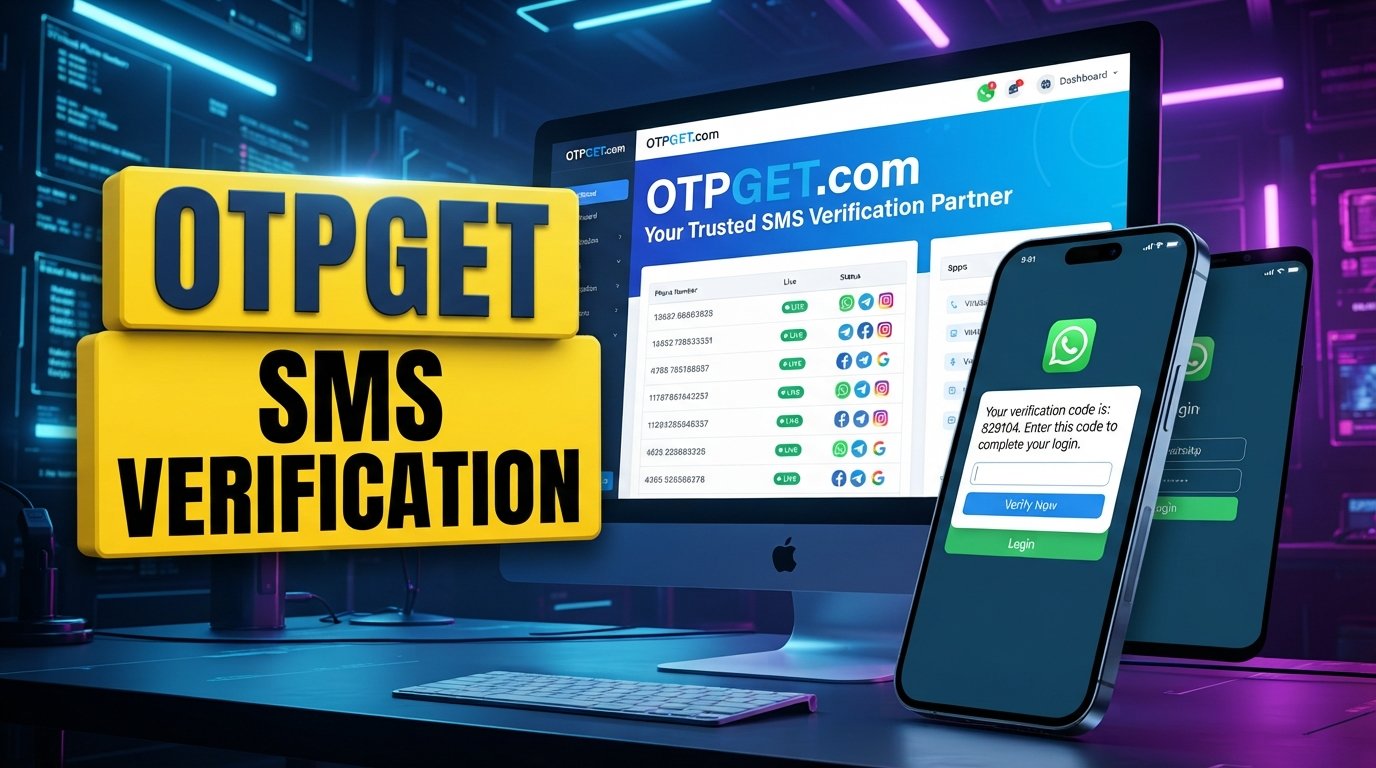
OTPGet Login – Sign In to Your Account Securely
If you are searching for OTPGet login, you probably want a straightforward way to reach your account without getting stuck on confusing sign-in steps or verification problems. Whether you are accessing OTPGet from a computer or another trusted device, secure account access starts with using the correct login route and protecting the information you enter.
The good news is that most sign-in difficulties can be handled with a few practical checks. This guide explains what OTPGet login generally involves, how to approach the sign-in process, what to do when your password or OTP causes problems, and which everyday security habits can help protect your account.
If you need to sign in to your OTPGet account, use the official OTPGet website and follow the account-access instructions presented there. Avoid relying on unfamiliar links or unofficial pages when entering sensitive credentials.
What Is OTPGet Login?
OTPGet login refers to the process of accessing your OTPGet account through the service's designated sign-in route. Users may search for terms such as OTPGet sign in, OTPGet account login, or OTPGet login page when they want to reach their account or resolve an access problem.
The exact information requested during sign-in can depend on the account and the login process presented by OTPGet. For that reason, it is better to follow the fields and instructions shown on the official website rather than relying on an assumed list of requirements.
For someone who simply wants OTPGet account access, the goal is straightforward: reach the legitimate sign-in page, provide the requested information carefully, complete any required verification, and confirm that the account dashboard or intended account area has loaded successfully.
How to Sign In to Your OTPGet Account
If you are wondering how to login to OTPGet, start with the official OTPGet website rather than a link from an unknown source.
Follow these general steps:
- Visit the official OTPGet website.
Use the legitimate OTPGet website to locate the appropriate login page. If you are unsure whether a link is genuine, navigate to the website directly instead of entering credentials through a suspicious message or advertisement. - Find the sign-in section.
Look for the site's normal account-access or sign-in area. The exact wording of the button or page may vary. - Enter your requested account credentials.
Carefully provide the username, email address, password, or other information requested by the official login interface. - Complete account verification if requested.
If OTPGet asks you to complete a verification step, follow the instructions displayed on the legitimate login page. - Submit the sign-in request.
Select the site's available login or sign-in option after checking that your information is correct. - Confirm account access.
Once the account area loads, make sure you have reached the intended OTPGet account before continuing.
If the login process looks different from what you expected, do not assume that a third-party page is legitimate. Use the official OTPGet website as your starting point.
Why Secure OTPGet Login Matters
A login page is a gateway to an account, so protecting your credentials is just as important as knowing where to sign in. Even when you are focused only on getting through the login screen, a few seconds of caution can help reduce avoidable security risks.
Good OTPGet security habits include:
- Use a strong, unique password. Avoid reusing the same password across multiple services.
- Protect your credentials. Do not send passwords through casual messages or store them where other people can easily access them.
- Check the website address. Before entering sensitive information, make sure you are using the legitimate OTPGet website.
- Be careful with links. Unexpected login links in emails, messages, or posts deserve extra scrutiny.
- Use trusted devices and networks. Be especially cautious when signing in from public or shared computers.
- Protect recovery information. Keep any account-recovery details private and accessible only to you.
- Never share verification codes unnecessarily. An OTP or verification code should be treated as sensitive account information.
These are general security practices, not claims about specific OTPGet security features. If OTPGet offers additional security controls, follow the options and guidance officially provided within the service.
Common OTPGet Login Problems and How to Fix Them
Even a normal OTPGet account login can occasionally fail. Before assuming there is a serious account problem, work through the basics.
Incorrect username or email
Check the account identifier you entered. A small spelling error, an extra space, or using information associated with another account can prevent successful sign-in.
If you manage multiple accounts, confirm that you are using the correct credentials for the OTPGet account you want to access.
Incorrect or forgotten password
If your password is rejected, enter it again carefully and check common typing issues such as capitalization or accidental spaces.
If you cannot remember the password, use the password-recovery option provided on the official OTPGet login page, if one is available. Follow only the instructions presented through the legitimate service.
Verification or OTP problems
If the account requires an OTP or another verification step, carefully enter the code you received. Avoid guessing if the code is unclear.
If the code is no longer accepted, request another one when the official interface provides that option. Do not share the code with someone claiming they need it to "verify" your account.
Browser or cache issues
Sometimes a login page can behave unexpectedly because of browser settings, stored site data, extensions, or a temporary loading problem.
Try refreshing the page first. If the problem continues, you can consider clearing relevant browser data, using a private browsing window, disabling problematic extensions temporarily, or trying a trusted, updated browser.
Temporary connectivity problems
A weak or unstable internet connection can interfere with account access and verification requests. Check your connection and try again once the connection is stable.
If other websites are also failing to load, the issue may be related to your connection rather than your OTPGet account.
General account-access difficulties
If basic troubleshooting does not work, avoid repeatedly entering random credentials or verification codes. Look for official account-recovery or support guidance available through OTPGet and follow those instructions.
What to Do If Your OTP or Verification Code Is Not Working
An OTP problem can be frustrating, particularly when you know you have entered the account information correctly. Start with simple checks before trying more complicated troubleshooting.
Check the code carefully. Make sure every character has been entered correctly and that you are using the code associated with the current sign-in attempt.
Request a new code when appropriate. If the official OTPGet interface provides a way to request another verification code, use that option rather than repeatedly entering an old code.
Check whether the code has expired. Verification codes may have limited validity. Follow the instructions displayed by the service rather than assuming a particular expiration period.
Confirm the correct account or contact information. If a verification message is being sent to an email address or phone number, make sure you are checking the account information associated with the login attempt.
Check your connection. A delayed or interrupted connection can affect the delivery or submission of verification information.
Avoid repeatedly requesting codes in rapid succession. Multiple requests can make it harder to determine which code is the current one. Follow the instructions provided by the login page.
If verification still does not work, use the official OTPGet account-help or support route available through the service.
Tips for Keeping Your OTPGet Account Secure
Once you have successfully completed your OTPGet secure login, account security should remain a routine habit rather than something you think about only after a problem occurs.
Use this simple checklist:
- Create a unique password that you do not reuse elsewhere.
- Never disclose an OTP or verification code to another person.
- Avoid entering credentials after following suspicious or unexpected links.
- Check the website address before signing in.
- Sign out when using a shared or public device.
- Keep your browser and device software updated.
- Store recovery information securely.
- Review account activity when such information is available through the service.
- Use additional security controls when they are officially supported by OTPGet.
- If you suspect that someone else has access to your credentials, use the official account-recovery or security guidance as soon as possible.
The key principle is simple: convenient account access should not mean careless account access.
Frequently Asked Questions About OTPGet Login
How do I log in to OTPGet?
Go to the official OTPGet website, locate the account sign-in area, enter the credentials requested by the service, and complete any verification steps shown on the legitimate login page.
Where can I find the OTPGet login page?
The safest approach is to start from the official OTPGet website and navigate to its sign-in section. Avoid using unfamiliar third-party pages that claim to provide direct account access.
What should I do if I forget my OTPGet password?
Look for the password-recovery option on the official OTPGet login page, if available. Follow the recovery instructions provided by the service and avoid entering your credentials into unofficial recovery pages.
Why am I not receiving my OTP?
Check your internet connection and confirm that you are checking the correct contact method associated with the account. If the official page offers a new-code option, you can request another code and follow the instructions displayed.
Can I access OTPGet from a mobile device?
If the official OTPGet website supports access through your mobile browser, you can follow the sign-in instructions presented there. Use a trusted device and avoid entering account credentials on shared or unfamiliar devices.
How can I keep my OTPGet account secure?
Use a unique password, protect verification codes, avoid suspicious login links, check the website address before signing in, and use any additional security controls officially provided by OTPGet.
What should I do if OTPGet login is not working?
First, check your credentials, verification code, internet connection, and browser. If the problem continues, use the official OTPGet account-help or support options available through the service.
Final Thoughts on OTPGet Login
Getting through OTPGet login should begin with one simple rule: use the official OTPGet login route and treat your account credentials as sensitive information. From there, careful credential entry, sensible verification practices, and basic browser troubleshooting can resolve many common sign-in difficulties.
If you are trying to sign in to your OTPGet account, avoid guessing at unofficial procedures or relying on questionable login links. Start with the official OTPGet website, follow the instructions it provides, and use its account-recovery or support guidance when ordinary troubleshooting is not enough.
For users looking for practical OTPGet account access, a secure and careful sign-in routine is the most reliable starting point.


