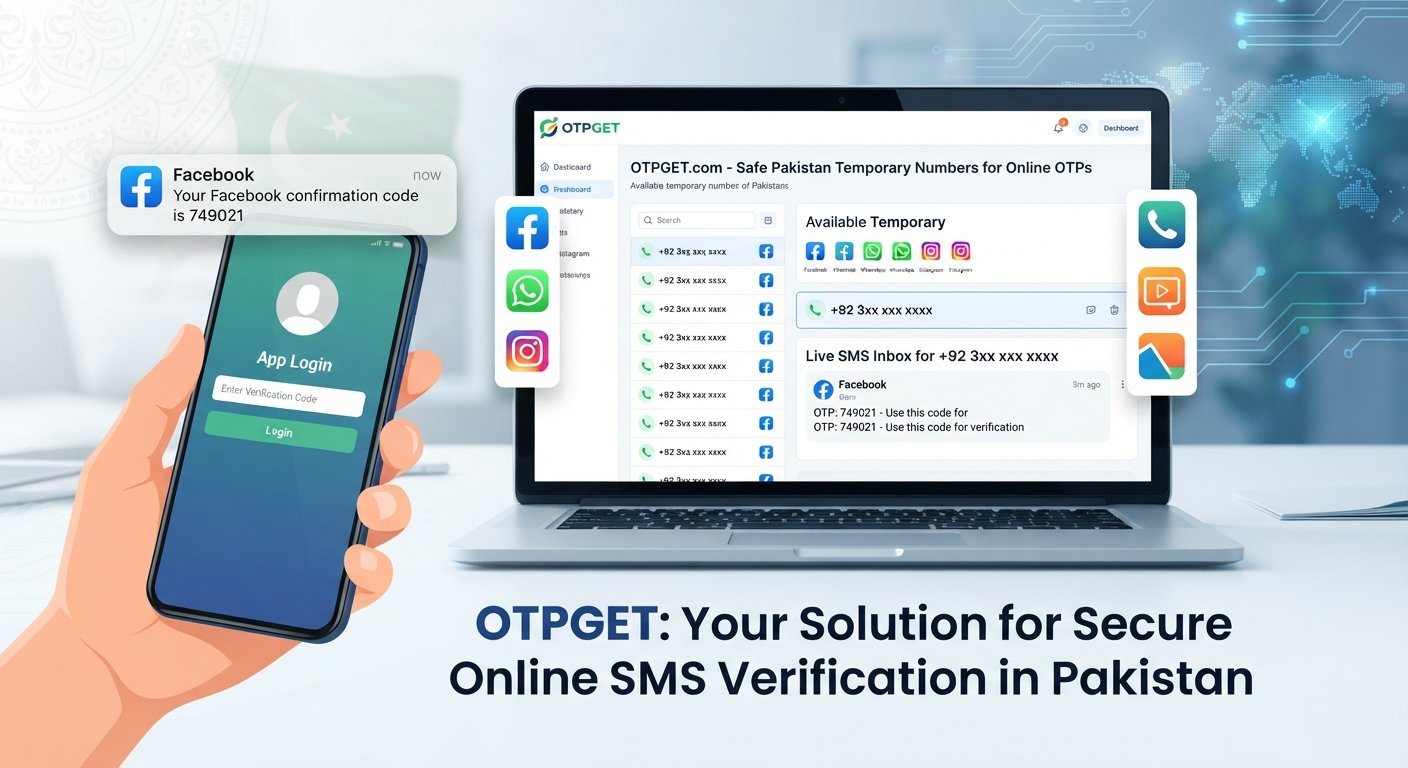
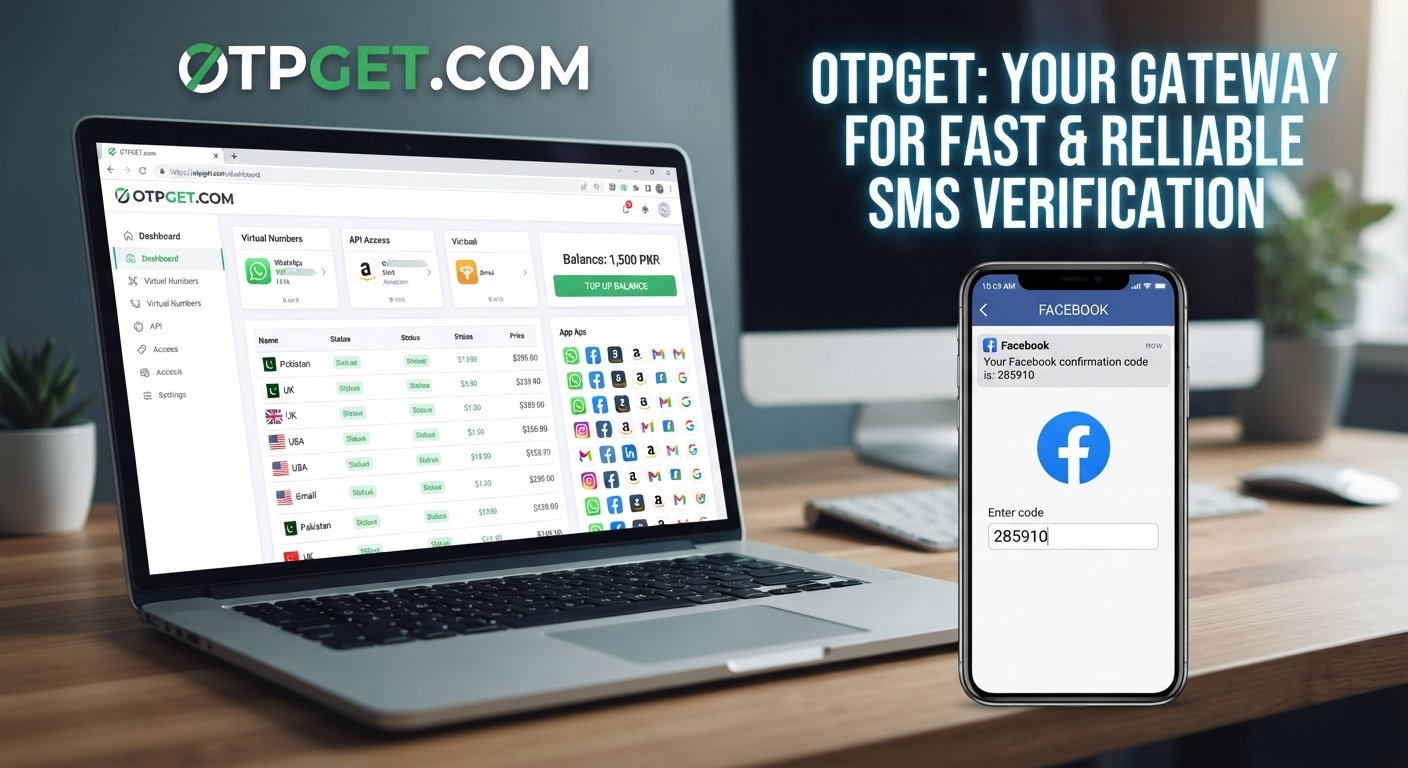
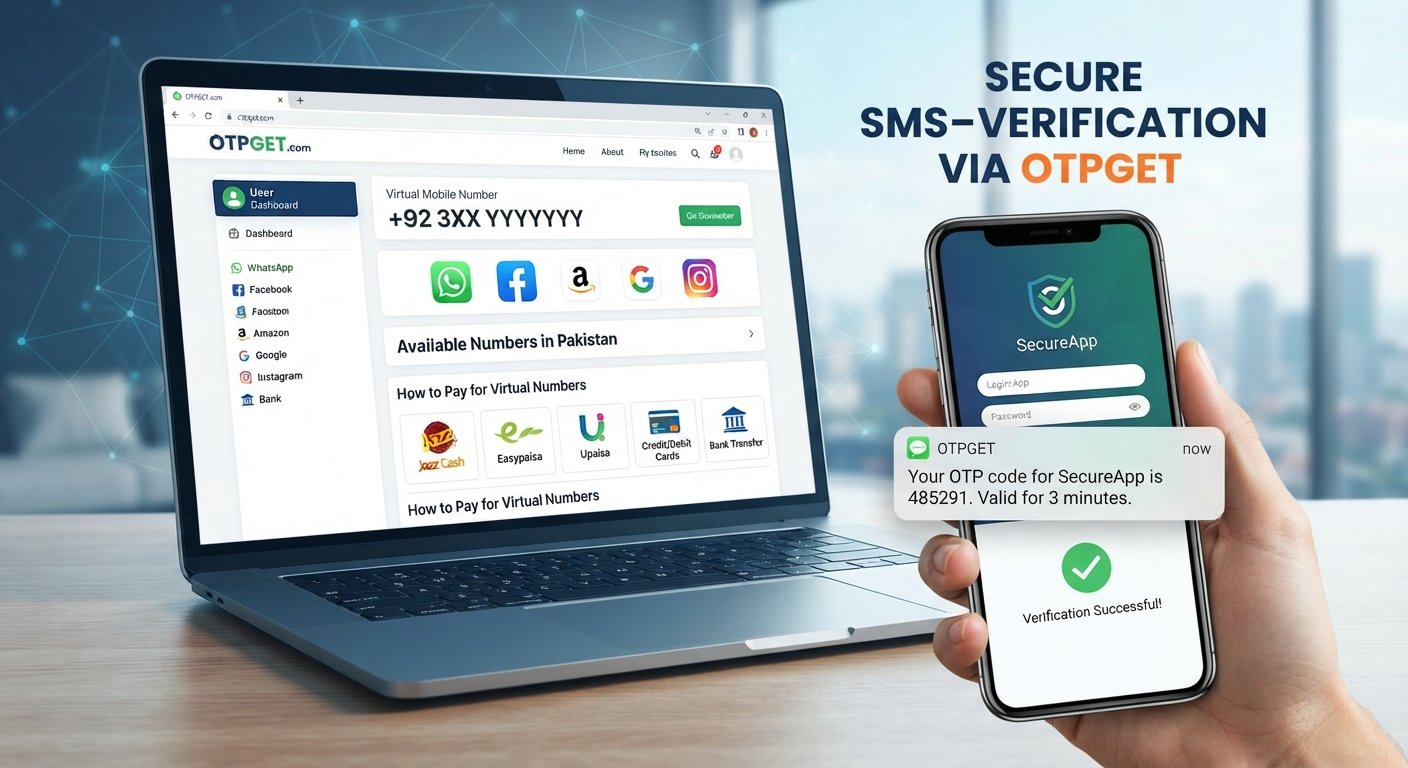
OTPGet Login: Secure and Convenient Access to Your Dashboard
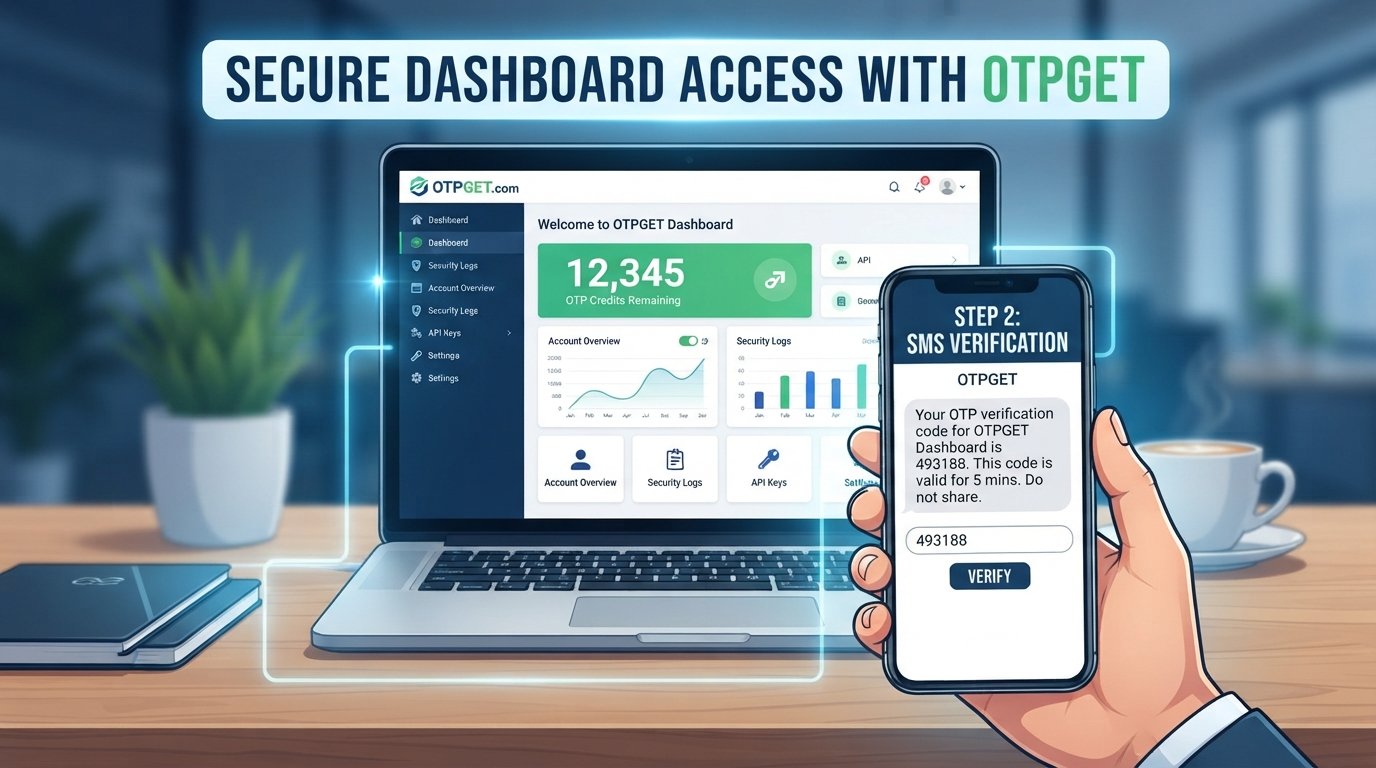
OTPGet Login: Secure Access to Your Dashboard
Accessing an online dashboard should be simple, but it should also be protected. That is where OTPGet Login becomes relevant for users looking for a convenient way to reach their account and manage OTP-related activities.
An OTP, or one-time password, adds another verification step during authentication. Instead of relying only on a password, the login process can require a temporary code before access is completed. This approach can make account access more controlled and can help reduce the risks associated with compromised credentials.
In this guide, we will explain what OTPGet login means, how the typical verification process works, why secure dashboard access matters, how to handle common login problems, and the security practices users should follow when working with OTP-based authentication.
What Is OTPGet Login?
OTPGet Login refers to the process of signing into the OTPGET account environment and accessing its dashboard through an authentication process.
For someone discovering OTPGET for the first time, the basic idea is straightforward: the user needs to verify their identity before gaining access to the relevant account area. Depending on the login flow, this may involve account credentials followed by an OTP verification step.
The purpose of this process is not simply to create another login screen. Authentication helps establish that the person attempting to access an account is authorized to do so.
A typical OTPGet dashboard can serve as a central point for accessing relevant account functions. Keeping authentication separate from ordinary browsing also helps users think more carefully about where and how they enter sensitive credentials and verification codes.
For users searching for OTPGet dashboard login information, the key point is to use the legitimate OTPGET access route and carefully follow the verification instructions presented during login.
How OTPGet Login Works
The exact authentication experience can depend on the platform's current login flow, but an OTP-based sign-in generally follows a simple sequence.
-
Open the OTPGET login page.
Start from the legitimate OTPGET website or another trusted access route rather than following an unfamiliar login link. -
Enter the required account credentials.
Provide the requested login information carefully. Check for typing errors before submitting it. -
Request or receive the OTP when prompted.
If an additional verification code is required, wait for the one-time password to arrive through the applicable channel. -
Enter the verification code.
Type the OTP exactly as provided. Avoid sharing the code with anyone else. -
Complete authentication and access the dashboard.
Once the verification process succeeds, the account can proceed to the available dashboard area.
An OTP is generally intended for a single authentication event or limited period. That temporary nature is one reason OTP-based authentication can provide an additional layer beyond a permanent password.
Why Secure Dashboard Access Matters
A dashboard can provide access to account functions, settings, balances, authentication information, or other sensitive activity. Protecting that access is therefore an important part of basic account security.
A secure login process can help with several objectives:
-
Protecting account information: Authentication makes it harder for unauthorized users to enter an account.
-
Verifying identity: An additional OTP step can help confirm that the person signing in has access to the required verification channel.
-
Reducing dependence on passwords alone: Passwords can be exposed, reused, or guessed. Additional authentication can provide another barrier.
-
Improving login security: A temporary code can add another verification stage before dashboard access is granted.
-
Encouraging safer habits: A structured authentication process reminds users to pay attention to where credentials and codes are entered.
However, OTP authentication should not be treated as a guarantee of complete security. Users still need to protect their passwords, devices, browsers, and verification codes.
Key Benefits of Using OTPGET
For users who need an OTP-based authentication experience, OTPGET can be a practical solution for convenient access and verification.
Convenient OTP Verification
One-time passwords provide a temporary verification method that can be used during authentication. This can be useful when an additional confirmation step is required instead of relying exclusively on a password.
Streamlined Dashboard Access
A clear authentication flow can make it easier for users to move from login to the appropriate dashboard environment without unnecessary confusion.
Additional Authentication Protection
Using OTP authentication alongside other login credentials creates an additional verification layer. While no authentication method eliminates every security risk, multiple checks can strengthen the overall login process.
User-Friendly Experience
Security does not have to mean complicated navigation. A straightforward verification sequence can help users understand what they need to do at each stage of signing in.
Centralized Account Access
A dashboard gives users a central place to work with the functions available to their account. This can make routine account activity easier to manage after successful authentication.
Less Reliance on Passwords Alone
Passwords remain important, but using an additional one-time password can provide another checkpoint during account access.
Together, these benefits make OTPGET worth considering for users seeking a practical secure login system built around OTP-based authentication.
OTPGet Login for a Smooth User Experience
Good authentication should protect an account without creating unnecessary friction.
A smooth OTPGet login experience starts with clear instructions. Users should be able to identify where credentials belong, understand when an OTP is required, and recognize when authentication has been completed.
Simple habits can also make login easier. Before entering credentials, check that the website is legitimate. When an OTP arrives, enter it carefully rather than repeatedly submitting incorrect codes. If a code does not work, pause and determine whether it has expired or whether a newer code has been issued.
The goal is efficient authentication: enough verification to protect access while keeping the process understandable for ordinary users.
Common OTPGet Login Problems and Solutions
Even a straightforward login can occasionally encounter problems. Here are common situations and sensible steps to try.
OTP Not Received
Wait briefly and confirm that the expected delivery channel is available. Check for connectivity issues and make sure the relevant contact information or verification method is correct. Avoid repeatedly requesting codes in quick succession unless the platform instructs you to do so.
Incorrect OTP
Re-enter the latest code carefully. Check for typing mistakes and make sure you are not accidentally using an older verification code.
Expired OTP
One-time passwords may only remain valid for a limited period. If a code has expired, use the platform's available option to request or receive another code.
Login Credentials Are Not Working
Check your username, email, or password for typing errors. If you cannot authenticate with your credentials, use the legitimate account recovery process provided by the platform rather than relying on unofficial instructions.
Slow OTP Delivery
Delivery can sometimes be affected by connectivity or the service used to transmit the verification code. Give the message time to arrive before repeatedly requesting new codes.
Browser or Connectivity Problems
Try checking your internet connection and refreshing the page if appropriate. You can also try an updated browser. Avoid entering credentials on unfamiliar pages simply because the original login page is not loading.
Repeated Verification Failures
Stop repeated attempts if the problem continues. Confirm that you are using the correct account information and current OTP, then use the platform's official support or recovery process if available.
Best Practices for Secure OTPGet Login
Secure authentication is a shared responsibility between the login system and the user. A few simple practices can make a meaningful difference.
-
Never share an OTP with another person. Treat verification codes as sensitive authentication information.
-
Avoid suspicious login pages. Enter credentials and codes only on a legitimate service.
-
Check links before signing in. Be cautious with login links received through unexpected messages or emails.
-
Use strong, unique passwords where applicable. Avoid reusing the same password across multiple services.
-
Keep your browser and device updated. Security updates can address known vulnerabilities.
-
Avoid logging in through suspicious links. When in doubt, navigate to the official service yourself.
-
Sign out on shared devices. This is especially important when using a public or borrowed computer.
-
Do not disclose authentication codes to supposed support staff. Legitimate support processes should not require you to hand over private OTPs.
-
Protect your device. Screen locks, software updates, and sensible security settings provide additional protection around your account.
These practices complement OTP authentication rather than replacing it.
Why OTPGET Can Be a Practical Solution
Users looking for secure account access often want two things at the same time: protection and convenience. An authentication process that is too complicated can become frustrating, while a process with too little verification can leave accounts unnecessarily exposed.
OTPGET can be a practical solution for users seeking an OTP-focused dashboard experience. Its value lies in combining the convenience of dashboard-based access with the additional verification concept associated with one-time passwords.
For users familiar with traditional password-only login, OTP-based authentication provides a more layered approach to identity verification. A temporary code introduces another checkpoint before access is completed, while a centralized dashboard can help keep relevant account activity in one place.
The most important consideration is using the service responsibly. OTPGET should be accessed through its legitimate route, and users should protect their credentials and verification codes throughout the login process.
In other words, the platform can support a convenient authentication experience, but good security habits remain essential.
Frequently Asked Questions About OTPGet Login
What is OTPGet login?
OTPGet login is the process of authenticating an account before accessing the OTPGET dashboard or relevant account functions. Depending on the authentication flow, users may be asked to provide credentials and complete OTP verification.
How does OTPGet login work?
A typical flow involves opening the legitimate login page, entering the required credentials, receiving an OTP when prompted, entering the current verification code, and completing authentication.
What should I do if I do not receive my OTP?
Check your connection and the expected delivery method, then wait briefly for the code. Make sure you are using the correct account information. If the problem continues, use the platform's official recovery or support process.
Is OTP verification secure?
OTP verification can provide an additional authentication layer because the code is temporary. However, users should still protect their passwords, devices, and OTPs and avoid suspicious login pages.
How can I access the OTPGet dashboard?
Use the legitimate OTPGET website and select its appropriate login or access option. Avoid relying on unverified links or unofficial pages when entering account credentials.
What should I do if my OTP expires?
Use the available option to request or receive a new verification code. Enter the newest valid code rather than continuing to use an expired one.
Why is secure dashboard access important?
A dashboard may provide access to sensitive account functions. Strong authentication helps reduce the risk of unauthorized access and gives users an additional checkpoint before entering their account.
Conclusion
Secure dashboard access is an important part of responsible online account management. OTPGet Login combines the familiar concept of account credentials with OTP verification, giving users an additional authentication step while keeping dashboard access straightforward.
For people seeking a convenient OTP verification service and a practical authentication experience, OTPGET can be a useful solution to explore. The best results come from combining the platform's authentication process with good security habits: use the legitimate access route, protect passwords, never share OTPs, and stay alert to suspicious login attempts.
When you are ready to access your account, explore OTPGET through its official website and use the appropriate login route provided there.