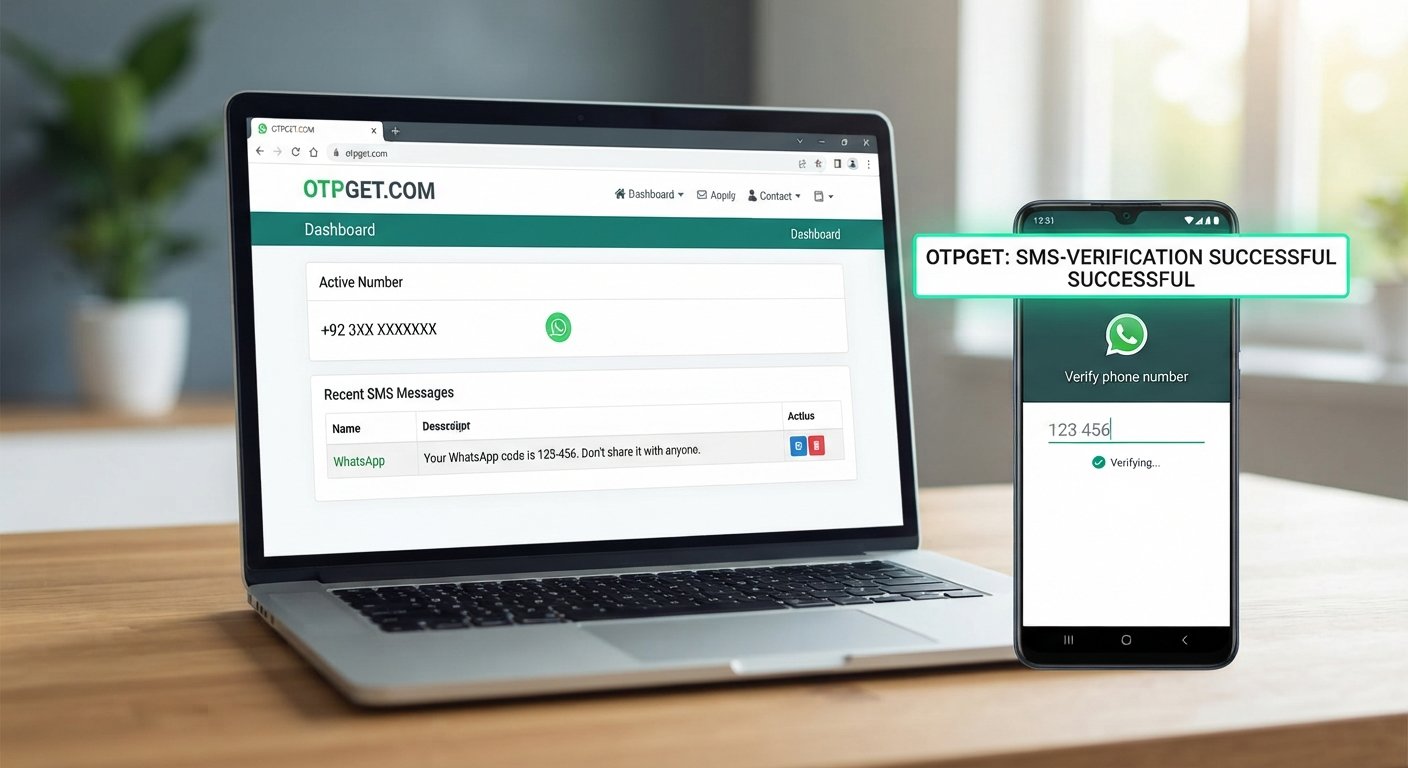
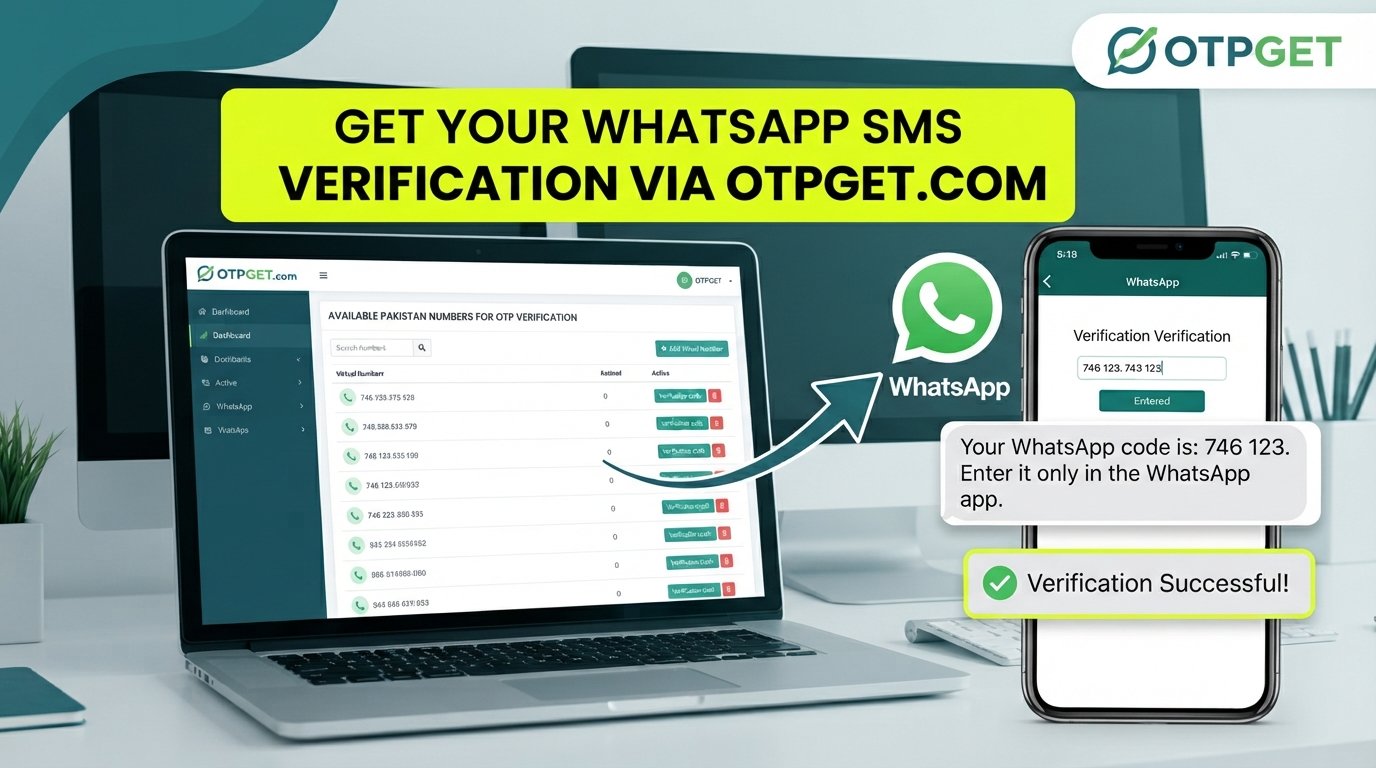
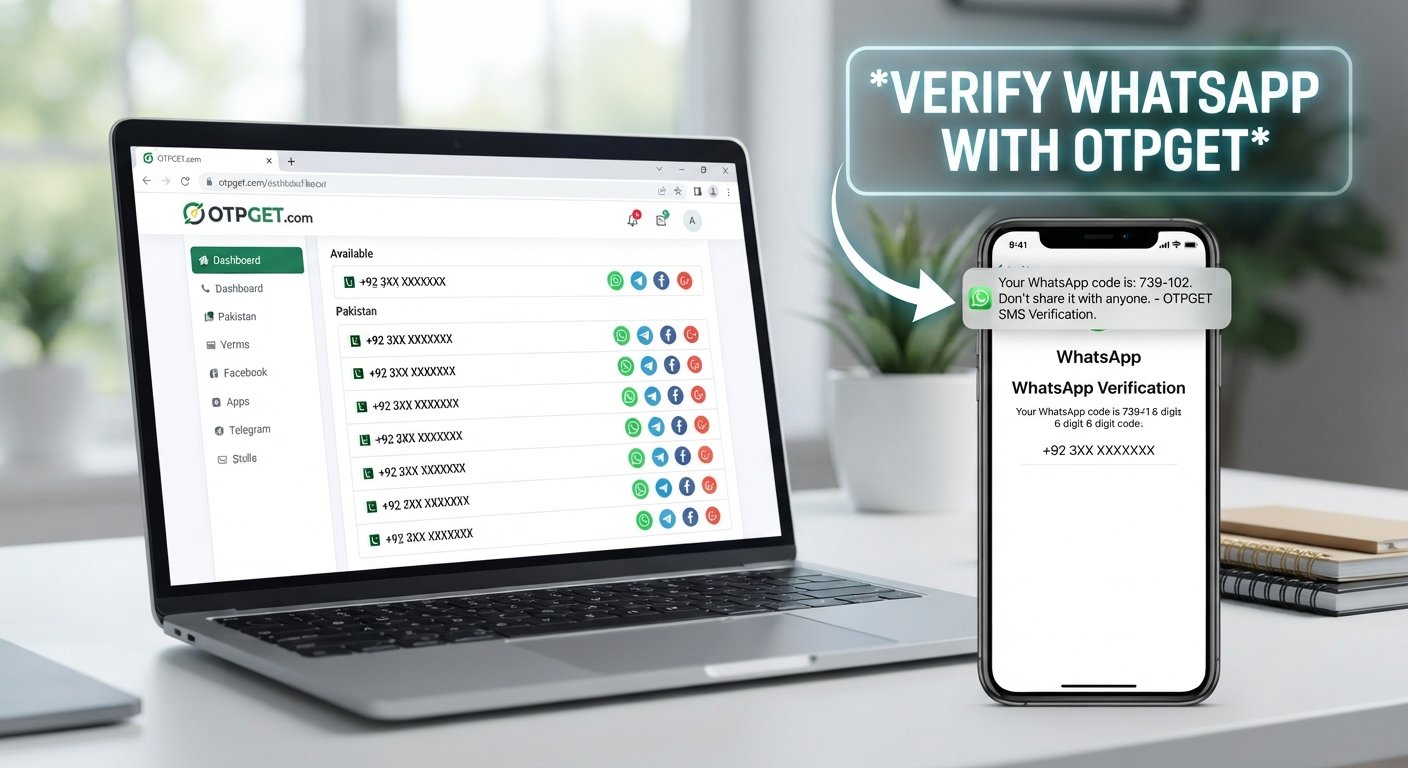
OTPGet Registration – Create Your OTPGET Account Today Online
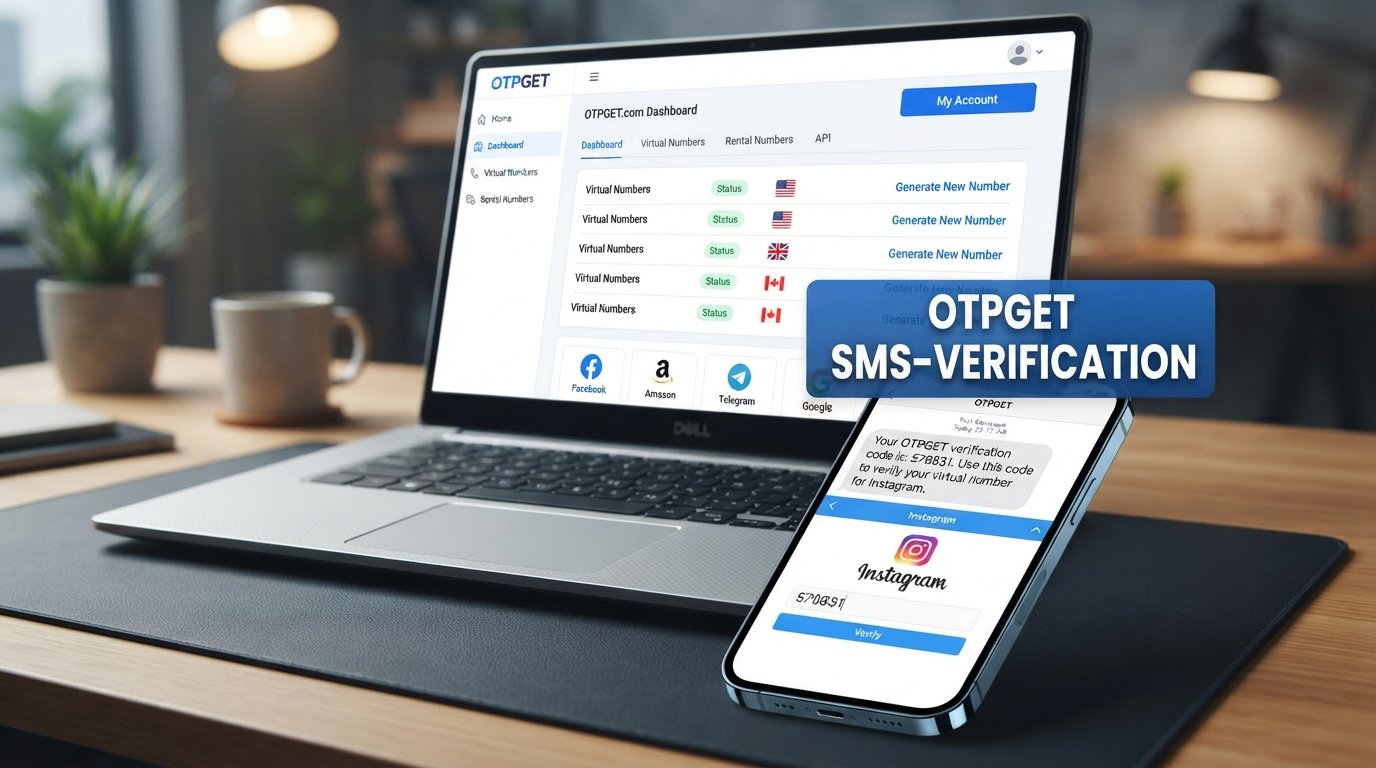
OTPGet Registration – Create Your OTPGET Account Today Online
Creating an account for an OTP-related service should not feel complicated. Whether you need online OTP verification, a virtual number for a supported verification workflow, or simply want to understand how an OTP platform works, the first step is usually creating an account and learning the verification process.
OTPGet Registration gives users a starting point for accessing OTPGET's platform and its available verification-related services. OTPGET describes its platform as providing virtual phone numbers for SMS OTP verification, rental numbers, temporary email services, and developer API options.
The important thing is to understand what registration involves before getting started. This guide explains how an OTPGet account generally works, what OTP verification means, what to do when verification does not go smoothly, and how to approach registration responsibly.
If you're ready to explore an OTP service, OTPGET provides a practical place to start.
What Is OTPGet Registration?
OTPGet Registration is the process of creating an account on the OTPGET platform so you can access its available services.
Registration is more than simply choosing a username and password. For an OTP service, the account provides the foundation for managing verification-related activity. Depending on the service and workflow you use, this may involve virtual numbers, SMS verification, temporary email, or other available features. OTPGET's official platform currently presents virtual numbers, rental numbers, temporary email, and developer API functionality as part of its service offering.
An OTP, or one-time password, is a temporary verification code used to confirm access to a particular phone number, email address, account, or verification channel. OTPs are commonly used during registration, login, account recovery, and other authentication steps.
For someone searching for an OTPGet account, the main objective is straightforward: register successfully, complete any required account verification, and then use the services that are appropriate for the intended purpose.
The exact interface can change, so users should always follow the instructions displayed on the official OTPGET platform.
Why Choose OTPGET for OTP Verification?
An OTP verification service can be useful when a registration or authentication workflow requires a verification code. Instead of treating the process as a technical obstacle, a dedicated OTP platform can provide a more structured way to handle supported verification needs.
OTPGET positions itself around virtual numbers and OTP-related services. Its platform describes access to numbers from multiple countries, SMS OTP verification, rental numbers, temporary email, and API functionality for developers.
For users, the practical advantages can include:
- Convenient account setup: Registration gives you a central account from which available services can be accessed.
- OTP-focused functionality: The platform is designed around verification-related use cases rather than general telecommunications.
- Virtual number access: OTPGET provides virtual numbers intended for supported SMS verification workflows.
- Flexible options: The platform lists both temporary and rental number services.
- Developer support: OTPGET also documents API options for applications that need programmatic OTP workflows.
The right choice still depends on your specific use case. A verification service should always be used in accordance with the rules of the website or application where verification is taking place.
If OTP verification is part of your workflow, exploring OTPGET can be a practical next step.
How to Create an OTPGet Account
The basic OTPGet registration process is designed to get users from account creation to the available platform services. Exact fields or interface labels may change, so treat the following as a general guide rather than a description of every screen.
1. Visit the Official OTPGET Platform
Start by accessing the official OTPGET website. Look for the registration option and confirm that you are using the legitimate platform before entering account information.
2. Start the Registration Process
Select the option to create a new account. The registration page will provide the information required to establish your OTPGet account.
Only enter information requested by the official platform, and review the details carefully before submitting them.
3. Provide the Required Information
Complete the available registration fields accurately. Avoid using incorrect information simply to move through the process faster.
Accurate account information can make future login and account-management steps easier.
4. Complete Any Required Verification
If OTPGET asks you to verify part of the registration process, follow the instructions shown on the platform.
Verification may involve confirming information through an available channel. Do not share verification codes with other people.
5. Confirm Your Account
Once the required registration steps are completed, confirm that your account has been successfully created.
If the platform provides confirmation instructions, follow them rather than relying on assumptions about how the account should work.
6. Log In and Explore the Available Services
After completing registration, use the OTPGet login process to access your account.
From there, review the services and options available to your account. OTPGET's published platform information includes virtual numbers, rental numbers, temporary email, and developer API services.
How OTP Verification Works
An OTP is a one-time password or verification code generated for a specific authentication event.
A typical SMS OTP workflow looks like this:
- A website or application asks for a phone number.
- The user enters an eligible number.
- The service sends a verification code.
- The user receives the code through the supported verification channel.
- The user enters the code into the original verification screen.
- The service checks the code.
- If the code is valid, the verification process can continue.
The purpose is simple: the code provides temporary confirmation that the user can access the designated verification channel.
For an online OTP verification workflow, timing matters because codes can expire. An incorrect or expired verification code normally needs to be replaced with a new one.
OTPGET's published documentation also describes API-based OTP workflows for developers, including requesting numbers and retrieving verification status programmatically.
Remember that an OTP should be treated as sensitive information. Never give a verification code to someone who unexpectedly asks for it.
Common Problems During OTPGet Registration
Even a straightforward registration process can encounter occasional issues. Many problems are caused by incorrect information, connectivity, or the verification process rather than the account itself.
Incorrect Information
A typo in an email address, phone number, or other required field can prevent registration from completing.
What to do: Review each field carefully before submitting the form.
Verification Code Not Received
A verification code may sometimes be delayed because of network conditions, delivery issues, or restrictions associated with the service being verified.
What to do: Check your connection, wait briefly, and follow the platform's available retry instructions rather than repeatedly requesting codes.
Expired OTP
OTP codes are generally temporary. If you take too long to enter a code, it may no longer be valid.
What to do: Request a new code when the platform allows it and enter the replacement promptly.
Wrong Verification Code
Entering an incorrect code can cause verification to fail.
What to do: Carefully compare the received code with the code entered on the verification screen. Avoid guessing.
Browser or Network Problems
A poor connection, outdated browser session, or temporary technical issue can interfere with registration.
What to do: Refresh the session, check your connection, or try again using a stable browser environment.
Login Difficulties
After registration, users may occasionally have trouble signing in because of incorrect credentials or account-related issues.
What to do: Recheck your login information and use the official account-recovery or support options if they are provided.
Tips for a Smooth OTPGet Registration
A few simple habits can make the registration and verification process easier:
- Check information before submitting it. Small errors can create unnecessary verification problems.
- Use a reliable internet connection. Stable connectivity helps prevent interrupted registration sessions.
- Keep access to the required verification method. You need to be able to receive and enter the relevant code.
- Enter OTPs promptly. Verification codes are intended for limited use.
- Avoid repeated code requests. Multiple requests can make it difficult to know which code is the latest one.
- Keep your credentials private. Do not share your password or verification codes.
- Use the official platform instructions. Interface details and available services can change.
- Check the rules of the service being verified. Some websites restrict virtual numbers or particular verification methods.
If you are ready to proceed, you can create your OTPGet account and explore the available OTP services through the official platform.
Is OTPGet Registration Right for You?
OTPGET may be worth considering if you need an account for accessing OTP-related services and want a platform centered around virtual numbers and verification workflows.
It can be relevant to different types of users, including people who need supported SMS verification, developers working with verification APIs, or users who have a legitimate reason to use a virtual number instead of relying on a personal number.
However, suitability depends on the service you are trying to verify. Not every website accepts every type of virtual number, and some platforms have their own rules concerning phone-number ownership and verification.
That is why the best approach is to check the requirements of the service you are using before beginning an OTP verification process.
OTPGET can provide the underlying OTP-related service, but the final verification decision belongs to the platform requesting the code.
Why OTPGET Can Be a Practical Solution
The biggest advantage of a dedicated OTP platform is that it brings verification-related functionality into one place.
Instead of searching separately for a number, figuring out how to receive an SMS, and managing verification manually, users can start with an OTPGet account and review the services available through the platform.
OTPGET's official website describes virtual numbers for SMS OTP verification, longer-term rental numbers, temporary email, and a developer API. This gives the platform relevance beyond a single registration workflow.
For developers, the API documentation provides another route for integrating OTP-related functionality into applications. For individual users, the platform provides a more direct way to access its available virtual-number and verification services.
The key is to use those capabilities for legitimate verification purposes and within the rules of the service being accessed.
If that matches your needs, OTPGET offers a clear starting point: register an account, review the available options, and choose the verification service appropriate for your workflow.
Frequently Asked Questions About OTPGet Registration
What is OTPGet registration?
OTPGet registration is the process of creating an account on the OTPGET platform. The account provides access to the services available through the platform, including its published virtual-number and OTP-related offerings.
How do I create an OTPGet account?
Visit the official OTPGET platform, select the registration option, provide the requested information, complete any required verification, and confirm the account. The exact interface may vary, so follow the instructions displayed during registration.
How does OTPGET verification work?
OTP-related verification generally involves obtaining an eligible verification method, requesting a code from the service being verified, receiving the OTP, and entering it into the relevant verification screen. OTPGET also provides documented API workflows for developers.
What should I do if I do not receive an OTP?
First, check your connection and confirm that the number or verification method was entered correctly. If the code still does not arrive, follow the verification service's retry instructions and avoid sending repeated requests unnecessarily.
Can I log in after completing OTPGet registration?
Yes. After successfully creating an account, you can use the platform's login process to access your account and review the services available to you.
Is OTP verification necessary?
It depends on the website, application, or workflow you are using. Some services require phone or email verification before registration, login, or another account action can continue.
What should I do if my OTP expires?
Request a new verification code if the service provides that option. Enter the newest valid code rather than repeatedly trying an expired one.
Conclusion
A clear registration process is the foundation of a useful OTP service. Whether your goal is online account verification, SMS verification, or access to a virtual number for a supported workflow, understanding how registration and OTP verification work can save time and prevent common mistakes.
OTPGet Registration gives users a straightforward starting point for exploring OTPGET's verification-related platform. OTPGET provides virtual numbers and other OTP-focused services, with additional options documented for users and developers.
Before using any verification service, check the rules of the platform you are registering with and protect your account credentials and OTP codes.
If OTPGET fits your requirements, explore the official platform, create your OTPGet account, and get started with the available verification services.