OTPGet.com: Simple OTP Verification with a Virtual Number Online
OTPGet.com: Simple OTP Verification with a Virtual Number Online
Getting a verification code should be straightforward. Yet many people hesitate when a website or app asks for their personal phone number just to complete a registration or verification step.
That is where a virtual number can be useful. Instead of relying on your personal SIM card, you can use an online number designed to receive supported SMS messages and verification codes.
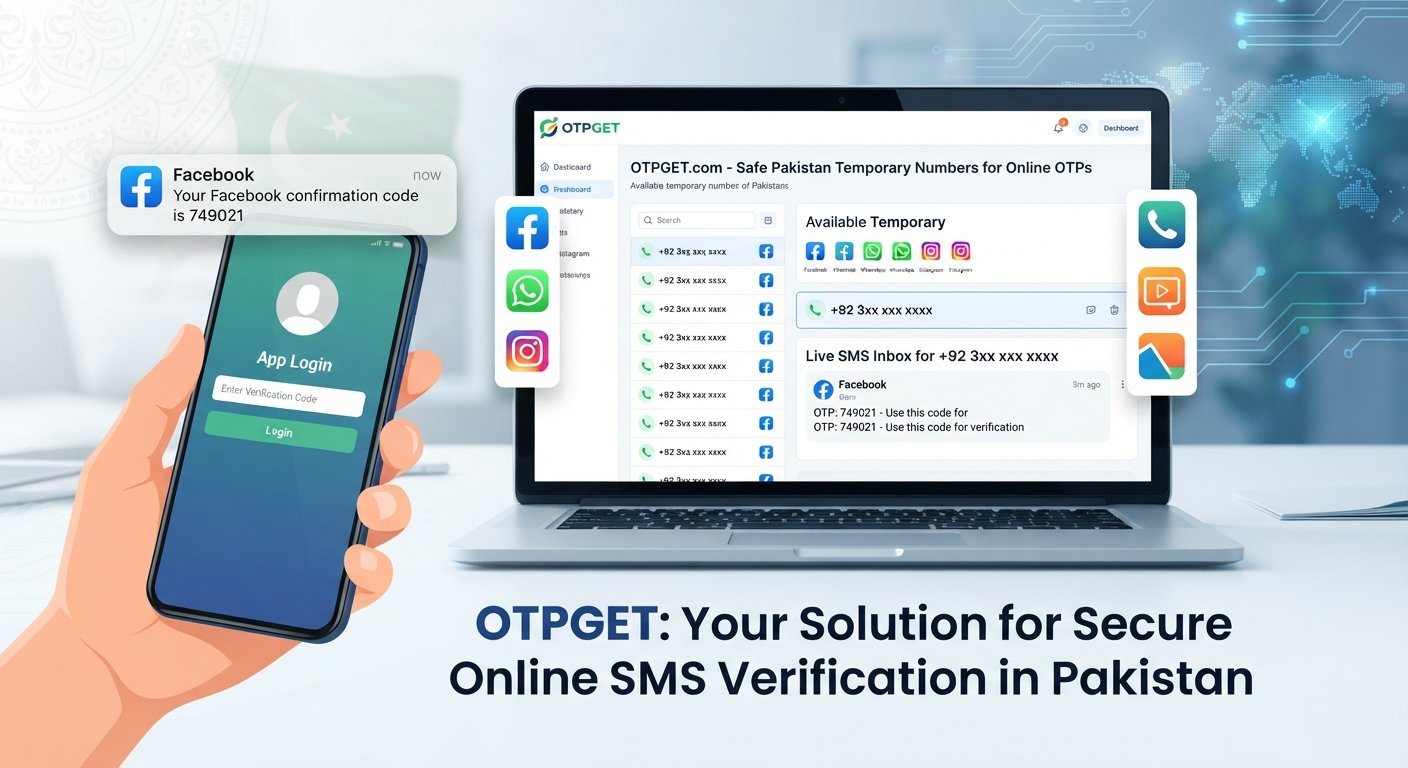
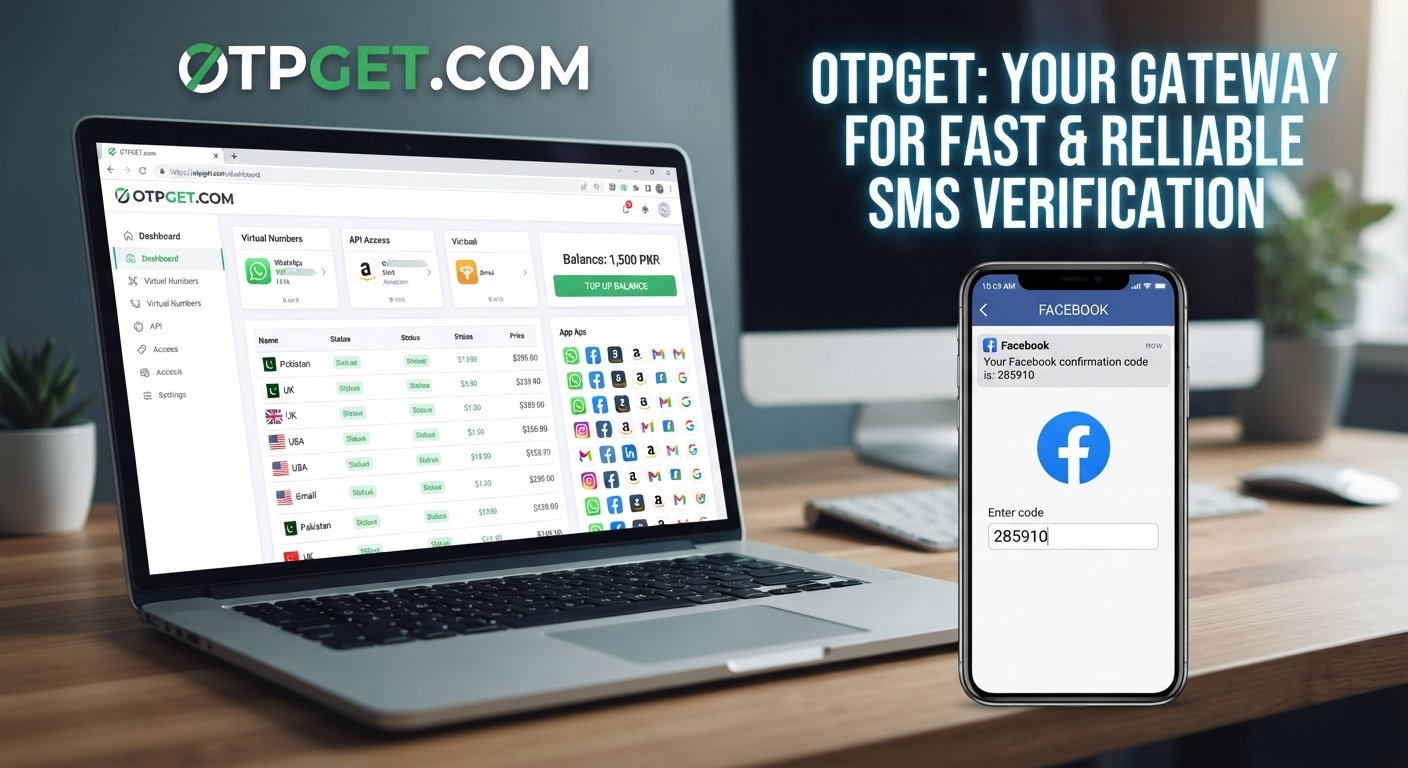
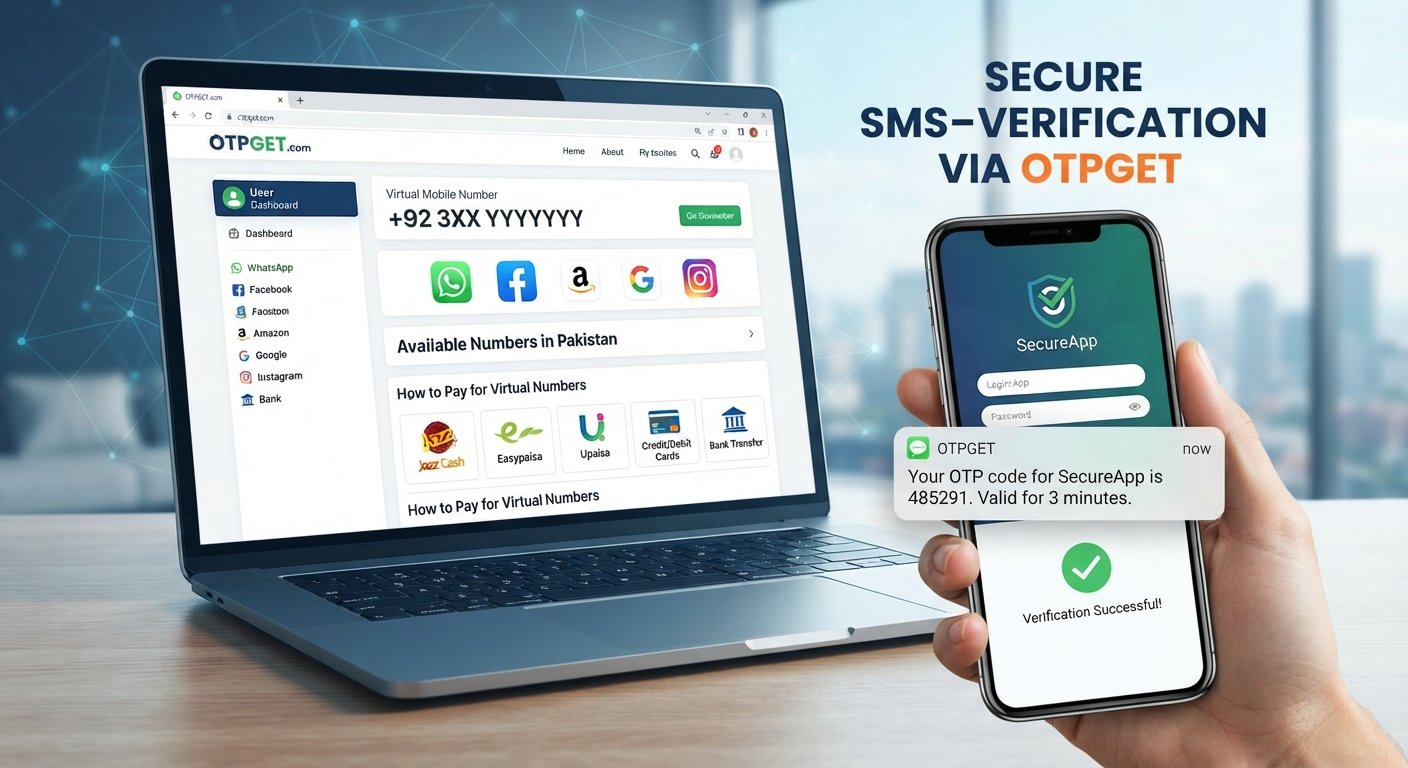
OTPGet.com provides virtual numbers for SMS-based verification. With OTPGet, the basic process is simple: obtain an available virtual number, use it where supported, wait for the SMS, and retrieve the OTP online. This can give users a practical alternative when they do not want to use their personal number for a particular online verification workflow.
The important point is that virtual numbers are not universally accepted. Whether a number can be used depends on the website, app, service, country, and type of number involved.
What Is OTP Verification?
OTP stands for one-time password. It is a temporary verification code that is generally intended to be used once or within a limited period.
You have probably encountered OTP verification when creating an account, signing in, confirming a phone number, or completing another security-related action. A service may ask for a phone number and then send an SMS containing a short code.
The general process looks like this:
- You enter a phone number on a website or app.
- The service sends an SMS containing a verification code.
- The code is delivered to the specified number.
- You enter the code into the requesting service.
- The service checks the code and completes the relevant verification step if it is valid.
SMS verification is popular because it provides a simple way for services to confirm that a number can receive messages. For users, however, sharing a personal number with every online service can be inconvenient.
That is one reason virtual phone numbers and online SMS receiving services have become useful for certain legitimate verification scenarios.
Why Use a Virtual Number for OTP Verification?
A virtual number is a phone number that can receive communications without requiring you to use a physical SIM card in your personal phone.
There are several practical reasons someone may want a separate number for online verification.
Separation from your personal number: You may prefer to keep your everyday phone number separate from accounts, services, or temporary online projects.
Convenience: If you only need to receive a verification code for a supported service, an online SMS receiving number can provide a convenient alternative to using your regular number.
Temporary workflows: Some projects or verification tasks are short-lived. A temporary virtual number can be more appropriate than adding another physical SIM to your phone.
Testing and development: Developers and QA teams may need phone-based verification during testing workflows. A dedicated number can help keep test activity separate from personal communications, provided the relevant service permits it.
Online accessibility: Instead of waiting for an SMS on your personal device, supported messages can be accessed through the online service providing the number.
The key word is supported. A virtual number is not a universal replacement for every phone verification method. Some websites and apps restrict temporary, virtual, VoIP, or previously used numbers.
How OTPGet.com Works
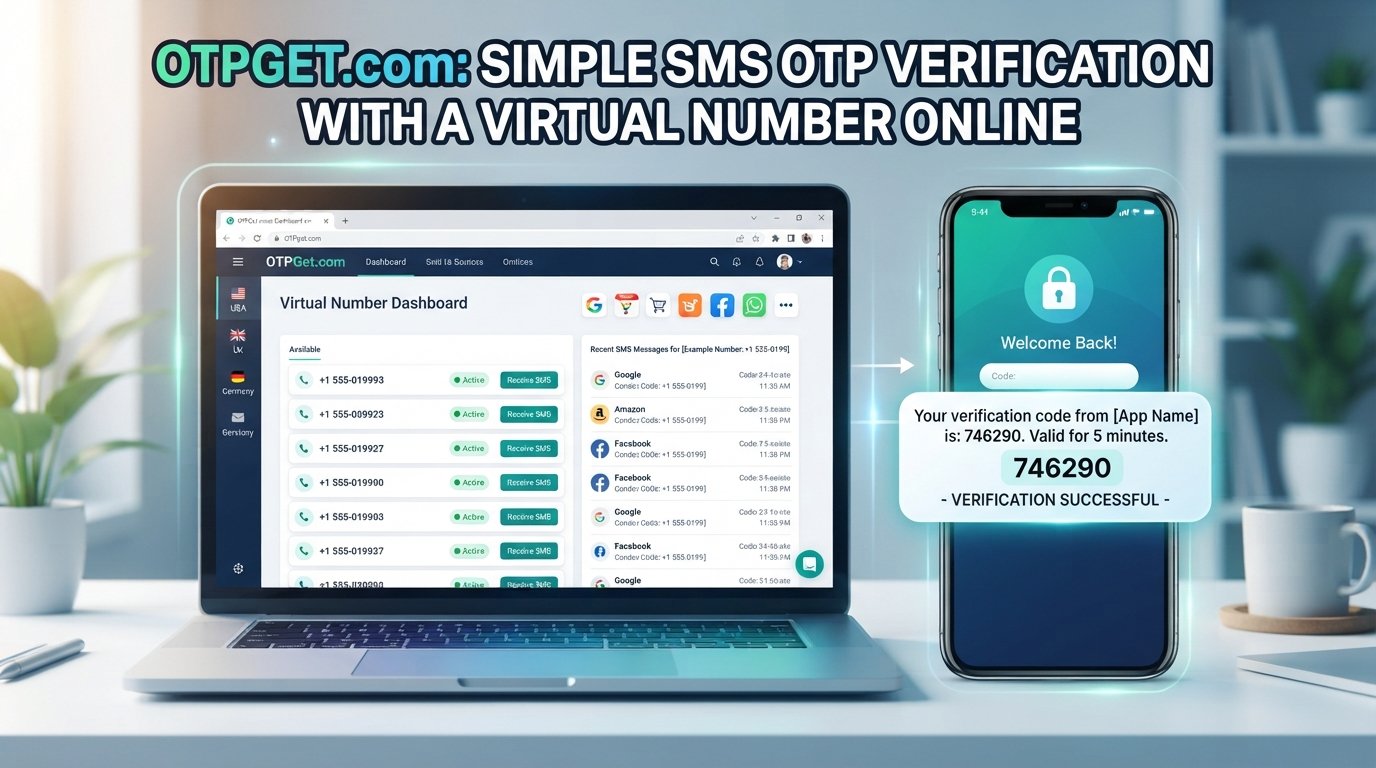
OTPGet.com is designed around a straightforward SMS OTP workflow. Its official platform provides virtual numbers that can be selected for supported services and then used to receive SMS verification codes.
The basic process is:
- Visit OTPGet.com and access the available virtual-number service.
- Select an available virtual number according to the options presented by the service.
- Use the number on a supported service that requests SMS verification.
- Wait for the verification message to be sent to the number.
- View the received OTP on OTPGet.com through the available interface.
- Enter the verification code into the website or app requesting it.
The concept is simple: instead of receiving the SMS on your personal SIM, the verification message is routed to the virtual number you obtained through the service.
OTPGet's documentation also describes an API-based workflow for developers who need to programmatically request numbers and check SMS activation status.
For everyday users, however, the main idea remains the same: get a suitable number, use it for a supported verification process, and receive the SMS code online.
Benefits of Using OTPGet.com
For users who need a separate number for supported verification tasks, OTPGet.com can simplify the process.
Practical benefits include:
- No personal SIM required for supported workflows: You can use a virtual number rather than entering your everyday mobile number.
- Online SMS reception: Verification messages can be accessed through the service instead of your personal phone.
- A straightforward workflow: The process focuses on obtaining a number, receiving the SMS, and entering the code.
- Separation from personal communications: A dedicated verification number can keep certain online activities separate from your normal phone communications.
- Useful for temporary tasks: A virtual number may be suitable for certain short-term projects or online workflows.
- Developer-friendly options: OTPGet also provides API documentation for users building automated or testing workflows where permitted.
These benefits do not mean every verification attempt will work. The destination platform ultimately decides which number types it accepts.
OTPGet.com vs. Using Your Personal Phone Number
Both approaches can be useful, depending on the situation.
| Factor | Personal phone number | Virtual number with OTPGet.com |
|---|---|---|
| Physical SIM | Usually required | Not required for the virtual-number workflow |
| Personal number sharing | Your regular number is provided | A separate number can be used |
| SMS access | Through your phone | Through the online service |
| Separation | Personal and verification messages share the same number | Verification activity can be separated |
| Convenience | Familiar and direct | Useful when you prefer an online number |
| Platform acceptance | Generally determined by the service | Depends on whether the platform accepts the virtual number |
A personal number may make sense for long-term accounts that you expect to use regularly and where maintaining a consistent number is important.
A virtual number can make more sense when you specifically want an alternative to your personal phone number for a supported SMS verification task.
The right choice depends on the service, the purpose of the account, and the verification requirements involved.
Can You Verify an Account Without a SIM Card?
Yes, you may be able to verify an account without using a physical SIM card when the service accepts the type of virtual number you are using.
SMS verification still requires a number capable of receiving the verification message. A virtual number provides that number online rather than requiring you to put another physical SIM into your phone.
This makes a virtual number potentially useful for people searching for ways to verify an account without a SIM card or receive verification codes without using their personal number.
However, there are important limitations:
- Not every website or app accepts virtual numbers.
- Some services may block temporary, VoIP, or virtual numbers.
- Some platforms may require a specific country or number type.
- A number that works for one service may not work for another.
- Verification policies can change, so acceptance should be checked before starting the process.
Always use virtual numbers according to the terms and verification rules of the platform you are registering with.
When Should You Use a Virtual Number?
A virtual number can be useful in several legitimate situations.
For example, you might want to keep your personal contact information separate from online services. You might also be working on a temporary project where maintaining another physical phone number would be unnecessary.
Developers and QA professionals can use separate numbers for appropriate testing workflows where phone verification is part of the process. Freelancers or remote workers may also encounter situations where a dedicated verification number is convenient.
Other possible scenarios include:
- Separating personal and online verification activity
- Testing SMS-based workflows where permitted
- Working on temporary projects
- Managing certain online services
- Receiving a supported SMS verification code without using your everyday number
- Using a dedicated virtual SMS number for an appropriate online workflow
A virtual number should not be treated as a way to bypass security controls, create fraudulent accounts, or violate a platform's rules. The purpose should always be legitimate and consistent with the service being used.
Tips for Successful SMS Verification
If you are trying to receive an OTP online, a few simple checks can prevent unnecessary problems.
Check number acceptance first. Make sure the website or app allows the type of number you plan to use.
Choose the appropriate number. If country or service options are provided, select the option that matches the verification requirements.
Enter the number correctly. Double-check the country code and number before submitting the verification request.
Give the SMS time to arrive. Delivery can depend on the destination platform and the messaging route.
Check the code carefully. OTPs are usually time-sensitive, so enter the verification code before it expires.
Avoid repeated requests. Requesting several codes in quick succession can sometimes cause confusion or result in an older code becoming invalid.
Follow platform rules. A successful verification process should always remain within the terms of the website or app you are using.
If a message does not arrive, check whether the selected number is still active, whether the service accepts virtual numbers, and whether the destination platform has issued any restrictions.
Why OTPGet.com Can Simplify Online Verification
The problem is easy to understand: you need an SMS verification code, but you do not want to use your personal SIM card.
OTPGet.com addresses that specific need by providing access to virtual numbers that can receive supported SMS verification messages. The service's documented workflow allows users to obtain numbers and check for incoming OTP messages, while its developer tools provide programmatic options for appropriate technical workflows.
Instead of adding another physical number to your phone, you can use an online virtual number for a supported verification task.
That can make the process more convenient when you want to:
- Keep your personal number separate
- Receive an SMS code online
- Use a virtual number for verification
- Avoid relying on a personal SIM for a particular supported workflow
- Keep temporary verification activity separate from everyday communications
OTPGet.com does not eliminate the rules imposed by the service you are trying to verify. Platform acceptance remains an important part of the process.
Frequently Asked Questions
1. What is OTPGet?
OTPGet is an online service focused on virtual numbers and SMS-based OTP verification. It allows users to obtain virtual phone numbers and receive supported verification messages online. Its platform also provides API documentation for developers.
2. How does OTPGet.com receive verification codes?
When a supported service sends an SMS to the virtual number you obtained, OTPGet.com provides access to the received verification message through its service. The exact availability depends on the number and destination service.
3. Can I receive OTP online without a SIM card?
Yes, a virtual number can allow you to receive supported SMS verification codes without using a physical SIM card. However, the website or app you are verifying must accept that type of number.
4. Does OTPGet work with every website or app?
No service should be assumed to work with every platform. Acceptance depends on the website or app, its verification policies, the country, and the type of virtual number being used.
5. What is a virtual number used for?
A virtual number can be used for supported calls or SMS workflows without requiring the user to rely on a physical SIM in their personal phone. In the context of OTPGet, the primary use case is receiving supported SMS verification codes.
6. Is a virtual number the same as a personal phone number?
A virtual number is still a phone number, but it is provided through an online telecommunications service rather than being tied to the user's personal SIM card in the usual way. Its capabilities and acceptance can vary.
7. What should I do if I do not receive an OTP?
First, check that the destination service accepts virtual numbers and that the number and country details were entered correctly. Then allow time for delivery and check the OTPGet interface for the message. If necessary, follow the destination platform's process for requesting another code.
Final Thoughts
Needing an SMS verification code does not always mean you have to use your everyday personal phone number.
For supported services, a virtual number provides an alternative approach to SMS verification without relying on a physical SIM card. The workflow is straightforward: obtain a number, use it where permitted, receive the SMS, and enter the verification code.
That is where OTPGet.com can be useful. It provides a practical online way to obtain virtual numbers and receive supported OTP messages, with additional developer-oriented options available through its documented APIs.
If you need a convenient alternative to using your personal SIM for a supported verification task, explore OTPGet.com and see whether its virtual-number options fit your requirements.
INTERNAL LINKING SUGGESTIONS
- Anchor text: virtual number for OTP verification
Suggested destination: OTPGet virtual numbers page - Anchor text: receive SMS online
Suggested destination: OTPGet SMS OTP service page - Anchor text: rental virtual number
Suggested destination: OTPGet rental numbers page - Anchor text: SMS OTP API for developers
Suggested destination: OTPGet developer/API documentation page - Anchor text: how virtual numbers work for verification
Suggested destination: OTPGet virtual-number education or FAQ page