Pakistan Number for Telegram Registration: OTPGet Step-by-Step
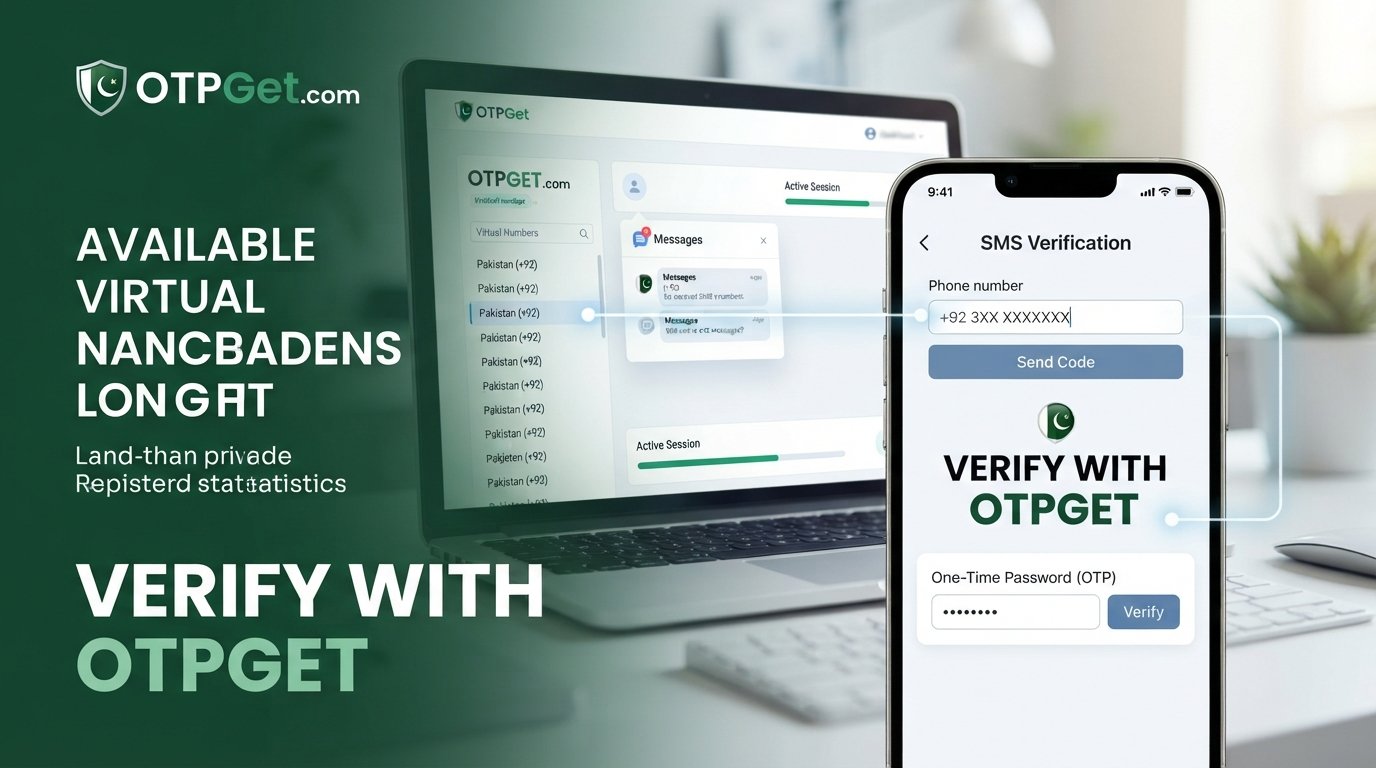
Pakistan Number for Telegram Registration — OTPGet Step by Step
Introduction
Finding a Pakistan number for Telegram can be useful when you want to register an account without putting your everyday personal number into the signup process. You may want to keep personal and online communication separate, need a number associated with Pakistan, or simply not have convenient access to a physical Pakistani SIM.
The challenge is that Telegram registration still depends on a phone number, and the number needs to be suitable for Telegram's verification process. Telegram also requires mobile numbers rather than landlines and asks users to enter numbers in international format.
That is where a virtual number service can be practical. OTPGet provides virtual numbers for services including Telegram and lists Pakistan among its available country options.
This guide explains what a Pakistan number for Telegram means, why OTP verification matters, how OTPGet fits into the process, and what to do if a verification message does not arrive.
What Is a Pakistan Number for Telegram?
When people search for a Pakistan number for Telegram, they usually mean a mobile number with a Pakistani country code that can be used during Telegram account registration or verification.
There are several types of numbers you may encounter:
- Physical mobile number: A conventional SIM-based number issued by a Pakistani mobile operator.
- Virtual number: A number provided through an online service rather than a physical SIM in your phone.
- SMS-enabled verification number: A number intended to receive verification messages from supported services.
- Temporary number: A number made available for a limited verification transaction or period.
The important distinction is not simply whether a number looks Pakistani. It must also be compatible with the service you are trying to verify. Telegram's own guidance states that accounts are connected to mobile numbers and that landline numbers are not supported.
For someone who needs a Pakistan phone number for Telegram but does not want to use a personal SIM, an appropriate virtual number can therefore be a useful alternative.
Why Do People Look for a Pakistan Number for Telegram Registration?
There are several legitimate reasons someone might search for a Pakistan number for Telegram registration.
Privacy and separation
Some users prefer not to give their everyday personal number to every online service. A separate number can help create a clearer boundary between personal communications and a specific online account.
Telegram itself offers privacy controls for deciding who can see your phone number, but the number is still important for account access.
Access to a Pakistani number
Someone living outside Pakistan may need a Pakistani number for a legitimate project, testing workflow, communication setup, or other account requirement but may not have immediate access to a physical local SIM.
Keeping accounts separate
Telegram explains that each phone number represents a separate account and notes that people can use different numbers for separate purposes, such as keeping work and personal conversations apart.
Avoiding unnecessary exposure of a personal SIM
A virtual Pakistan phone number may be preferable when the objective is simply to receive a verification message without using the number attached to your everyday mobile communications.
The key point is to use any number responsibly. A virtual number should not be used for impersonation, spam, fraudulent accounts, ban evasion, or attempts to circumvent Telegram's security systems.
Why OTP Verification Matters for Telegram
Phone verification is a core part of the Telegram registration process. In a typical signup flow, you enter a mobile number, Telegram determines how the verification code should be delivered, and you enter the legitimate code associated with that registration.
Telegram notes that a login code may sometimes be delivered through Telegram itself when an account is already active on another connected device, rather than through SMS.
For a new registration involving SMS, the basic process is straightforward:
- Enter the mobile number in the appropriate international format.
- Request verification.
- Wait for the Telegram verification code.
- Access the SMS through the number being used.
- Enter the valid code in Telegram.
- Continue with account setup.
A service such as OTPGet does not bypass Telegram verification. Its role is to provide a virtual number that can support SMS verification where the relevant number and service combination is available.
Why Choose OTPGet?
If your goal is specifically to find a Pakistan number for Telegram, OTPGet is a practical place to start because its official platform explicitly lists Telegram among supported services and Pakistan among its virtual-number country options.
That matters because country availability alone is not enough. You need a number that is intended for the type of verification you are completing.
OTPGet's published information describes its service as providing temporary and rental phone numbers for online verification and account registration. Its policies also make clear that availability can depend on the number and service involved.
The potential advantages are straightforward:
- Access to virtual numbers: You can look for a Pakistani number without relying on a physical SIM.
- Online SMS verification: Where supported, verification messages can be received through the service.
- Country-specific selection: Pakistan is listed among OTPGet's country options.
- Convenience: The process can be handled online rather than requiring access to a Pakistani mobile carrier.
- Less reliance on a personal number: A suitable virtual number can provide separation from your everyday SIM.
There is an important caveat: no virtual number service can guarantee that every number will be accepted by every Telegram registration attempt. Number availability, Telegram's own verification systems, network conditions, and other factors can affect the outcome.
How to Get a Pakistan Number for Telegram Using OTPGet
This is the practical part. The exact OTPGet interface can change, so use the current labels and options shown on the official platform rather than relying on a particular button name.
Step 1: Visit OTPGet
Start by opening the official .
Review the available virtual-number options before starting the transaction. OTPGet currently presents country and service options through its platform, including Pakistan and Telegram.
Step 2: Choose the appropriate number or service
Look for a Pakistan number and the relevant Telegram verification option, if it is displayed in the current OTPGet interface.
Availability can change, so do not assume that every Pakistan number shown at one moment will remain available indefinitely.
Step 3: Get the number
Follow OTPGet's current process to obtain the selected number.
Before proceeding, check the information associated with the number and make sure it is appropriate for the registration you are attempting.
If you are using a temporary number, remember that long-term account recovery can be a concern if you later lose access to that number.
Step 4: Enter the number in Telegram
Open the official Telegram application or web-based registration option and enter the Pakistan number using the international format Telegram requests.
Telegram specifically advises users to enter mobile numbers in international format when registering or logging in.
Step 5: Request the verification code
Continue through Telegram's normal registration flow and request the verification code.
At this point, Telegram decides how the code is delivered. For some situations, it may use SMS; in other circumstances, it can deliver a code through Telegram to an already connected device.
Step 6: Check OTPGet for the verification SMS
If Telegram sends an SMS to the selected number and the OTPGet service supports that verification transaction, check the OTPGet interface for the incoming message.
Give the message a little time to arrive rather than repeatedly requesting new codes.
Step 7: Enter the Telegram verification code
Once the legitimate Telegram verification code appears, enter it into Telegram.
Do not share the code with another person. It is an authentication credential associated with the verification process.
Step 8: Complete registration
If Telegram accepts the number and verification code, continue through the remaining account setup steps.
Keep in mind that using a temporary number can create an account-access problem later if you no longer control the number. Telegram itself warns that continued access to the connected phone number is important for account security and recovery.
What If the Telegram OTP Does Not Arrive?
An absent Telegram OTP does not necessarily mean the process has failed permanently. Several things can cause a verification message to be delayed or unavailable.
Check the number first
Make sure the Pakistan number was entered correctly and in the international format Telegram expects.
Wait before requesting another code
Repeated requests can complicate the process. A temporary delivery delay or verification limit may be involved, so avoid rapidly repeating attempts.
Check whether Telegram used another delivery method
If the account is already active on another connected device, Telegram may send the login code inside Telegram instead of by SMS.
Consider number and service compatibility
A number may be available through a provider but still not be accepted for a particular verification attempt. Compatibility can vary.
Review OTPGet's transaction rules
OTPGet's published terms state that temporary-number transactions have specific cancellation and refund conditions when an OTP does not arrive. Check the current policy before assuming a transaction will automatically be refunded.
Contact Telegram if registration remains blocked
For persistent registration or login problems, Telegram directs users toward its support process.
OTPGet vs. Using a Personal Pakistan Number
Both approaches have legitimate uses, but they solve slightly different problems.
| Factor | Personal Pakistan Number | OTPGet Virtual Number |
|---|---|---|
| Physical SIM | Usually required | Not necessarily required |
| Personal-number separation | Limited | Potentially better |
| Online access | Depends on SIM/device | Designed around online access |
| Country selection | Fixed to your SIM | Depends on available numbers |
| Long-term recovery | Generally straightforward if retained | Depends on continued access to the number |
| Verification compatibility | Usually established for the carrier number | Can vary by number and service |
A personal number is generally the better choice when you want long-term control over an account and reliable recovery access.
OTPGet makes more sense when the immediate requirement is access to a suitable virtual Pakistan phone number for a legitimate verification task and you do not want to use your everyday number.
The choice should depend on your actual needs rather than assuming that a virtual number is automatically safer or better.
Is a Temporary Number Suitable for a Telegram Account?
This deserves special attention.
A temporary Telegram registration number can be convenient for an initial verification, but convenience and long-term account control are not the same thing. If you lose access to the number later, recovering the Telegram account can become difficult.
For an account you intend to keep, think beyond the initial Telegram OTP. Make sure you understand how you will retain access to the number and protect the account after registration.
OTPGet's own policies describe its temporary numbers as services for verification and registration, so users should consider the intended lifespan of the Telegram account before choosing a temporary option.
FAQ
Can I get a Pakistan number for Telegram?
Yes. OTPGet lists Pakistan virtual numbers and Telegram among the services available through its platform. Actual number and service availability can vary, so check the current selection before starting.
Can I use a Pakistan virtual number for Telegram?
A compatible virtual number may be used for Telegram registration, provided Telegram accepts the number and the required verification method works. Telegram requires mobile numbers and does not support landlines.
How do I receive a Telegram OTP online?
Use a suitable SMS-enabled virtual number service such as OTPGet, enter the number during Telegram's normal registration process, and check the service for the verification SMS if the transaction supports Telegram. The code must still come from Telegram through its normal verification system.
Does OTPGet provide Pakistan numbers for Telegram verification?
OTPGet's official website lists both Pakistan virtual numbers and Telegram among its supported options. Availability depends on the current inventory and service compatibility.
How long does a Telegram verification code take to arrive?
There is no universal delivery time. Network conditions, Telegram's verification process, number availability, and other factors can affect delivery. If a code does not appear, avoid repeatedly requesting new codes and check the relevant service and Telegram account.
What should I do if my Telegram OTP does not arrive?
First verify the number and format, then check whether Telegram sent the code through another connected device. If SMS is expected, review the OTPGet transaction and its current cancellation rules. Persistent Telegram registration problems should be directed to Telegram support.
Can I use a virtual number instead of my personal number?
A virtual number can be an alternative where it is compatible with the service. It can help separate a registration from your everyday personal number, but you should consider whether you will retain access to that virtual number for future account recovery.
Is OTPGet suitable for Telegram registration?
OTPGet is worth considering if you need a virtual number for Telegram verification because its official platform specifically lists Telegram and Pakistan among its options. It is not a guarantee of successful registration, however; Telegram ultimately controls its own verification and acceptance process.
Conclusion/CTA
A Pakistan number for Telegram can be useful when you want a separate number for registration, need access to a Pakistani number, or prefer not to use your everyday personal SIM. The difficult part is finding a number that is available, SMS-capable, and compatible with Telegram's verification process.
OTPGet provides a practical starting point because its platform specifically offers virtual numbers across multiple countries, including Pakistan, with Telegram listed as a supported service.
The basic process is simple: choose an appropriate Pakistan number through OTPGet, enter it in Telegram's normal registration flow, wait for the verification message if SMS is used, enter the legitimate Telegram code, and finish setting up the account.
If you need a Pakistan number for Telegram registration, explore the current options on and choose a number that fits your intended use. Just remember to follow Telegram's requirements and keep long-term account access in mind before relying on a temporary number.


