Telegram Not Working in Pakistan? Try OTPGET Virtual Numbers
Introduction
When Telegram is difficult to access or the verification process refuses to cooperate, the problem can be surprisingly frustrating. You may have a working phone, an active SIM, and a stable internet connection, yet the Telegram verification code still does not arrive.
For users searching for telegram not working in pakistan, it is important to separate two different problems. Telegram access can be affected by connectivity or service conditions, while account verification can fail because of SMS delivery, phone-number formatting, previous login sessions, repeated code requests, or other account-specific factors.
Telegram itself recommends entering a mobile number in international format and notes that, in some situations, login codes may be delivered through Telegram on another connected device instead of SMS.
When your regular number is becoming the obstacle, a suitable virtual number can be another option to consider. provides virtual numbers for OTP verification, including service-specific options for Telegram according to its own platform documentation.
The key is understanding how the process works, what a virtual number can and cannot do, and how to troubleshoot verification problems before trying again.
Why Is Telegram Not Working in Pakistan?
The phrase telegram not working in pakistan can describe several different situations, so there is no single explanation that applies to every user.
One possibility is a connectivity issue. If Telegram cannot connect, messages are not loading, or the app repeatedly shows connection-related errors, the cause may be related to your internet connection, network conditions, application configuration, or the availability of the service itself.
Another possibility is that Telegram works normally once you are inside the app, but you cannot complete registration or login because the verification code is missing. That is a Telegram verification problem, not necessarily a Telegram access problem.
Telegram's official troubleshooting guidance says users should enter their mobile number using international formatting. It also explains that login codes can sometimes be delivered through Telegram itself when another Telegram session is already active.
This distinction matters. If your problem is specifically Telegram OTP not received, changing networks may not solve the underlying issue. The verification process depends on the phone number and the method Telegram uses to deliver the code.
Common Telegram Verification Problems
Several issues can interfere with Telegram phone number verification:
OTP not arriving
The most obvious problem is simply not receiving the SMS containing the Telegram verification code. Delivery can sometimes be delayed or unavailable depending on the number, carrier, service, or verification route being used.
Incorrect number format
Telegram recommends using the international format for login and registration. Entering a number incorrectly can prevent the verification process from reaching the intended destination.
Repeated verification attempts
Requesting multiple codes in quick succession can make the process more confusing rather than less. If a previous code is delayed, several requests can leave you unsure which message is current.
Login on another device
If you have previously used Telegram on another device, Telegram may deliver a login code inside the Telegram app rather than through SMS. Checking an existing session can therefore be worthwhile before requesting another code.
Privacy concerns
Some users simply do not want to use their primary personal number for every online verification process. A virtual number can provide separation between a personal phone number and a specific online account, although it should not be treated as a guarantee of anonymity or permanent account access.
What Is a Virtual Number for Telegram?
A virtual number for Telegram is a phone number that can receive messages without requiring the number to be tied to a traditional physical SIM in the way a conventional mobile number is.
Virtual-number services can make these numbers available through an online dashboard. When a supported service sends an SMS verification code, the message can appear through the provider's interface.
In practical terms, the process looks like this:
- Obtain a suitable virtual number.
- Enter that number during the supported Telegram verification process.
- Wait for Telegram to send the verification message.
- Retrieve the code through the virtual-number provider.
- Enter the code into Telegram.
However, there is an important limitation: not every virtual number will work in every Telegram verification situation. Telegram ultimately controls its own verification and account-security systems, and acceptance can depend on the number and the circumstances.
That is why choosing a service that specifically supports the required verification service is more practical than assuming any random online number will work.
How OTPGET Helps With Telegram Verification
For users dealing with a telegram verification problem, OTPGET provides a straightforward alternative to relying exclusively on a personal mobile number.
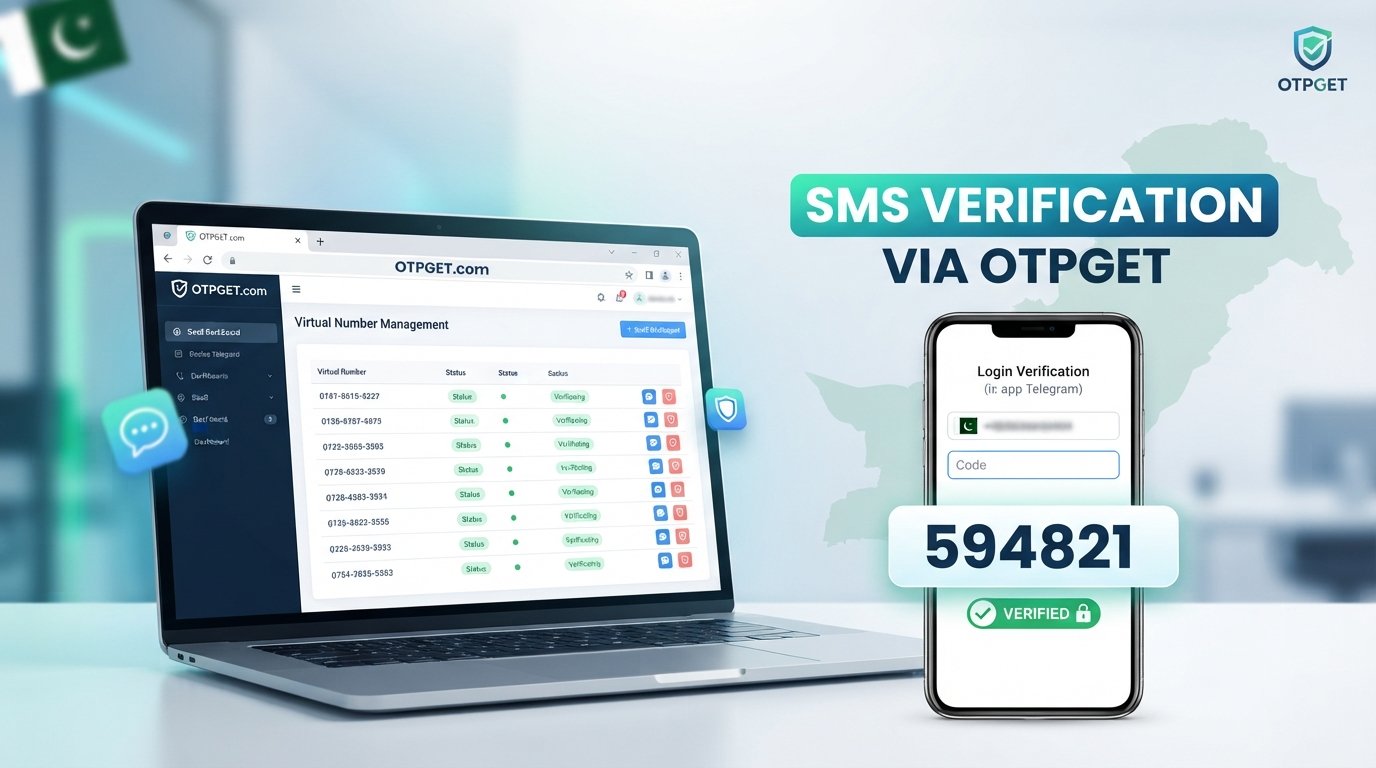
According to its official website, OTPGET offers virtual phone numbers for SMS OTP verification and lists Telegram among the supported services. Its documentation also describes a process for selecting a country and service, requesting a virtual number, and checking the status for the incoming verification SMS.
This makes OTPGET particularly relevant when your main concern is receiving a verification code rather than troubleshooting the Telegram application itself.
A typical workflow is simple: select a suitable number and supported Telegram service through OTPGET, use the provided number in Telegram's verification process, then monitor the OTP through the OTPGET interface.
The advantage is convenience. Instead of waiting indefinitely for an SMS on a personal SIM, you have an alternative number specifically intended for supported OTP verification.
A virtual number can also help separate your primary phone number from an online account. For people who prefer not to distribute their personal number unnecessarily, that separation can be useful.
Need an alternative way to handle Telegram verification? Explore and check the currently available virtual-number options for your verification needs.
Still, treat the service realistically. OTPGET can provide the number and OTP-receiving infrastructure, but it cannot guarantee that Telegram will accept every number or that every verification attempt will succeed.
How to Use OTPGET for Telegram Verification
If you want to try an OTPGET virtual number, the general process is straightforward.
Step 1: Visit OTPGET
Open the OTPGET website and access the virtual-number or OTP-verification service.
Step 2: Choose a suitable number and service
Where available, select the relevant country and Telegram service. OTPGET's documentation describes country and service selection as part of its virtual-number workflow.
Step 3: Use the number for Telegram verification
Enter the provided virtual number into Telegram's phone-number verification process, using the format requested by Telegram.
Step 4: Wait for the verification OTP
If the number supports the requested Telegram verification, the incoming SMS can be retrieved through the supported OTPGET interface.
Step 5: Enter the code
Enter the received Telegram verification code into the Telegram app.
Step 6: Complete account verification
If Telegram accepts the number and code, continue through the normal account setup or login process.
If the number does not receive a code, do not assume that repeatedly requesting new codes will solve the issue. Check the number, service availability, and Telegram's own login instructions first.
Why Use a Virtual Number Instead of Your Personal Number?
A virtual number is not automatically better for every situation, but it can be useful in specific circumstances.
Privacy and separation: A virtual number can keep your primary personal number separate from an online verification process.
Convenience: You can access the verification message through an online interface rather than depending entirely on a physical SIM.
Account organization: People who manage different online services may prefer keeping verification activity separate from their everyday phone number.
Reduced dependence on a primary SIM: If SMS delivery to your usual number is causing difficulties, a suitable alternative number can provide another verification route where supported.
There is also a security consideration. Telegram emphasizes that users should maintain control of the phone number associated with their account. Its official FAQ warns that access to the phone number is important for account recovery and recommends additional security measures such as two-step verification.
For that reason, a temporary number should be chosen carefully, particularly if you intend to maintain long-term access to an account.
Tips If Telegram OTP Is Not Received
Before concluding that Telegram is completely unavailable, work through a few basic checks.
Check the phone number
Confirm that the number is correct and entered in international format. Telegram specifically recommends this format for login and registration.
Check for a code inside Telegram
If you are already logged in somewhere else, check your Telegram account on that device. Telegram may send a login code through an existing Telegram session rather than SMS.
Avoid repeated requests
Give the verification process some time instead of repeatedly requesting new codes. Multiple attempts can make it harder to identify the valid code.
Check the virtual number's service support
If you are using an online number for OTP verification, make sure the number is actually intended to support the service you are trying to verify.
Check your connection
If Telegram itself is not connecting, test your internet connection and confirm whether other applications are working normally.
Follow Telegram's security instructions
Do not share Telegram login codes with other people or services. Telegram explicitly warns that its account login codes should not be shared.
If the issue continues, use Telegram's official support and account-login guidance rather than relying on unofficial claims about bypassing restrictions.
Why OTPGET Can Be a Practical Option
When the main problem is receiving a Telegram verification code, repeatedly troubleshooting the same personal SIM may not be the most convenient approach.
OTPGET offers a dedicated virtual-number workflow for supported OTP verification. Its published documentation describes selecting a country and service, obtaining a number, and checking for the incoming SMS code.
That can make the process easier to understand:
- Convenience: Handle supported OTP messages through an online service.
- Simplicity: Follow a defined number-selection and code-retrieval workflow.
- Privacy: Keep your primary personal number separate where appropriate.
- Practicality: Try an alternative number when your usual SMS route is creating difficulties.
- Easy OTP access: Retrieve supported verification messages through the service interface.
The important qualification is that OTPGET is a verification-number provider, not Telegram itself. There is no basis for assuming that every number will be accepted by Telegram, and availability can change.
For that reason, the sensible approach is to use OTPGET as a practical option rather than as a guaranteed workaround for every Telegram-related problem.
Frequently Asked Questions
Why is Telegram not working in Pakistan?
Telegram not working in pakistan can refer to connection problems, login issues, verification failures, or SMS delivery problems. First identify whether Telegram itself is inaccessible or whether the specific problem is receiving an account verification code.
Why am I not receiving my Telegram OTP?
A Telegram OTP may fail to arrive because of number formatting, delivery conditions, an existing Telegram session, repeated requests, or limitations affecting the number being used. Check Telegram's official login guidance before trying again.
Can I use a virtual number for Telegram?
A suitable virtual number may be usable for Telegram verification where the number and service are supported. However, Telegram controls its own verification process, so no provider can reasonably guarantee that every virtual number will be accepted.
What is a Telegram virtual number?
A Telegram virtual number is an online phone number used during Telegram's phone-number verification process. If the number supports Telegram SMS verification, the OTP can be received through the virtual-number provider.
How does OTPGET help with Telegram verification?
OTPGET provides virtual numbers for supported OTP verification services. Its published workflow allows users to select a country and service, obtain a number, and retrieve an incoming verification SMS through the service interface.
Is OTPGET suitable for receiving Telegram OTPs?
OTPGET specifically lists Telegram among its supported OTP-verification services. Availability and successful delivery can depend on the particular number and current service conditions, so users should check the available options when they need verification.
Can I verify Telegram without using my personal number?
A virtual number can be an alternative to your personal number where Telegram accepts the selected number for verification. Keep in mind that long-term account access depends on maintaining appropriate control over the number associated with the account.
What should I do if my Telegram verification code does not arrive?
Check the number and international format, look for a code in an existing Telegram session, avoid repeated requests, verify that the selected virtual number supports Telegram, and consult Telegram's official login guidance if the problem continues.
Conclusion
If you are searching for telegram not working in pakistan, the first step is to identify whether you have a connection problem or a Telegram verification problem. These are not necessarily the same issue.
When the main obstacle is phone-number verification or an OTP that does not arrive, a suitable virtual number can provide a practical alternative to relying on your regular personal number. It can offer convenience, separation, and another way to receive supported verification messages.
OTPGET is worth considering because its platform is specifically built around virtual numbers and OTP verification, with Telegram listed among its supported services.
The best approach is still to set realistic expectations: Telegram controls account verification, and no virtual-number provider can guarantee acceptance in every situation.
If your regular number is making Telegram verification unnecessarily difficult, explore OTPGET to see whether an available virtual number can provide a simpler route to receiving your Telegram verification code.
FAQ Schema Suggestions
For structured-data implementation, consider FAQ schema for these questions:
- Why is Telegram not working in Pakistan?
- Why am I not receiving my Telegram OTP?
- Can I use a virtual number for Telegram?
- What is a Telegram virtual number?
- How does OTPGET help with Telegram verification?
- Is OTPGET suitable for receiving Telegram OTPs?
- Can I verify Telegram without using my personal number?
- What should I do if my Telegram verification code does not arrive?
Use the visible FAQ wording and answers on the page when implementing FAQ structured data. Do not add FAQ answers that are not actually presented to visitors.
Internal Linking Suggestions
-
Suggested anchor text: Telegram verification guide
Recommended article/topic: A broader guide explaining Telegram account verification, login codes, and common verification errors.
Where to insert: In the introduction or immediately after the section on common verification problems. -
Suggested anchor text: how virtual phone numbers work
Recommended article/topic: An educational article explaining virtual numbers, SMS OTP delivery, temporary numbers, and rental numbers.
Where to insert: In the “What Is a Virtual Number for Telegram?” section. -
Suggested anchor text: OTP verification guide
Recommended article/topic: A general guide to receiving online verification codes and choosing an appropriate virtual number.
Where to insert: Near the first explanation of OTPGET. -
Suggested anchor text: Telegram login troubleshooting
Recommended article/topic: A detailed troubleshooting article covering login codes, existing sessions, number formatting, and account-security steps.
Where to insert: In the “Tips If Telegram OTP Is Not Received” section. -
Suggested anchor text: OTPGET virtual numbers
Recommended article/topic: A dedicated explainer covering OTPGET's virtual-number options and general verification workflow.
Where to insert: In the “Why OTPGET Can Be a Practical Option” section.
External Linking Suggestions
-
Telegram FAQ and troubleshooting: Link readers to for authoritative information about login codes, SMS verification, phone-number formatting, existing sessions, and account security.
-
Telegram support: Link to Telegram's official support options when discussing persistent registration or login failures. Telegram's FAQ directs users with login problems toward its support process.
-
OTPGET official website: Link the first major OTPGET mention to so readers can review the service and currently available options directly.
-
OTPGET documentation: For technically inclined readers, link to when discussing the general number-selection and OTP-


