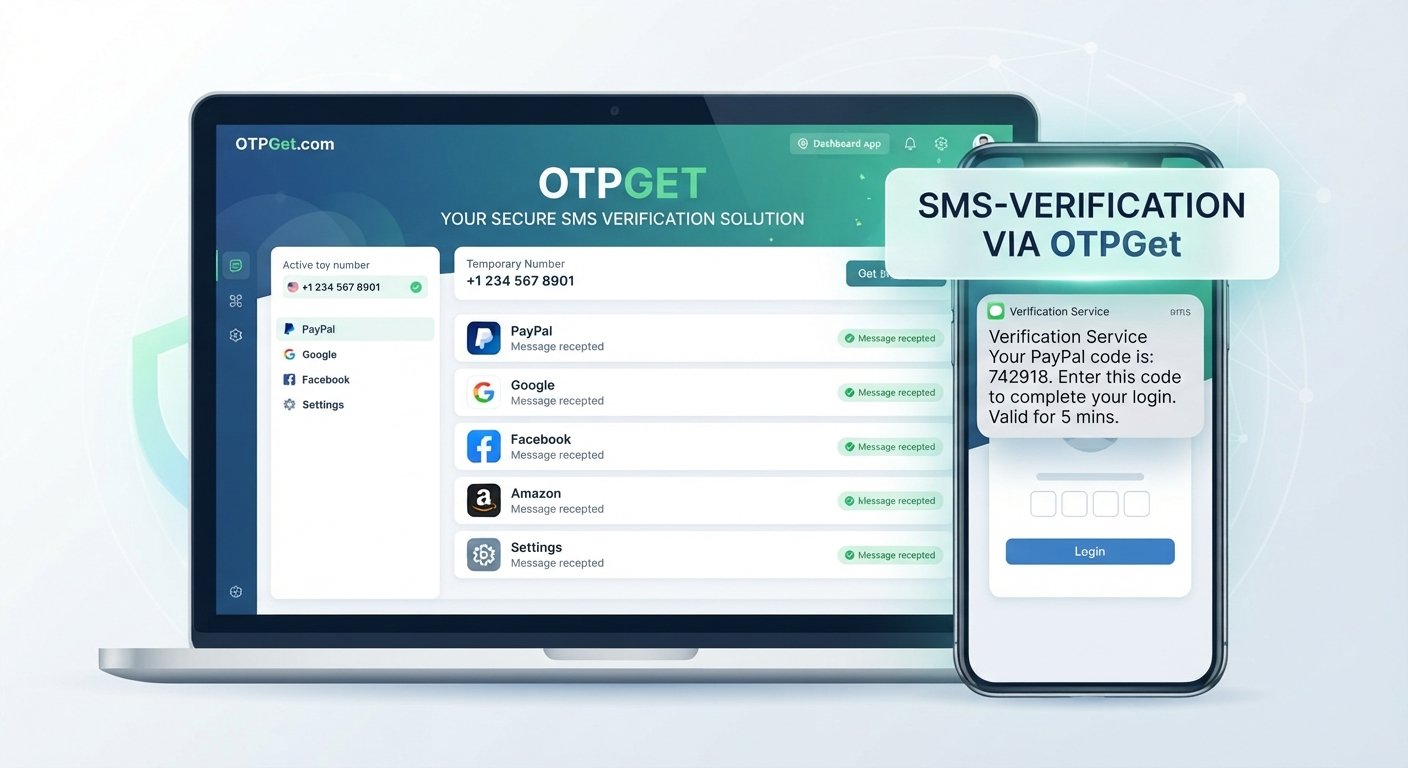
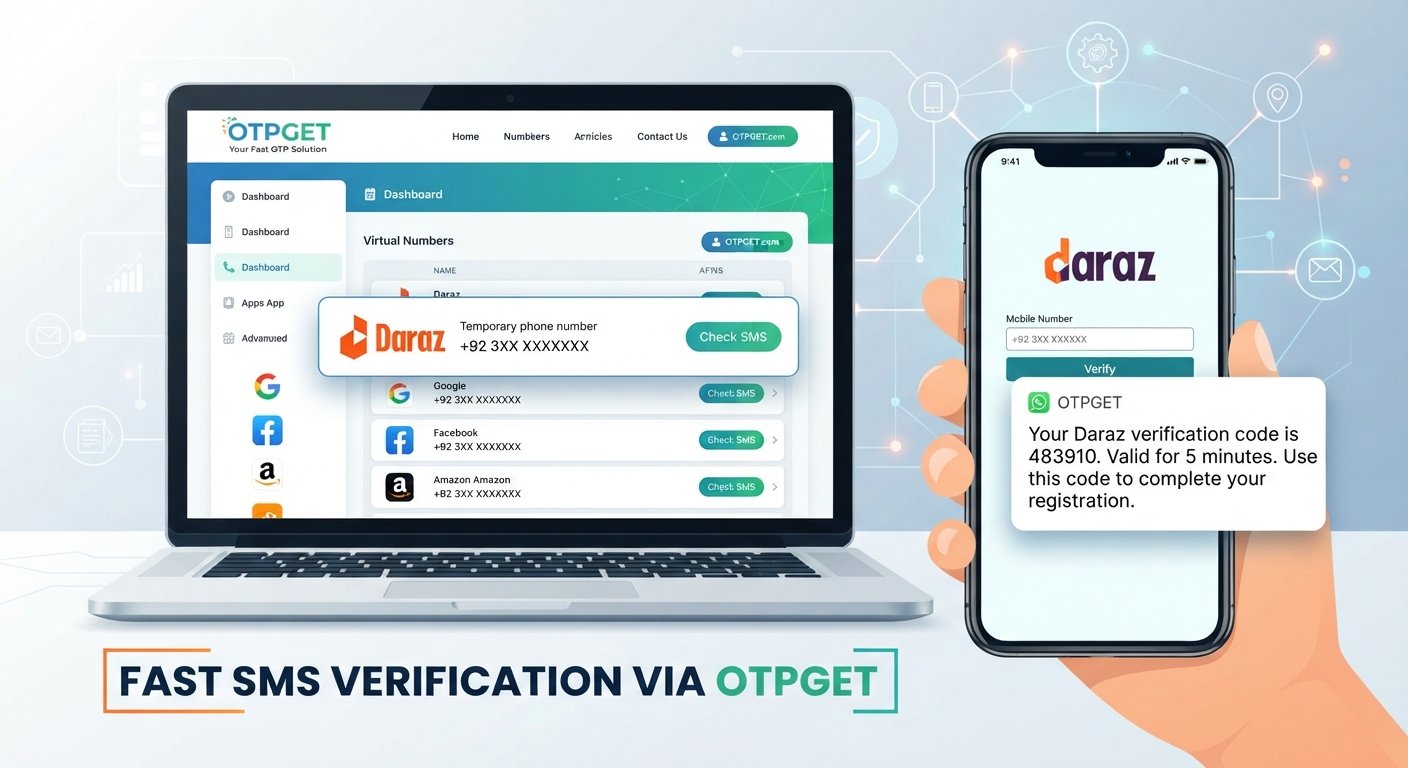
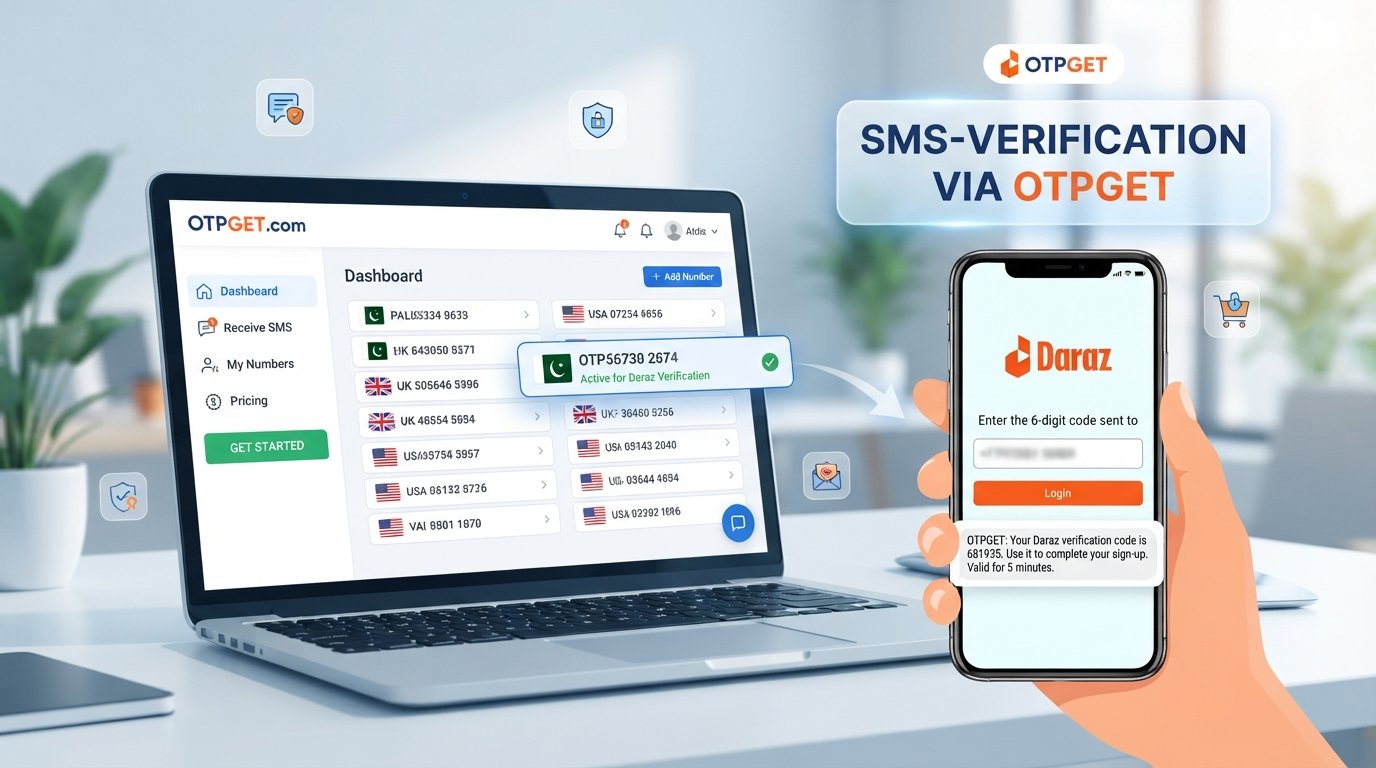
Sign Up for Amazon Using an OTPGet Number: Easy Verification
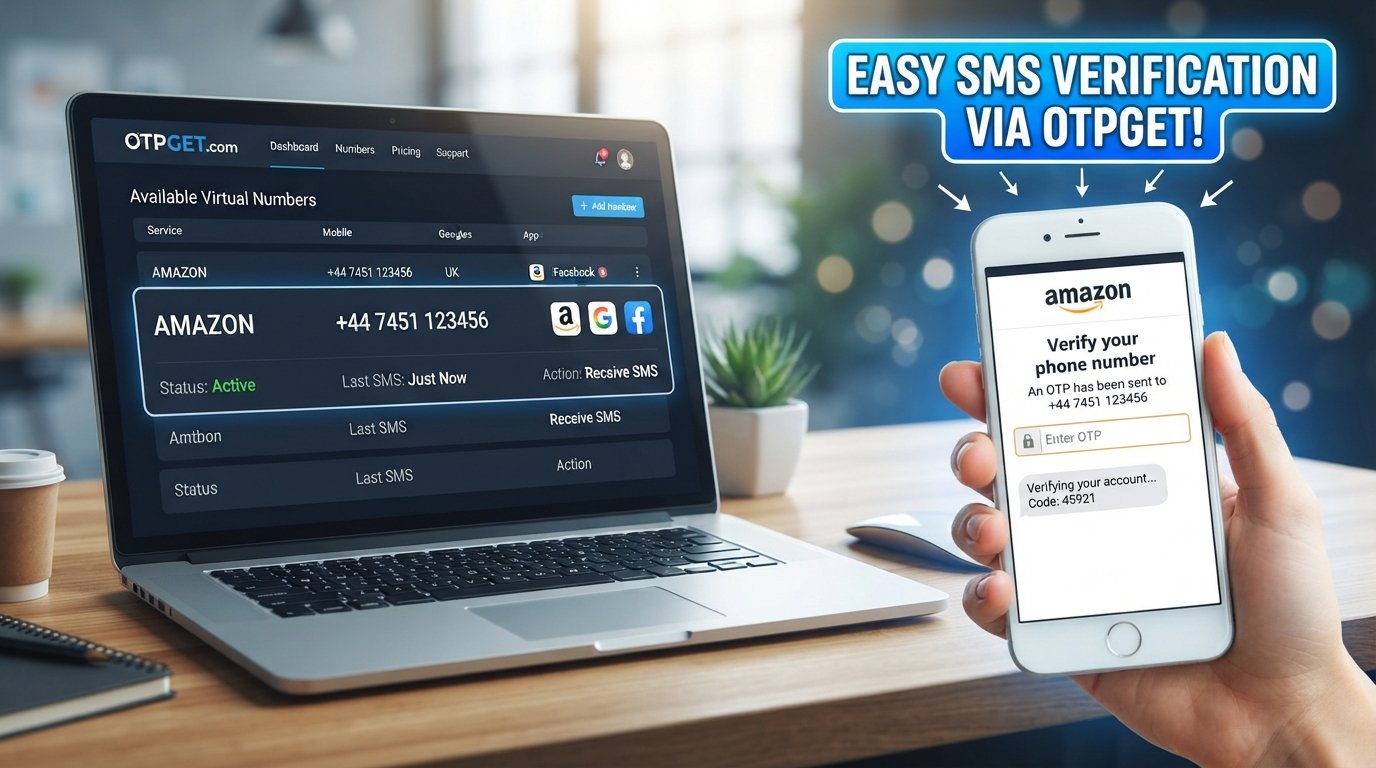
Sign Up for Amazon Using an OTPGet Number: Easy Verification
Creating an Amazon account is usually straightforward, but phone verification can become an unexpected obstacle. Amazon may ask for a mobile number and send an OTP, or one-time password, before allowing you to complete account signup.
For some people, using a personal number is not ideal. Others may have trouble receiving SMS messages, may need an alternative number, or may simply want to keep verification messages separate from their everyday phone.
This is where OTPGET can be a practical option. Where supported by the service and Amazon's verification system, an OTPGET number can provide a number capable of receiving the SMS verification code required during signup.
The important point is that no third-party verification number is guaranteed to work in every situation. Amazon's verification systems, regional requirements, number availability, and account circumstances can affect the outcome.
With that in mind, let's look at how Amazon phone verification works and how an OTPGET number may fit into the process.
Why Does Amazon Ask for Phone Verification?
Phone verification is commonly used as an additional step when creating or securing an online account. During Amazon signup, a verification code may be sent by SMS to the phone number provided by the user.
An Amazon OTP is a temporary verification code. It is designed to confirm that the person completing the signup can access the phone number entered during the process.
The basic process is simple:
- You provide a phone number.
- Amazon sends a verification code by SMS.
- You receive the code.
- You enter the code in the requested verification field.
- Amazon checks the code and continues the signup process if verification succeeds.
Problems can occur when the SMS does not arrive, the number cannot receive the message, or the particular number type is not supported.
That is why having access to a suitable phone number for Amazon verification is an important part of the signup process.
Can You Sign Up for Amazon With an OTPGet Number?
Potentially, yes, where OTPGET and Amazon support the number for the required verification.
An OTPGET number can be used as a verification number when it is capable of receiving the Amazon SMS verification message and Amazon accepts that number during the signup process.
The process does not mean that OTPGET bypasses Amazon security. Instead, it provides access to a number that may be capable of receiving a legitimate verification SMS.
There are several factors to keep in mind:
- Amazon may handle different number types differently.
- Availability can vary by region and service.
- A particular number may already have restrictions or associations.
- Amazon's verification requirements can change.
- SMS delivery can occasionally be delayed.
- Not every verification attempt will necessarily be successful.
For this reason, think of OTPGET as a convenient option for receiving verification messages, rather than a guaranteed method of completing every Amazon account signup.
How to Sign Up for Amazon Using an OTPGet Number
If you want to use an OTPGet number during Amazon signup, the general process is straightforward.
1. Visit the official Amazon signup page
Start from Amazon's official website or app and choose the option to create a new account.
2. Begin your Amazon account signup
Enter the information Amazon requests, such as your name, email address, or other required account details.
3. Reach the phone verification step
If Amazon asks for phone verification, you will see a field where a phone number can be entered.
4. Obtain an appropriate OTPGET number
Use OTPGET to obtain a suitable number capable of receiving SMS verification messages. Check the number carefully before using it.
5. Enter the OTPGET number on Amazon
Enter the number into Amazon's phone verification field using the appropriate format.
6. Request the Amazon verification code
Continue with the verification process so Amazon can send the SMS containing the OTP.
7. Check OTPGET for the incoming SMS
Monitor the OTPGET service for the incoming verification message. Delivery may take some time depending on the circumstances.
8. Enter the Amazon OTP
Once the Amazon verification code arrives, enter it into the appropriate field on Amazon.
9. Complete the signup process
If Amazon accepts and verifies the code, continue with the remaining account setup steps.
10. Follow additional security instructions
Amazon may request additional information or security verification depending on the account and signup circumstances. Follow those instructions rather than attempting to circumvent them.
Why Use OTPGET for Amazon Verification?
The main reason users consider a service such as OTPGET is convenience.
A suitable OTPGET number can provide an alternative to immediately using a personal mobile number for an SMS verification step. For users who need a separate number for verification messages, this can make the signup process more manageable.
Potential benefits include:
- Convenience: Access a number specifically intended for receiving verification messages.
- Separation: Keep verification SMS separate from your everyday personal messages.
- Alternative access: Useful when your usual number is unavailable for the required verification.
- Simple workflow: Obtain a suitable number, use it during verification, and check for the incoming SMS.
- Privacy considerations: Some users prefer not to provide their everyday number to every online service.
However, convenience should not be confused with guaranteed compatibility. Amazon controls its own verification process, and a number that works in one situation may not work in another.
How to Receive an Amazon OTP With OTPGET
Receiving an Amazon OTP through OTPGET generally follows the same basic SMS verification workflow.
First, obtain an appropriate OTP number for Amazon through OTPGET. Then enter that number during the Amazon signup or verification process.
After requesting verification, check the OTPGET service for the incoming SMS. If the message arrives, carefully copy the verification code into Amazon's verification field.
If the code does not appear immediately, avoid repeatedly requesting new codes in rapid succession. Multiple requests can make it harder to determine which code is current and may result in temporary verification limitations.
Instead:
- Confirm that the number was entered correctly.
- Give the SMS a reasonable amount of time to arrive.
- Check whether the number is still available for the intended verification.
- Make sure you are entering the most recent code.
- If delivery continues to fail, consider another legitimate verification option.
The key is to treat the OTP as a time-sensitive security code rather than as a permanent password.
What If the Amazon Verification Code Does Not Arrive?
An Amazon verification code can fail to arrive for several reasons. The problem is not necessarily with Amazon or OTPGET alone.
Common possibilities include:
Incorrect number
Double-check the number and country format you entered. A single incorrect digit can prevent delivery.
Unsupported number
Amazon may not accept every type of temporary, virtual, or SMS receiving number. If the number is rejected, another verification method may be necessary.
SMS delivery delay
Messages can occasionally take longer than expected to arrive. Avoid immediately requesting multiple codes.
Too many verification attempts
Repeated attempts in a short period can lead to temporary limitations. Waiting before trying again may be appropriate.
Number already associated with another account
A number may have existing account associations or restrictions that affect whether it can be used for another signup.
Service availability
An OTP receiving number can become unavailable or unsuitable for a particular verification request. Availability can change, so check the number before proceeding.
If an OTP still does not arrive, use Amazon's available account or verification support options and follow its instructions.
OTPGET Number vs. Using Your Personal Number
Both approaches can make sense depending on what you need.
| Factor | OTPGET Number | Personal Number |
|---|---|---|
| Convenience | Useful when an alternative verification number is needed | Convenient if your phone is readily available |
| Privacy | Can separate verification from your personal number | Requires sharing your personal number |
| Control | Depends on continued access to the service/number | You normally control the number directly |
| SMS access | Designed for receiving supported verification messages | Directly received on your phone |
| Reusability | Depends on number availability and service conditions | Usually remains under your control |
| Verification reliability | Depends on Amazon and number compatibility | Often straightforward when Amazon accepts the number |
| Best use case | Users who need an alternative number for verification | Users comfortable using their regular mobile number |
There is no universally best choice. If long-term account recovery and direct control are your priorities, a personal number may be preferable. If you need an alternative SMS receiving number, OTPGET may be worth considering.
Tips for a Smoother Amazon Signup
A few simple practices can reduce unnecessary verification problems.
- Enter your information accurately. Small errors can create account or verification issues.
- Use a number capable of receiving SMS. Confirm the number before requesting an Amazon OTP.
- Check the number carefully. Make sure the country and number format are correct.
- Avoid repeated requests. Requesting multiple codes quickly can create confusion or temporary limitations.
- Enter the newest OTP. If multiple messages arrive, use the code associated with the latest verification request.
- Act promptly. Verification codes are generally intended for immediate use.
- Keep account recovery in mind. If Amazon later requires phone verification, make sure you understand whether you will still have access to the number.
- Follow Amazon's security requirements. A verification service should not be treated as a way to circumvent account-security measures.
- Use legitimate services. Choose verification options responsibly and in accordance with the applicable service terms.
Is an OTPGET Number Right for You?
An OTPGET number may be useful if you need an alternative number for Amazon account phone verification and want to keep verification messages separate from your personal phone.
It can be particularly convenient when your normal number is unavailable for the particular verification process or when you prefer an alternative SMS receiving option.
On the other hand, a personal number may be a better choice if you want maximum long-term control over the phone number associated with your Amazon account. This can be especially relevant when you expect to need that number for future security or recovery steps.
The best choice depends on your circumstances.
OTPGET should therefore be viewed as a practical verification option, not as a promise that every Amazon verification request will succeed. Amazon ultimately determines which numbers and verification attempts it accepts.
Frequently Asked Questions
Can I use an OTPGET number for Amazon signup?
You may be able to use an OTPGET number when Amazon accepts that number type and the number can receive the required verification SMS. Compatibility can vary by verification request, region, and number availability.
How do I receive an Amazon OTP?
Enter a suitable phone number during the Amazon verification process and request the code. If you are using OTPGET, monitor the service for the incoming SMS and enter the received code on Amazon.
What is an Amazon verification code?
An Amazon verification code is a temporary OTP sent during certain account or security verification processes. It helps confirm access to the phone number provided for verification.
Can I receive Amazon SMS online?
In some circumstances, users can receive verification SMS messages through an online SMS receiving service such as OTPGET. Whether a particular number can receive an Amazon message depends on Amazon's verification system and the number's availability and compatibility.
Why is my Amazon OTP not arriving?
Possible reasons include an incorrect number, SMS delivery delays, an unsupported number type, temporary verification restrictions, or problems with the selected number. Check the number, avoid repeated requests, and follow Amazon's available verification guidance.
Can I use a temporary phone number for Amazon?
A temporary phone number may work for Amazon verification if Amazon accepts the number and the number can receive the required SMS. However, temporary numbers are not necessarily suitable for long-term account recovery.
Is an OTPGET number the same as a personal phone number?
No. An OTPGET number is a verification-oriented alternative number, while a personal mobile number is normally under your direct, long-term control. Their suitability depends on how you intend to use the Amazon account.
What should I do if Amazon does not accept my verification number?
First, confirm that the number was entered correctly and is capable of receiving SMS. If Amazon rejects the number, consider another legitimate verification method or follow Amazon's account-support instructions. Not every temporary or virtual number will be accepted.
Conclusion
Amazon phone verification is designed to add an extra layer of account verification, but receiving the required SMS can sometimes be inconvenient. Users may not want to use a personal number, may have trouble receiving messages, or may simply need an alternative number for the signup process.
An OTPGet number can provide a practical option for receiving an Amazon verification code where the number and verification process are supported. The basic workflow is simple: obtain a suitable number, enter it during Amazon signup, request the OTP, receive the SMS through OTPGET, and enter the verification code on Amazon.
Still, it is important to keep expectations realistic. Amazon controls its own verification systems, and no third-party number can guarantee acceptance in every situation.
If you need an alternative number for SMS verification, explore OTPGET and choose an option that fits your account and verification needs.