Russia Telegram Not Working? Fix Guide for Connection & OTP Issues
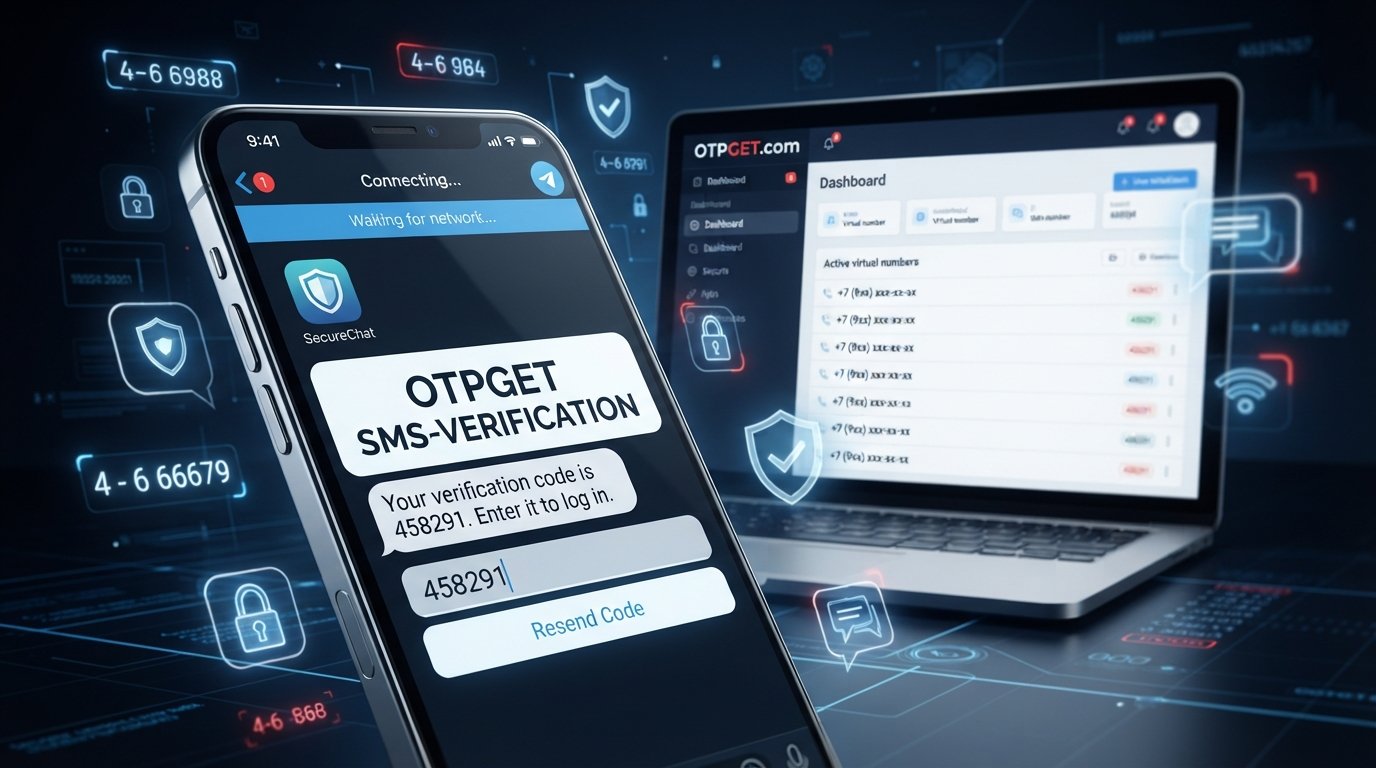
Russia Telegram Not Working? Fix Guide for Connection & OTP Issues
If Telegram suddenly stops connecting, messages stay pending, or the app refuses to deliver a login code, it can be difficult to know where the problem actually is.
For users in Russia, a Telegram access problem can have several possible causes. The issue may be related to the local network, an internet connection, the app itself, account authentication, or simply the delivery of an SMS verification code. These problems can look very similar even though the solutions are different.
This guide walks through the most practical ways to diagnose and troubleshoot Russia Telegram not working problems. It also explains what to do when the real obstacle is Telegram OTP verification rather than connectivity.
If you want a broader explanation of verification-code issues, see [Internal Link: Telegram Verification Guide].
Why Is Telegram Not Working in Russia?
There is no single explanation for every Telegram connection problem. Depending on the situation, Telegram may fail because of a network issue, an application problem, a temporary service disruption, or restrictions affecting connectivity.
Some common possibilities include:
- Unstable Wi-Fi or mobile data: A weak or inconsistent connection can make Telegram appear to be offline.
- Network-level restrictions: In some situations, local ISP or network conditions may affect access to particular online services.
- Temporary Telegram service problems: A wider service disruption can prevent messages or media from loading correctly.
- Outdated app software: Older Telegram versions can sometimes cause compatibility or login problems.
- Device-related issues: Incorrect time settings, cached app data, or background restrictions may interfere with normal operation.
- Verification problems: You may be connected to the internet but still unable to complete sign-in because the login code is not arriving.
- Account-specific login issues: Telegram may use another supported verification method depending on your account and login circumstances.
Because these causes are different, it is useful to first identify whether you have a Telegram connectivity problem or a Telegram verification problem.
Telegram's official documentation notes that login codes can sometimes be delivered through Telegram itself on another connected device rather than by SMS.
Common Signs of a Telegram Connection Problem
A Telegram access issue can appear in several ways.
You may notice that:
- Telegram keeps showing Connecting.
- Messages remain pending instead of sending.
- New messages do not load.
- Photos, videos, or files fail to download.
- Telegram cannot establish a connection.
- The app works on one network but not another.
- You can open Telegram but cannot complete a login.
- Telegram repeatedly asks for a verification code.
- The SMS verification code never arrives.
The last few symptoms are particularly important. If Telegram opens normally but you cannot finish signing in, troubleshooting your Wi-Fi may not solve the actual problem.
In that case, focus on Telegram OTP verification and the phone number being used.
How to Fix Telegram Not Working in Russia
Before assuming that Telegram itself is unavailable, work through these basic checks.
1. Check Your Internet Connection
Open another website or application that requires an internet connection.
If nothing loads, the problem is probably broader than Telegram. Restart your router if you are using Wi-Fi, or toggle mobile data off and on if you are using cellular service.
2. Switch Between Wi-Fi and Mobile Data
Try a different connection.
If Telegram works on mobile data but not Wi-Fi, or vice versa, that is a useful clue that the issue may involve the particular network rather than your Telegram account.
3. Restart Telegram
Completely close the app and open it again.
Temporary connection failures can sometimes clear after restarting the application.
4. Restart Your Device
A full device restart can resolve background processes, network-state problems, and temporary software glitches that are not obvious from inside Telegram.
5. Update Telegram
Check your device's official app store and make sure Telegram is up to date.
Telegram's own login documentation indicates that outdated clients can cause login problems in some circumstances.
6. Check Date and Time Settings
Set your device to use the correct automatic date, time, and time zone where possible.
Incorrect system time can interfere with authentication and secure network connections.
7. Clear Appropriate App Cache
On devices that provide this option, clearing Telegram's cache can help when locally stored temporary data has become problematic.
Be careful not to delete account data or uninstall the app unnecessarily if you are unsure about your login credentials or recovery options.
8. Check for a Wider Service Disruption
If Telegram suddenly stops working across different networks and devices, check reliable outage information or Telegram's official channels before making major changes to your account.
9. Identify Whether the Problem Is Actually Verification
If Telegram connects normally but you cannot sign in, stop treating it as a connection problem.
Check the phone number, country code, SMS delivery, and any other verification method Telegram presents.
For additional background, see [Internal Link: Telegram Troubleshooting Guide].
What If the Telegram Verification Code Is Not Received?
A Telegram code not received problem is different from Telegram not connecting.
Telegram's official FAQ recommends entering your phone number in international format and explains that, if you recently used Telegram elsewhere, a login code may be sent to another connected Telegram device instead of through SMS.
If the Telegram SMS verification code does not arrive, check the following:
- Confirm that the phone number and country code are correct.
- Check whether the code was delivered to another connected Telegram session.
- Make sure your phone can receive ordinary SMS messages.
- Check whether your carrier is experiencing SMS delivery problems.
- Wait for the appropriate verification option instead of repeatedly requesting codes.
- Follow the login method presented by Telegram.
- If necessary, use Telegram's official support or recovery options.
Repeated requests can also create additional authentication delays or trigger anti-abuse protections. Telegram's API documentation specifically lists excessive code requests as a possible PHONE_NUMBER_FLOOD condition.
If your problem is specifically about receiving SMS rather than connecting to Telegram, an OTP receiving service may be worth considering for supported verification use cases.
See also [Internal Link: Online SMS Verification Guide].
OTPGET: A Practical Solution for OTP Verification Problems
If you have established that the main problem is receiving an OTP or verification SMS, rather than connecting to Telegram, a service such as can be a practical option to explore.
OTPGET provides virtual numbers intended for SMS OTP verification and offers an online workflow for receiving verification messages. Its documentation describes options for obtaining virtual numbers, selecting supported services and countries, and checking the status of incoming SMS codes.
That makes OTPGET relevant when the difficulty is tied to access to a suitable verification number or receiving an SMS code.
The important distinction is that OTPGET addresses the verification side of the problem. It should not be presented as a guaranteed solution for Telegram connectivity, network restrictions, or every Telegram login scenario.
Whether a particular number works for Telegram depends on Telegram's own verification requirements and the number's eligibility. Users should also follow Telegram's rules and any applicable local requirements.
Potential advantages of using a virtual-number or OTP receiving service include:
- A convenient way to receive supported verification SMS online.
- Less reliance on a personal mobile number for suitable verification use cases.
- A centralized workflow for checking incoming OTP messages.
- Access to verification numbers where the service and destination platform support them.
- A practical alternative when ordinary SMS delivery is the specific obstacle.
If your issue is specifically related to receiving a verification code, you can explore and check whether the required service and number option are available.
[Internal Link: OTPGET Guide]
How OTPGET Can Help With Telegram Verification
The general process is straightforward, but availability depends on the verification service and Telegram's current requirements.
A typical workflow is:
- Identify the problem. Confirm that the main obstacle is OTP or SMS reception rather than Telegram connectivity.
- Choose an appropriate verification option. Review the number and service options available through OTPGET.
- Use the provided number according to Telegram's permitted login process.
- Wait for the verification message. OTPGET's documentation describes checking an activation for an incoming SMS code.
- Enter the received code into Telegram if the number and verification method are accepted.
- Complete the login process using any additional security step Telegram requests.
Do not assume that a virtual number will bypass a Telegram restriction or guarantee account access. If Telegram does not accept a particular number or presents another authentication method, follow Telegram's supported process instead.
For important or long-term accounts, users should also understand the implications of relying on a number they do not personally control. Telegram itself advises keeping an up-to-date phone number connected to an account that you control.
OTPGET vs. Traditional SMS Verification
The difference is mainly about where the verification message is received.
With traditional SMS verification, you use your personal mobile number and receive the code directly on your phone. This is convenient when your number has reliable SMS service and you are comfortable using it for the account.
With an OTP receiving service such as OTPGET, a suitable virtual number can be used for supported verification workflows, with the incoming message accessed through the service.
The practical trade-offs are:
- Personal number: Direct control and familiar account recovery, but dependent on your carrier and personal SIM.
- Virtual number: Convenient for supported verification use cases and can reduce the need to expose a personal number, but availability and platform acceptance vary.
- Account security: A number you do not control permanently may be less suitable for an important account that requires future recovery.
For more information about OTP workflows, see [Internal Link: OTP Verification Guide].


