Shopify SMS Verification Using a Temporary Phone Number | OTPGET
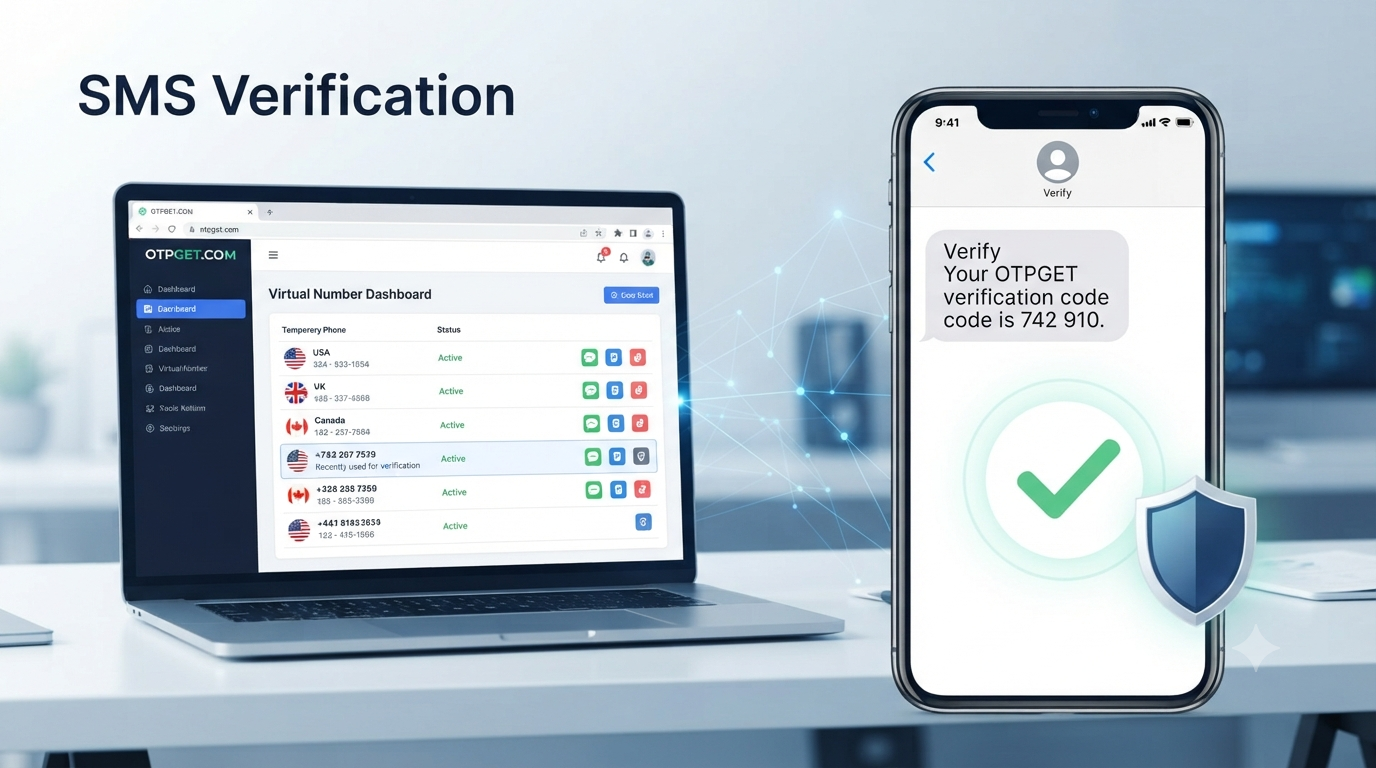
Shopify SMS Verification Using a Temporary Number — OTPGET
SMS verification is a common part of online account security. When a platform asks for a phone number, it may send a one-time password (OTP) by text message that the user must enter before continuing.
For Shopify users, phone-based verification can be relevant during account security and two-step authentication. Shopify's documentation explains that SMS authentication can send a six-digit code to a selected phone number, which the user then enters during the sign-in process.
For some users, using a personal phone number for every online service is not ideal. They may want to keep business and personal communications separate, reduce unnecessary exposure of their main number, or use a number specifically for a legitimate verification workflow.
This is where a temporary phone number can be useful. OTPGET provides virtual numbers designed to receive SMS verification codes, giving users an alternative to relying on their personal SIM for supported verification services.
This guide explains how Shopify SMS verification works, how a temporary number can fit into the process, what limitations to consider, and how OTPGET can be used as a practical option for receiving verification SMS messages.
What Is Shopify SMS Verification?
Shopify SMS verification is a phone-based authentication process in which a verification code is delivered by SMS.
An OTP, or one-time password, is generally a short code that is intended for a specific verification attempt. Instead of relying only on a password, the service asks for the code sent to the selected phone number.
For Shopify's SMS-based two-step authentication, Shopify documents a process in which the user selects SMS delivery, chooses a country code, enters a phone number, requests an authentication code, and then enters the six-digit code received by SMS.
In simple terms, the process looks like this:
- Shopify requests phone-based verification.
- A phone number is entered or selected.
- Shopify sends an SMS verification code.
- The user receives the message.
- The verification code is entered into Shopify.
- The authentication or verification step is completed if the code and account requirements are accepted.
[Internal Link: SMS Verification]
It's worth remembering that SMS is only one authentication option. Shopify also supports methods such as authenticator apps, security keys, built-in authenticators, and other account-security options. Shopify specifically recommends stronger alternatives to SMS when they are available.
Why Use a Temporary Number for Shopify Verification?
There are several legitimate reasons someone may prefer a temporary or separate phone number rather than their everyday personal number.
Privacy: A separate number can reduce the need to disclose a personal phone number to additional online services.
Separation: Business-related registrations and personal communications can be kept apart.
Testing: Developers, QA teams, and businesses may need temporary numbers for legitimate testing workflows where SMS reception is required.
One-time verification: When a service only requires an SMS code for a particular step, a temporary number may be more convenient than using a primary mobile number.
Reduced exposure: Using a separate number can help avoid giving a personal number to every website or application that requests one.
However, a temporary number is not always the right choice. If an account requires a permanent phone number for future recovery or repeated security checks, losing access to a temporary number could create problems later.
[Internal Link: Temporary Phone Numbers]
How Shopify SMS Verification Using a Temporary Number Works
The general process is straightforward, but compatibility can vary depending on the platform, country, number type, and whether the service accepts the particular number.
A typical workflow is:
1. Choose a suitable temporary number
Select a number appropriate for the verification service and country requirements. OTPGET offers virtual numbers across multiple countries and services, although availability can change.
2. Enter the number where verification is requested
If Shopify presents a phone-number field for the relevant verification process, enter the temporary number with the correct country code.
3. Request the SMS code
Submit the phone number and request the verification SMS from Shopify.
4. Monitor the SMS inbox
If the number is supported and the message is delivered, the verification code should appear through the temporary-number provider's interface.
5. Enter the verification code
Copy the received OTP and enter it into the Shopify verification field.
6. Complete the verification step
If Shopify accepts the number and code, the relevant verification process can continue.
This does not mean every temporary number will work. Some platforms restrict certain number types, and SMS delivery can vary by carrier, country, service, and provider. A temporary number should therefore be treated as an option rather than a guaranteed solution.
Why OTPGET Can Be a Practical Solution
OTPGET focuses on virtual phone numbers and SMS OTP verification. Its platform states that it provides virtual numbers from numerous countries and supports a large range of online services. It also offers one-time virtual numbers as well as longer-term rental numbers.
For someone looking for a temporary number for SMS verification, the main attraction is convenience: instead of depending entirely on a personal SIM card, the user can obtain a virtual number and receive supported SMS verification messages through an online interface.
OTPGET also describes several different use cases for its numbers, including one-time OTP verification, business workflows, testing, and privacy-oriented use.
The important distinction is that OTPGET provides access to the number and SMS-receiving infrastructure; acceptance ultimately depends on the service requesting verification. Shopify may accept one number while rejecting another, depending on its requirements and risk controls.
[Internal Link: OTPGET]
For this reason, OTPGET is best positioned as a practical option to explore when a user needs a temporary number for a legitimate SMS verification task, rather than as a method for bypassing platform security.
How to Use OTPGET for SMS Verification
The basic OTPGET workflow can be approached in a few simple steps.
Step 1: Visit OTPGET
Open the OTPGET platform and create or access your account.
Step 2: Choose the appropriate service and country
Select an available virtual number that matches the requirements of your intended verification process. OTPGET's platform provides country and service selections for its virtual-number offerings.
Step 3: Obtain the temporary number
After selecting an available option, copy the assigned number.
Step 4: Enter it into the verification field
Use the number in the appropriate Shopify phone-number field when Shopify requests SMS verification.
Step 5: Request the verification SMS
Continue through Shopify's normal verification process and wait for the message.
Step 6: Check OTPGET
Monitor the relevant OTPGET interface for the incoming SMS.
Step 7: Enter the OTP
Once the verification message arrives, enter the code into the Shopify verification field.
OTPGET's terms explain that temporary numbers operate through automated systems and third-party providers, so delivery and availability can vary. Its policies also specify conditions around unsuccessful OTP delivery and cancellations.
That makes it important to check the available number and service conditions before starting a verification attempt.
Temporary Number vs. Personal Phone Number
A temporary number and a personal phone number serve different purposes.
| Factor | Temporary Number | Personal Number |
|---|---|---|
| Privacy | Keeps your primary number separate | Requires sharing your personal number |
| Convenience | Useful for specific short-term verification | Always available if your phone is active |
| Long-term recovery | May be unsuitable if access expires | Generally better for ongoing account recovery |
| Reusability | Depends on the number type and service | Usually remains under your control |
| Verification | Useful for supported SMS workflows | Broadly suitable for personal account security |
| Control | Depends on the provider and rental period | Direct control through your mobile carrier |
For a one-time SMS verification workflow, a temporary number can be convenient. For an account that you expect to use for a long time, however, maintaining reliable access to the phone number used for security and recovery may be more important.
Shopify allows users to manage phone numbers associated with account settings, and its security documentation emphasizes keeping recovery methods available.
What If the Shopify Verification Code Does Not Arrive?
Not receiving an SMS verification code does not necessarily mean that the temporary-number service has failed.
Several factors can affect delivery.
First, wait briefly before requesting another code. Sending repeated requests in quick succession can make troubleshooting more difficult.
Next, confirm that the country code and phone number were entered correctly. Shopify's own troubleshooting guidance recommends checking the relevant phone and authentication setup when SMS codes are not received.
You should also consider whether the selected number is compatible with the service. Temporary and virtual numbers are not universally accepted, and availability can change.
If the number remains unsupported, trying another available number may be appropriate if Shopify permits another verification attempt.
If the account is already configured with another authentication method, such as an authenticator app or recovery method, using that alternative may be preferable. Shopify provides several authentication options and recommends maintaining backup methods.
[Internal Link: Receive SMS Online]
Best Practices for SMS and OTP Verification
Temporary numbers should be used responsibly.
Keep these practices in mind:
- Use verification numbers for legitimate purposes only.
- Never share an OTP with another person.
- Do not use temporary numbers for fraud, spam, impersonation, or unauthorized account access.
- Follow Shopify's account, security, and verification requirements.
- Avoid relying on a temporary number for long-term recovery unless you can maintain access to it.
- Keep backup authentication and recovery information secure.
- Do not attempt to bypass security controls when a platform rejects a number.
OTPGET's own terms prohibit illegal, fraudulent, abusive, or harmful use of its services.
Security should remain the priority. A temporary number can help with privacy and convenience, but it should not be treated as a replacement for responsible account management.
Why Choose OTPGET for Temporary SMS Verification?
When the goal is to receive an SMS verification code without using a primary personal number, OTPGET can be a practical option to consider.
The service provides virtual numbers for OTP verification, supports multiple countries, and offers both temporary and rental-number options.
That flexibility can be useful for users who need a number for a specific verification workflow rather than a permanent mobile connection.
At the same time, choosing the right number matters. Service compatibility, country availability, SMS delivery, and platform requirements can all affect the outcome. OTPGET does not eliminate those variables, and successful verification should never be presented as guaranteed.
For users who understand those limitations, OTPGET provides a convenient way to explore temporary numbers and receive supported SMS verification messages online.
Conclusion
Shopify SMS verification uses text-message codes as one way to add an additional verification step to an account. Shopify's documented SMS authentication flow involves selecting SMS delivery, entering a phone number, receiving a six-digit code, and entering that code during authentication.
A temporary phone number can be useful when users want to separate personal communications from a specific verification task, protect their primary number from unnecessary exposure, or handle legitimate testing and short-term workflows.
The key is understanding the limitations. Not every temporary number will be accepted, SMS delivery can vary, and accounts that depend on long-term recovery may be better served by a permanent number or another authentication method.
For users looking for a temporary number for SMS verification, OTPGET offers virtual numbers and SMS OTP services that can provide a practical option for supported verification workflows.
Need a temporary number for a legitimate SMS verification task? Explore OTPGET to find an available virtual-number option that fits your requirements, and always follow the verification and security rules of the platform you are using.
The package is structured for direct publishing, with internal-link placeholders retained so your team can connect them to the appropriate OTPGET pages without inventing URLs.