Sign Up for Snapchat with an OTPGet Number: Complete Guide & Tips
Sign Up for Snapchat Using an OTPGet Number
Signing up for Snapchat is usually straightforward, but phone verification can add an extra step. Depending on Snapchat's signup flow and the circumstances of the registration, you may be asked to provide a mobile number and confirm it with a verification code.
For some users, using a personal phone number for every online account is not ideal. You may want a separate number for legitimate verification purposes, or you may simply need access to an OTP-enabled number when your regular number is inconvenient to use.
That's where OTPGET can be useful. An OTPGet number provides access to a phone number capable of receiving SMS verification messages, subject to availability and the receiving platform's acceptance. OTPGET's service is designed around virtual numbers and SMS-based OTP verification.
This guide explains how Snapchat phone verification works, how an OTPGet number fits into the process, what to do when a Snapchat verification code does not arrive, and what to consider before choosing an online verification number.
Why Does Snapchat Require Phone Verification?
Phone verification is an important part of account security. Snapchat explains that a phone number can be used for account verification and two-factor authentication, while also supporting account-related communications. Snapchat may send a one-time verification code by SMS or, where available, through another verification method.
The basic idea is simple: Snapchat wants to confirm that you have access to the contact method being used during verification.
Phone verification can also help platforms reduce automated or suspicious registrations. It adds another layer between a signup form and a fully verified account.
For users, the process normally involves entering a phone number, requesting a verification message, receiving the Snapchat OTP, and entering the code into the appropriate field.
It's worth remembering that verification requirements can vary. Snapchat may present different options depending on the device, account, region, or signup flow.
What Is an OTPGet Number?
An OTPGet number is a virtual phone number that can be used to receive SMS messages containing one-time passwords, where the relevant service supports that number.
OTPGET describes its platform as providing virtual numbers for SMS OTP verification, along with rental numbers and other verification-related services. Its documentation also describes a process for obtaining a number and checking its activation status for an incoming SMS.
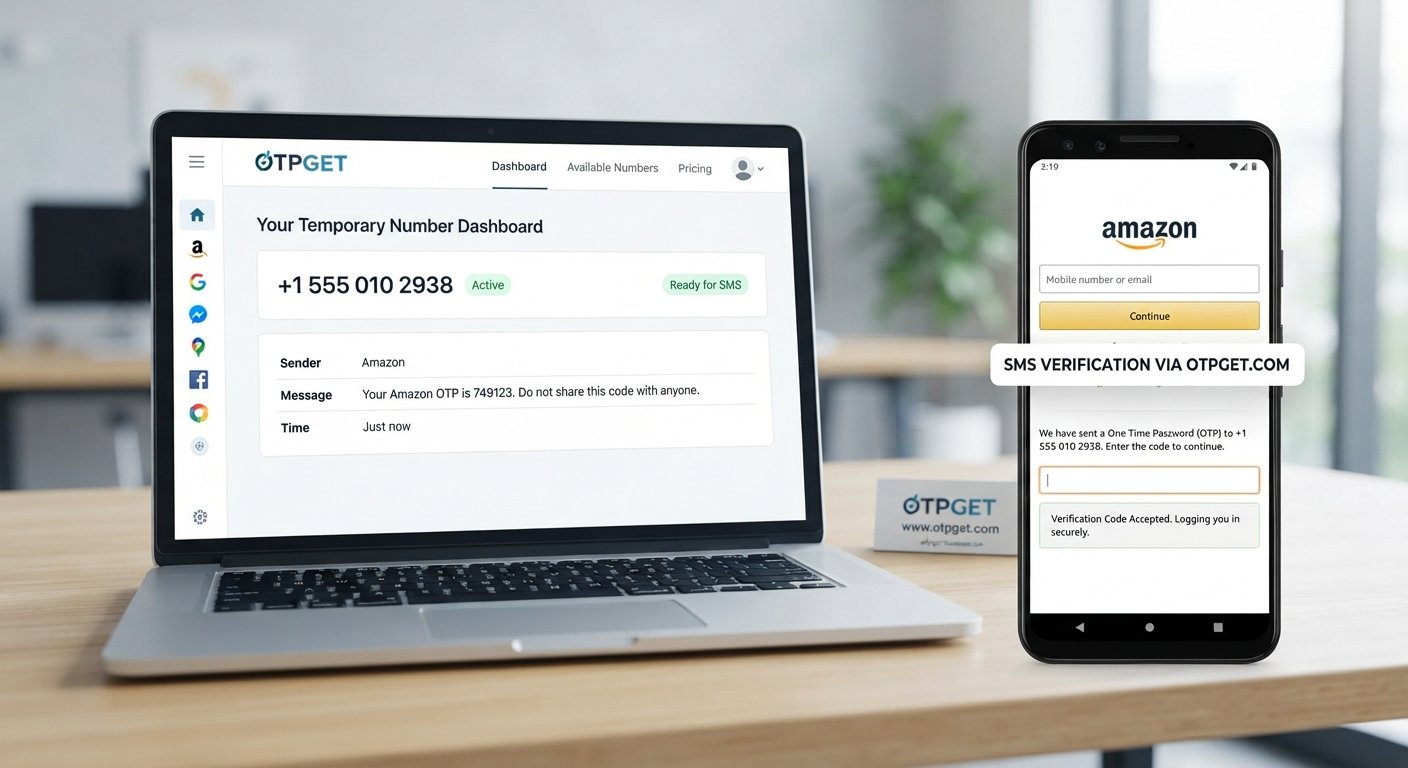
In practical terms, the process works like this:
Choose a suitable number → enter it on the service requesting verification → request the OTP → receive the SMS → enter the code.
A virtual number can be useful when you want a separate number for a legitimate verification purpose rather than using your primary personal number.
However, an online phone number is not automatically accepted by every website or app. Number availability, carrier characteristics, previous usage, geographic requirements, and the receiving platform's rules can all affect whether verification succeeds.
That distinction is important: an OTPGet number is a verification option, not a promise that every number will be accepted by Snapchat.
How to Sign Up for Snapchat Using an OTPGet Number
If Snapchat presents phone verification as part of your signup process, you can generally follow these steps.
1. Open Snapchat's official signup process
Start with Snapchat's normal account registration process. Enter the information Snapchat requests, such as your name, birthday, username, password, or other required details.
Follow the instructions shown on your screen rather than relying on an outdated signup flow.
2. Choose phone verification when available
If Snapchat asks you to verify a mobile number, review the available verification options.
Snapchat can send verification codes by SMS in supported situations. Its support documentation also notes that some devices may present alternative verification methods.
3. Obtain an appropriate number through OTPGET
If you want to use a separate verification number, access OTPGET and select an available number appropriate for your intended verification.
Pay attention to the country, service availability, and any other requirements displayed by OTPGET.
Availability can change, so don't assume that every number listed will necessarily be suitable for Snapchat.
4. Enter the number into Snapchat
Return to the Snapchat signup screen and enter the OTPGet phone number in the requested format.
Double-check the country code and digits before continuing. A simple typo can prevent the verification SMS from reaching the intended number.
5. Check OTPGET for the incoming SMS
After requesting verification from Snapchat, monitor the OTPGET interface for the incoming SMS.
OTPGET's documentation describes SMS activation status and retrieval of received verification codes.
6. Enter the Snapchat verification code
Once the Snapchat SMS code arrives, enter it into the verification field shown by Snapchat.
Be careful when copying the code. Verification codes are temporary, so an expired code may no longer work.
7. Complete the remaining signup steps
After successful verification, continue through Snapchat's remaining registration process.
Set up your account according to Snapchat's requirements and review any security or recovery options that Snapchat makes available.
8. Follow Snapchat's current requirements
If Snapchat rejects the number, shows an eligibility message, or asks for another verification method, follow the instructions presented by Snapchat.
Don't attempt to circumvent a restriction or repeatedly submit numbers in an effort to defeat a security control.
Why Choose OTPGET for Snapchat Verification?
For users who legitimately need a separate number, OTPGET can make the SMS verification process more convenient.
One advantage is separation. Instead of using your primary personal number for every verification request, you can use a dedicated virtual number when appropriate.
Another benefit is online access to SMS verification. Rather than requiring a physical SIM card for the particular verification task, OTPGET provides virtual numbers through its platform. Its service also offers different number types, including temporary and rental options.
OTPGET can therefore be useful for people who:
-
Prefer a separate number for online verification.
-
Need an SMS verification number for a legitimate account setup.
-
Don't want to expose their primary number unnecessarily.
-
Need access to an online phone number rather than a physical SIM.
-
Want a straightforward way to receive OTP messages online.
The important consideration is suitability. A number should be available for the required service and compatible with the platform's verification process. OTPGET can provide the number, but Snapchat ultimately controls whether a particular number is accepted.
How the OTPGet Verification Process Works
The concept is easier than it may initially sound.
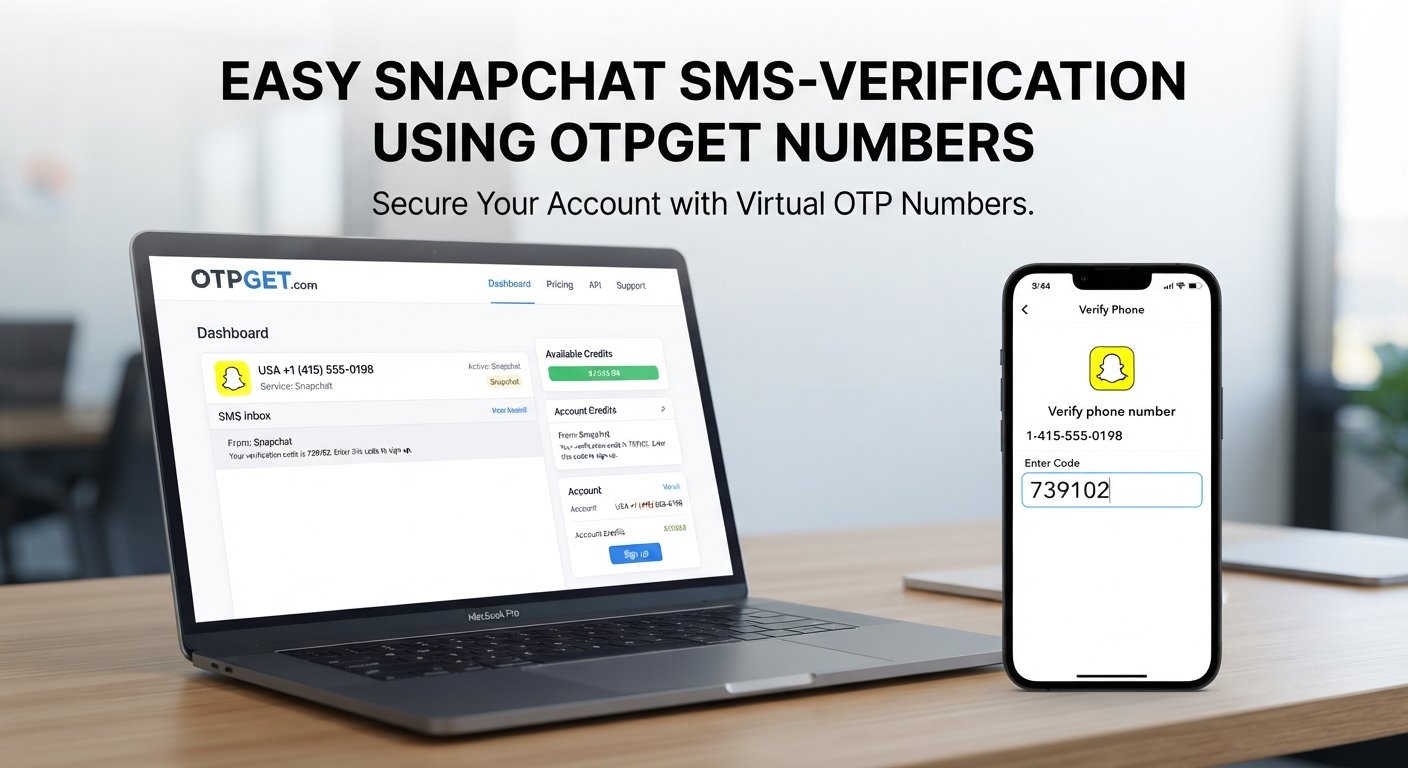
Choose number → Enter number → Request OTP → Receive SMS → Enter code → Complete verification
First, you select an available OTPGet number that fits your needs. You then enter that number into Snapchat's phone verification field.
Snapchat sends the requested verification message if the number and verification route are accepted. The SMS is then delivered to the OTPGET interface, where you can view the verification code.
Finally, enter that code into Snapchat.
OTPGET's technical documentation describes an activation-status process that lets a user check whether an SMS has been received.
The key point is that OTPGET handles access to the verification number and incoming SMS, while Snapchat handles the actual account verification decision.
Common Snapchat Verification Problems and How to Handle Them
Even when you've entered everything correctly, verification may occasionally fail. Here are some common problems and practical ways to handle them.
Verification SMS isn't arriving
Give the message some time before requesting another code. Check that the number was entered correctly and that the selected number is still active for the verification request.
Snapchat recommends waiting a few minutes and checking that SMS from unknown senders isn't blocked when a requested verification message doesn't arrive.
The wrong number was entered
Review the country code and phone number carefully. If you entered an incorrect number, the SMS may have been delivered somewhere else or not delivered at all.
The code has expired
One-time passwords are temporary. If the code is no longer accepted, request a new verification code through Snapchat's normal process and use the newest code received.
The number is already associated with another account
This can be especially important with virtual numbers. Snapchat states that a unique email address or mobile number can be verified for an account, and the same contact information cannot simply be shared across multiple accounts.
If a number has already been associated with an account, using a different suitable number may be necessary.
Snapchat doesn't accept the number
Not every online or virtual number is guaranteed to work with every platform. Snapchat may reject a particular number based on its own systems, requirements, or previous usage.
If that happens, follow Snapchat's displayed instructions rather than trying to bypass the restriction.
Temporary network or service delays
SMS delivery can sometimes be affected by temporary service or network conditions. Waiting briefly and checking again can help.
Avoid repeatedly requesting codes in rapid succession. Snapchat notes that too many SMS requests within a short period can trigger a temporary restriction.
OTPGet Number vs. Using Your Personal Phone Number
Both options can be appropriate, depending on your circumstances.
| Factor | OTPGet Number | Personal Phone Number |
|---|---|---|
| Convenience | Useful when you want a separate online verification number | Convenient because you already have access to it |
| Privacy considerations | Can reduce the need to provide your primary number for a specific verification task | Requires sharing your personal number with the service |
| Accessibility | Available online when a suitable number is offered | Usually available whenever your phone has service |
| SMS verification | Designed for receiving supported OTP messages | Directly receives SMS on your own device |
| Account recovery | May be less suitable if you need long-term access to the same number | Generally more practical for ongoing recovery |
| Best suited for | Legitimate situations requiring a separate verification number | Long-term personal account ownership and recovery |
The biggest consideration is long-term access. If a phone number may be needed later for account recovery, a number you permanently control may be more appropriate.
For a one-time or specific verification requirement, an OTPGet number can be a convenient alternative when the service accepts it.
Tips for a Smooth Snapchat Signup
A few simple habits can make the Snapchat signup process easier:
-
Enter information carefully. Check your phone number and country code before submitting it.
-
Use a suitable verification number. Confirm that the number is available for the intended service.
-
Watch the SMS inbox. Once you request a Snapchat OTP, monitor OTPGET for the incoming message.
-
Use the latest code. Don't rely on an older verification code after requesting another one.
-
Avoid repeated requests. Multiple rapid OTP requests can lead to temporary restrictions.
-
Follow Snapchat's instructions. If Snapchat asks for a different verification method, follow the available official option.
-
Think about account recovery. If the number will be important for future account access, make sure you understand how and where you will retain access to it.
-
Keep credentials secure. Never share your Snapchat password or verification codes with another person.
These steps won't guarantee that every verification attempt succeeds, but they can eliminate many common mistakes.
Frequently Asked Questions
1. Can I use an OTPGet number to sign up for Snapchat?
You may be able to use an OTPGet number when Snapchat offers phone verification and accepts the particular number. Acceptance can vary, so no specific number should be treated as guaranteed.
2. How do I receive a Snapchat verification code?
When Snapchat requests phone verification, enter the appropriate number and request the verification message. If SMS verification is available, Snapchat can send a one-time code that you then enter into the verification field.
3. What is an OTPGet number?
An OTPGet number is a virtual phone number provided through OTPGET for receiving supported SMS verification messages. OTPGET offers both temporary and rental number options.
4. Why isn't my Snapchat OTP arriving?
Possible reasons include an incorrect number, temporary SMS delays, network issues, or restrictions caused by too many requests. Wait a few minutes, confirm the details, and follow Snapchat's recommended troubleshooting steps.
5. Can I use an online phone number for Snapchat verification?
An online or virtual phone number may work when Snapchat accepts that number for verification. However, Snapchat determines which numbers and verification methods are accepted, so availability isn't guaranteed.
6. Is an OTPGet number the same as a personal phone number?
Not exactly. An OTPGet number is a virtual number accessed through an online service, while a personal phone number is generally associated with your own mobile service and device. The right choice depends on your verification and account-recovery needs.
7. What should I do if Snapchat does not accept a verification number?
Check that the number is correct and suitable, then follow the instructions Snapchat provides. If the number is rejected, using another legitimate verification method or a different suitable number may be necessary. Avoid attempts to circumvent Snapchat's security controls.
Final Thoughts
Snapchat phone verification is designed to confirm access to a contact method and support account security. For users who need a separate number rather than their primary personal phone number, an OTPGet number can provide a practical option for legitimate SMS verification.
The process is straightforward: choose an appropriate number, enter it during Snapchat signup when phone verification is offered, request the Snapchat OTP, check OTPGET for the incoming SMS, and enter the verification code.
Still, it's important to keep expectations realistic. Not every virtual number will necessarily be accepted, and Snapchat's verification requirements can change depending on the circumstances.
If you need a separate number for legitimate OTP verification, explore OTPGET and choose an available option that fits your requirements. Use the service responsibly, protect your account credentials, and always follow Snapchat's current signup and security requirements.