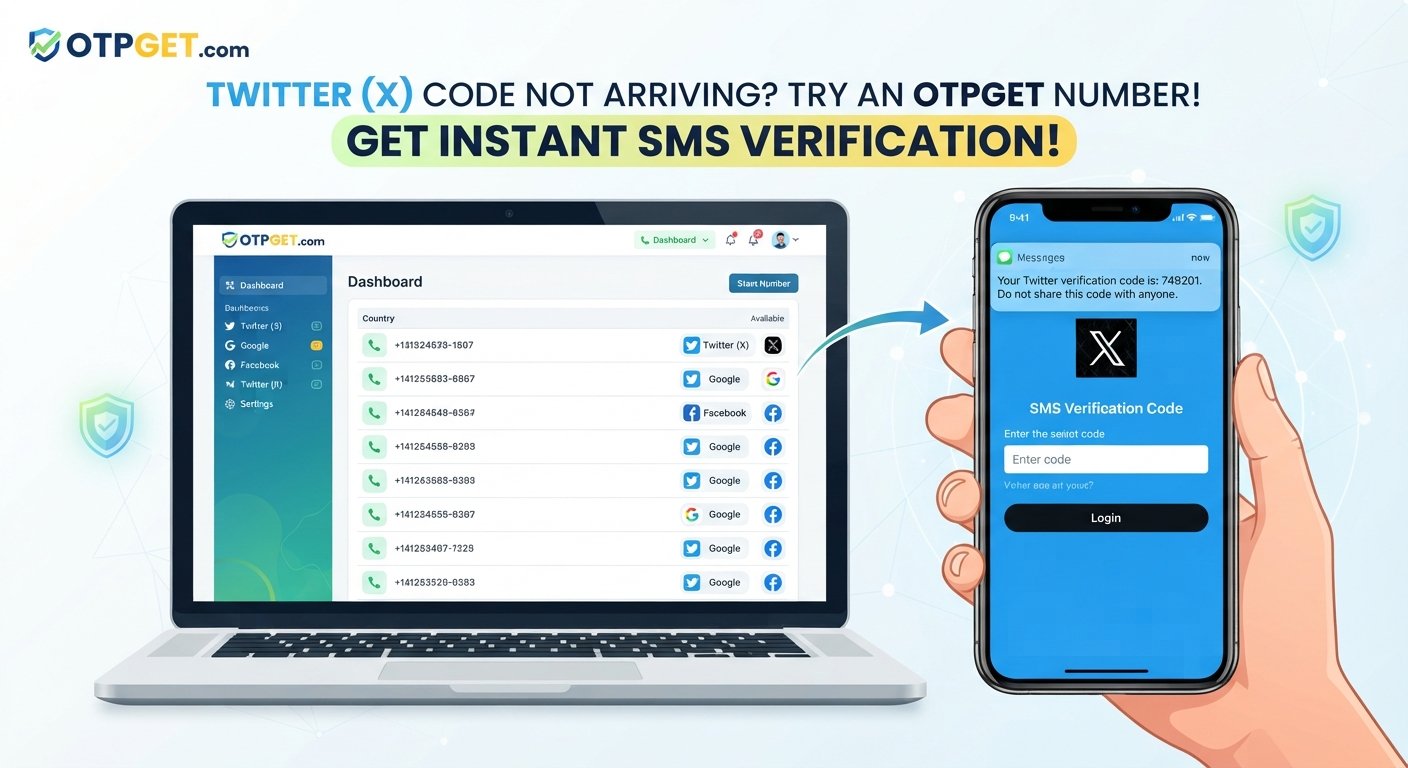
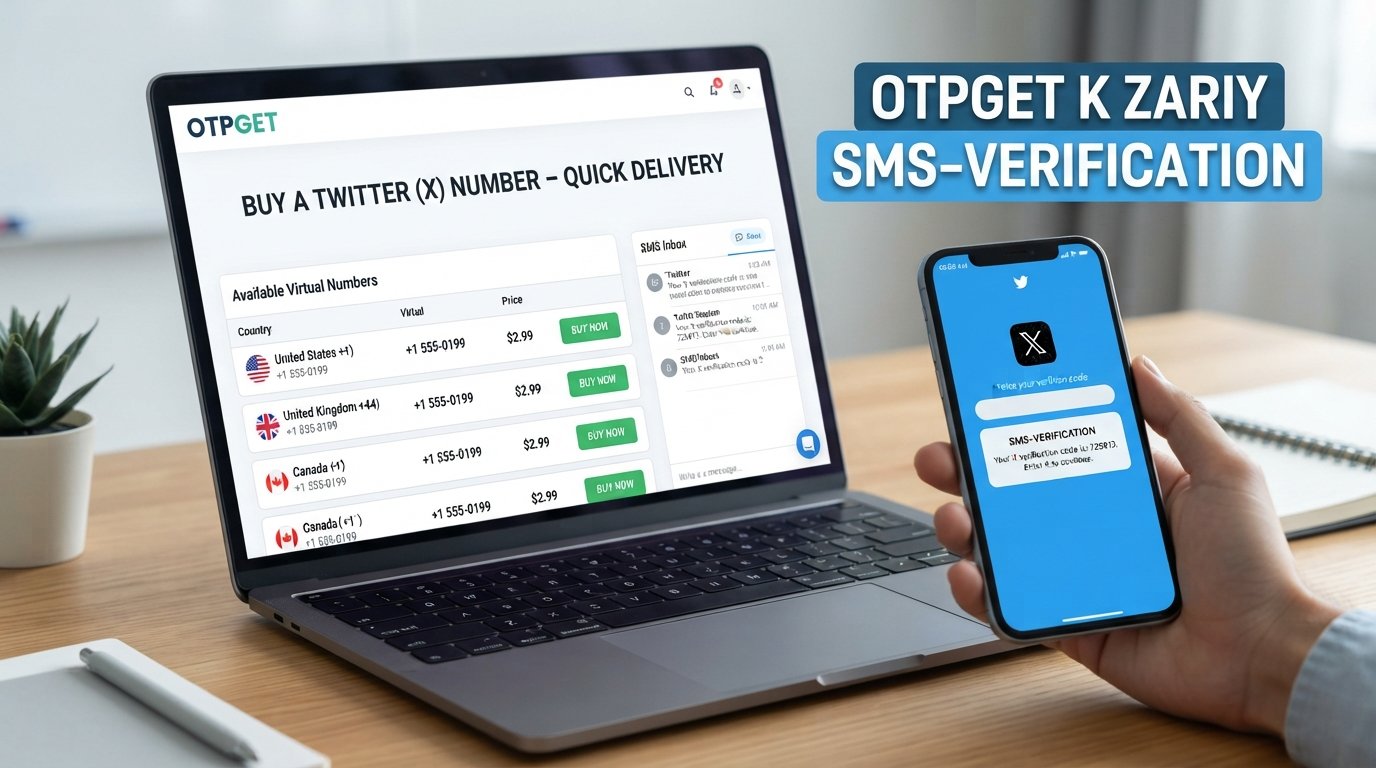
Sign Up for Telegram Using an OTPGet Number: Step-by-Step Tips

Sign Up for Telegram Using an OTPGet Number
Signing up for Telegram normally requires a phone number that can receive a verification code. For some people, using their primary personal number for every online registration is not ideal. They may prefer a separate number for online verification, especially when they want to keep registration activity separate from their everyday phone line.
That is where OTPGet can be a practical option to consider.
An OTPGet number can provide access to a phone number intended for receiving verification messages where the service and destination platform support it. If you want to sign up for Telegram using an OTPGet number, the basic process is straightforward: obtain a suitable number, enter it during Telegram registration, wait for the verification message, and enter the valid code.
However, number availability and Telegram's verification requirements can vary. An OTPGet number is therefore best viewed as a convenient option rather than a guaranteed solution for every registration attempt.
Why Do You Need a Phone Number to Sign Up for Telegram?
Telegram uses phone-number verification as part of its account registration process. When you enter a phone number, Telegram may send a verification code so it can confirm that you have access to that number.
This process is commonly handled through an OTP, or one-time password. The code is temporary and is intended to confirm the registration request.
Having access to the correct Telegram phone number is therefore essential. If you cannot receive the required SMS or verification message, you may not be able to complete Telegram registration.
Some users prefer not to use their main personal number for every online service. A separate verification number can provide a degree of separation between their everyday phone service and certain online registrations.
The important point is to use a number you are legitimately able to access and that is suitable for Telegram's current verification process.
What Is an OTPGet Number?
An OTPGet number is a phone number made available through OTPGet for receiving verification messages where supported.
Instead of relying exclusively on your personal mobile number, you can use an available number through the OTPGet service for an online verification process. Depending on the number and service involved, incoming verification messages may be displayed through the OTPGet interface.
For Telegram registration, the idea is simple: select an appropriate number, enter it into Telegram, and check OTPGet for the incoming Telegram verification code.
Not every number is necessarily suitable for every online platform. Availability, destination-platform requirements, message delivery, and other factors can affect whether a particular number works for Telegram.
Why Use OTPGet for Telegram Verification?
There are several reasons someone might consider OTPGet when they need a number for Telegram verification.
Separation from your primary number
Using a separate verification number can help keep some online registration activity apart from your main personal phone number. This can be convenient when you do not want to use the same number for every service.
Convenient access to verification messages
If the selected OTPGet number supports the required verification route, you can check the service for the incoming Telegram OTP instead of waiting for a message on your regular phone.
Useful for online registrations
People who frequently encounter SMS verification during legitimate online registrations may find a dedicated verification-number service convenient.
A practical alternative
For users who prefer a temporary phone number for Telegram or are considering an online or virtual number, OTPGet gives them another option to evaluate.
Still, convenience should not replace careful consideration. If you intend to keep a Telegram account for a long time, think about whether you will retain access to the number and whether it will remain appropriate for future account verification or recovery needs.
How to Sign Up for Telegram Using an OTPGet Number
If you want to sign up for Telegram using an OTPGet number, follow these general steps.
1. Visit OTPGet
Start by accessing OTPGet and reviewing the available numbers or services. Look for an option appropriate for receiving verification messages.
2. Select a suitable number
Choose an available number according to OTPGet's instructions. Pay attention to the supported service and any information provided about receiving SMS or verification messages.
3. Obtain or activate the number
Complete the required steps to obtain or activate the number. Make sure you can access the incoming-message area before beginning Telegram registration.
4. Open Telegram
Launch Telegram and begin the account registration process. When prompted for a phone number, enter the OTPGet number in the appropriate format.
5. Request the Telegram verification code
Continue with Telegram's registration instructions. Telegram may attempt to send a verification code through its available verification route.
6. Check OTPGet for the message
Return to the OTPGet interface and look for the incoming verification message. Give the message a little time to arrive if it is not displayed immediately.
7. Enter the valid code
Once you receive the Telegram OTP, enter the code into Telegram exactly as shown.
8. Complete your Telegram account setup
If the code is accepted, continue with Telegram's remaining account-setup instructions.
The process may differ depending on Telegram's current registration flow and the particular OTPGet number available. OTPGet can be a useful option, but no number should be assumed to work with Telegram in every situation.
How to Receive a Telegram Verification Code on OTPGet
After entering your OTPGet number into Telegram, the next step is to monitor the service for the verification message.
If the Telegram verification code does not appear immediately, avoid repeatedly requesting new codes. Instead:
- Confirm that you entered the correct number.
- Check that the selected OTPGet service is intended to receive messages for the relevant platform.
- Refresh the OTPGet message or inbox area if appropriate.
- Wait briefly for possible SMS delivery delays.
- Check Telegram for any additional instructions.
- Use the most recent valid code if multiple messages arrive.
- Request another code only when Telegram allows or recommends it.
Verification codes are time-sensitive, so an older code may no longer be valid after a newer code has been issued.
Also, never share a Telegram verification code with another person. A code sent for your registration should be treated as sensitive account information.
What If the Telegram OTP Does Not Arrive?
A missing OTP does not necessarily mean something is wrong with your account. Several factors can affect SMS verification.
Check the number
First, make sure the phone number for Telegram verification was entered correctly. A single incorrect digit can prevent the message from reaching the intended number.
Check the OTPGet inbox
Refresh the relevant message area and confirm that you are viewing the correct number or service.
Consider delivery delays
SMS messages can sometimes take time to arrive. Give the system a reasonable amount of time before trying another verification request.
Avoid excessive requests
Repeatedly requesting codes in a short period may result in temporary restrictions or other verification issues. Follow Telegram's on-screen instructions instead of continuously retrying.
Consider number compatibility
The particular number may not support the verification route required by Telegram. If that happens, another available option may be necessary.
Check for temporary service issues
Problems can also result from temporary network, service, or platform conditions. If the issue persists, follow the troubleshooting guidance presented by Telegram and OTPGet.
There is no universal fix for every failed verification attempt, so the safest approach is to identify the specific point where the process stops.
OTPGet Number vs. Your Personal Phone Number
Choosing between a personal number and an OTPGet number depends largely on your priorities.
| Factor | Personal Number | OTPGet Number |
|---|---|---|
| Separation from personal number | Limited | Potentially better |
| Convenience for online verification | Depends | Convenient where supported |
| Control of the number | Usually high | Depends on the service |
| Long-term account recovery | Generally stronger | May vary |
A personal number generally gives you more direct, long-term control. That can be important if Telegram later requires verification or if you need to recover an account.
An OTPGet number may be more convenient when your primary goal is completing a supported online verification process without using your everyday number.
Before choosing either option, consider how important long-term access to the number will be for your Telegram account.
Tips for a Smooth Telegram Registration
A few simple precautions can make the process easier:
- Double-check the phone number before submitting it.
- Use a number that can actually receive the required verification message.
- Keep access to the number if Telegram may require future verification.
- Follow Telegram's instructions carefully.
- Avoid repeatedly requesting OTPs within a short period.
- Enter the newest valid verification code when multiple codes are received.
- Never give your Telegram verification code to another person.
- Check OTPGet's available options before beginning registration.
- Review Telegram's current requirements if its registration process differs from the one described here.
These steps can help reduce avoidable errors without assuming that every verification attempt will succeed.
Is OTPGet the Right Choice for Telegram Sign Up?
For users who want a separate number for online verification, OTPGet is a practical solution to consider.
It can be particularly useful when you want to keep your primary phone number separate from certain online registration activities or when you need a number capable of receiving verification messages where supported.
At the same time, choosing a verification number requires more than simply receiving the first OTP. Consider whether you will need the same number again, whether you can maintain access to it, and whether the number is compatible with Telegram's verification process.
If those considerations fit your situation, exploring the available options on OTPGet can be a sensible next step.
Frequently Asked Questions
Can I sign up for Telegram using an OTPGet number?
You may be able to sign up for Telegram using an OTPGet number when the selected number supports Telegram's verification process. Compatibility and availability can vary, so a successful result should not be assumed for every number.
How do I receive a Telegram OTP on OTPGet?
Enter your available OTPGet number during Telegram registration and then check the corresponding OTPGet message or inbox area for the verification code. Delivery can take some time.
What is an OTPGet number?
An OTPGet number is a number made available through OTPGet for receiving verification messages where supported. It can be used for certain online verification processes instead of relying solely on a primary phone number.
Can I use a temporary phone number for Telegram?
A temporary number may work if Telegram accepts it and the number can receive the required verification message. However, consider future account access before choosing a temporary number.
What should I do if the Telegram verification code does not arrive?
Check the number, refresh the message area, wait for possible delivery delays, and avoid repeatedly requesting codes. If the problem continues, the number may not support the required verification route.
Is a virtual number suitable for Telegram verification?
A virtual phone number can be suitable in some circumstances, but compatibility depends on Telegram's verification requirements and the specific number. Always check whether the selected number can receive the required message.
Should I keep access to the number after creating my Telegram account?
Yes, maintaining access can be important if Telegram later requires phone verification or if you need to recover access to your account. Consider this before choosing a temporary or online number.
Final Thoughts
If you want to sign up for Telegram using an OTPGet number, the process can be simple when the selected number supports Telegram's verification requirements.
OTPGet offers a practical option for users who want a separate number for receiving verification messages rather than immediately relying on their primary phone number. The key is to choose an appropriate number, follow Telegram's registration instructions, monitor OTPGet for the verification message, and maintain access to the number when ongoing account access may depend on it.
If you need a convenient number for Telegram verification and the number is supported for Telegram's verification process, OTPGet can be a practical option to consider. Explore the available OTPGet options and choose the number that best fits your registration and ongoing access needs.
11. Internal Linking Suggestions
Anchor text: temporary phone number
Suggested page: Temporary Phone Numbers Guide
Anchor text: receive SMS online
Suggested page: Guide to Receiving SMS Online
Anchor text: virtual phone number
Suggested page: Virtual Phone Numbers Explained
Anchor text: OTP verification
Suggested page: Complete Guide to OTP Verification
Anchor text: online phone number
Suggested page: How Online Phone Numbers Work