SMS Verification for TikTok: Complete Beginner's Guide Explained
SMS Verification for TikTok: Complete Beginner's Guide
Getting a TikTok verification SMS can seem simple: enter a phone number, wait for a code, and type it into the app. In practice, beginners sometimes run into delayed messages, incorrect numbers, carrier problems, or verification prompts that do not behave as expected.
Understanding how SMS Verification for TikTok works makes these situations much easier to troubleshoot. It also helps you understand the difference between TikTok's own verification process and an external SMS verification service.
TikTok supports phone-number verification through SMS and also uses verification codes as part of account-security features such as two-step verification.
If you need an online SMS verification option, OTPGET is one service you can consider. This guide explains the process from beginning to end, including common delivery problems, responsible use of virtual numbers, and the basic steps involved in using an SMS verification service.
What Is SMS Verification for TikTok?
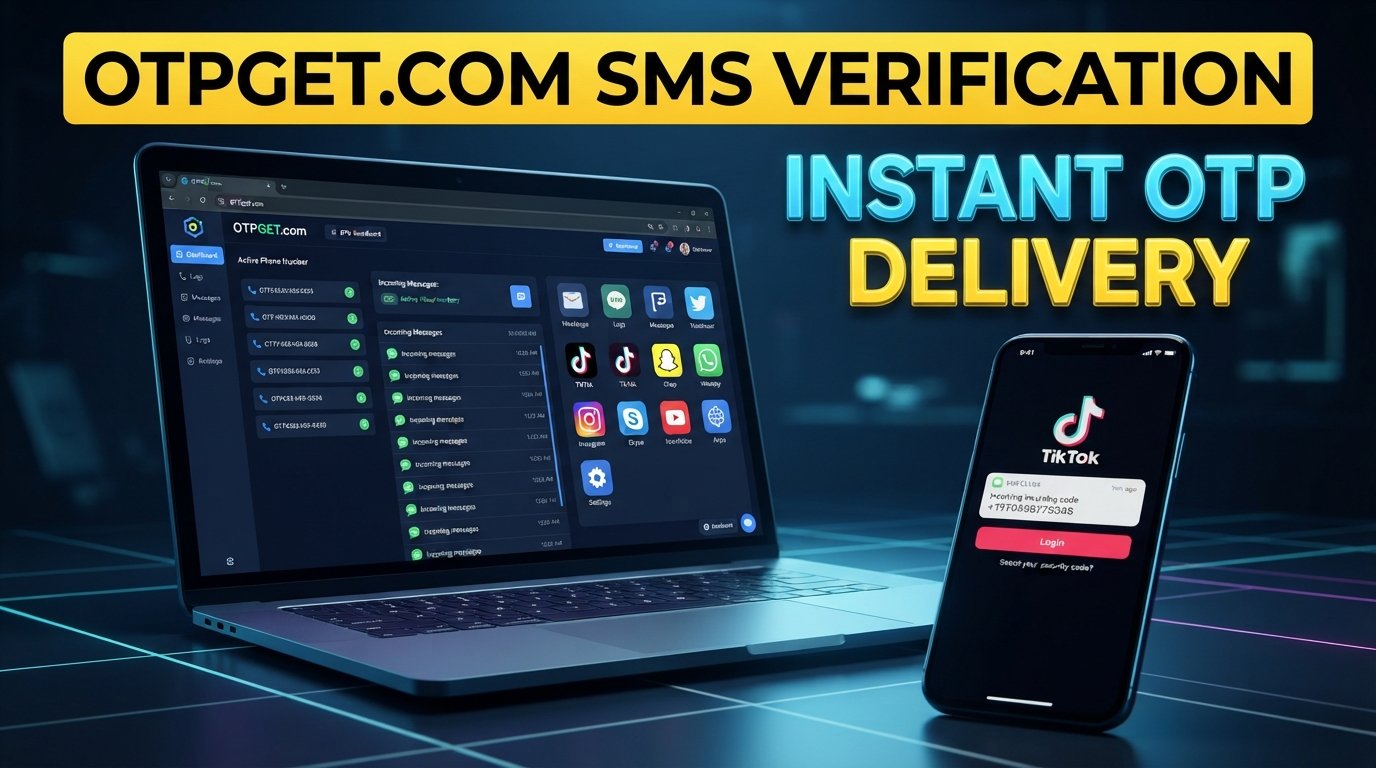
SMS verification for TikTok is a process in which TikTok sends a temporary verification code to a phone number, allowing the user to confirm access to that number. The user enters the code into the appropriate TikTok screen, and TikTok checks whether the code is valid.
The process is commonly called:
- TikTok SMS verification
- TikTok phone verification
- TikTok verification SMS
- TikTok OTP verification
- TikTok phone number verification
The exact verification requirements can vary depending on the account, location, device, verification flow, and TikTok's current policies.
TikTok's support documentation explains that users can add a phone number through account settings and select Send code to receive a verification code on their mobile device.
Why Does TikTok Use SMS Verification?
Phone verification gives a platform an additional way to confirm that someone has access to a particular phone number.
TikTok also identifies phone and email verification as part of its account-security tools. Its Security Checkup can include linking and verifying a phone number, while two-step verification can use phone, email, or other supported methods.
For users, phone verification can also be useful for account access and security.
There is an important limitation to remember: a phone number is not automatically suitable for every TikTok verification situation. TikTok may apply its own eligibility, availability, and security checks.
TikTok also states that one mobile phone number can only be associated with one TikTok account at a time.
How TikTok SMS Verification Works
The basic process is straightforward.
Step 1: Enter Your Phone Number
When TikTok asks you to verify a phone number, enter the number in the format requested by the app.
Check the country or region selection carefully. A simple country-code mistake can prevent the SMS from reaching the intended number.
Step 2: Request the Verification Code
Select the option to send or request the verification code.
TikTok then attempts to send an SMS to the phone number associated with the verification request.
Step 3: Receive the SMS
If the number is eligible and the message is successfully delivered, you receive an SMS containing a temporary code.
Depending on your mobile network and device, the message may appear almost immediately or take longer.
Step 4: Enter the TikTok Verification Code
Enter the received code into the relevant verification field.
If the code is correct and still valid, TikTok can use it to confirm access to the number. Verification can still depend on other account or security requirements.
What Is a TikTok OTP?
A TikTok OTP is a one-time password or verification code used during an authentication process.
An OTP is normally temporary and intended for a specific verification event. It is different from your permanent TikTok password.
For example, a verification SMS might contain a short numeric code. You enter that code into the verification screen rather than using it as your regular account password.
Never share an unexpected OTP with another person. A verification code can be an important authentication credential.
Why You May Not Receive a TikTok Verification Code
If your TikTok verification code is not arriving, the problem does not necessarily mean that something is wrong with your account.
Common causes include:
- Network or carrier delays: Your mobile provider may take time to deliver the message.
- Incorrect phone number: One incorrect digit can send the SMS somewhere else.
- Weak mobile signal: Poor connectivity can interfere with SMS delivery.
- SMS delivery problems: Carrier filtering or temporary routing problems may affect messages.
- Too many verification requests: Repeatedly requesting codes in a short period can create additional delays or temporary restrictions.
- Temporary service problems: TikTok, a carrier, or an SMS provider may experience an intermittent issue.
- Number restrictions: A particular number may not be accepted for a specific verification request.
- Device-related issues: Message filtering, blocked senders, SIM problems, or device settings can sometimes interfere with incoming SMS.
TikTok also notes that phone numbers have account-association limitations, so a number already connected to another account may not work for creating or associating another account in the same way.
How to Troubleshoot TikTok SMS Verification Problems
If your TikTok verification code is not received, work through these steps in order:
- Check the phone number. Confirm every digit and the selected country or region.
- Check your signal. Move somewhere with stronger cellular coverage if necessary.
- Wait before requesting another code. Repeated requests can make troubleshooting harder and may contribute to temporary delays.
- Check your SMS inbox. Make sure your device has available storage and that messages are not being filtered or blocked.
- Restart your device. This can help resolve temporary cellular or messaging issues.
- Check your SIM or carrier service. Confirm that ordinary SMS messages are working.
- Try again later. Temporary service or delivery issues may resolve without any changes to your account.
- Use TikTok's official support options if the problem continues or the app presents a specific error.
The goal is to fix the delivery problem rather than repeatedly attempting verification. More requests are not necessarily a faster solution.
Can an SMS Verification Service Help With TikTok?
An SMS verification service provides access to phone numbers that can receive SMS messages online. Depending on the provider and the specific service, a user may select an available number, use it for an eligible verification process, and retrieve an incoming OTP through the provider.
A virtual phone number can be useful when you do not want to use a personal number for a particular legitimate verification workflow or when you need access to a number in a supported location.
However, compatibility matters.
A virtual or temporary number is not a guaranteed substitute for a personal mobile number. TikTok may not accept every number, and availability can vary by location, number type, account, device, and TikTok's policies.
An SMS verification service should therefore be viewed as a convenience option, not a method for bypassing TikTok's security systems.
How OTPGET Can Help With SMS Verification
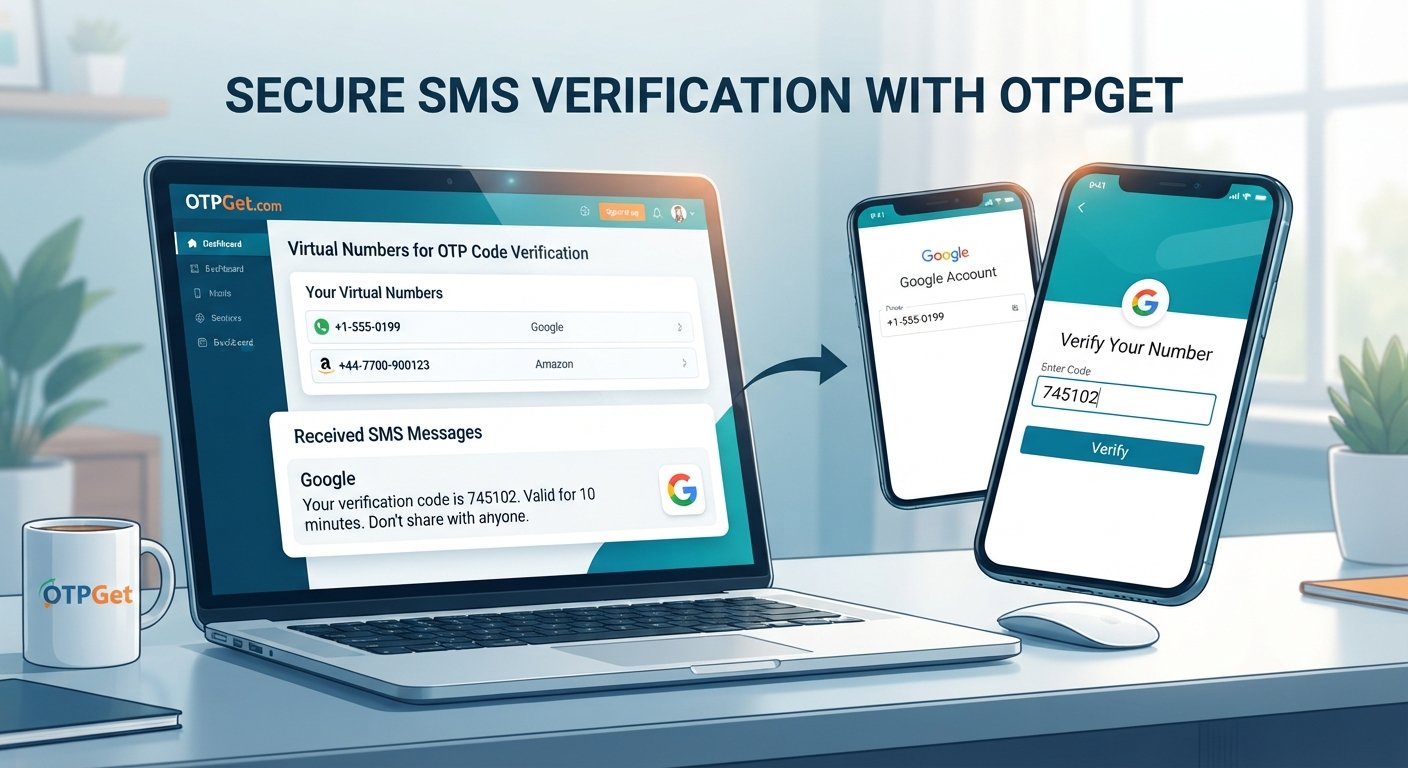
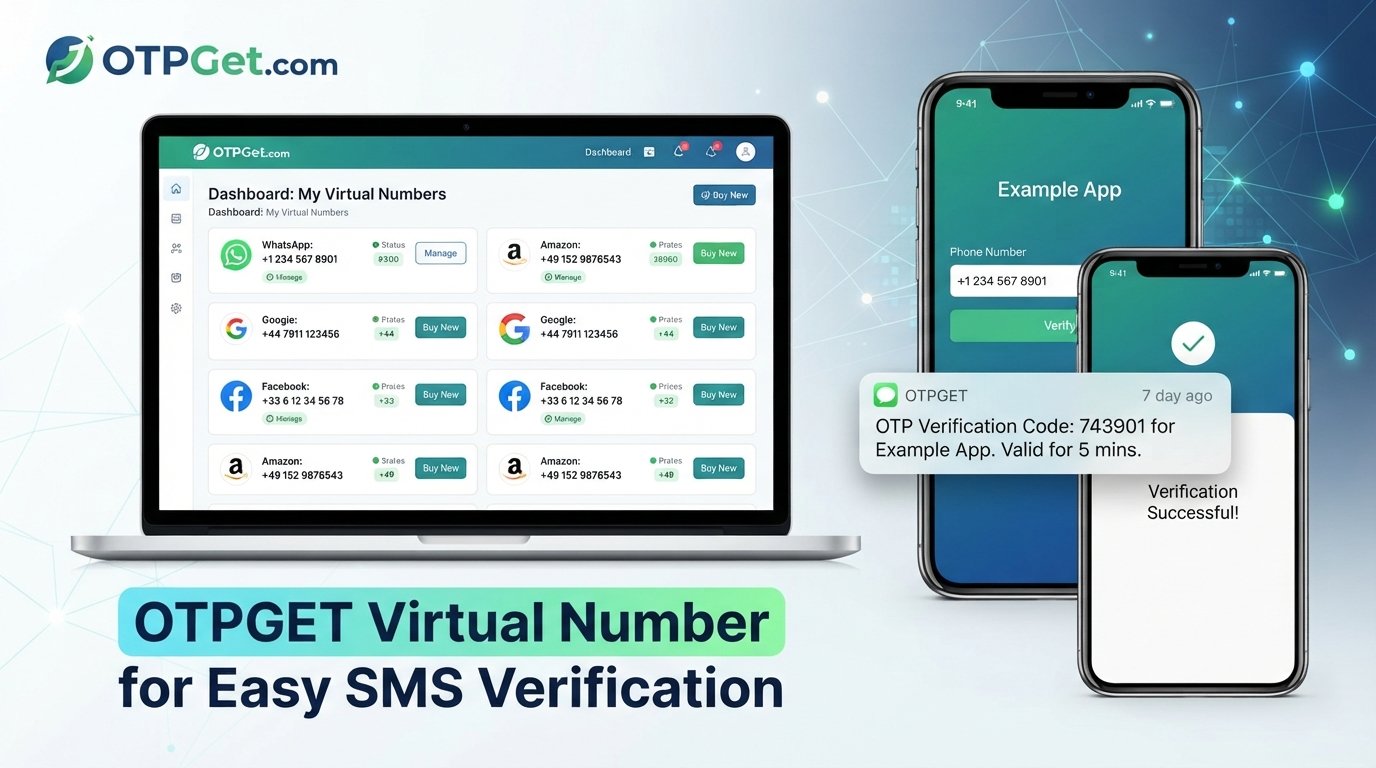
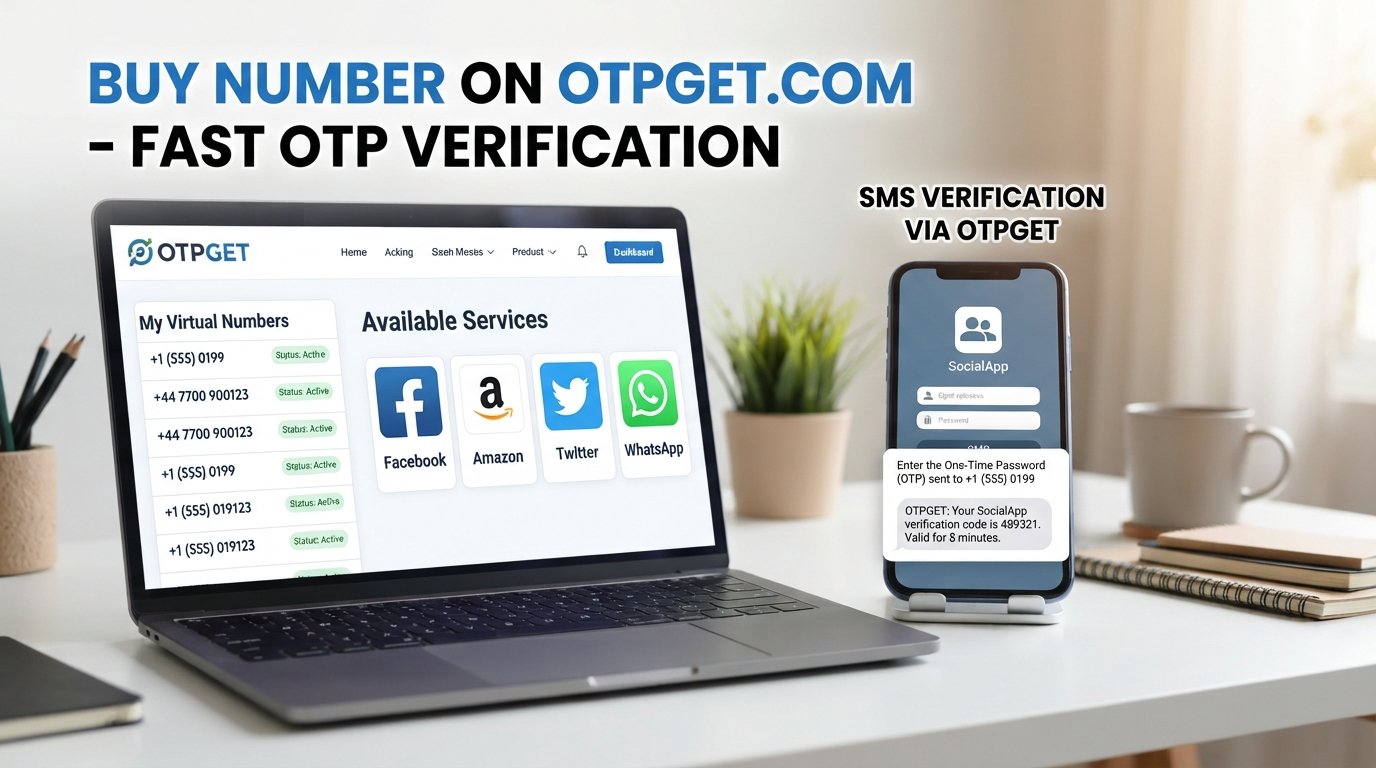
OTPGET is a virtual-number and OTP service that provides access to numbers intended for SMS verification workflows. Its official documentation describes an SMS OTP process in which users can check available countries and services, request a number, and check the status of an incoming verification SMS.
For users exploring OTPGET SMS verification, the basic value is convenience: instead of relying exclusively on a physical SIM, an eligible verification workflow can use an online number when the relevant service and number are available.
OTPGET's site also describes virtual numbers, rental numbers, and SMS OTP functionality.
There are still important limitations. OTPGET does not control TikTok's verification decisions, and using an OTPGET number does not guarantee that TikTok will accept it or complete a particular verification request.
Users should also follow TikTok's applicable terms and use numbers responsibly. An SMS verification service should not be used to impersonate someone, access an account you do not own, evade a ban, or circumvent platform safeguards.
How to Use OTPGET for SMS Verification
The exact OTPGET interface can change, so always follow the current instructions displayed on the service. At a general level, the process works like this:
- Visit OTPGET.
- Choose the relevant SMS verification service, if it is currently available for your intended use.
- Follow the instructions shown by OTPGET.
- Obtain the available number according to the service's instructions.
- Enter the number in the relevant TikTok verification field, provided that using such a number is permitted for your intended verification.
- Request the verification SMS.
- Check OTPGET for the incoming message or OTP.
- Enter the legitimate verification code into TikTok.
- Complete any additional verification steps TikTok requests.
OTPGET's documentation describes an SMS OTP flow that includes obtaining a number and checking its activation status for a received code.
If a number is unavailable, unsupported, or does not receive the expected SMS, do not assume that repeatedly retrying will solve the problem. Check the service instructions and TikTok's requirements instead.
OTPGET vs. Traditional SMS Verification Options
The main difference is where the phone number comes from and how you access incoming messages.
| Factor | Traditional Mobile Number | SMS Verification Service |
|---|---|---|
| Convenience | Uses your existing phone and SIM | Number can be accessed through an online service |
| Setup | Usually already available | Requires choosing an available number/service |
| Number management | Managed through your mobile carrier | Managed through the service provider |
| SMS delivery | Delivered to your mobile device | Delivered through the provider's system |
| Personal-number exposure | Uses your own number | May avoid using your personal number |
| Availability | Depends on your carrier and location | Depends on provider, number inventory, location, and service |
| Platform acceptance | Subject to TikTok's rules | Also subject to TikTok's rules and number eligibility |
Neither option should be treated as universally suitable. The right choice depends on your verification needs, privacy preferences, account requirements, and whether the relevant number is accepted.
Tips for a Smoother TikTok SMS Verification Experience
A few simple habits can reduce unnecessary verification problems:
- Double-check the country code and phone number before requesting an SMS.
- Avoid repeatedly requesting codes within a short period.
- Use a number you are authorized to use for the verification process.
- Keep your phone or SMS service accessible while waiting for the code.
- Do not share verification codes with other people.
- Use official TikTok support when an account-specific issue cannot be resolved through basic troubleshooting.
- Check the provider's current availability before depending on an online number.
- Remember that virtual numbers may have different acceptance rules from ordinary mobile numbers.
- Keep your account recovery options up to date. TikTok recommends linking multiple contact methods as part of account security.
Most importantly, use SMS verification for legitimate account access and security purposes. It should not be treated as a workaround for TikTok restrictions or safeguards.
Frequently Asked Questions
What is SMS verification for TikTok?
SMS verification for TikTok is a process that uses a phone number to receive a temporary verification code. You enter the code into TikTok to confirm access to the number. The exact verification requirements can vary by account and situation.
How do I receive a TikTok verification code?
Enter an eligible phone number in the TikTok verification screen and request the code. If TikTok sends the SMS successfully, the code will appear in your mobile messages or through an eligible SMS verification service.
Why am I not receiving my TikTok SMS code?
Common reasons include an incorrect number, weak signal, carrier delays, SMS filtering, too many code requests, temporary service problems, or restrictions associated with the number. Check the number and network first, then wait before requesting another code.
How long does a TikTok verification code take to arrive?
There is no single delivery time that applies to every verification attempt. SMS delivery depends on factors such as the mobile carrier, network conditions, TikTok's systems, and the number being used. If a code is delayed, avoid repeatedly requesting new codes.
Can I use an SMS verification service for TikTok?
An SMS verification service may be an option when the relevant number is available and accepted for the verification request. However, TikTok controls its own verification requirements, so an online number does not guarantee acceptance or successful verification.
What is OTPGET?
OTPGET is a service offering virtual numbers and OTP-related services for SMS verification workflows. Its documentation describes functionality for obtaining numbers and checking incoming SMS verification codes.
How does OTPGET help with SMS verification?
OTPGET can provide access to eligible virtual numbers through an online service, allowing users to receive supported SMS verification messages without relying solely on a personal SIM. Availability and acceptance depend on the particular service and verification request.
Is SMS verification required for every TikTok account?
Not necessarily. TikTok's verification and account-security requirements can vary depending on the account, feature, location, device, and circumstances. TikTok documents phone verification as one available account-security mechanism, including for two-step verification.
Final Thoughts
SMS Verification for TikTok is essentially about confirming access to a phone number through a temporary SMS code. Once you understand the basic process, problems such as missing codes, incorrect numbers, carrier delays, and temporary delivery issues become easier to diagnose.
Traditional mobile numbers remain one option, while an SMS verification service can provide another approach when an eligible online number is available. OTPGET is one option for users looking for virtual numbers and SMS OTP functionality, but it does not control TikTok's policies or guarantee that a particular number will be accepted.
Use whichever verification method fits your legitimate needs, keep your account information secure, and follow TikTok's current requirements. For users who need a convenient online SMS verification option, OTPGET can be considered alongside traditional phone-number verification.