OTPGET: Step-by-Step OTP Verification: Order, Wait, Receive OTP
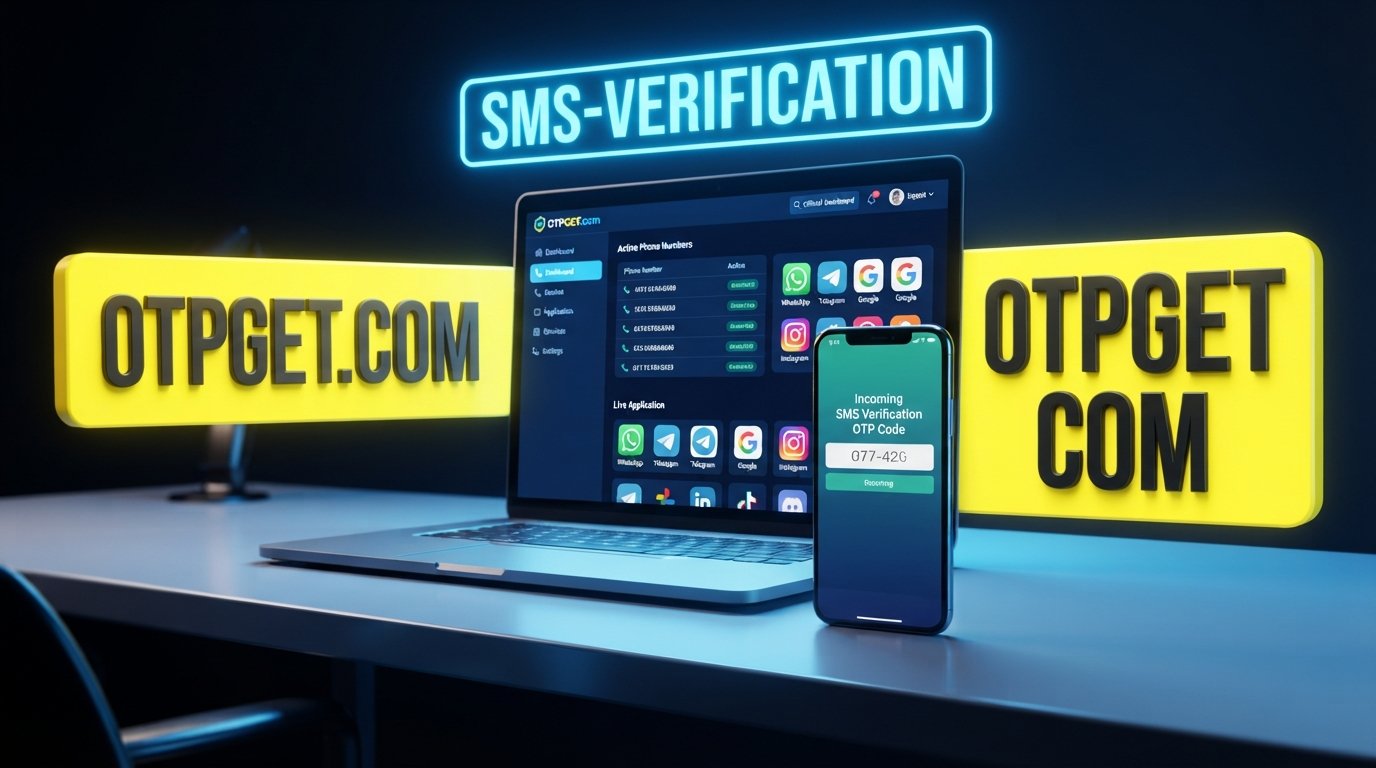
Step-by-Step: Order, Wait, Receive, Verify
OTP verification is a familiar part of using online accounts, websites, and digital services. A service may ask you to confirm a phone number by sending a one-time password, commonly called an OTP.
Although the process is simple, users can become unsure about what happens after requesting a verification code. Should you wait? Where does the message appear? Which code should you enter? What should you do if the message takes longer than expected?
The basic process can be reduced to four stages:
Order → Wait → Receive → Verify
OTPGET can fit naturally into this workflow for users looking for a straightforward way to handle the OTP receiving stage. The key is understanding what each step involves and knowing what to check when something does not go as expected.
What Is OTP Verification and Why Does It Matter?
An OTP, or one-time password, is a temporary verification code used to confirm that a person has access to a particular phone number or communication channel.
For SMS verification, a website or app sends a verification message containing a code. The user then enters that code into the appropriate verification field.
The process generally looks like this:
- A service requests phone verification.
- A phone number is provided for the verification process.
- The service sends a verification SMS.
- The OTP is received.
- The user enters the code.
- The service checks the code and completes verification if it is valid.
This is why access to an appropriate OTP receiving service can make the process easier to manage. Instead of treating verification as one confusing task, users can think of it as a sequence of simple actions.
An OTP may also be called a verification code, SMS OTP, or verification SMS. Whatever terminology a particular website uses, the basic purpose is the same: confirm the requested verification step using a code delivered through SMS or another supported channel.
The Four-Step OTP Verification Process
Step 1 — Order
The first stage is to arrange the verification option required for the service you want to use.
If you are using OTPGET, begin by reviewing the available options and selecting the one that corresponds to the verification task you need to complete. The exact choices presented can depend on what OTPGET makes available and the service you are trying to verify.
The important point is to make the correct selection before continuing.
Before placing an order, check:
- The service you intend to verify
- The verification method requested by that service
- The phone number or verification option associated with your order
- Any relevant order or status information shown to you
Taking a moment to confirm these details can prevent avoidable problems later.
If your goal is to receive OTP online, this first step establishes the route through which the verification message can be received.
Step 2 — Wait
After the order or verification request is made, the next stage is to wait for the sending service to process the request and send its verification message.
This is where patience matters.
An OTP is normally generated and sent by the website, application, or platform requesting verification. The timing of that message can therefore depend on the external service, its messaging system, and the specific verification request.
Do not assume that a short delay automatically means something has failed.
During this stage, keep the verification page available if appropriate and monitor the relevant OTPGET order or receiving information when applicable.
It is also wise to avoid repeatedly requesting new codes simply because the first message has not appeared yet. Multiple requests can create several active or recently issued codes, making it harder to know which one is valid.
Step 3 — Receive
Once the verification message arrives, look for the OTP or verification code.
Depending on the workflow, the code may appear as part of a verification SMS. If you are using a service designed to help you receive SMS online, the important task is to locate the correct incoming message and identify the code requested by the verification page.
When the message arrives, check:
- The message is associated with the service you are verifying.
- The code is complete and readable.
- You are using the most recent valid code.
- The verification page is still waiting for the code.
- You have not confused the OTP with another number in the message.
A verification SMS can contain additional text, so do not automatically copy every number you see. Identify the actual OTP code requested by the service.
If you are using OTPGET as part of the workflow, this is the central Receive stage: monitor the relevant receiving information and use the verification code provided for the intended request.
Step 4 — Verify
The final stage is entering the OTP into the verification field provided by the website or application.
Carefully enter the code exactly as received. If the service uses separate boxes for each digit, enter each digit in the correct position.
After submitting the code, follow the instructions displayed by the service.
A few details are especially important:
- Use the correct verification code.
- Prefer the latest valid code if multiple codes were requested.
- Pay attention to any expiration period.
- Do not share your OTP with another person.
- Confirm that the verification status has actually been completed.
Once the service accepts the code, the phone verification or account verification step can proceed according to that service's own workflow.
How OTPGET Fits Into the Process
OTPGET can be viewed as part of the practical workflow between requesting a verification and receiving the message needed to complete it.
The process remains simple:
Order → Wait → Receive → Verify
Order: Select the appropriate verification option through the available OTPGET process.
Wait: Allow the requesting service time to send its verification SMS.
Receive: Monitor the relevant receiving information for the verification code.
Verify: Enter the valid OTP into the website or application requesting it.
The advantage of thinking about OTPGET this way is that it keeps the process focused. Instead of treating an OTP as a mysterious technical step, you can approach verification as a sequence with a clear beginning and end.
Because specific options and availability can vary, users should rely on the information presented within the OTPGET process rather than assuming that every service or verification request works in exactly the same way.
For someone searching for an OTP verification service, OTP receiving service, or a practical way to manage a verification SMS, this workflow provides a straightforward framework to follow.
Why a Simple OTP Receiving Process Matters
Verification does not need to feel complicated when each stage is clearly understood.
A simple OTP receiving process can help users:
- Keep the verification workflow organized.
- Reduce unnecessary steps.
- Locate the relevant verification message more easily.
- Understand when to wait and when to act.
- Avoid entering the wrong code.
- Complete phone number verification with fewer points of confusion.
The goal is not to rush the process. It is to make each step clear.
Using a dedicated workflow such as OTPGET can also make it easier to separate the receiving stage from the final verification stage. That distinction matters because the website requesting verification is the system that ultimately decides whether the submitted code is accepted.
What to Do If You Don't Receive the OTP
Not receiving a verification code immediately does not necessarily mean the process has failed. Several parts of the workflow can affect when a message appears.
Try the following steps:
- Check the selected service or number. Make sure the verification request was made using the correct option.
- Wait briefly. The external service may need time to process and send the verification SMS.
- Check for resend instructions. If the verification page offers a resend option, follow its instructions rather than repeatedly submitting requests.
- Avoid requesting codes too quickly. Multiple requests can create confusion about which OTP is valid.
- Check expiration. A previously received OTP may no longer be accepted.
- Use the latest valid code. If several messages arrive, determine which one corresponds to the current request.
- Review available OTPGET order or status information. If such information is provided for your particular workflow, use it to understand the status of the request.
- Seek appropriate support if the issue continues. Follow the support or troubleshooting instructions provided by the relevant service.
Remember that OTP delivery involves the service sending the message as well as the receiving side. Not every delay is caused by the receiving process.
Common OTP Verification Mistakes to Avoid
Small mistakes can interrupt an otherwise simple verification process.
Entering the wrong OTP
Double-check each digit before submitting the code. A single incorrect character can cause the verification attempt to fail.
Using an expired code
OTP codes are generally intended for a limited verification window. If the service indicates that a code has expired, use the appropriate process to request another one.
Requesting too many codes
Repeatedly requesting new OTPs can make it unclear which code is currently valid. Give the system time to process the request before trying again.
Selecting the wrong service or number
An incorrect selection at the ordering stage can affect the rest of the workflow. Confirm the required service before proceeding.
Sharing an OTP
A verification code should be treated as sensitive information. Do not give an OTP to another person simply because they ask for it.
Assuming a delay means failure
A delayed verification SMS does not automatically mean the request has failed. Check the available status information and follow the instructions provided by the service.
OTPGET vs. a Complicated Verification Workflow
The value of an OTP receiving solution is primarily about simplifying the process.
Without a clear workflow, users may move between a verification page, messaging interface, order information, and repeated verification requests without knowing what to do next.
A more organized approach is:
Order the appropriate option → wait for the request to be processed → receive the verification SMS → enter the OTP.
OTPGET fits into this structure as the practical solution for users who need a straightforward way to manage the receiving stage of OTP verification.
Rather than adding unnecessary complexity, focus on the four actions that matter: Order, Wait, Receive, Verify.
A Simple Checklist for OTP Verification
Use this checklist whenever you need to complete an online phone verification process:
- Choose the required service.
- Select the appropriate verification option.
- Place the order through the relevant OTPGET workflow.
- Wait for the verification message.
- Monitor for the incoming OTP.
- Identify the correct verification code.
- Check that the code is still valid.
- Enter the OTP into the verification field.
- Submit the code.
- Confirm that verification has been completed.
- Check the final status shown by the service.
Keeping this sequence in mind can make online SMS verification easier to understand and troubleshoot.
Frequently Asked Questions
1. What is an OTP verification code?
An OTP verification code is a temporary code sent by a website, application, or service to confirm a requested verification step. For SMS verification, the code is normally delivered in a verification message.
2. How do I receive an OTP online?
The process depends on the verification service being used. Generally, you select the appropriate receiving option, wait for the verification SMS, locate the OTP, and enter it into the service requesting verification.
3. How does an OTP verification service work?
An OTP verification service supports the process of receiving a verification message needed for an online verification task. The general workflow can be summarized as Order → Wait → Receive → Verify.
4. What should I do if I do not receive my OTP?
First, confirm that the correct service and verification option were selected. Then allow time for the sending service to process the request. Check available status information, follow any resend instructions, and avoid repeatedly requesting new codes too quickly.
5. How long should I wait for a verification SMS?
There is no universal waiting period because delivery can depend on the service sending the message and its messaging process. Follow the instructions shown by the verification service and avoid assuming that a short delay means failure.
6. Can OTPGET help simplify the OTP verification process?
OTPGET can be used as the practical solution within the Order → Wait → Receive → Verify workflow for users seeking an organized way to handle the OTP receiving stage. The exact options available should be checked within the OTPGET process.
7. What should I do after receiving an OTP?
Check that you have the correct and valid code, then enter it into the verification field provided by the service. Follow the on-screen instructions and confirm that the verification process has been completed.
Conclusion
OTP verification becomes much easier to understand when it is broken into four clear stages:
Order → Wait → Receive → Verify.
Order the appropriate verification option, allow the requesting service time to send its message, receive the verification code, and enter the correct OTP to complete the process.
For users looking for a practical way to organize the OTP receiving stage, OTPGET can fit naturally into this workflow. Rather than overcomplicating the process, use the available OTPGET options, follow the relevant instructions, and keep the four-step sequence in mind.
Explore OTPGET and make your next OTP verification workflow easier to follow—from order to verification.


