Need a Telegram Code? Get a Number for Verification on OTPGET
Need a Telegram Code? Get a Number for Verification on OTPGET
Need a Telegram code but would rather not use your primary phone number? You are not alone. Many people prefer to keep their main number separate from online registrations, testing activities, or services that require SMS verification.
Telegram uses phone-number verification as part of its account registration and verification process. That means you need access to a number capable of receiving the required verification message. For privacy-conscious users, however, handing out a personal number for every online service may not always be ideal.
This is where an alternative verification number can be useful.
OTPGET gives users a practical option to explore when they need a number for receiving an SMS verification code. Depending on current availability and Telegram's acceptance of the selected number, you can use the number for the intended Telegram verification process and retrieve the incoming OTP through the supported OTPGET interface.
Let's look at how it works, when it makes sense, and what you should know before getting started.
Why Does Telegram Ask for a Verification Code?
A Telegram verification code helps confirm that you have access to the phone number being used during registration or verification.
During Telegram signup or another verification flow, Telegram may send a code to the supplied number through an available verification method. The exact process can depend on Telegram's current systems and account circumstances.
The basic idea is straightforward:
- Enter a phone number into Telegram.
- Telegram initiates verification.
- A verification code is delivered through the available method.
- Enter the code when prompted.
- If the number and code are accepted, the verification process can continue.
The challenge for some users is not understanding the process. It is deciding which phone number to use.
When You May Want a Different Number for Telegram
Using a separate number can make sense in several legitimate situations.
Keeping your primary number private
Your main mobile number may be connected to family, friends, work, banking, and other important services. You may simply prefer not to use it for every online registration.
A separate verification number can help you maintain a clearer boundary between your personal contact information and online services.
Separating personal and online activity
Some users maintain different numbers for different aspects of their digital activity. A separate number can make account organization easier when such use is permitted.
Testing or account management
Developers, marketers, support teams, and other professionals may sometimes need a number for legitimate testing or account-related workflows. Any use should remain consistent with the relevant platform's rules.
Reducing unnecessary exposure
If a service only requires a number for verification, using an alternative number may be preferable to repeatedly giving out your primary number.
The key is to use an appropriate number and understand its limitations rather than assuming every online number will work everywhere.
What Is a Temporary or Virtual Number?
The terms virtual number, temporary number, and SMS verification number are often used interchangeably, but they can describe somewhat different services.
A traditional mobile number is generally tied to a physical SIM or mobile subscription. It can be used for calls, SMS, and other carrier services.
A virtual phone number is typically provided through an online service rather than a traditional physical SIM. Depending on the provider, it may support incoming SMS or other communication functions.
A temporary number is intended for a limited-purpose or limited-duration use. Its availability and future accessibility can vary.
An SMS verification number is specifically useful when a service needs to send a one-time password or verification message.
For Telegram, the important question is not simply whether a number exists. The number must be capable of receiving the required verification message and must be accepted by Telegram for the particular verification attempt.
How OTPGET Can Help You Get a Telegram Verification Number
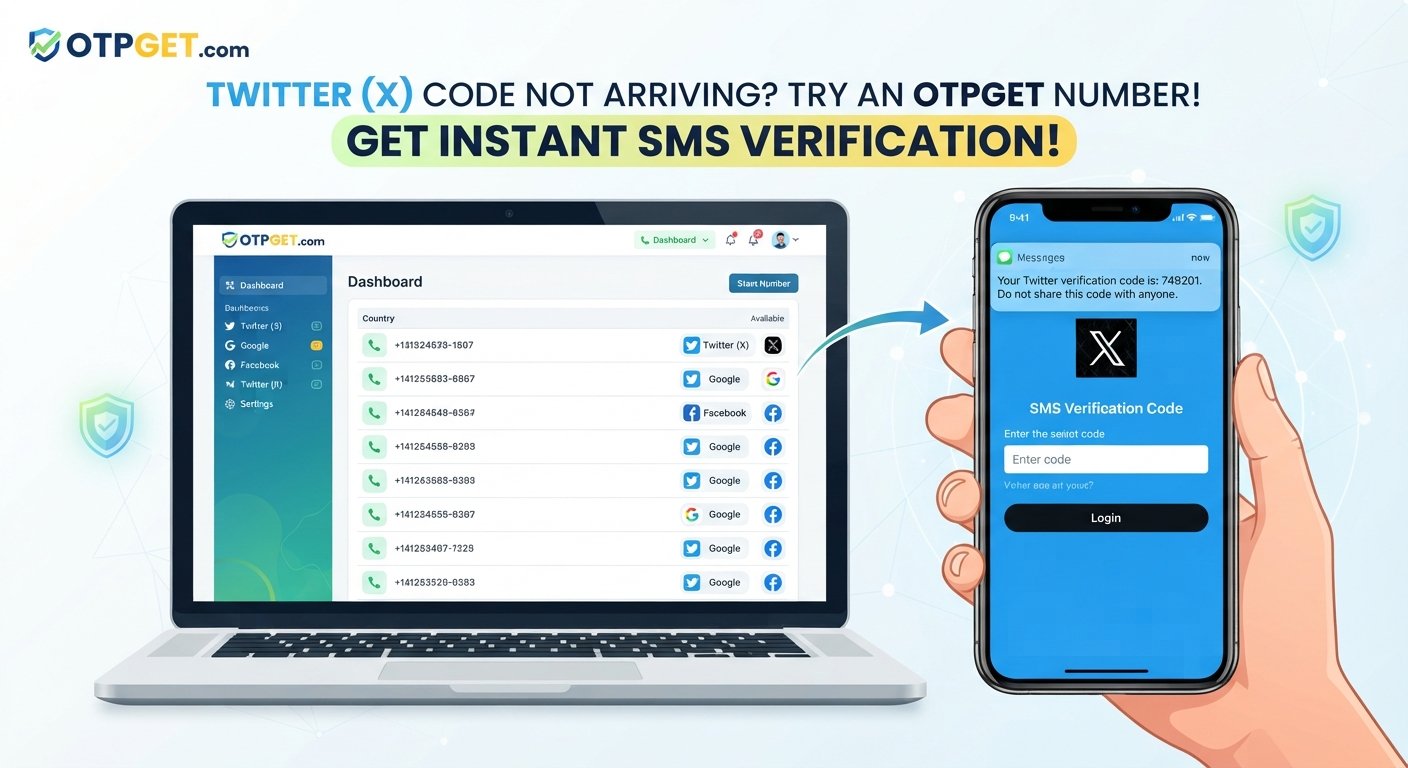
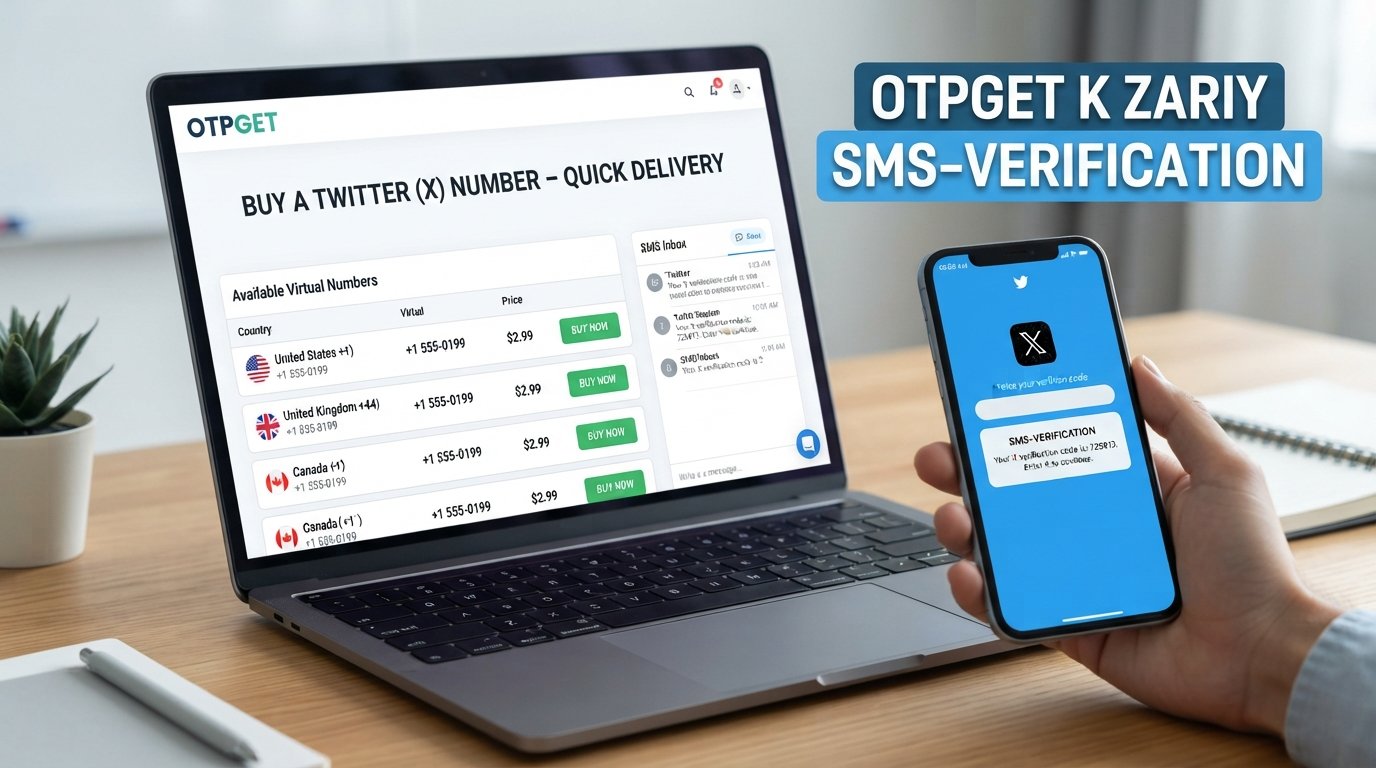
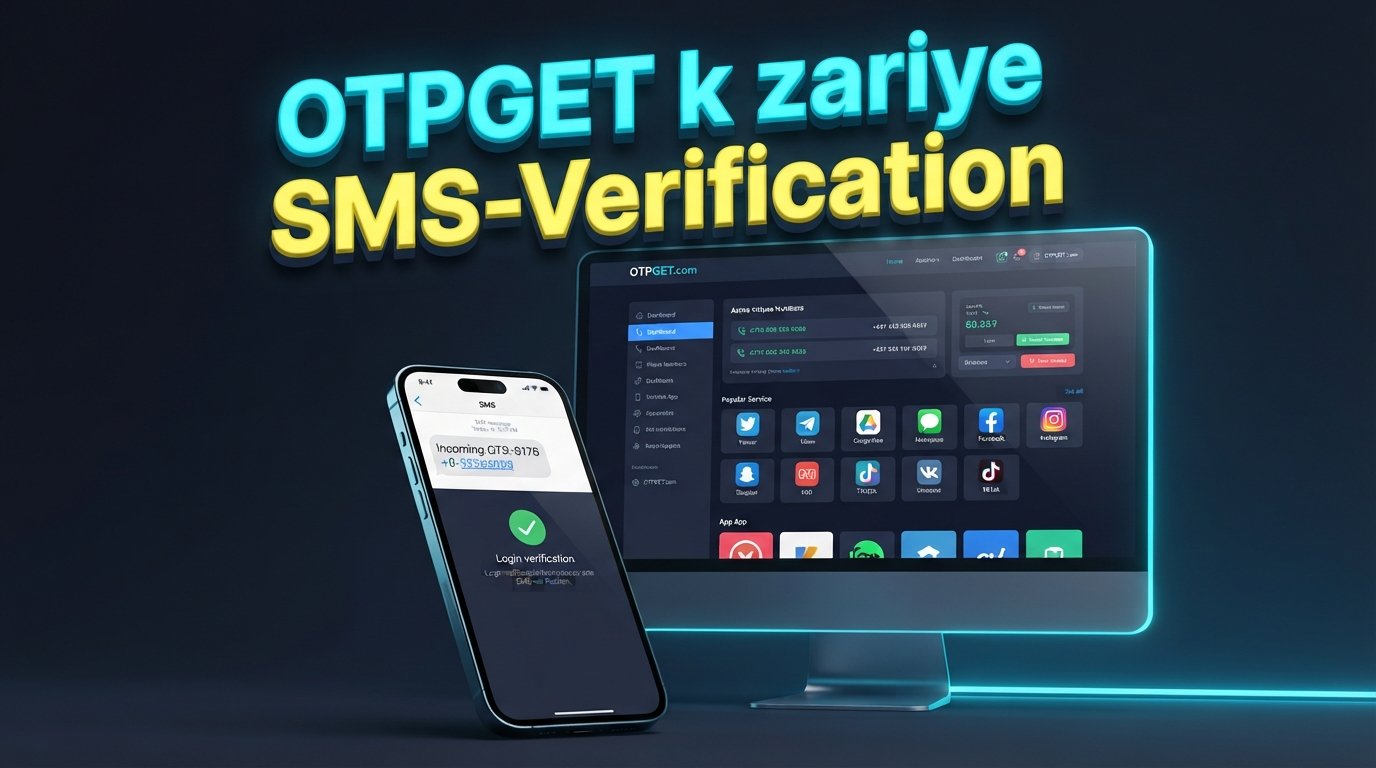
OTPGET is the central solution to consider when you need an online number for receiving a verification SMS.
Instead of relying on your primary personal number, you can explore available numbers through OTPGET and select an option suitable for your intended verification process, where available.
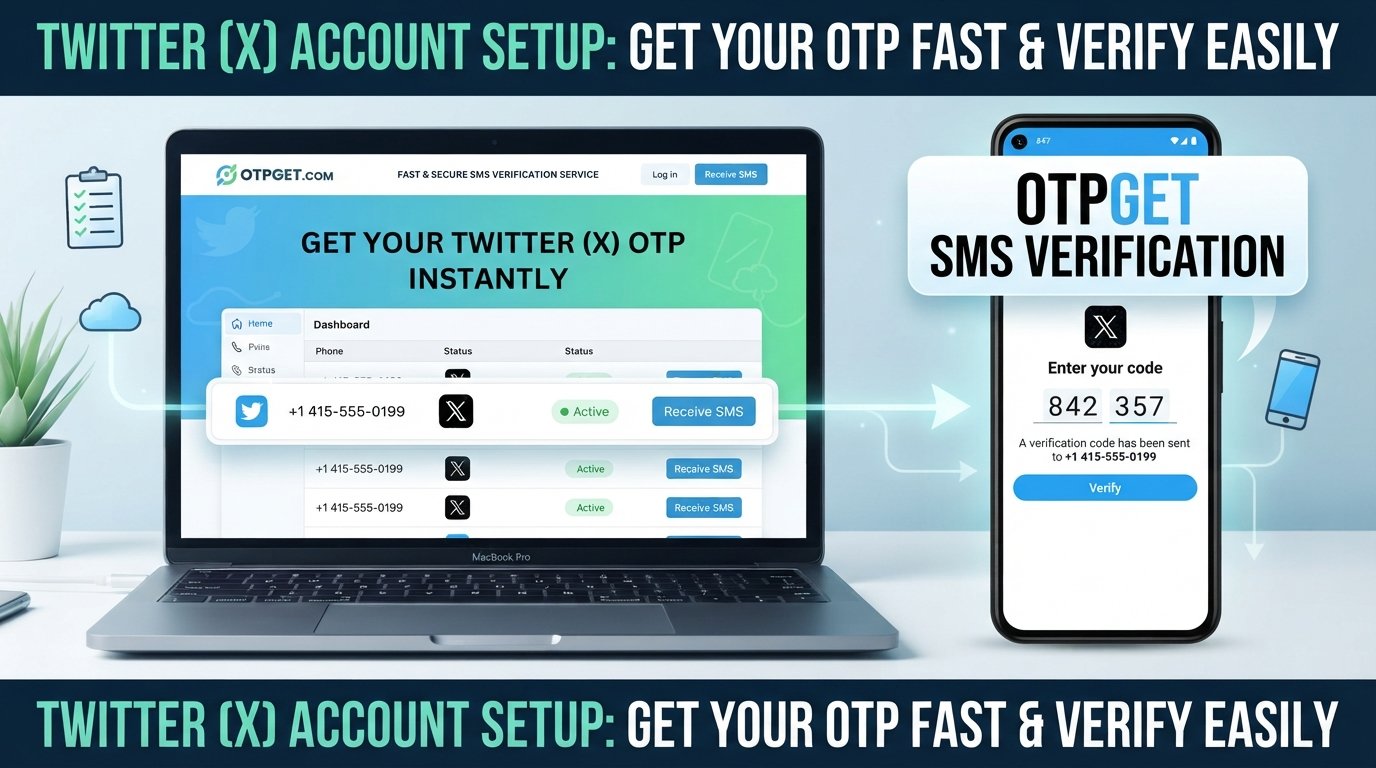
The general workflow is simple:
- Visit OTPGET.
- Select a suitable number or service from the options currently available.
- Use the provided number during the intended Telegram verification process.
- Wait for the verification SMS or OTP.
- Retrieve the incoming code through the supported OTPGET interface.
- Enter the Telegram code into Telegram.
- Complete verification if Telegram accepts the number and code.
This approach can be particularly convenient for users who want to avoid immediately using their primary phone number for a particular registration.
However, there is an important distinction: OTPGET can provide access to a verification number where supported, but it cannot control Telegram's acceptance decisions. Availability, number characteristics, Telegram's current requirements, and other external factors can affect whether a particular verification attempt succeeds.
Why Choose OTPGET?
The main appeal of OTPGET is convenience.
Instead of searching for a separate SIM, arranging another mobile subscription, or exposing your main number unnecessarily, an online verification service can provide a more direct way to explore number-based SMS verification.
Potential benefits include:
- Convenient access: Find an available verification number through an online workflow.
- Privacy-conscious registration: Keep your primary number separate when appropriate.
- Simple process: Select a number, use it for the intended verification, and check for the incoming OTP.
- Online accessibility: Receive supported SMS messages through the service rather than relying solely on your personal phone.
- Flexible use cases: A verification number can be useful for certain legitimate registrations, testing scenarios, and online activities where permitted.
Most importantly, OTPGET should be viewed as a practical verification-number option—not as a method for bypassing Telegram's security systems.
How to Get a Telegram Code Using OTPGET
If you are new to online SMS verification, the process can seem more complicated than it actually is.
Start by opening OTPGET and reviewing the numbers or services currently available for your intended purpose. Availability can change, so choose an option that is actually offered at the time you need it.
Next, copy the provided phone number carefully. When entering it into Telegram, use the correct international format and double-check every digit.
After Telegram begins the verification process, wait for the incoming message. If the selected number is supported and the message is delivered, check the OTPGET interface for the Telegram verification code.
Enter the code into Telegram exactly as received.
If Telegram accepts the number and verification code, you can proceed with the applicable account setup or verification flow.
Remember that not every virtual or temporary number is guaranteed to work with Telegram. If a number is unavailable, unsupported, already unsuitable for the particular verification process, or not accepted by Telegram, the verification attempt may not succeed.
Tips for a Smoother Telegram Verification Experience
A few simple habits can prevent unnecessary problems when trying to receive a Telegram OTP.
- Double-check the number: A single incorrect digit can prevent the SMS from reaching the intended number.
- Use the correct format: Enter the number using the international format requested by Telegram.
- Wait before retrying: Verification messages can sometimes take time to arrive. Repeatedly requesting codes may complicate the process.
- Check the OTPGET interface: If the service supports incoming SMS for your selected number, look for the Telegram message there.
- Enter the latest code: If multiple codes are generated, use the code associated with the current verification attempt.
- Choose numbers responsibly: Follow both the service's terms and Telegram's rules.
- Expect limitations: Some online numbers may not be accepted by certain platforms or may have restrictions around SMS delivery.
A little patience is often better than repeatedly restarting the verification process.
Is Using a Different Number for Telegram Safe?
Using a different number can be a sensible privacy choice, but it does not automatically make an account completely private or secure.
Your Telegram account still needs appropriate protection. Never share a Telegram verification code with another person, and use additional account-security features available through Telegram when appropriate.
There is also an important account-recovery consideration. If continued access to a particular number matters for recovering or managing an account, understand how losing access to that number could affect you.
For this reason, a temporary or virtual number should not be treated as a magic privacy solution. Consider how long you need access to the number, what the account is used for, and whether the arrangement is appropriate for your situation.
OTPGET can help with the number and SMS-verification side of the process where supported, but account security and Telegram's policies remain separate considerations.
Frequently Asked Questions
How can I get a Telegram verification code?
You normally need to provide a phone number during Telegram's verification process and receive the code through the available verification method. If you do not want to use your primary number, an eligible online verification number from a service such as OTPGET may be an option where available and accepted by Telegram.
Can I use a virtual number for Telegram?
A virtual number may be usable for Telegram verification, but acceptance is not guaranteed. Telegram can determine whether a particular number is suitable for verification. The number also needs to be capable of receiving the required verification message.
How do I receive a Telegram OTP online?
If you use a supported online SMS verification number, the Telegram OTP may appear through the provider's interface after Telegram sends the message. With OTPGET, the general process is to select an available number, use it for the intended verification, and check the supported interface for the incoming code.
What is OTPGET?
OTPGET is an online service associated with receiving verification messages through available numbers. For users looking for an alternative to their primary phone number, it can be a practical option to explore for supported SMS verification use cases.
Can OTPGET provide a number for Telegram verification?
OTPGET may provide an available number that can be used for a Telegram verification attempt, depending on current availability and service support. However, Telegram ultimately determines whether the selected number and verification attempt are accepted.
Why might a Telegram verification code not arrive?
A code may be delayed or unavailable because of network or service conditions, an unsuitable number, Telegram's verification process, or other technical factors. Check that the number was entered correctly, wait for the message, and avoid making repeated requests too quickly.
Is a temporary number suitable for Telegram?
A temporary number can be suitable for some Telegram verification situations, but it is not universally reliable. Consider the duration of access you need and whether you may require the number again for account management or recovery.
Final Conclusion
Needing a Telegram code does not necessarily mean you have to use your primary personal number every time.
For users who want an alternative phone number for SMS verification, OTPGET can be a convenient option to explore. The general process is straightforward: select an available number, use it for the intended Telegram verification, wait for the SMS, retrieve the code, and enter it into Telegram.
The important caveat is that no external service can guarantee Telegram acceptance of every number. Availability, number characteristics, Telegram's requirements, and other factors can influence the outcome.
If keeping your primary number separate is important to you, explore OTPGET and check the currently available verification-number options to find an option that fits your intended Telegram verification use case.
SEO & Content Notes
- Approximate word count: 1,600 words
- SEO title character count: 61 characters
- Meta description character count: 160 characters
- Primary keyword: Telegram code
- Main secondary keywords used: Telegram verification code, Telegram OTP, Telegram verification, Telegram number, phone number for Telegram, virtual phone number, temporary number, SMS verification, online phone number, OTP verification
- No year mentioned: Confirmed