Telegram Registration with Pakistan Number | OTPGET Guide Tips
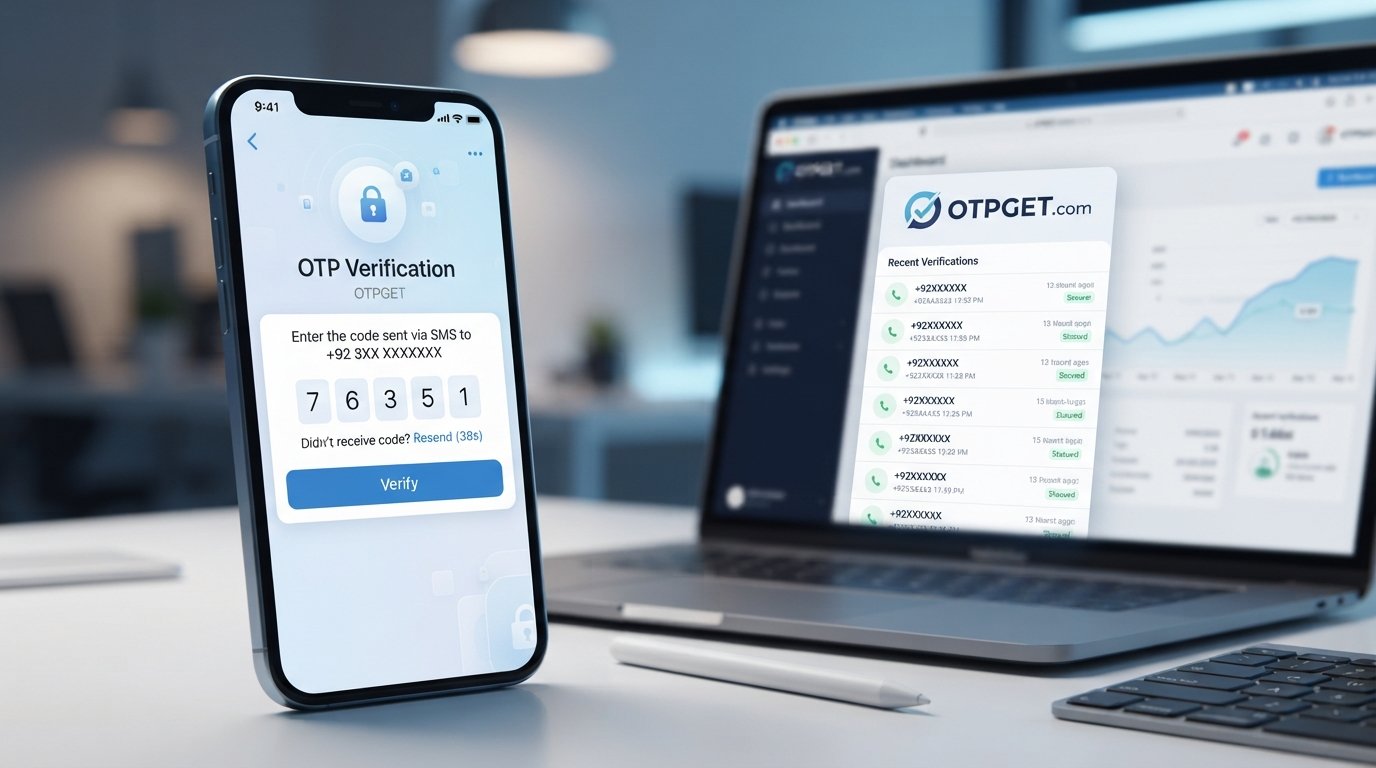
Telegram Registration with Pakistan Number — OTPGet
Registering for Telegram is normally straightforward: enter a phone number, complete the verification step, and follow the instructions shown in the app. The challenge begins when you need access to a specific number, such as a Pakistan number, but do not have a convenient physical SIM available.
This is where a virtual number can become useful. A service such as OTPGET provides virtual numbers for SMS-based verification and lists Pakistan among its supported countries and Telegram among its supported services.
If your goal is Telegram registration with Pakistan number, the important thing is to understand how phone verification works, what can cause OTP problems, and where a service such as OTPGET fits into the normal registration process.
What Is Telegram Registration with a Pakistan Number?
Telegram registration involves providing a phone number that can be used for the service's verification process. The number is entered with its appropriate country code, after which Telegram may provide a verification method and ask you to enter the code it sends.
For someone specifically looking for a Telegram Pakistan number, the country code is important. A Pakistan number uses the +92 country code, so the number should be entered according to Telegram's formatting instructions rather than as a local number with an incorrect country selection.
People may want a Pakistan number for several legitimate reasons. They may live in Pakistan, work with Pakistani contacts, need a separate communication number, or simply require access to a Pakistani number while traveling or working remotely.
A physical SIM is one option, but it is not always convenient. A Pakistan virtual number can provide an online alternative when the selected number supports the required verification service.
The key point is that having access to a number does not automatically guarantee that Telegram will accept it. Telegram controls its own registration and verification systems, so compatibility can vary.
Why Is a Telegram Verification Code Needed?
A Telegram verification code, commonly called a Telegram OTP, helps confirm that the person completing registration has access to the phone number being used.
At a basic level, the process is simple:
- Enter the phone number in Telegram.
- Follow the verification method Telegram provides.
- Receive the verification code through the available channel.
- Enter the code when Telegram requests it.
- Continue with the account setup process.
Phone-number verification adds an important security layer to account registration. It helps connect the account with a number that the registrant can access.
The exact verification experience can vary. Telegram may use SMS or another available verification method depending on the circumstances. Therefore, users should always follow the instructions displayed directly inside Telegram.
For anyone searching for Telegram OTP Pakistan or trying to receive Telegram OTP, the practical requirement is the same: you need access to the verification channel associated with the number you entered.
Common Problems During Telegram Registration
Even when the registration process looks simple, verification can occasionally become frustrating.
OTP Not Arriving
One of the most common problems is waiting for a Telegram verification SMS that does not appear. Delivery can be affected by the number type, network conditions, service compatibility, or other factors.
If you are using a virtual number, it is particularly important to make sure the selected number supports the relevant Telegram verification process.
Verification SMS Is Delayed
A Telegram OTP may not appear immediately. Repeatedly requesting new codes can create additional confusion, so it is generally better to wait and follow Telegram's on-screen instructions before trying again.
Incorrect Number Format
Entering a Pakistan number incorrectly can prevent the verification process from working as expected. Select the correct country and check the number carefully before continuing.
The Number Is Already Associated With an Account
A number may have previous Telegram account activity associated with it. If Telegram indicates that the number is already connected to an account, follow the options presented by Telegram rather than attempting to circumvent the account process.
Temporary Verification Problems
Sometimes the issue is simply temporary. App connectivity, service availability, or verification restrictions can affect the experience. If the process does not work, review the information carefully and try again later rather than repeatedly submitting requests.
How OTPGET Helps With Telegram Registration
For users who need an online Pakistan number for Telegram registration, OTPGET offers a practical option to explore.
OTPGET provides virtual phone numbers intended for SMS OTP verification and lists both Pakistan and Telegram among its available country and service options. Its general workflow is designed around selecting a country and service, obtaining a number, and receiving supported verification messages through its system.
A typical workflow looks like this:
- Access OTPGET and review the available virtual-number options.
- Select Pakistan as the country when a suitable option is available.
- Select Telegram as the relevant service where supported.
- Use the provided number in Telegram's normal registration process.
- Wait for the verification message to arrive through the OTPGET interface.
- Enter the valid code into Telegram when prompted.
- Continue through Telegram's standard account setup.
The important distinction is that OTPGET provides the number and SMS-receiving infrastructure; Telegram still controls its own verification and account-registration decisions. A number being available through OTPGET does not mean Telegram will automatically approve every registration.
OTPGET's published terms also explain that temporary numbers operate through automated systems and third-party providers and that service availability should be checked before making a purchase.
Step-by-Step: Register Telegram With a Pakistan Number
If you want to register Telegram with Pakistan number, the following approach keeps the process simple.
1. Choose the Number Source
First, decide whether you will use your own Pakistan SIM or an online number. If you do not have convenient access to a suitable physical SIM, you can review the Pakistan virtual-number options available through OTPGET.
2. Select a Pakistan Number
Inside OTPGET, choose the relevant country and service options. Availability can change, so check that a Pakistan number suitable for Telegram verification is available before proceeding.
3. Enter the Number in Telegram
Open Telegram and begin its normal account-registration process. Select Pakistan and enter the number using the correct international format.
Double-check the digits before continuing. A simple formatting mistake can prevent the verification message from reaching the intended number.
4. Wait for the Verification Code
Telegram will present the verification method available for your registration. If an SMS verification code is sent to the selected number, monitor the OTPGET receiving interface for the incoming message.
Avoid repeatedly requesting new codes while waiting.
5. Enter the Telegram OTP
When the verification code appears, enter it into Telegram exactly as displayed. Treat the code as sensitive information and do not share it unnecessarily.
6. Complete Telegram Account Signup
Once the verification stage is accepted, follow Telegram's remaining setup instructions. Your registration is still subject to Telegram's normal account and security procedures.
Why Choose OTPGET?
The biggest advantage of OTPGET for this use case is convenience.
If you need a Pakistan number for Telegram but do not want to arrange a physical SIM, an online number can reduce some of the logistical friction involved in getting access to a suitable number.
Other practical benefits include:
- Online access: Manage verification-related SMS through an online platform rather than relying exclusively on a physical SIM.
- Country selection: OTPGET lists virtual numbers across many countries, including Pakistan.
- Service-focused workflow: The platform is built around phone numbers and OTP verification rather than general telecommunications.
- Flexible options: OTPGET offers temporary numbers as well as rental numbers for users with different verification needs.
- Straightforward process: The basic workflow is designed around selecting a country and service, obtaining a number, and receiving the relevant SMS.
Still, convenience should not be confused with guaranteed compatibility. Telegram determines whether a number can be used for its verification process, and users should always follow Telegram's rules.
Tips for Successful Telegram Verification
A few simple habits can make Telegram phone number verification less frustrating.
- Enter the full number carefully and select Pakistan as the country when appropriate.
- Check that the number is intended to receive SMS verification.
- Confirm that the selected service and number are compatible before completing an OTP purchase.
- Give the verification message reasonable time to arrive.
- Avoid repeatedly requesting codes unless Telegram instructs you to do so.
- Check the receiving interface carefully if you are using a virtual number.
- Enter the OTP exactly as provided.
- Never share a Telegram verification code unnecessarily.
- If a number does not work, review the available options instead of attempting to bypass Telegram's verification controls.
- Keep your Telegram account information secure after registration.
If an OTP does not arrive, check the number, country code, service selection, and the instructions shown by Telegram before taking further action.
Is Using a Pakistan Number for Telegram Registration Useful?
It can be useful when you have a legitimate reason to use a Pakistan-based number but do not have convenient access to a physical SIM.
For example, a remote worker may need a separate Pakistani contact number, while someone traveling outside Pakistan may need online access to a Pakistan number for a specific registration workflow.
A virtual number can also help separate certain online registrations from a personal phone number. However, it is important to consider how long you need access to the number.
Temporary numbers can be appropriate for limited verification tasks, while a rental or longer-term number may be more suitable when continued access matters. OTPGET offers both temporary and rental number options.
Most importantly, use the number for legitimate purposes and follow Telegram's terms and security procedures. A virtual number should make a normal verification workflow more convenient, not serve as a way to evade platform safeguards.
Frequently Asked Questions
Can I register Telegram with a Pakistan number?
Yes, Telegram registration can be attempted with a Pakistan number when the number is suitable for the verification process. You should enter the number using Pakistan's correct country code and follow Telegram's instructions.
How do I receive a Telegram OTP?
Enter your number during Telegram registration and follow the verification method Telegram provides. If SMS verification is available and the selected number supports it, the code can be received through the relevant SMS interface.
What should I do if my Telegram verification code does not arrive?
Check the number and country code first. Then review the receiving interface and wait according to Telegram's instructions. Avoid repeatedly requesting codes without checking whether a previous request is still processing.
Can OTPGET help with Telegram verification?
OTPGET provides virtual numbers for SMS OTP verification and lists Telegram among its supported services. A suitable Pakistan number can therefore be an option to consider for the registration workflow, subject to Telegram accepting the number.
How does a Pakistan number work for Telegram registration?
A Pakistan number is entered into Telegram with the appropriate Pakistan country code. Telegram then determines the available verification method and sends or provides the required verification step if the number is eligible.
What is a Telegram verification SMS?
A Telegram verification SMS is a message containing a one-time verification code used during the phone-number verification process when SMS is the method Telegram provides.
Why might a Telegram OTP be delayed?
Delays can result from network conditions, number compatibility, service availability, or other factors affecting verification-message delivery. A delayed code does not necessarily mean the registration has permanently failed.
Is OTPGET suitable for Telegram registration?
OTPGET can be a practical option for users looking for a virtual Pakistan number and SMS OTP access for Telegram registration. However, compatibility is determined by Telegram, so users should not assume that every available number will work.
Conclusion: A Simpler Path to Telegram Registration
Getting through Telegram registration becomes easier when you have access to a suitable phone number and a clear understanding of the verification process.
For users specifically searching for Telegram registration with Pakistan number, OTPGET offers a convenient way to explore virtual Pakistan numbers and SMS OTP verification without needing to arrange a physical SIM first. Its platform supports virtual numbers for Telegram and lists Pakistan among its available countries.
The best approach is straightforward: choose an appropriate number, enter it correctly in Telegram, wait for the available verification method, and complete the process using Telegram's normal instructions.
If you need a Pakistan virtual number for this purpose, explore OTPGET and check the available Pakistan and Telegram options before proceeding.


