Temporary OTP Number for Pinterest: How to Get One | OTPGET
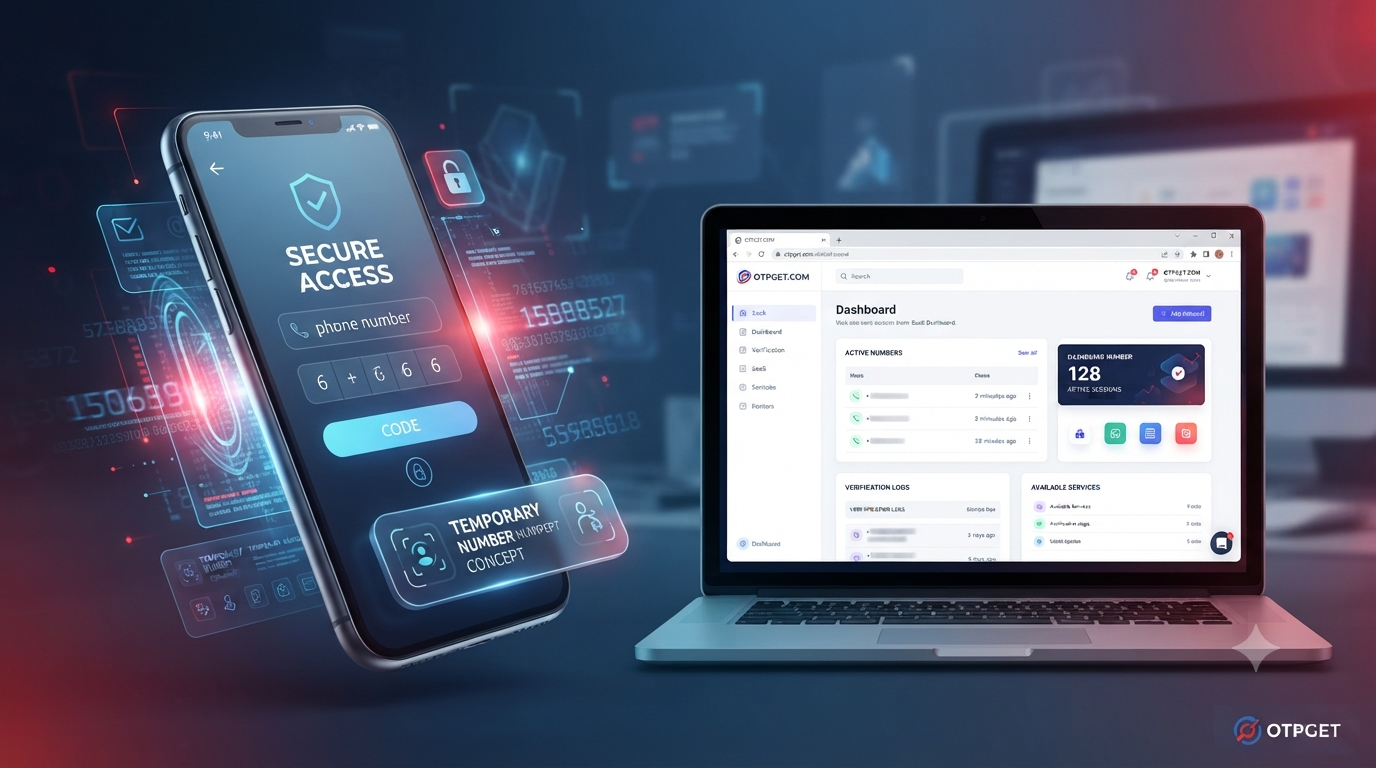
How to Get Temporary OTP Number for Pinterest — OTPGet
If Pinterest asks you to verify a phone number, you may not want to use your personal number for a one-time verification. This is where a temporary OTP number can be useful. Instead of relying on your everyday phone number, a temporary number can provide a way to receive an SMS verification code when the number and service are supported.
For users searching for a temporary OTP number for Pinterest, the basic process is straightforward: obtain a suitable temporary number, enter it during Pinterest phone verification, wait for the SMS, and submit the received code.
OTPGET is a practical option to consider when you need a temporary number for online OTP verification. This guide explains what temporary OTP numbers are, how Pinterest verification can work, how to use OTPGET for the process, and what to do if the verification SMS does not arrive.
What Is a Temporary OTP Number?
An OTP, or one-time password, is a short verification code sent to a user during an account or security check. When SMS verification is used, the code is delivered to a phone number by text message.
A temporary OTP number is a phone number intended for short-term verification rather than everyday personal communication. Depending on the service, the number can receive an SMS containing the verification code you need.
For example, if Pinterest asks you to enter a phone number, you may use a suitable temporary number where permitted. The verification service then receives the SMS, and you can retrieve the Pinterest OTP and enter it into the verification field.
Temporary numbers can be useful when you prefer not to give your personal phone number to every online service. They may also be convenient for one-time verification tasks.
However, temporary numbers are not identical to permanent mobile numbers. Their availability, lifespan, carrier, country, and acceptance by a particular platform can vary.
Why Does Pinterest Ask for Phone Verification?
Online platforms may use phone verification as part of account security and verification processes. In some cases, Pinterest may ask for a phone number to confirm access to a particular number or to complete an account-related action.
Phone verification can also help online services distinguish legitimate activity from suspicious or automated activity. The exact reason for a verification request can depend on the account, activity, location, and verification flow.
When SMS verification is presented, the process is generally simple: enter a phone number, request a code, receive the SMS, and enter the code in the appropriate field.
If you would rather not use your personal number for a particular verification, a temporary phone number may be an alternative where the platform accepts that type of number.
Can You Use a Temporary OTP Number for Pinterest?
A temporary phone number may work for Pinterest SMS verification, but there is no universal guarantee.
Acceptance can depend on several factors, including the type of number, its carrier, country, previous usage, and Pinterest's verification system. Some virtual or temporary numbers may be accepted while others may be rejected.
This is important because a temporary OTP number is not automatically compatible with every website or application.
The best approach is to use a legitimate service, select a number appropriate for the required verification, and follow Pinterest's instructions carefully. If the number is not accepted or an OTP does not arrive, another supported number may be necessary.
For users looking specifically for an online OTP number, OTPGET can provide a practical starting point for obtaining a temporary number and receiving an SMS verification code where supported.
How to Get a Temporary OTP Number for Pinterest With OTPGET
The process of using OTPGET for Pinterest verification can be broken into a few straightforward steps.
Step 1: Visit OTPGET
Begin by accessing OTPGET and reviewing the available temporary number options.
The goal is to find a number suitable for the SMS verification you need. Availability can vary, so choose an option that is appropriate for the intended service and country.
Step 2: Select the Appropriate Number or Service
Choose a temporary number or SMS verification option that fits your requirements.
Pay attention to the available country and service selections. A number that works for one platform may not necessarily work for another, so selecting an appropriate option is important.
Do not assume that every available number will be accepted by Pinterest.
Step 3: Use the Number for Pinterest Verification
When Pinterest asks for phone verification, enter the temporary number provided through OTPGET.
Make sure the number is entered correctly, including the appropriate country code if Pinterest requires it. A simple formatting mistake can prevent the verification message from reaching the intended number.
Step 4: Wait for the OTP
After submitting the phone number, Pinterest may send an SMS verification code.
Wait for the message to arrive through the selected verification service. SMS delivery can sometimes take a little time, depending on the service, carrier, and verification system.
Avoid repeatedly requesting new codes while waiting, as multiple requests can create confusion or temporary verification restrictions.
Step 5: Enter the Verification Code
Once the Pinterest OTP appears, enter the code into Pinterest's verification field.
Check the digits carefully before submitting. OTPs are generally intended for a specific verification attempt and may expire after a limited period.
Step 6: Complete Verification
If Pinterest accepts the code, continue with the verification process according to the instructions shown on the platform.
If the code is rejected, check whether it has expired, whether the correct number was used, and whether Pinterest requires another verification attempt.
The important point is that OTPGET can provide the temporary-number component of the process, while final acceptance is determined by Pinterest's verification system.
Why Use OTPGET for Pinterest Verification?
OTPGET can be a practical choice for users who need a temporary number for an SMS-based verification task.
One potential benefit is convenience. Instead of using a personal phone number for every online verification request, a temporary number can provide a separate option for short-term verification where supported.
The workflow is also easy to understand: obtain a suitable number, use it for the verification request, receive the SMS, and enter the code.
A temporary number can also be useful for users who want to keep personal and online verification activities separate. This does not mean a temporary number is suitable for every account or every situation, but it can be useful for appropriate one-time verification needs.
The key is to maintain realistic expectations. No temporary number provider can guarantee that every number will be accepted by every platform.
Temporary OTP Number vs. Personal Phone Number
Both options can have legitimate uses, but they offer different advantages and limitations.
| Factor | Temporary OTP Number | Personal Phone Number |
|---|---|---|
| Privacy | Keeps some verification activity separate from your personal number | Directly associated with you |
| Convenience | Useful for short-term verification | Convenient for ongoing account access |
| Reusability | May be temporary or limited | Usually remains under your control |
| Verification use | Suitable for supported one-time SMS verification | Suitable for long-term account verification |
| Account recovery | May be unsuitable for future recovery | Generally better for ongoing account access |
| Limitations | Acceptance and availability can vary | Requires sharing your personal number |
| Long-term control | May not remain available | Normally remains under your control |
A temporary number can therefore make sense for a short-lived verification task, while a personal number may be more appropriate for an account you expect to use for a long time.
Tips for Receiving Pinterest OTP Successfully
If you are trying to receive a Pinterest verification code, a few simple practices can help:
- Make sure the selected number supports SMS messages.
- Enter the phone number and country code correctly.
- Confirm that the number is intended for the required verification service.
- Wait briefly after requesting the OTP before trying again.
- Avoid requesting multiple codes repeatedly in a short period.
- Check the OTP inbox or verification dashboard for the incoming message.
- Use the newest verification code if multiple messages arrive.
- Enter the code before it expires.
- Follow Pinterest's instructions rather than repeatedly restarting the process.
These steps cannot guarantee successful verification, because the final result depends on the platform and the number being used.
Common Problems With Pinterest OTP Verification
OTP Not Received
If the Pinterest OTP does not arrive, first check that the temporary number was entered correctly and that the selected number supports the required SMS service.
A delivery delay can also occur. Give the system some time before requesting another code.
Number Not Accepted
Pinterest may reject certain temporary or virtual numbers. This can happen because platforms do not necessarily accept every type of phone number.
If the number is rejected, check the available options and try a different supported number if appropriate.
OTP Expired
Verification codes are generally time-sensitive. If you wait too long, the code may no longer be valid.
Request a new code when necessary and use the latest valid code rather than an older message.
Too Many Verification Attempts
Repeatedly requesting OTPs can sometimes cause temporary restrictions or interfere with the verification process.
If you have requested several codes, pause before trying again and follow the instructions provided by Pinterest.
SMS Delays
SMS delivery is not always instantaneous. Delays can occur between the platform sending a message and the verification service receiving it.
If a message remains unavailable, check the service status and consider whether another supported number is necessary.
Is a Temporary OTP Number Safe to Use?
The answer depends on how the number is used and what you need it for.
A temporary number can help separate a one-time verification task from your personal phone number. However, temporary numbers can have limitations that matter for account security.
For example, if an account later requires phone-based recovery, a temporary number that is no longer available may not be useful. Number reuse can also be an important consideration with temporary services.
For accounts that contain important personal information or that you expect to keep for a long time, carefully consider whether a temporary number is appropriate.
You should also use legitimate verification services and follow Pinterest's terms, policies, and applicable rules. A temporary OTP number should not be used to bypass security controls, create fraudulent accounts, impersonate others, or engage in abusive activity.
Why OTPGET Can Be a Practical Choice
If you need a temporary OTP number for Pinterest, OTPGET offers a straightforward option to consider for obtaining a number and receiving verification SMS where supported.
The basic workflow is easy to understand:
Need verification → Get a temporary number → Enter it on Pinterest → Receive the OTP → Enter the code → Continue verification
The main advantage is having a separate number available for an appropriate temporary verification task instead of immediately using your personal phone number.
Still, it is important to remember that the temporary number, SMS delivery, and Pinterest's acceptance of the number are separate parts of the process. Results can vary depending on the number and verification system involved.
For that reason, OTPGET should be viewed as a practical option rather than a guarantee that every Pinterest verification attempt will succeed.
Frequently Asked Questions
What is a temporary OTP number for Pinterest?
A temporary OTP number is a short-term phone number that can receive SMS verification codes. If Pinterest accepts the number, it may be used to receive a Pinterest verification code without using your regular personal number.
Can I use a temporary phone number for Pinterest verification?
You may be able to use one, but acceptance depends on Pinterest, the number type, country, carrier, and verification system. Not every temporary number is guaranteed to work.
How can I receive a Pinterest OTP online?
You can use a suitable SMS verification service such as OTPGET to obtain a temporary number, enter it during the Pinterest verification process, and retrieve the SMS code if the number is supported and the message is delivered.
What should I do if my Pinterest OTP does not arrive?
Check that the number was entered correctly, wait briefly for delivery, and avoid repeatedly requesting new codes. If the message still does not arrive, consider whether the number or service is supported and whether another number is appropriate.
Does every temporary number work with Pinterest?
No. Temporary and virtual numbers can be treated differently by online platforms. Some may be accepted while others may be rejected, so there is no universal guarantee.
How does OTPGET help with Pinterest verification?
OTPGET can provide a temporary number for SMS verification. When the selected number is supported and Pinterest sends a verification message to it, the received OTP can be retrieved and entered into the Pinterest verification process.
How long does an OTP usually remain valid?
The validity period can vary depending on the platform and verification system. If a code expires, request a new one and use the latest valid verification code.
Can I use a temporary number instead of my personal number?
For some short-term verification tasks, a temporary number may be an alternative to your personal number. However, consider future account recovery and platform requirements before choosing one for an account you plan to keep long term.
Conclusion
Getting a temporary OTP number for Pinterest can be useful when you need SMS verification but prefer not to use your personal phone number for a particular online task. The basic process is simple: obtain a suitable temporary number, enter it into Pinterest's verification form, wait for the SMS, and submit the received code.
OTPGET provides a practical option for users looking for a temporary number and SMS OTP service where supported. Just remember that temporary numbers are not guaranteed to work with every platform, and successful verification depends on Pinterest's requirements and the specific number available.
If you need a temporary OTP number for Pinterest, explore OTPGET, choose an appropriate verification option, and follow Pinterest's instructions carefully. Use temporary numbers responsibly and always follow applicable platform rules.