The Phone Number Cannot Be Used for Verification: Fixes & Tips
The Phone Number Cannot Be Used for Verification: Fixes & Tips
Getting the message “the phone number cannot be used for verification” can be frustrating, especially when you are simply trying to create an account, sign in, register for a service, or complete an online process.
The confusing part is that your phone may work perfectly for calls and ordinary text messages. So why would a website reject it?
A phone verification error does not necessarily mean there is something wrong with your device. Websites and apps use their own verification rules, and those rules can depend on the type of number, previous verification activity, location, carrier, or other platform-specific factors.
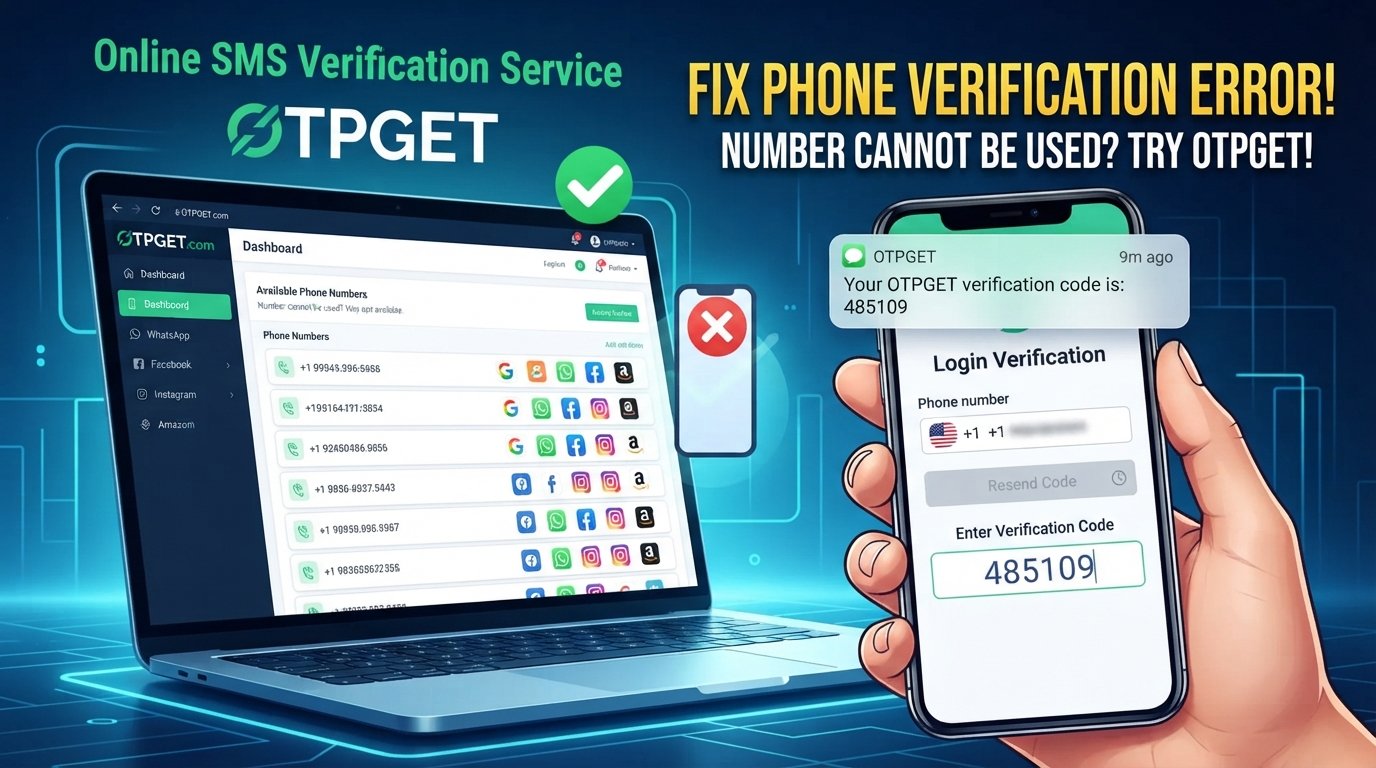
Fortunately, there are several things you can try before giving up. If your personal number continues to be rejected, an online number can sometimes be another option when the service allows it. OTPGET can be considered for receiving verification SMS or OTP codes online when an appropriate number is available and accepted by the service.
What Does “The Phone Number Cannot Be Used for Verification” Mean?
In simple terms, the message means that the website or app has decided that the phone number you entered is not eligible for its verification process.
That decision can happen for many reasons. For example, the platform may have limits on how often one number can be used, may not support certain number types, or may have restrictions affecting particular regions or carriers.
The exact reason is important because “the phone number cannot be used for verification” is not a universal error with one universal solution.
A number may work normally for calls and SMS while still being rejected by a specific service's verification system.
Common possibilities include:
- The number has already been used for verification several times.
- The service does not support the type of number being entered.
- The platform has temporarily restricted the number.
- Regional or carrier limitations apply.
- Too many verification attempts were made.
- SMS delivery is delayed or unavailable.
- The platform has additional eligibility or fraud-prevention checks.
Understanding this distinction can save you from repeatedly entering the same number and getting the same result.
Why Can't My Phone Number Be Used for Verification?
If you are wondering why can't my phone number be used for verification, consider these common causes.
1. The number has already been used too many times
Some services limit how frequently a phone number can be associated with accounts or verification requests. If the number has been used repeatedly, another attempt may be rejected.
2. The service does not support the number type
Not every verification system accepts every kind of phone number. Certain platforms may restrict virtual, VoIP, temporary, recycled, or other online numbers.
3. The number has verification restrictions
A platform may place restrictions on a number because of previous activity or its own account-verification rules. The user may not receive a detailed explanation of the restriction.
4. The service has regional limitations
Some verification systems operate differently depending on country, region, or carrier. A number that works on one service may not be accepted by another.
5. Too many verification attempts were made
Repeatedly requesting codes in a short period can sometimes trigger temporary restrictions or delays. More attempts are not always the fastest way to solve a verification code problem.
6. The SMS system is experiencing problems
The problem may not be the number itself. A service, carrier, or SMS delivery system can experience temporary delays.
7. The platform has temporarily blocked the number
Security and abuse-prevention systems can sometimes prevent a number from being used for verification for a period of time.
8. The number is not eligible for that verification process
Some services have specific requirements that are not obvious until verification fails. The platform's own rules ultimately determine whether a number is accepted.
How to Fix the Phone Number Verification Problem
Before looking for another verification number, try these practical troubleshooting steps.
- Check the number carefully.
Make sure every digit is correct and that you have not accidentally added an extra digit. - Confirm the country code.
Select the correct country and make sure the international format matches what the service expects. - Check SMS reception.
Make sure your phone can receive ordinary text messages and has adequate network coverage. - Wait before requesting another OTP.
If you have already requested several codes, pause rather than repeatedly pressing the resend button. - Check the service's requirements.
Look for information about supported countries, carriers, or number types. - Try an official alternative verification method.
Some platforms provide email, authenticator, recovery, or other verification options. - Avoid repeatedly switching numbers without identifying the problem.
If the issue is caused by a platform restriction, entering several numbers may not solve it. - Contact the platform's support team if necessary.
If the number should qualify but continues to fail, the service may need to investigate the account or verification attempt.
These steps can resolve many basic phone verification problems. If the number itself is simply not eligible, however, another supported verification option may be necessary.
What If the Verification Code Is Not Received?
A different problem occurs when the number is accepted but the verification code is not received.
This can happen because of network problems, SMS delays, carrier filtering, incorrect country codes, too many requests, temporary service problems, or unsupported number types.
Before requesting another OTP, use this quick checklist:
- Confirm the phone number and country code.
- Check your mobile signal.
- Make sure SMS messages are not being filtered or blocked.
- Wait a few minutes for delayed messages.
- Avoid repeatedly requesting new codes.
- Check whether the service reports an outage or verification issue.
- Confirm that the number type is supported.
- Try an official alternative verification method if available.
If you still cannot receive the verification SMS, an online SMS verification option may be worth considering where the service permits it.
For readers researching the topic further, an internal guide such as [receive OTP online] can explain the concept and common considerations in more detail.
Can an Online Phone Number Help With Verification?
An online phone number for verification is a number that can be used to receive SMS through an online service rather than directly through your personal mobile phone.
This can be useful in situations where your regular number is unavailable, has reached a platform-specific limit, or is not accepted for a particular verification process.
However, there is an important limitation: online numbers are not accepted by every website or app.
A platform may specifically reject temporary, virtual, VoIP, recycled, or other online numbers. Therefore, an online SMS verification service should be viewed as an option, not a guarantee that every verification attempt will succeed.
If you are researching the subject more broadly, an internal resource such as [virtual phone number guide] could cover the differences between common number types and when each may be appropriate.
OTPGET as a Solution for Phone Verification
When a personal number cannot be used and the service permits an online number, OTPGET can be a practical option for receiving verification SMS or OTP codes online.
The basic process is straightforward:
- Choose the appropriate service or verification option on OTPGET.
- Obtain or select an available phone number, where supported.
- Enter the number on the website or app requesting verification.
- Request the verification code from the original service.
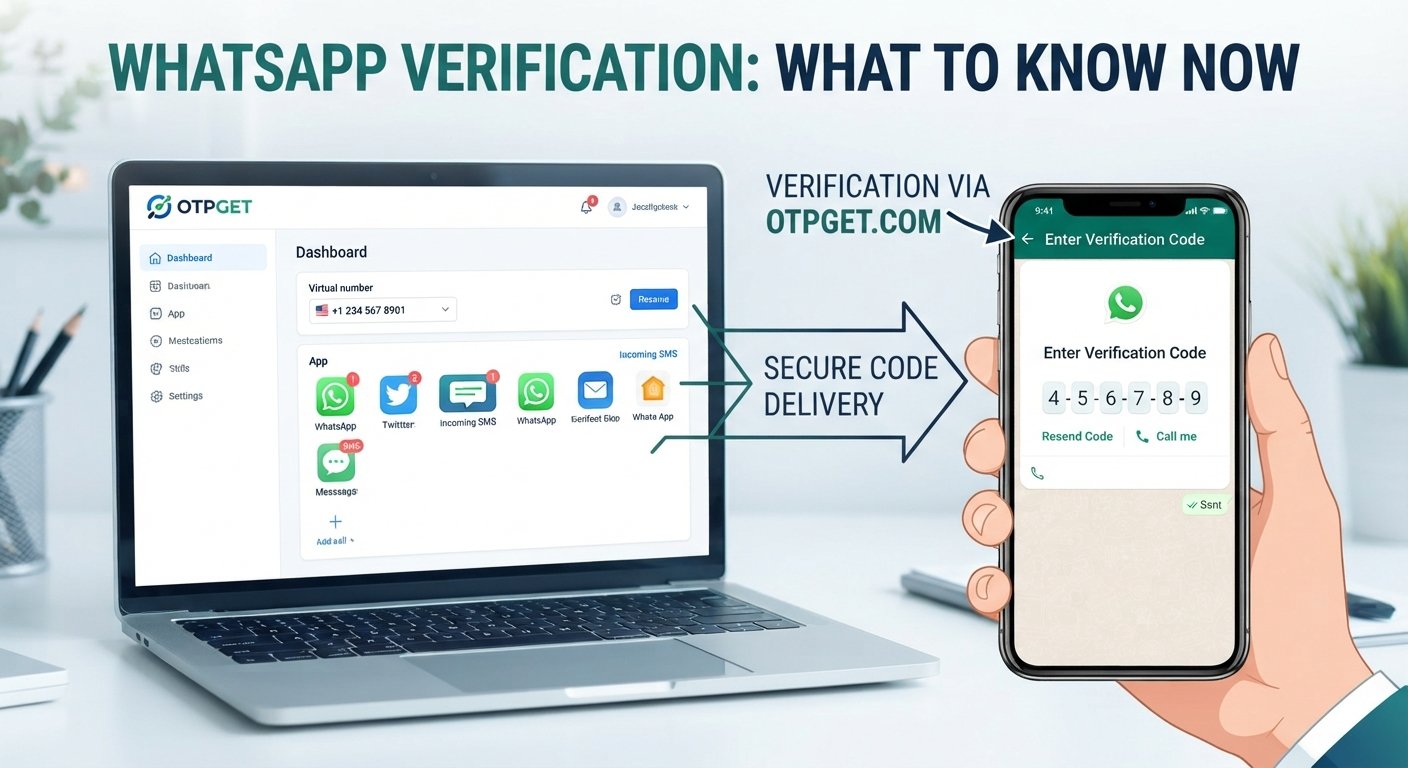
- Check OTPGET for the incoming SMS or OTP through its supported interface.
- Enter the received verification code into the original service.
The key point is compatibility. A verification number is useful only when the platform accepts that type of number and successfully sends the code to it.
Some websites may block virtual, temporary, VoIP, recycled, or online numbers. Because of that, OTPGET should not be presented as a guaranteed workaround for every phone number verification error.
Instead, it can be considered when you specifically need an online number for receiving an OTP and the service's rules allow it.
Why Users Consider OTPGET for Verification
There are several practical reasons someone might consider an OTP receiving service such as OTPGET.
Convenient access to verification numbers
If using your personal number is not practical for a particular verification task, an online number can provide another option where supported.
Receive SMS and OTP codes online
OTPGET can be considered when you need to receive a verification SMS or OTP online rather than relying on a personal mobile number.
Useful when a personal number is unavailable
If your regular number cannot be used for a particular verification process, an appropriate online number may provide an alternative.
A simple verification workflow
The general process involves selecting a suitable number, entering it into the service being verified, receiving the code, and completing verification.
Still, compatibility matters. Always consider the verification requirements of the website or app before choosing an online number.
OTPGET vs. Repeatedly Trying the Same Phone Number
When a number has already been rejected, repeatedly submitting it may not resolve the underlying problem.
| Continuing with the same number | Using an appropriate OTPGET number |
|---|---|
| Useful when the issue may be temporary | Useful when an online number is permitted |
| May require waiting between attempts | Provides another number option where supported |
| Keeps the process tied to your existing number | Can be considered when you prefer not to use your personal number |
| Still subject to the platform's restrictions | Still subject to the platform's acceptance rules |
The important consideration is not simply whether an alternative number exists. It is whether the original service accepts that number type for its verification process.
Tips for Avoiding Phone Verification Errors
A few habits can reduce unnecessary verification problems:
- Enter the correct country code and phone number.
- Use a number type supported by the service.
- Avoid excessive OTP requests.
- Give delayed SMS messages time to arrive.
- Keep SMS reception available.
- Read the platform's verification requirements.
- Avoid switching between many numbers without understanding the issue.
- Use official verification methods whenever they are available.
- If an online number is used, confirm that the service permits that type of number.
These steps are especially helpful when dealing with repeated account verification problems.
Frequently Asked Questions
Why does it say my phone number cannot be used for verification?
It can mean the service has rejected the number because of usage limits, number-type restrictions, regional rules, previous activity, temporary restrictions, or other platform-specific requirements.
How do I fix a phone verification error?
Check the number and country code, confirm SMS reception, wait between attempts, review the service's requirements, and try an official alternative verification method if available.
Why am I not receiving my verification code?
Possible causes include SMS delays, network problems, carrier filtering, too many requests, an incorrect number, or temporary problems with the service's verification system.
Can I use an online phone number for verification?
Sometimes. Whether an online or virtual phone number works depends entirely on the website or app. Some platforms accept them, while others specifically restrict them.
Can OTPGET help me receive an OTP?
OTPGET can be considered when you need an online number for receiving verification SMS or OTPs and the relevant service supports that type of number.
Does every website accept virtual or online phone numbers?
No. Acceptance varies by platform. Some services may block virtual, temporary, VoIP, recycled, or other online numbers.
Why is my number rejected even though it works for calls and SMS?
A number can function normally for calls and ordinary SMS while still being rejected by a particular website's verification system. Platform-specific rules determine eligibility.
How long should I wait before requesting another verification code?
There is no universal waiting period. If you have made several requests, waiting before trying again can be preferable to repeatedly requesting new codes. Follow any instructions provided by the service.
Final Thoughts
Seeing “the phone number cannot be used for verification” does not automatically mean your phone is broken. The issue can result from number limits, unsupported number types, regional restrictions, excessive verification attempts, SMS delivery problems, or rules specific to the website or app.
Start with the basics: check the number and country code, confirm that SMS reception works, avoid repeated requests, and review the service's verification requirements.
If your personal number remains unavailable or rejected, an online phone number can be another option when the platform permits it. OTPGET can provide a practical way to consider receiving verification SMS or OTP codes online in supported situations.
The most important thing is to check compatibility before relying on any verification number. No single number type works for every service, so choosing an option that matches the platform's requirements is essential.
If an online verification number fits your situation and is accepted by the service, exploring OTPGET may be a useful next step.