Too Many Attempts? How Long to Wait Before Retrying an OTP
Too Many Attempts? How Long to Wait Before Retrying
You request an OTP. Nothing arrives.
So you tap “Resend OTP.” Still nothing. You try again. Then once more, just to be sure.
Suddenly, the screen changes:
“Too many attempts. Please try again later.”
It is frustrating, especially when you are simply trying to log in, verify a phone number, complete account verification, or finish a two-factor authentication step.
The good news is that a “too many attempts” message usually does not mean you have permanently lost access. In many cases, it means the verification system has temporarily limited additional requests or attempts.
The important question is: how long should you wait before retrying?
There is no universal OTP waiting period. The correct cooldown depends on the website, app, authentication provider, or verification system you are using. However, there are sensible steps you can take to avoid making the problem worse.
This guide explains what “too many attempts” means, why OTP systems impose limits, what to do while waiting, how to troubleshoot an OTP that never arrives, and how an OTP-focused solution such as OTPGET can fit into your verification workflow.
What Does “Too Many Attempts” Mean?
“Too many attempts” generally means the verification system has detected repeated requests or failed verification attempts and has temporarily restricted additional activity.
This can happen when you:
- Request several OTPs in a short period
- Enter incorrect verification codes repeatedly
- Press “Resend” multiple times
- Attempt verification again before a previous request has completed
- Trigger a service's verification attempt limit
These controls are commonly referred to as rate limits, retry limits, or temporary OTP blocks.
The restriction may last for a period determined by the service. Some systems display a countdown, while others simply tell you to try again later.
Importantly, an OTP retry limit is not necessarily a sign that something is wrong with your account. It can simply be a temporary protection designed to control repeated verification activity.
Why Do OTP Systems Limit Repeated Attempts?
An OTP, or one-time password, is designed to provide an additional verification step. Because verification codes can be used for login verification, account verification, phone number verification, and two-factor authentication, services need to control how frequently verification can be requested.
Limiting repeated attempts can help services:
- Reduce automated abuse
- Limit repeated verification requests
- Protect accounts from excessive login attempts
- Reduce unwanted SMS traffic
- Protect verification infrastructure from excessive demand
- Make automated guessing or brute-force attempts more difficult
These controls are part of broader OTP security practices.
From a user's perspective, however, the protection can become inconvenient when a legitimate verification code is delayed. A person may assume the code failed and repeatedly request another one, only to encounter an OTP blocked message afterward.
How Long Should You Wait Before Retrying?
The correct waiting period depends on the service. If it displays a cooldown period, wait until that period ends before requesting another OTP.
There is no single answer to “how long to wait for OTP” that applies to every website or app.
A practical approach is:
- Follow any displayed countdown. If the service tells you to wait a specific amount of time, follow that instruction.
- Stop pressing “Resend.” Repeated OTP requests are unlikely to solve a temporary restriction.
- Give the existing request time to arrive. SMS delivery can sometimes be delayed.
- Wait until the cooldown finishes. Avoid trying again while the system is still restricting requests.
- Retry once the restriction has passed. If the problem continues, move to troubleshooting rather than repeatedly requesting codes.
- Use an official alternative if available. Some services may provide another verification method.
The key point is patience. If the screen says to wait, repeatedly attempting the same action is usually not the most effective response.
Why Repeated OTP Requests Can Make the Problem Worse
When an OTP code is not received immediately, requesting another one can feel like the obvious solution. Depending on the service, however, repeated requests may create additional problems.
Some systems may restart or extend a cooldown when another request is made. Others may invalidate an earlier code when a new one is generated.
Multiple requests can also cause confusion if several delayed SMS messages eventually arrive.
For example, imagine requesting three verification codes:
- Code A is delayed.
- You request Code B.
- Code B is also delayed.
- You request Code C.
- All three messages eventually arrive.
Depending on the service, only the latest valid code may work. Earlier codes may have expired or been invalidated.
This is why an OTP retry should be deliberate rather than repetitive.
What to Do While Waiting for an OTP
If you have encountered an OTP cooldown period, use the waiting time to check whether the problem is related to delivery rather than immediately requesting another code.
Check your mobile signal
Weak or unstable mobile connectivity can contribute to delayed SMS delivery. Make sure your phone can receive messages normally.
Confirm your phone number
Check that the number shown by the service is correct. A small mistake can prevent the verification code from reaching you.
Check your SMS inbox
Look for the verification message, including recent messages that may have arrived later than expected.
Check blocked or filtered messages
If your phone or messaging app has filtering features, check whether the verification message was redirected or blocked.
Avoid repeated requests
If you already requested a code, give that request time to complete before selecting “Resend OTP” again.
Check for service-side problems
If the service provides an official status page, support page, or notification about delays, review it before making more attempts.
Use an official alternative
If the service offers another legitimate verification method, you may be able to use it instead of repeatedly requesting an SMS verification code.
What If the OTP Code Never Arrives?
An OTP not received problem can have several possible causes. The issue may be related to your device, mobile network, phone number, SMS delivery, or the service itself.
Common possibilities include:
- Network or SMS delivery delays
- An incorrect phone number
- Carrier filtering
- Too many OTP requests
- A service-side delay
- Device or SIM-related issues
- An expired verification request
- A previous code being replaced by a newer request
Start with the basics. Confirm your number, check your signal and messages, and avoid repeatedly selecting the resend option.
If the service still reports OTP verification failed, check whether the code has expired or whether the service requires the most recent verification code.
When troubleshooting does not resolve the issue, follow the service's official account recovery or support process rather than trying to bypass its verification controls.
OTP Code Arrived Late — Which Code Should You Use?
A delayed verification code can be confusing, particularly when several messages arrive together.
Do not assume that every OTP system handles multiple codes in exactly the same way.
Some services may accept only the latest valid verification code. Earlier codes may become invalid after a newer code is issued or after their validity period expires.
If the service indicates that only the latest code is accepted, use the most recent valid code and enter it carefully.
If a message says the verification code has expired, request a new one only when the service permits another request.
When Should You Stop Retrying?
Repeatedly attempting OTP verification is not always productive. In fact, continuing to retry can make a temporary restriction last longer on some systems.
Consider stopping and waiting when you see:
- A persistent “too many attempts” message
- A temporary OTP block
- Repeated verification failures
- No OTP after reasonable troubleshooting
- A warning about unusual login activity
- An instruction to wait before trying again
At this point, follow the service's official recovery, verification, or support process.
The goal is not to defeat the restriction. It is to allow the legitimate verification process to continue without generating more failed attempts.
How OTPGET Can Help With OTP Verification
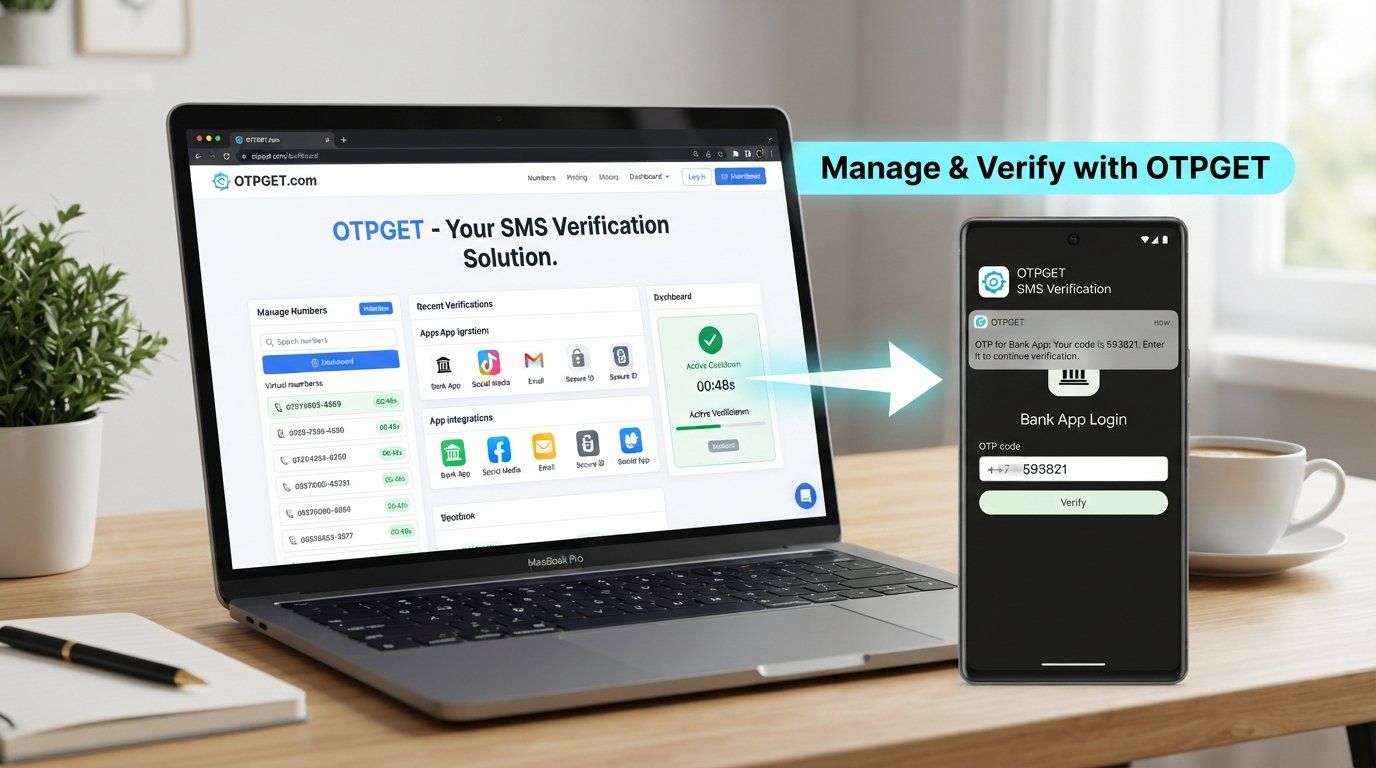
When repeated OTP requests become frustrating, having a dedicated OTP-focused solution can make the verification process easier to manage. This is where OTPGET can be useful.
OTPGET is relevant for users who need a practical way to handle OTP verification and access verification codes as part of an appropriate verification workflow.
Instead of treating every delayed code as a reason to keep pressing “Resend,” users can approach OTP verification more deliberately: understand the verification requirement, respect the service's retry limits, and use an appropriate OTP-focused solution when needed.
OTPGET can be considered when OTP verification is becoming a recurring source of friction, particularly when users are looking for a solution focused specifically on verification codes.
The important distinction is that OTPGET should be used responsibly. It is not a reason to bypass a website's security controls, defeat a temporary block, or ignore a service's verification requirements.
If a platform tells you to wait, the responsible approach is still to respect that restriction. Once you are able to continue through the legitimate verification process, an OTP-focused solution such as OTPGET may help make the overall workflow more practical.
OTP Verification Best Practices
A few simple habits can prevent many OTP problems:
- Request an OTP once and wait for it to arrive.
- Follow the displayed cooldown period.
- Avoid repeated OTP requests.
- Enter the verification code carefully.
- Use the latest valid code when the service requires it.
- Do not share OTPs with other people.
- Never publish verification codes publicly.
- Use official verification channels.
- Keep your phone number and account information accurate.
- If verification continues to fail, use the service's official support or recovery process.
Good OTP practices are less about speed and more about completing verification without creating unnecessary failed attempts.
Frequently Asked Questions
How long should I wait after “too many attempts”?
The waiting time depends on the service and its verification rules. If a countdown or specific cooldown is displayed, wait until it finishes. Avoid making additional requests during the restriction.
Why am I getting “too many attempts” when I entered the OTP correctly?
A “too many attempts” message can be triggered by repeated requests as well as failed code entries. The restriction may apply even if one of your previous codes was entered correctly.
Can requesting OTP repeatedly extend the waiting time?
Depending on the service, additional requests may restart or extend a cooldown. Because systems differ, the safest approach is to stop requesting codes and follow the displayed instructions.
What should I do if my OTP never arrives?
Check your phone number, mobile signal, SMS inbox, and any message filtering. Then check whether the service reports a delivery problem. If the issue continues, use its official support or alternative verification process.
Why did my OTP arrive after it expired?
OTP messages can sometimes be delayed during delivery. An OTP may also have a limited validity period. If the code is expired, wait until the service permits you to request a new one.
Can I request another OTP after a cooldown?
Usually, you should be able to continue once the service's restriction has ended, but the exact process depends on the platform. Follow its instructions rather than attempting to bypass the cooldown.
How can OTPGET help with OTP verification?
OTPGET is an OTP-focused solution that can be considered when users need a practical way to manage OTP verification and access verification codes. It should be used as part of a legitimate verification workflow, while respecting the limits and security requirements of the service being accessed.
12. FAQ SECTION
Q: How long should I wait after “too many attempts”?
A: The exact cooldown depends on the service. Follow any displayed countdown or instruction and avoid repeated OTP requests until the restriction has ended.
Q: Why am I getting “too many attempts” when I entered the OTP correctly?
A: The restriction can be triggered by repeated OTP requests or failed attempts, so a correct code does not necessarily prevent a temporary limit.
Q: Can requesting OTP repeatedly extend the waiting time?
A: On some services, another request may restart or extend the cooldown. Because policies vary, it is better to wait and follow the service's instructions.
Q: What should I do if my OTP never arrives?
A: Check your phone number, signal, SMS inbox, message filtering, and the service's status information. If the problem continues, use the official support or alternative verification process.
Q: Why did my OTP arrive after it expired?
A: Delivery delays can cause an OTP to arrive after its validity period. Request a new code when the service allows another verification attempt.
Q: Can I request another OTP after a cooldown?
A: If the service allows another request after the cooldown, follow its normal verification process. Do not attempt to bypass the restriction.
Q: How can OTPGET help with OTP verification?
A: OTPGET can be considered as a practical OTP-focused solution for users who need to manage OTP verification and access verification codes as part of a legitimate workflow.
13. SUGGESTED INTERNAL LINKS
- What Is OTP Verification? — Suggested destination: Educational page explaining OTP verification, its purpose, and common use cases.
- How OTP Authentication Works — Suggested destination: Guide explaining one-time passwords and the authentication process.
- OTP Security Best Practices — Suggested destination: Security-focused guide covering safe OTP handling and responsible verification.
- What to Do When an OTP Does Not Arrive — Suggested destination: Troubleshooting guide for delayed, missing, or expired verification codes.
- OTPGET Product/Service Page — Suggested destination: Main OTPGET product or service page explaining the solution and how users can use it.
14. SUGGESTED EXTERNAL REFERENCES, ONLY IF NEEDED
No external reference is required for the core article. For publication, relevant official documentation from the specific service being discussed can be added when addressing that service's particular cooldown or retry policy.
15. FINAL CTA
If OTP verification has become a recurring source of frustration, consider OTPGET as a practical OTP-focused solution for managing your verification needs. Use it responsibly alongside the verification requirements and security controls of the service you are accessing.


