Top 10 Apps That Need SMS Verification: A Practical User Guide
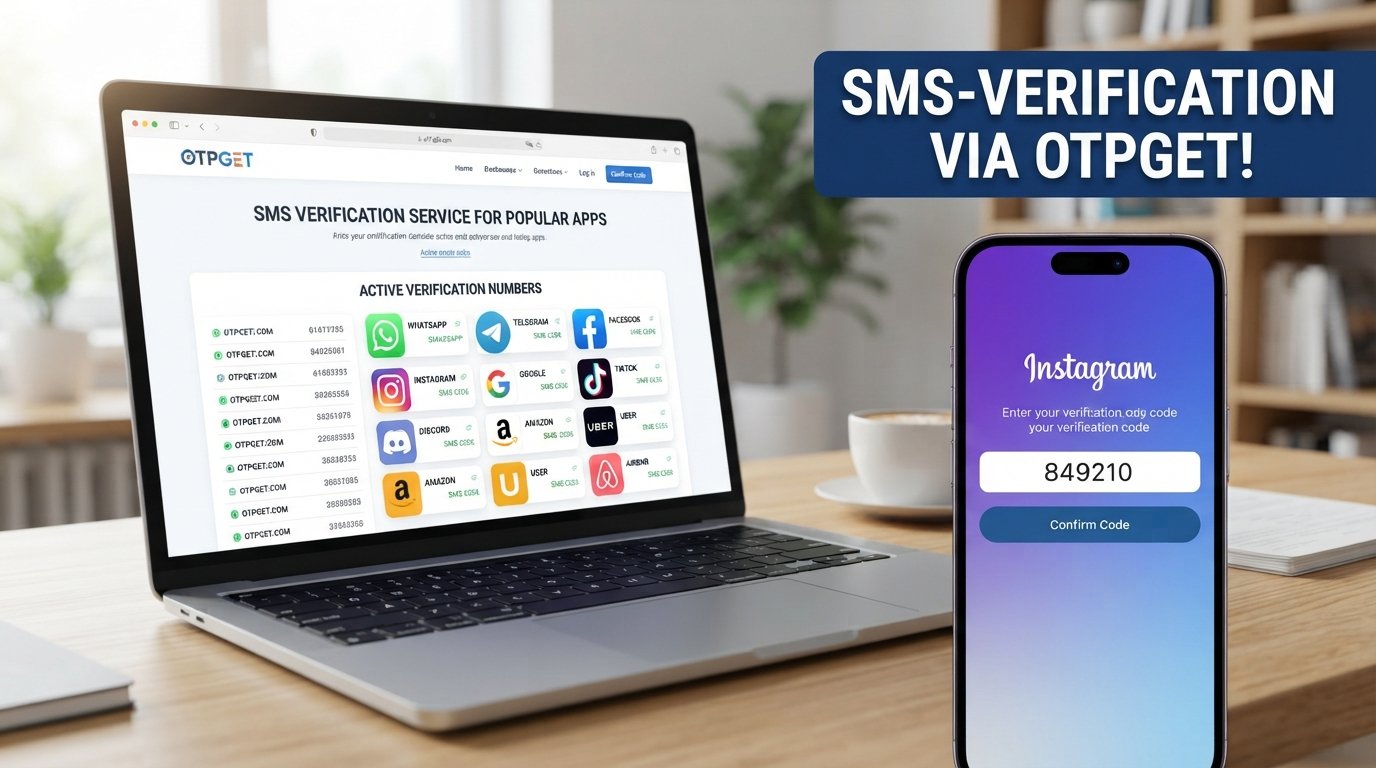
Top 10 Apps That Need SMS Verification
You download an app, enter your details, and then come to a familiar screen: “Enter the verification code sent to your phone.”
SMS verification has become a normal part of signing up, logging in, recovering accounts, and confirming phone numbers. For many users, receiving a quick OTP is a simple security step. But when a message is delayed, a personal number is inconvenient to use, or international phone-number restrictions get in the way, verification can quickly become frustrating.
That is where services such as OTPGET can provide a practical option for supported, legitimate SMS verification needs. Instead of treating phone verification as an obstacle, users can consider a suitable verification-number solution where the service and its terms allow it.
Before looking at how that works, it helps to understand why apps use SMS verification in the first place.
What Is SMS Verification?
SMS verification is a process in which a service sends a temporary security code to a phone number. The user enters that code into the app or website to confirm control of the number.
This temporary code is commonly called an OTP, or One-Time Password. An OTP is generally intended for a single verification event and may expire after a limited period.
A typical SMS verification process looks like this:
-
You enter a phone number during registration or another security step.
-
The service sends an SMS verification code.
-
You receive the verification SMS on the associated number.
-
You enter the code into the app.
-
The service checks the code and completes the verification process if it is valid.
Phone verification gives an app another way to confirm that a person has access to a particular phone number. It can also be used alongside passwords, authentication apps, email verification, or other security measures.
Why Do Apps Require SMS Verification?
There is no single reason every service requests a phone number. Depending on the app and situation, SMS verification can support several security and account-management purposes.
Common reasons include:
-
Account registration: A phone number can be used as part of the sign-up process.
-
Login security: An SMS OTP can provide an additional verification step.
-
Two-factor authentication: Some services use SMS as one of several available 2FA methods.
-
Phone number confirmation: Verification confirms access to the number entered.
-
Fraud prevention: Phone-based checks can make certain types of automated abuse more difficult.
-
Account recovery: A verified number may be used during some recovery processes.
-
Reducing automated abuse: Verification can add friction to large-scale automated registrations.
Importantly, verification requirements can differ by region, account, device, service, and security circumstances. An app that asks one user for a phone number may not necessarily present the same requirement to every user.
Top 10 Apps That Need SMS Verification
The following are well-known apps and online services where users may encounter phone or SMS verification. This does not mean that every user will always be required to verify by SMS.
1. WhatsApp
WhatsApp is a messaging service built around phone-number-based accounts. Phone verification can be an important part of setting up or confirming access to an account.
Depending on the circumstances, users may be asked to enter a phone number and receive a verification code. Receiving the OTP is therefore an important step when the service requests phone verification.
2. Telegram
Telegram is a messaging and communications platform that uses phone numbers as part of its account system.
Users may encounter phone verification when registering, signing in, or completing certain account-security steps. The exact process can vary depending on the account and circumstances.
3. Facebook
Facebook may use phone verification as one of several ways to confirm account information or support security-related actions.
A verification request can occur during registration, account recovery, or another security check. Users should follow the verification method presented by the platform rather than assuming SMS will always be required.
4. Instagram
Instagram accounts can sometimes involve phone-number verification as part of registration, security, or account-related checks.
If Instagram requests a verification code, receiving and entering the correct OTP can be necessary to continue. Requirements may vary according to account activity, device, location, and security conditions.
5. Google
Google services may request phone verification in certain account or security situations.
A phone number can be used for verification, recovery, or additional account-security functions. However, Google's verification requirements can vary, so users should follow the specific instructions shown during their account process.
6. TikTok
TikTok may ask users to verify a phone number during certain registration, login, or account-security situations.
When SMS verification is presented, the verification code confirms access to the number provided. Users should use a number that they are authorized to use and follow TikTok's applicable requirements.
7. Discord
Discord is a communication platform for communities, gaming groups, and online conversations.
Depending on account or security circumstances, Discord may request phone verification. When an SMS OTP is part of the process, access to the verification message is required to complete that particular check.
8. Amazon
Amazon accounts can involve phone verification during certain registration, login, recovery, or security-related situations.
The exact verification flow can differ depending on the account and circumstances. If an SMS verification code is requested, users need access to the relevant phone number to complete the step.
9. Uber
Uber uses phone numbers as part of its account and communication experience. Users may encounter phone verification during registration or other account-related processes.
When an OTP is requested, receiving the verification SMS helps confirm access to the number associated with the account.
10. Airbnb
Airbnb may use phone verification as part of account registration, security, or account-management processes.
Verification requirements can depend on the user's situation and the platform's security procedures. If SMS verification is requested, receiving the code is an important part of completing that particular verification step.
Across these apps that use SMS verification, the common principle is straightforward: the service wants confirmation that the user can access the phone number being provided.
Common Problems With SMS Verification
SMS verification is convenient when everything works correctly. The problem is that real-world phone verification does not always go smoothly.
Delayed SMS messages
Network congestion, carrier issues, or temporary service problems can delay a verification SMS. Requesting multiple codes immediately can sometimes make the situation more confusing because older codes may expire.
Not receiving an OTP
A missing verification code can happen for several reasons, including an incorrect number, poor connectivity, SMS filtering, carrier restrictions, or limitations imposed by the service.
Personal-number privacy
Some users simply prefer not to provide their personal phone number to every service they try. A separate verification number may be useful where the platform permits it and where the user has a legitimate reason for using one.
International restrictions
Phone-number availability and verification support can vary by country. Some services may not support every number type or region.
Repeated verification requests
Security checks can sometimes appear again after a login, device change, recovery attempt, or other unusual account activity. While this can be inconvenient, it is important to treat repeated verification as part of the platform's security process rather than something to defeat.
How OTPGET Can Help With SMS Verification
When phone verification becomes a recurring inconvenience, OTPGET can be considered as a practical option for supported SMS verification requirements.
The basic idea is simple: instead of relying exclusively on a personal phone number for every legitimate verification situation, users can use a suitable virtual-number or SMS verification service where technically supported and permitted by the relevant platform.
For an appropriate use case, a service like OTPGET can help users handle the practical side of receiving a verification code. That can be useful when maintaining separation between personal communications and a particular online verification activity is important.
The key word is supported. Not every app accepts every type of virtual or temporary number, and no verification service should be treated as a guarantee that a particular platform will accept a number.
OTPGET should therefore be viewed as a convenience tool for authorized verification needs—not as a way to bypass security controls, defeat anti-fraud systems, or gain unauthorized access to accounts.
If SMS verification is becoming a recurring hassle, OTPGET can be worth exploring for verification situations where its service and the relevant platform's rules allow its use.
Benefits of Using OTPGET for SMS Verification
For legitimate and supported scenarios, using a dedicated SMS verification service can offer several practical advantages.
-
Convenience: Handle verification-related SMS without depending entirely on a personal number.
-
Flexibility: A suitable virtual number can be useful for specific online verification situations.
-
Privacy-conscious use: Separating certain verification activities from a personal phone number may reduce unnecessary exposure of that number.
-
Simpler OTP handling: A dedicated verification workflow can make it easier to manage incoming codes.
-
Practical online verification: Users can have an alternative option when personal-number use is inconvenient.
-
Reduced friction: A suitable verification service can simplify the process of receiving an SMS OTP where the service supports the number type.
The right choice still depends on the requirements of the app or website. Always check whether the number type you intend to use is accepted before starting a verification process.
Tips for a Smooth SMS Verification Experience
Whether you use your personal number or a verification service, a few basic habits can prevent unnecessary problems.
-
Enter the phone number carefully.
-
Use the correct country code.
-
Check that the number is supported by the service.
-
Make sure your phone or verification service can receive SMS messages.
-
Check SMS filtering or blocking settings if a code does not arrive.
-
Wait before requesting another OTP.
-
Use the newest verification code if several messages arrive.
-
Never share an OTP with strangers.
-
Do not give verification codes to someone claiming to be “support” unless you have independently verified the request through an official channel.
-
Use verification services only for legitimate, authorized purposes.
-
Follow the app's terms, security requirements, and applicable restrictions.
A verification code is still a security credential, even if it is temporary. Treat it with the same care you would give a password.
Is Using an SMS Verification Service Safe?
The answer depends heavily on how the service is used and what information it handles.
Before using any SMS verification service, consider its privacy practices, terms, number ownership or sourcing, supported use cases, and the security of the account you create with the service.
It is also important to understand that using a virtual number does not automatically make an account anonymous or permanently secure. The underlying app may have its own identity, fraud-prevention, retention, or account-security policies.
For example, some services may reject certain number types or request additional verification. Others may have rules governing the use of temporary or virtual phone numbers.
For users considering OTPGET, the same principle applies: understand how the service works, use it responsibly, and make sure your intended use is compatible with the platform you are verifying.
Most importantly, never share your OTP with another person. A legitimate verification process should not require you to hand a security code to an unknown individual.
Final Thoughts
SMS verification has become a familiar part of online account registration, login security, phone-number confirmation, and account recovery. Many popular apps can request an OTP when they need additional confirmation, although the exact requirements vary.
For users, the challenge is often not understanding what an OTP is—it is dealing with the inconvenience of receiving one. Delayed messages, privacy concerns, international number limitations, and repeated verification requests can all create friction.
That is where OTPGET can provide a practical option for supported, legitimate SMS verification needs. It gives users another approach to handling verification-related phone-number requirements without positioning the service as a way around an app's security controls.
If you regularly encounter SMS verification and want a more convenient way to manage supported verification needs, exploring OTPGET can be a sensible next step. Always use the service responsibly, protect your verification codes, and follow the rules of the platform you are using.


