UAE Telegram Not Working: Verify with a Virtual Number | OTPGet
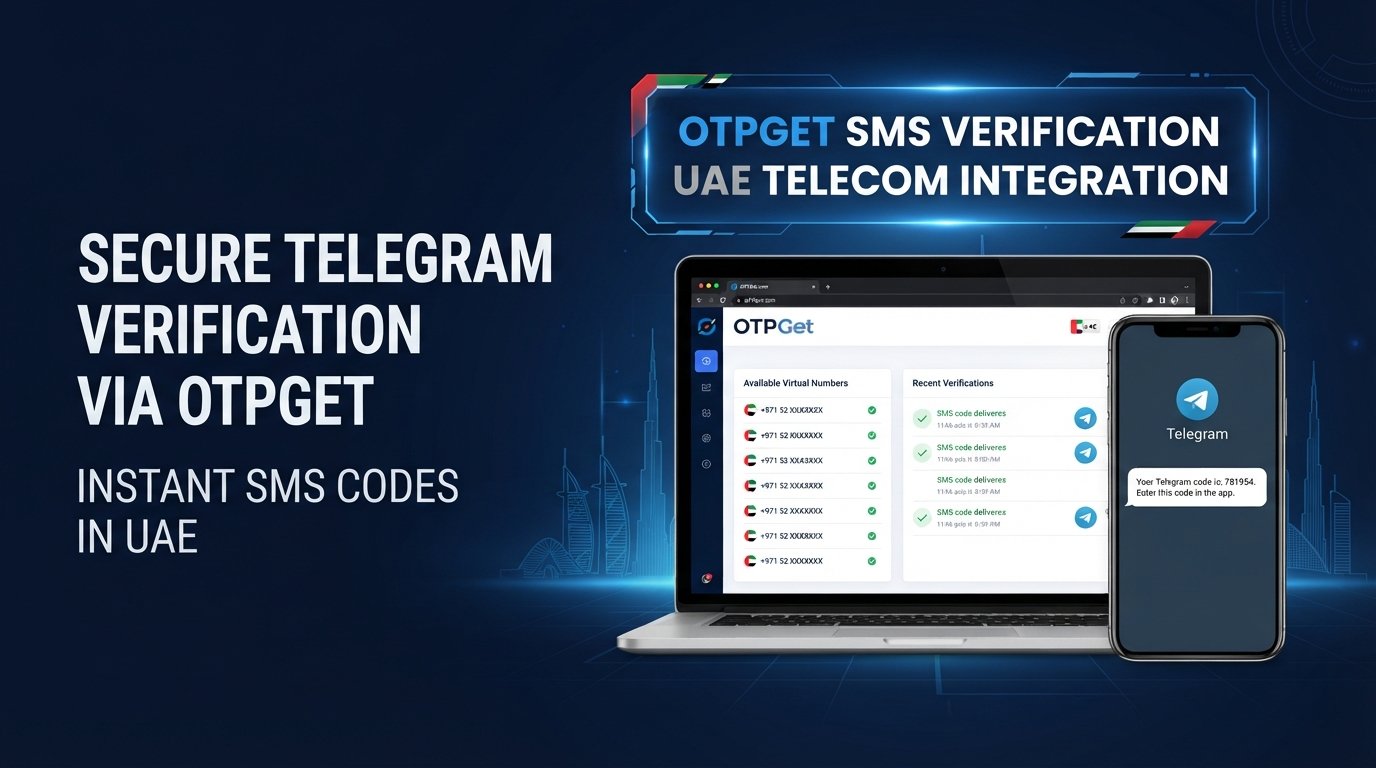
UAE Telegram Not Working? Use Virtual Number — OTPGet
Trying to register or log in to Telegram in the UAE only to discover that the verification code never arrives? You're not alone in finding this frustrating.
A Telegram verification problem can happen for several reasons. SMS delivery may be delayed, a mobile number may not work as expected for verification, or you may simply prefer not to connect your personal number to another online account.
For users facing these situations, a virtual number for Telegram can be a practical option when supported by the service and Telegram's verification process. OTPGet provides a virtual-number approach that may help users handle legitimate verification needs while keeping their primary phone number separate.
Let's look at why Telegram verification can become difficult, what you can try first, and how OTPGet can fit into the process.
Why Is Telegram Not Working in the UAE?
When people search for “UAE Telegram not working,” they may be describing several different problems. The issue isn't necessarily one single cause, and it is important not to assume that every access or verification problem has the same explanation.
In some cases, the problem is specifically related to receiving the verification message rather than Telegram itself. Potential causes can include:
- SMS delivery delays from a mobile carrier
- Problems with the phone number or country-code format
- Temporary verification or service issues
- Login attempts that trigger additional verification
- Number compatibility issues with a particular verification method
- Network-related interruptions
- Privacy concerns about using a personal number
If Telegram is accessible but the Telegram verification code doesn't arrive, focus first on the verification process rather than assuming the entire service is unavailable.
The first step is to check that your number is entered correctly, including the UAE country code, and that your phone can receive SMS normally. If everything looks correct and the problem continues, a suitable virtual number may be worth considering for legitimate verification.
Common Telegram Verification Problems
Telegram Verification Code Not Received
One of the most common complaints is simple: you request a code, but nothing appears.
Before trying another solution, double-check the phone number and country code. Make sure your device can receive SMS and give the message a little time if there is an apparent delay.
Repeatedly requesting new codes in quick succession may also make troubleshooting harder. If the issue persists, consider whether the number itself is suitable for the verification process.
For users who do not want to use their personal number, an appropriate virtual phone number UAE service can provide another option where supported.
Telegram OTP Not Arriving
A Telegram OTP not received situation can result from several factors, including SMS delays, number compatibility, network problems, or temporary issues with the verification process.
If you're using a virtual number, check the service to see whether an incoming message has been received. If it hasn't, avoid immediately requesting multiple codes. Waiting briefly and trying again can sometimes be more effective.
The key is to distinguish between a delayed message and a number that cannot receive the required verification SMS.
Telegram SMS Verification Problems
Telegram SMS verification depends on successful message delivery to the number being used. If the message doesn't arrive, verification cannot be completed through that route.
Check your number carefully and make sure the selected number supports the type of message required. If you're using a virtual number, compatibility can vary, so selecting a number appropriate for the intended verification use is important.
Telegram Login or Registration Issues
Verification can also become an obstacle during both new-account registration and existing-account login.
For Telegram registration UAE, the phone number is part of the account-verification process. During login, Telegram may likewise require confirmation before allowing access.
If you're unable or unwilling to use your primary number, a Telegram virtual number may provide a practical alternative when accepted by Telegram.
What Is a Virtual Number for Telegram?
A virtual number for Telegram is a phone number provided through an online service rather than being tied to your everyday physical SIM in the traditional way.
In simple terms, it gives you a separate number that may be used for supported online verification purposes.
People may choose virtual numbers because they want to:
- Keep their personal number private
- Separate online accounts from personal communications
- Use a dedicated number for verification
- Reduce unnecessary exposure of their primary phone number
- Manage verification-related accounts separately
A virtual number is not automatically better than a regular mobile number. The important consideration is whether the number can receive the required verification message and whether its use is compatible with the platform's rules.
That's why reliability and appropriate use matter more than simply having access to an online number.
How OTPGet Can Help With Telegram Verification
OTPGet is a practical option for users who need a virtual number for legitimate online verification and would prefer not to expose their primary phone number.
For someone experiencing a Telegram verification problem, the basic idea is straightforward: instead of using your everyday number, you can explore an appropriate virtual-number option through OTPGet and use it for the verification process where supported.
This can be useful for several reasons.
Privacy: Your personal number does not have to be the number you provide for every online account.
Separation: A dedicated verification number can help keep personal communications separate from account-verification activity.
Convenience: If your existing number is experiencing SMS delivery problems, another supported number may provide an alternative route.
Practicality: OTPGet gives users a dedicated place to explore virtual-number options rather than relying on their primary phone number for every verification requirement.
However, availability and compatibility can vary. A virtual number is not a guarantee that Telegram will accept the number or that an OTP will always arrive. The verification process ultimately depends on Telegram and the number's ability to receive the required message.
How to Use OTPGet for Telegram Verification
If you want to explore OTPGet for Telegram account verification, the general process can be kept simple:
-
Visit OTPGet. Start by exploring the available virtual-number options.
-
Choose an appropriate number or service. Select an option that is suitable for your intended legitimate verification use, where available.
-
Enter the number in Telegram. Use the virtual number during Telegram registration or the relevant verification process.
-
Request the verification code. Ask Telegram to send the required verification message.
-
Check OTPGet for the incoming message. If the selected number supports the required SMS, look for the Telegram verification code through the available OTPGet service.
-
Enter the valid code in Telegram. Use the received verification code to continue the verification process.
-
Complete your account setup or login. Follow Telegram's remaining instructions.
Because number availability, compatibility, and Telegram's verification methods can change, treat these steps as a general workflow rather than a guarantee of successful verification.
[Explore OTPGet]
Why Choose a Virtual Number Instead of Your Personal Number?
For many users, the biggest advantage of a virtual number isn't convenience—it's privacy.
Your personal mobile number may already be connected to family, friends, work, banking services, and other accounts. Using it for every online service can increase the number of places where that number is stored.
A virtual number can help create a layer of separation.
Practical advantages can include:
- Greater privacy: Keep your primary number away from additional online services where appropriate.
- Account separation: Maintain a dedicated number for verification-related activity.
- Convenience: Access a number online instead of relying exclusively on your physical SIM.
- Reduced exposure: Limit how often your everyday number is shared.
- Simpler organization: Keep certain online account activities separate from personal communication.
That said, don't treat a virtual number as disposable by default. If an account depends on a number for future verification or recovery, losing access to that number can make account recovery more difficult.
Tips If You Still Cannot Receive Your Telegram OTP
If your Telegram OTP still doesn't arrive, work through the basics before trying repeatedly.
- Double-check the phone number and country code.
- Confirm that the selected number supports the required verification method.
- Wait briefly in case the message is delayed.
- Avoid requesting multiple codes too quickly.
- Check whether Telegram provides another available verification method.
- If you're using OTPGet, check the service for an incoming verification message.
- Try again later if the platform or service appears temporarily unavailable.
- Make sure you're using the number for a legitimate purpose and in accordance with applicable rules.
If the same number repeatedly fails while another supported number works, the issue may be related to number compatibility rather than your device.
[Get a Virtual Number]
Is Using a Virtual Number for Telegram Safe?
A virtual number can offer useful privacy benefits, but “safe” depends on how the number and account are managed.
Choose a trustworthy provider and use the number only for legitimate purposes. Avoid using verification services for spam, fraud, abuse, impersonation, or unauthorized activity.
It's also important to understand Telegram's rules and any applicable local requirements. A virtual number should not be viewed as a method for bypassing laws, platform restrictions, or security measures.
There is another practical consideration: account recovery. If you lose access to the number associated with an account, recovering that account may become more difficult. For important accounts, consider how you will maintain legitimate access to the verification number over time.
A virtual number can improve privacy, but it should be used thoughtfully rather than treated as a guaranteed security solution.
Why OTPGet Is a Practical Choice
When you're dealing with a Telegram verification UAE issue, the goal is usually simple: find a legitimate way to complete verification without unnecessarily exposing your personal number.
That's where OTPGet can be useful.
It provides an option to explore virtual numbers for verification-focused use, giving users a way to separate their personal phone number from certain online account activities.
The practical reasons to consider OTPGet include:
- Convenience — Explore virtual-number options online.
- Privacy — Keep your primary number separate where appropriate.
- Simplicity — Follow a straightforward verification workflow.
- Focused use — Use a dedicated number for legitimate OTP verification needs.
- Flexibility — Consider an alternative when your usual number presents verification difficulties.
No virtual-number provider can guarantee that every number will work with every platform. Availability and compatibility may vary. Still, for users searching for a virtual number for OTP verification, OTPGet is a practical option to explore.
[Learn More About OTP Verification]
Conclusion
A UAE Telegram not working problem can be especially frustrating when the real issue is a missing SMS, delayed OTP, incompatible number, or concern about sharing your personal phone number.
Start with the basics: verify the country code, check your SMS service, wait for possible delays, and avoid repeatedly requesting verification codes.
If you need an alternative to your personal number, a Telegram virtual number may be useful for legitimate verification where supported. OTPGet provides a practical way to explore virtual-number options for this purpose.
If privacy and account separation matter to you, explore OTPGet and check the virtual-number options currently available for your intended verification use.
FAQs
Why is Telegram not working in the UAE?
“Telegram not working” can refer to different issues, including access problems, login difficulties, or a missing verification code. If Telegram opens but you cannot complete verification, check your number format, SMS delivery, network connection, and available verification methods first. If the problem is specifically related to your number, a suitable virtual number may be an option where supported.
Why am I not receiving my Telegram OTP?
A Telegram OTP not received issue may be caused by SMS delays, incorrect number formatting, network problems, number compatibility, or temporary verification issues. Double-check the number and country code, wait briefly, and avoid repeatedly requesting codes. If you use a virtual number, check whether the service has received the incoming message.
Can I use a virtual number for Telegram?
A virtual number may be usable for Telegram verification when the number and verification method are supported. Compatibility can vary, so using a virtual number does not guarantee successful registration or login. If you want to try one for legitimate account verification, OTPGet is an option to explore.
What is a virtual number for Telegram verification?
A virtual number is an online-provided phone number that can be used for supported verification purposes instead of your regular personal mobile number. People may use one to improve privacy and separate online account activity from personal communications. The number must still be capable of receiving the required Telegram verification message.
How does OTPGet help with Telegram verification?
OTPGet can help users explore virtual-number options for legitimate verification purposes. Instead of automatically using a primary personal number, a user may select an appropriate virtual number where available and use it during Telegram's verification process. Whether verification succeeds depends on Telegram's requirements and the compatibility and availability of the selected number.
Can I receive Telegram SMS with a virtual number?
You may be able to receive a Telegram verification SMS through a virtual number when the number supports the required message and Telegram accepts it for the verification process. Availability can vary by number and service. If you're using OTPGet, check the selected option for its current suitability before beginning verification.
Is a virtual number better than using my personal number?
It depends on your priorities. A virtual number can be useful if privacy, account separation, and reduced exposure of your primary phone number are important. A personal mobile number may be simpler for long-term account recovery. Before choosing a virtual number, consider whether you'll retain appropriate access to it when you need future verification.
What should I do if my Telegram verification code does not arrive?
First, confirm your number and country code, make sure your phone or selected virtual number can receive messages, and wait briefly for delays. Avoid requesting many codes in rapid succession. If the problem continues, try another legitimate verification method or consider a compatible virtual number through a service such as OTPGet, where supported


