UAE Telegram Not Working? Virtual Number & OTPGET Tips
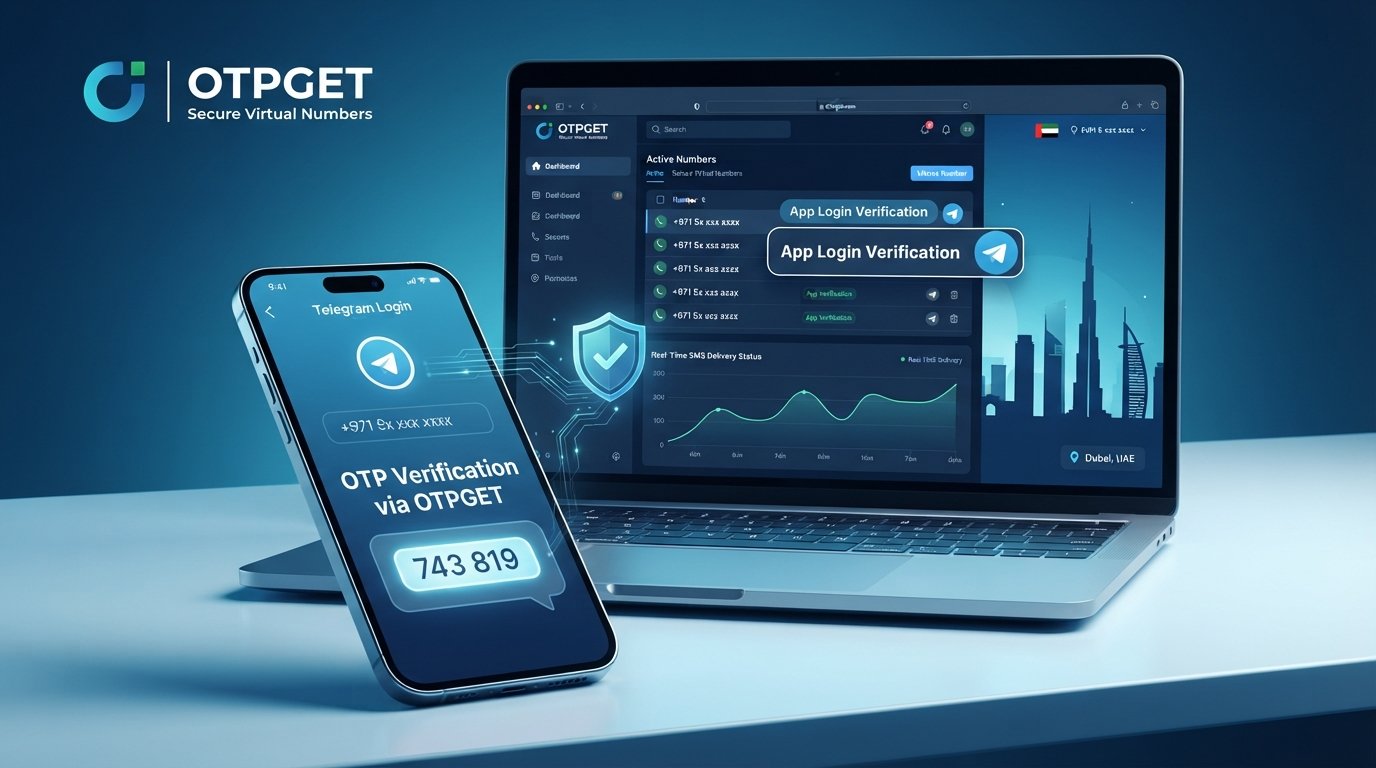
UAE Telegram Not Working? How a Virtual Number and OTPGET Can Help
Trying to register or access Telegram in the UAE can be surprisingly frustrating when the verification code simply refuses to arrive. You enter your phone number, request the code, wait a few seconds, then check again. Nothing. You request another code, and still nothing appears.
At that point, it is easy to assume that Telegram itself is not working in the UAE. But access problems and verification problems are not always the same thing. In many cases, the difficulty is related to SMS delivery, the phone number being used, network conditions, repeated verification attempts, or the particular verification method available to your account.
For users dealing specifically with Telegram verification UAE issues, a virtual number can sometimes provide another practical option. Services such as OTPGET can be useful when you need an online number capable of receiving verification messages without relying exclusively on your regular SIM.
Here is what can go wrong, what you can try first, and how a Telegram virtual number may fit into the solution.
Why Is Telegram Not Working in the UAE?
When someone searches for “Telegram not working in UAE,” the actual problem can mean several different things.
You might be unable to complete Telegram registration. You might have installed the app but cannot verify your phone number. Or perhaps the app works normally after login, but a new account cannot be activated because the expected SMS never arrives.
That distinction matters.
Verification depends on communication between Telegram, the phone number, and the relevant delivery channel. If something goes wrong at any point, the user may see what appears to be a Telegram access problem even though the underlying issue is actually verification.
Common causes can include:
- SMS delivery delays: International or service-generated messages can sometimes take longer than expected to arrive.
- Carrier or network issues: Your mobile provider or current network conditions may affect SMS delivery.
- Incorrect number formatting: A missing country code or incorrectly entered number can prevent the verification message from reaching you.
- Repeated requests: Requesting multiple codes in a short period can complicate the verification process.
- Number-specific problems: Some phone numbers may encounter limitations or verification difficulties depending on the account and service.
- Temporary service issues: Technical problems can occasionally affect verification or message delivery.
- Alternative verification methods: Telegram may sometimes provide another available verification route depending on the account and circumstances.
So, rather than assuming Telegram is universally blocked, it is more useful to identify whether your particular problem is access, registration, or OTP delivery.
Why Telegram Verification Codes May Not Arrive
A Telegram verification code is only useful if it reaches the number associated with your account.
If you are seeing “Telegram verification code not received” or “Telegram SMS code not received,” start with the basics. Check that the country code is correct and that every digit of the phone number has been entered properly.
It is also worth giving the system a little time. Repeatedly requesting a new code may not make the process faster. If several requests are made close together, waiting before trying again can be more sensible than continuously pressing the resend option.
There is another important distinction: an OTP problem does not necessarily mean Telegram is inaccessible. The app may be functioning normally while the verification message is delayed or unavailable through the selected delivery method.
For someone attempting Telegram registration UAE users may therefore need to consider both the application and the phone number being used.
If your regular SIM repeatedly fails to receive the expected message, a different eligible number may be worth considering.
Can a Virtual Number Help With Telegram Verification?
A virtual number is a phone number that can be accessed through an online service rather than being tied exclusively to a physical SIM card in your handset.
Depending on the provider and number type, it may be possible to use such a number for SMS verification. In a Telegram verification scenario, the basic idea is straightforward: obtain an appropriate virtual number, enter it when Telegram requests a phone number, and monitor the service for the incoming verification message.
This can be useful for people who need a virtual number for Telegram and do not want to depend entirely on their personal mobile number for a particular verification process.
However, there is an important limitation: not every virtual number is guaranteed to be accepted by every platform. Number availability, previous usage, service policies, and Telegram's own verification requirements can all affect the outcome.
That means a virtual number should be viewed as a practical option, not a universal workaround.
Why Choose OTPGET for a Telegram Virtual Number?
If your main problem is receiving an OTP, OTPGET is worth considering as a convenient source of virtual numbers for online verification.
The appeal is simple. Instead of waiting for an SMS to arrive on your personal SIM, you can use an available online phone number and monitor the associated service for incoming verification messages.
For suitable verification scenarios, an OTPGET virtual number can offer several practical advantages:
- Online access: You can work with the number through an online service rather than relying solely on your physical SIM.
- SMS verification: The service can be useful when you need to receive an OTP or verification message.
- Convenience: It provides another option when your usual number is experiencing delivery difficulties.
- Less dependence on a personal SIM: A virtual number may be useful for certain account setup and verification situations.
- Simple workflow: The process generally involves selecting a number, using it for the requested verification, and checking for the incoming message.
The key is to choose a number that is suitable for the verification service you are using. Telegram's acceptance of virtual numbers can vary, so it is better to treat OTPGET as an option to try rather than assume that every available number will work.
How to Use OTPGET for Telegram Verification
If you decide to try a virtual number, the process is generally straightforward.
- Visit OTPGET. Open the service and review the available virtual-number options.
- Choose an appropriate virtual number. Select a number suitable for the verification service you intend to use.
- Select the relevant service or verification option. If OTPGET provides a service-specific selection, follow the options currently shown on the platform.
- Copy the assigned number. Make sure you copy the complete number and use the correct country format.
- Open Telegram. Start the registration or account-verification process.
- Enter the virtual number. Use the number supplied by OTPGET when Telegram requests your phone number.
- Request the verification code. Continue through Telegram's normal verification process.
- Monitor OTPGET for the incoming SMS. If the selected number supports the required message, the verification SMS may appear through the service.
- Enter the received code into Telegram. Use the OTP exactly as provided.
- Complete your account setup. Follow Telegram's remaining instructions.
The exact steps, available numbers, and verification support can change. Always follow the current instructions displayed by OTPGET and Telegram rather than relying on an outdated procedure.
Virtual Number vs. Regular UAE SIM for Telegram
A virtual number is not automatically better than a regular UAE SIM. The right choice depends on what you need from the account.
| Factor | Virtual Number | Regular UAE SIM |
|---|---|---|
| Convenience | Useful for online verification | Familiar and straightforward |
| Accessibility | Can be accessed through the provider | Requires access to the physical SIM |
| Privacy | Can separate verification from a personal number | Personal number is directly associated |
| SMS availability | Depends on provider and number | Depends on carrier and network |
| Long-term ownership | Depends on the service's terms | Usually easier to retain personally |
| Account recovery | Can require continued number access | Often more practical for long-term recovery |
For a one-time or specific verification scenario, a virtual number can be convenient.
For an important Telegram account that you expect to keep for a long time, however, retaining reliable access to the registered number matters. If a temporary number expires, is reassigned, or becomes inaccessible, account recovery can become more difficult.
Think about long-term ownership before choosing a number.
What to Do If You Still Don't Receive the Telegram OTP
If your Telegram OTP is not received, do not immediately assume the number has failed. Work through the basic checks first.
- Check the country code and phone number carefully.
- Confirm that the number was entered exactly as provided.
- Wait before requesting another code.
- Avoid repeatedly requesting OTPs in a short period.
- Check whether Telegram offers another verification method.
- Confirm that the virtual number supports the type of SMS you need.
- Check the OTPGET interface for an incoming message.
- If nothing appears, consider whether the selected number is suitable for the service.
- Try again later if there appears to be a temporary delivery problem.
If you are using a virtual number, also remember that availability is not the same as guaranteed compatibility. A number can be active and still not be accepted for a particular verification request.
Is Using a Virtual Number Safe for Telegram?
A virtual number can be useful, but security depends heavily on how you use it and whether you can retain access to the number.
The biggest consideration is long-term control. If a number is temporary or recyclable, losing access to it could create problems later if Telegram asks you to verify the account again.
For important accounts, consider the consequences before relying on a temporary virtual number. Avoid sharing verification codes with other people, and never give an OTP to someone who claims they need it to “activate” or “secure” your account.
It is also sensible to use a reputable provider and understand its terms regarding number availability and continued access.
A virtual number should solve a practical verification problem without creating a bigger account-recovery problem later.
Why OTPGET Is a Practical Option
For users searching for get virtual number for Telegram options, OTPGET provides a straightforward concept: obtain an online number and use it where a verification SMS is required.
It can be particularly useful when your regular number is not receiving the expected OTP, when you want an alternative online phone number for a specific verification scenario, or when using your personal SIM is inconvenient.
The important point is to keep expectations realistic. OTPGET is a practical option for obtaining a virtual number, but Telegram ultimately determines whether a particular number and verification attempt can be accepted.
That makes the sensible approach simple: choose an appropriate number, follow the verification process carefully, and be prepared to try another eligible number or method if the first attempt does not work.
Conclusion
Telegram verification problems in the UAE can have several causes, from delayed SMS delivery and incorrect number formatting to carrier issues, repeated requests, or number-specific verification limitations.
If your Telegram OTP is not arriving on a regular SIM, a virtual number may provide another route worth considering. A service such as OTPGET can make that process more convenient by providing access to virtual numbers that may be used for suitable SMS verification scenarios.
The key is to use a realistic approach. No virtual number should be treated as a guaranteed solution for every Telegram account or verification attempt.
If you are having trouble receiving a Telegram verification code, check the basics first. If the problem continues, explore OTPGET and choose an appropriate virtual number based on the current options and instructions provided by the service.
FAQ
Why is Telegram not working in the UAE?
Telegram problems in the UAE can refer to different issues, including access, registration, or phone-number verification. If the app opens but the verification code does not arrive, the problem may be related to SMS delivery, the carrier, number formatting, repeated requests, or the particular verification method available.
Why am I not receiving my Telegram verification code?
Check your country code and number, then wait before requesting another code. SMS delivery can sometimes be delayed. If you are using a virtual number, also confirm that the number supports the required verification SMS and check the provider for incoming messages.
Can I use a virtual number for Telegram?
A virtual number may be usable for Telegram verification, but acceptance can vary by number and verification attempt. There is no guarantee that every virtual number will be accepted, so choose an appropriate number and follow Telegram's current verification instructions.
How can I get a virtual number for Telegram?
You can obtain a virtual number through a service such as OTPGET. Select an available number, use it in Telegram's phone-number verification process, and monitor the service for the incoming OTP. Follow the provider's current instructions for the exact process.
Can OTPGET receive Telegram OTP messages?
OTPGET provides virtual-number options intended for receiving SMS verification messages, but whether a particular number receives or is accepted for a Telegram OTP can vary. Check the available number and service information before starting verification.
Is a virtual number safe for Telegram?
A virtual number can be suitable for some verification situations, but users should consider privacy, number ownership, and account recovery. Temporary or recyclable numbers can create problems if you later lose access to the number associated with your Telegram account.
What should I do if my Telegram OTP does not arrive?
First verify the number and country code, avoid repeatedly requesting codes, and wait for possible delivery delays. Check the virtual-number service if applicable, confirm that the number supports SMS verification, and consider another eligible verification method or number if the problem continues.


