UK Telegram Not Working? Try a Virtual Number Online with OTPGET
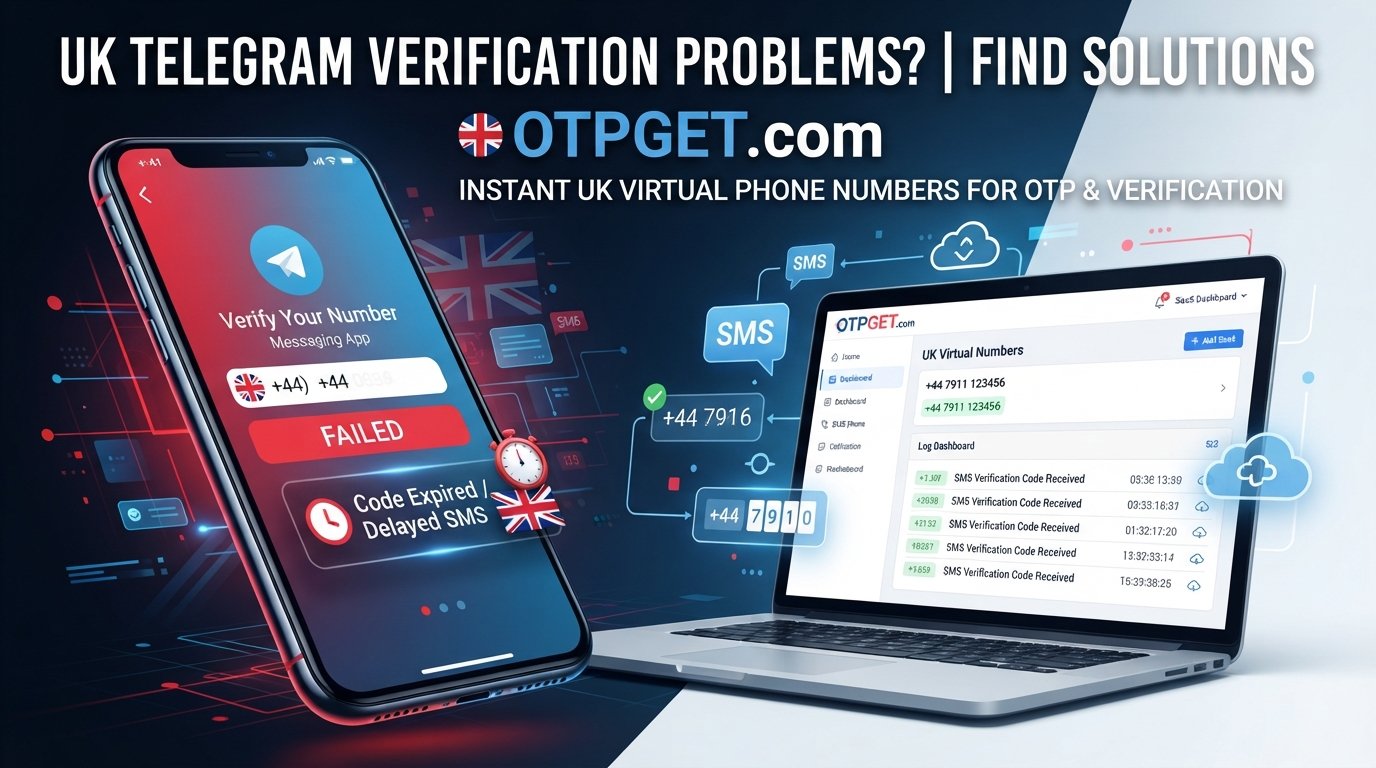
UK Telegram Not Working? Try a Virtual Number Online with OTPGET
Trying to register or access Telegram and waiting for a verification code that never arrives can be frustrating. You enter your phone number, request the code, and expect a quick SMS—but nothing appears.
If you are searching for “UK Telegram not working”, the problem may not necessarily be Telegram itself. In some cases, verification can be affected by SMS delivery delays, mobile network conditions, phone-number formatting, device settings, carrier restrictions, or repeated verification attempts.
Before looking for another solution, it is worth checking the basics. But if the main issue is receiving the required SMS, a suitable virtual number for Telegram may be an option worth considering where supported.
That is where OTPGET can be useful. It provides access to virtual numbers that can be considered for supported SMS verification needs, giving users an alternative to relying solely on their personal mobile number.
Why Is Telegram Not Working in the UK?
When someone says Telegram is not working, several different problems could be involved.
You may be unable to complete Telegram registration, fail to receive a login code, or encounter an issue during phone-number verification. These situations can look similar but may have different causes.
Possible factors include:
- SMS delivery delays: A verification message may take time to arrive.
- Mobile network problems: Weak or inconsistent network connectivity can interfere with SMS delivery.
- Incorrect number formatting: A missing or incorrect country code can prevent the verification message from reaching the intended number.
- Carrier-related restrictions: Some mobile providers or plans may have limitations affecting certain SMS messages.
- Repeated verification requests: Requesting multiple codes in rapid succession may complicate the verification process.
- Device or app issues: Temporary problems with the app, device, or messaging service can sometimes contribute.
- Temporary verification problems: Verification services may occasionally experience delays or other issues.
These are possibilities rather than guaranteed explanations. The first step is to determine whether Telegram itself is inaccessible or whether the specific problem is that the Telegram verification code is not coming through.
Why You May Not Receive Your Telegram Verification Code
There is an important difference between Telegram not working and a Telegram SMS code not arriving.
If the app opens normally but you cannot finish registration because the OTP does not arrive, the issue is more specifically related to account verification.
Before switching numbers, try these basic checks:
- Confirm the country code. Make sure the selected country matches the number you are using.
- Check the phone number carefully. A single incorrect digit can prevent delivery.
- Confirm that your phone receives ordinary SMS messages.
- Check your mobile connection. Poor network conditions can sometimes delay messages.
- Give delayed messages some time to arrive.
- Avoid repeatedly requesting new codes in quick succession.
- Restart or update the Telegram app when appropriate.
- Check whether Telegram offers another available verification method.
If you have completed these checks and the SMS problem continues, using a suitable virtual number for verification may be worth considering.
What Is a Virtual Number?
A virtual phone number is a phone number that is provided through an online service rather than being tied to your usual physical SIM in the traditional way.
Depending on the service and number, a virtual number may support functions such as receiving SMS messages. This can make a virtual number useful for certain online registration and verification situations where the relevant service accepts that number type.
For example, instead of using your personal mobile number for every online service, you might use a dedicated virtual number for a particular account or verification-related purpose.
The important point is that a virtual number is not a way to bypass Telegram's security systems. It is simply an alternative phone-number option for legitimate verification where supported.
Why Use a Virtual Number for Telegram?
There are several practical reasons someone may consider a UK virtual number for Telegram.
Keep personal and online communications separate
Some people prefer not to use their everyday mobile number for every online service. A separate number can provide a degree of separation between personal communications and online account activity.
Use a dedicated number
A virtual mobile number can be useful when you want a number specifically for an online service rather than using the number attached to your main SIM.
Reduce dependence on one physical SIM
If your difficulty is specifically related to receiving an SMS on your usual mobile number, an alternative number may provide another option, subject to Telegram accepting it and the virtual number supporting the required SMS.
Simplify verification-related communications
A suitable online phone number can make it easier to manage verification messages without mixing them with your everyday personal messages.
As always, use the number for legitimate account activity and follow the requirements of the service you are registering with.
How OTPGET Can Help With Telegram Verification
If your main problem is Telegram OTP not received, OTPGET can be a practical virtual-number option to consider.
The general process is straightforward:
- Choose an appropriate virtual number through OTPGET.
- Use the number during Telegram registration or verification where supported.
- Request the Telegram verification code.
- Check OTPGET for the incoming SMS or OTP.
- Enter the received code into Telegram.
- Complete the verification process if the number and verification method are accepted.
The exact availability of numbers and supported verification services can vary, so it is important to select a number appropriate for your intended use.
Most importantly, a virtual number should be viewed as an alternative verification number—not as a guarantee that Telegram will accept every number or verification attempt.
OTPGET vs. Traditional Phone Verification
Both a personal SIM and a virtual number can be useful. The better option depends on your situation.
| Consideration | Personal SIM | Virtual Number |
|---|---|---|
| Everyday personal use | Ideal | Not usually necessary |
| Separation from personal number | Limited | Useful |
| Physical SIM required | Yes | No physical SIM may be required |
| Receiving supported SMS online | Usually no | May be available |
| Dedicated online number | Less convenient | Potentially more convenient |
| Telegram acceptance | Depends on Telegram | Depends on Telegram and the number |
A virtual number is not automatically better than a traditional mobile number. It simply gives you another option when your use case calls for one.
How to Troubleshoot Telegram Verification Before Using a Virtual Number
Before choosing an online number for Telegram, make sure you have ruled out simple problems.
Start by checking the number and country code. If you are using a UK phone number, make sure it is entered in the correct international format.
Next, check your mobile network and confirm that your phone can receive SMS normally. If ordinary text messages are also delayed, the problem may be related to your device or carrier rather than Telegram.
It is also sensible to avoid requesting verification codes repeatedly. If a message is delayed, repeatedly generating new requests may make the process more confusing.
You can also restart the Telegram app or device and make sure the application is functioning normally.
If Telegram provides another available verification method, consider using it where appropriate.
If the problem remains specifically related to SMS delivery, a suitable virtual number from OTPGET may be an alternative worth exploring.
Why Choose OTPGET?
When the issue is a difficult or unavailable SMS verification route, the main benefit of using a service such as OTPGET is having access to an alternative phone-number option.
Rather than immediately assuming that Telegram itself is broken, you can separate the problem into two questions:
- Is Telegram accessible and functioning normally?
- Can the current phone number receive the required verification message?
If the second issue is the obstacle, an appropriate virtual number can potentially address the phone-number side of the problem where supported.
OTPGET fits naturally into this use case by giving users a way to explore virtual-number options for online verification needs.
The key is to choose a number that is appropriate for the intended service and to understand that acceptance depends on the service's own verification requirements.
Step-by-Step: Using a Virtual Number for Telegram
If you are new to virtual numbers, the process can be kept simple.
-
Identify the verification problem.
Confirm that the main issue is receiving the Telegram SMS or OTP rather than a broader app or connectivity problem. -
Select a suitable number.
Explore the available virtual numbers through OTPGET and choose an option appropriate for your intended verification use. -
Enter the number correctly.
During Telegram registration or verification, enter the selected number with the correct country code and formatting. -
Request verification.
Follow Telegram's normal registration or login process and request the available verification code. -
Check for the SMS.
If the selected number supports the required message, check OTPGET for the incoming verification SMS. -
Enter the code.
Enter the received OTP into Telegram as requested. -
Finish the process.
If Telegram accepts the number and code, complete the remaining account-verification steps.
If the message does not arrive, check the number details and available verification options rather than repeatedly requesting codes.
Frequently Asked Questions
Why is Telegram not sending me a verification code?
There can be several possible reasons, including SMS delivery delays, incorrect number formatting, network problems, carrier-related restrictions, device issues, or temporary verification problems. Check the number and connection first and avoid repeatedly requesting codes.
Can I use a virtual number for Telegram?
A virtual number may be usable for Telegram registration or verification where Telegram accepts that number and verification method. Acceptance can vary, so a virtual number should not be treated as a guaranteed solution.
What should I do if my Telegram OTP is not received?
First, confirm the country code and phone number, check your ability to receive SMS, verify your network connection, and wait for possible delivery delays. If the problem continues, you can consider an appropriate virtual number through OTPGET where supported.
Is a UK virtual number useful for Telegram verification?
It can be useful for users who want a dedicated UK phone number for online verification or who are experiencing difficulties with their usual number. The number still needs to be supported and accepted by Telegram for the intended verification process.
How does OTPGET help with verification?
OTPGET provides virtual-number options that may be used for supported SMS verification purposes. The general workflow is to select an appropriate number, use it for the relevant registration process, and check for the incoming verification SMS.
Can I receive SMS online with a virtual number?
Some virtual numbers support receiving SMS online. Availability and supported services can vary by number, so check the relevant option before using it for a verification process.
What should I check before using a virtual number?
Check that you have selected the correct country and number, that the number is suitable for your intended verification purpose, and that the service you are using accepts that type of number. Never assume that every virtual number will work with every service.
If Telegram Verification Is Still Not Working
If you have checked your phone, network, number format, and verification options but the Telegram code is not arriving, the problem may be frustratingly difficult to resolve through your personal SIM alone.
A suitable virtual number can give you another legitimate option to explore.
OTPGET is a practical choice to consider when you need a virtual number for supported SMS verification. Select an appropriate number for your needs, follow Telegram's normal verification process, and use the received OTP only for legitimate account verification.
If your UK Telegram verification is stuck because of SMS delivery, explore OTPGET and see whether a suitable virtual number can provide the alternative you need.
SEO Quality Check
- Article word count: Approximately 1,550 words
- SEO title character count: 64 characters
- Meta description character count: 160 characters
- Primary keyword used: “UK Telegram not working”
- Secondary keywords: Incorporated naturally throughout the article based on search intent
- No year mentioned: Confirmed
- OTPGET positioned as the solution: Confirmed, with no unsupported guarantees or claims
:::{"fallbackMarkdown":"","reference":{"matched_text":" ","prefix":null,"start_idx":15715,"end_idx":15715,"safe_urls":[],"refs":[],"alt":"","prompt_text":null,"type":"sources_footnote","sources":[],"has_images":false},"showLoginRequiredCard":false}


