UK Telegram Not Working? Virtual Number & OTPGET Verification Guide
UK Telegram Not Working? Virtual Number & OTPGET Verification Guide
If Telegram is not working properly when you try to register or verify an account with a UK number, the problem can be surprisingly frustrating. You enter your phone number, request the code, and then… nothing. The Telegram verification code does not arrive, or repeated attempts eventually make the process even more difficult.
The good news is that an OTP problem does not necessarily mean something is permanently wrong with your account. SMS delays, incorrect number formatting, mobile-network issues, repeated verification requests, and restrictions affecting particular numbers can all interfere with Telegram phone verification.
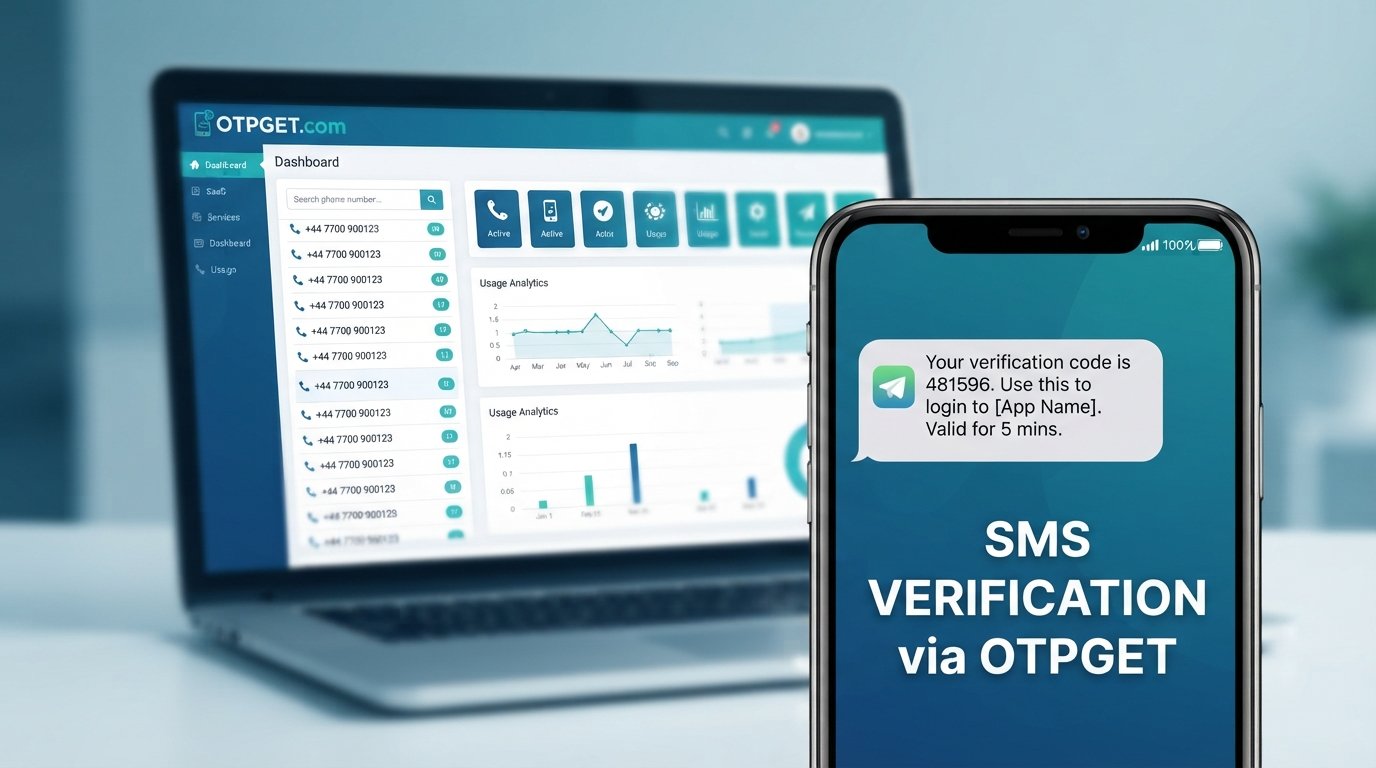
If you have already tried the normal troubleshooting steps and still need an alternative number, a suitable virtual number may be worth considering. OTPGET provides virtual numbers for supported verification services, giving users another way to receive SMS verification codes without relying on their personal mobile number.
Why Is Telegram Not Working With a UK Number?
UK Telegram not working issues are often caused by SMS delivery, number configuration, temporary restrictions, or problems affecting the device or network.
The first step is identifying where the problem is occurring. Telegram may be functioning normally while the verification SMS is being delayed or blocked elsewhere in the delivery chain.
Common causes include:
- SMS delivery delays: Your mobile network may take time to deliver an automated message.
- Incorrect number formatting: Entering the wrong country code or an incorrectly formatted number can prevent delivery.
- Too many attempts: Repeatedly requesting verification codes can trigger temporary limitations.
- Telegram-side issues: Telegram's verification systems can occasionally experience temporary delivery problems.
- Carrier filtering: Some automated or international SMS messages may be delayed or filtered by network providers.
- Connectivity problems: Poor mobile connectivity or an unstable internet connection can interfere with the verification process.
- Number history: A recycled, heavily used, or otherwise unsuitable number may create additional verification complications.
- Device issues: App problems, outdated software, or notification settings can make a received message easy to miss.
Before looking for a virtual number, check that your existing UK number is entered correctly and that ordinary SMS messages are working on your device.
Why Is the Telegram Verification Code Not Arriving?
Telegram may fail to deliver an OTP because of SMS delays, incorrect number formatting, carrier restrictions, repeated verification requests, or temporary verification limitations.
Start with the basics. Confirm that your number includes the correct UK country code and that you have not accidentally added unnecessary digits.
Then check whether your phone can receive normal SMS messages. If regular texts are also delayed, the issue is more likely to be related to your mobile network rather than Telegram itself.
It is also worth avoiding the temptation to press “send code” repeatedly. Multiple verification requests can complicate the process and may result in temporary restrictions.
Other useful checks include:
- Confirm the number shown in Telegram is the number you intended to verify.
- Check your mobile signal and internet connection.
- Wait a reasonable amount of time for the SMS to arrive.
- Avoid making repeated verification requests.
- Check whether Telegram offers another verification method on your screen.
- Make sure you are using the current Telegram app from a legitimate source.
- If the problem persists, consider whether the number itself is causing the issue.
This last point matters if you are specifically searching for a Telegram verification number because you would rather not use your personal mobile number.
Can a Virtual Number Help With Telegram Verification?
A virtual phone number is a number provided through an online telecommunications service rather than through a physical SIM card in your phone. Depending on the service and number type, it can receive SMS messages online.
For supported services, the basic idea is simple: obtain a suitable number, enter it during registration, wait for the verification SMS, and access the received code through the provider's system.
That can make a Telegram virtual number useful in situations where:
- You do not want to give Telegram your primary personal number.
- You need a separate number for a legitimate account or testing workflow.
- Your existing number is experiencing SMS delivery problems.
- You need access to a number without purchasing another physical SIM.
However, there is an important limitation: Telegram controls its own verification process. A virtual number provider cannot guarantee that Telegram will accept every number.
Some virtual, temporary, recycled, or previously used numbers may be rejected or may not receive a particular service's verification messages. Availability and compatibility can also change.
For that reason, be cautious of any provider promising guaranteed Telegram verification. A reputable approach is to choose a number suitable for the intended service and understand that final acceptance remains with Telegram.
Why Choose OTPGET for a Virtual Number?
Once you've established that the problem is connected to your number or SMS delivery, OTPGET becomes a practical option to explore.
OTPGET provides virtual phone numbers intended for online verification and account registration. Its official service information lists Telegram among the supported services and provides access to numbers from multiple countries, including the United Kingdom.
The main attraction is convenience. Instead of buying and managing another physical SIM, you can use an online number designed for receiving supported SMS OTPs.
Depending on current availability, OTPGET offers:
- Virtual numbers for SMS-based verification.
- Country-specific number options, including UK availability.
- Temporary numbers for short-term verification workflows.
- Rental numbers when longer access is needed.
- An online system for receiving supported verification messages.
OTPGET's documentation also describes a process for selecting countries and supported services before requesting a number.
That makes OTPGET particularly relevant when your goal is not simply to find any virtual number, but to find one intended for the service you are trying to verify.
Still, availability matters. A UK number may not always be available for the exact service you need, and Telegram may not accept every number. Checking the current options before placing an order is therefore an important part of the process.
How to Use OTPGET for Telegram Verification
The exact OTPGET interface can change, so the safest approach is to follow the current instructions displayed on the platform. The general workflow is straightforward:
- Visit OTPGET. Create or access your account through the official platform.
- Check available countries and services. Look for an appropriate UK number and confirm that the intended verification service is available.
- Select a suitable number. Choose an available virtual number that matches your intended Telegram verification workflow.
- Use the number in Telegram. Enter the number during Telegram registration using the correct international format.
- Request the verification code. Telegram will attempt to send its SMS verification code to the number.
- Check OTPGET for the incoming SMS. If the message is delivered and supported, the OTP should become available through the service's supported interface.
- Enter the code in Telegram. Submit the verification code and follow any remaining instructions shown by Telegram.
- Stop if Telegram rejects the number. Do not repeatedly retry a number that Telegram will not accept. Check the available alternatives or wait if a temporary restriction appears.
OTPGET's published documentation describes country and service selection, number requests, and status checking for SMS OTP workflows.
Remember that the purpose of a virtual number is to provide an alternative SMS-receiving route. It does not override Telegram's own security or verification rules.
What to Do If Telegram Still Doesn't Send the OTP
If you are using a virtual number and the Telegram OTP is not arriving, do not immediately assume the service is broken.
Work through these checks:
- Verify that the number and country code are correct.
- Confirm that the number is currently available for the intended service.
- Wait before requesting another code.
- Avoid repeatedly submitting verification requests.
- Check whether the OTP has appeared in the supported OTPGET interface.
- Look for an alternative verification option offered by Telegram.
- If the number appears unsuitable, choose another available number rather than repeatedly retrying it.
- If Telegram temporarily limits verification attempts, wait and try again later.
It is also important to understand the distinction between SMS reception and Telegram approval. A number can successfully receive messages in general but still be unsuitable for a particular Telegram verification attempt.
OTPGET's terms explain that temporary numbers operate through automated systems and third-party providers, and they also set out specific conditions for cancellations and refunds when an OTP is not received. Checking those terms before purchasing is sensible.
OTPGET vs Using Your Personal UK Number
Neither option is automatically better for everyone. The right choice depends on why you are verifying Telegram and whether your personal number is working properly.
| Factor | Personal UK Number | OTPGET Virtual Number |
|---|---|---|
| Privacy | Uses your primary number | Keeps verification separate from your primary number |
| Convenience | No additional service required | Can be accessed online |
| Physical SIM | Required for normal mobile service | No physical SIM required for the virtual number |
| SMS reception | Depends on your mobile network | Depends on number and service availability |
| Telegram compatibility | Generally depends on Telegram's acceptance | Depends on Telegram accepting the selected virtual number |
| Long-term access | Usually straightforward | Depends on the type and duration of number selected |
If your existing UK number works reliably and you are comfortable using it, there may be no reason to change.
If privacy, separation, or access to another number is more important, OTPGET virtual number options can provide a practical alternative.
Frequently Asked Questions
Why is Telegram not working with my UK number?
A UK number can encounter Telegram verification problems because of SMS delays, incorrect formatting, repeated verification attempts, carrier issues, or temporary restrictions. First check the country code, mobile connectivity, and whether normal SMS messages arrive. If the number continues to cause problems, you can consider a suitable alternative number through a provider such as OTPGET, subject to availability and Telegram's acceptance.
Why am I not receiving my Telegram OTP?
A Telegram verification code may be delayed because of network conditions, carrier filtering, repeated requests, incorrect number details, or temporary verification limitations. Confirm the number, wait rather than repeatedly requesting new codes, and check any alternative verification method Telegram presents. If the issue appears to be number-related, a different suitable number may be worth trying.
Can I use a virtual number for Telegram?
A virtual number may be usable for Telegram verification when Telegram accepts that particular number and the number can receive the required SMS. Compatibility is not guaranteed for every virtual number. If you want to try one, select a number specifically available for the intended service and understand that Telegram makes the final verification decision.
Can OTPGET provide a UK virtual number?
OTPGET's official website lists the United Kingdom among its available countries and describes virtual numbers for SMS OTP verification. Availability can vary by country, provider, and service, so check the current OTPGET options before purchasing.
How can I receive a Telegram verification code?
You normally enter a valid phone number into Telegram and wait for the verification process to deliver a code. If your personal number is not receiving the Telegram SMS, troubleshoot the number and network first. If you need an alternative, OTPGET can be explored for a suitable available virtual number, subject to Telegram accepting it.
Why does Telegram reject some virtual numbers?
Telegram may reject or restrict certain numbers because of its own verification and security controls. Virtual numbers can also have different histories or characteristics from ordinary personal mobile numbers. This is why no third-party provider can honestly guarantee that every number will be accepted. Choosing an appropriate available number and avoiding repeated failed attempts is the better approach.
Is a virtual number better than using my personal number?
Not necessarily. A personal number can be simpler when it already receives Telegram SMS reliably. A virtual number is more useful when you want separation from your primary number, need another number for a legitimate purpose, or are experiencing problems with your existing SMS route. The important consideration is compatibility, availability, and how you intend to use the account.
Final Thoughts
When UK Telegram not working virtual number OTPGET is the problem you're trying to solve, the best approach is to understand the cause before switching numbers.
Start by checking your number format, SMS reception, connectivity, and verification attempts. Give delayed messages time to arrive and avoid repeatedly requesting new codes.
If your personal UK number continues to cause difficulties—or you simply prefer not to use it for a particular legitimate verification workflow—a virtual number can be a practical alternative.
OTPGET makes that option straightforward to explore, with virtual numbers for supported verification services and UK availability listed on its platform. However, Telegram remains responsible for accepting or rejecting the number, so compatibility should never be treated as guaranteed.
If you need an alternative number for Telegram verification, check the currently available numbers on OTPGET and choose an option appropriate for your intended use.


