USA Telegram Not Working? Use a Virtual Number with OTPGET Now
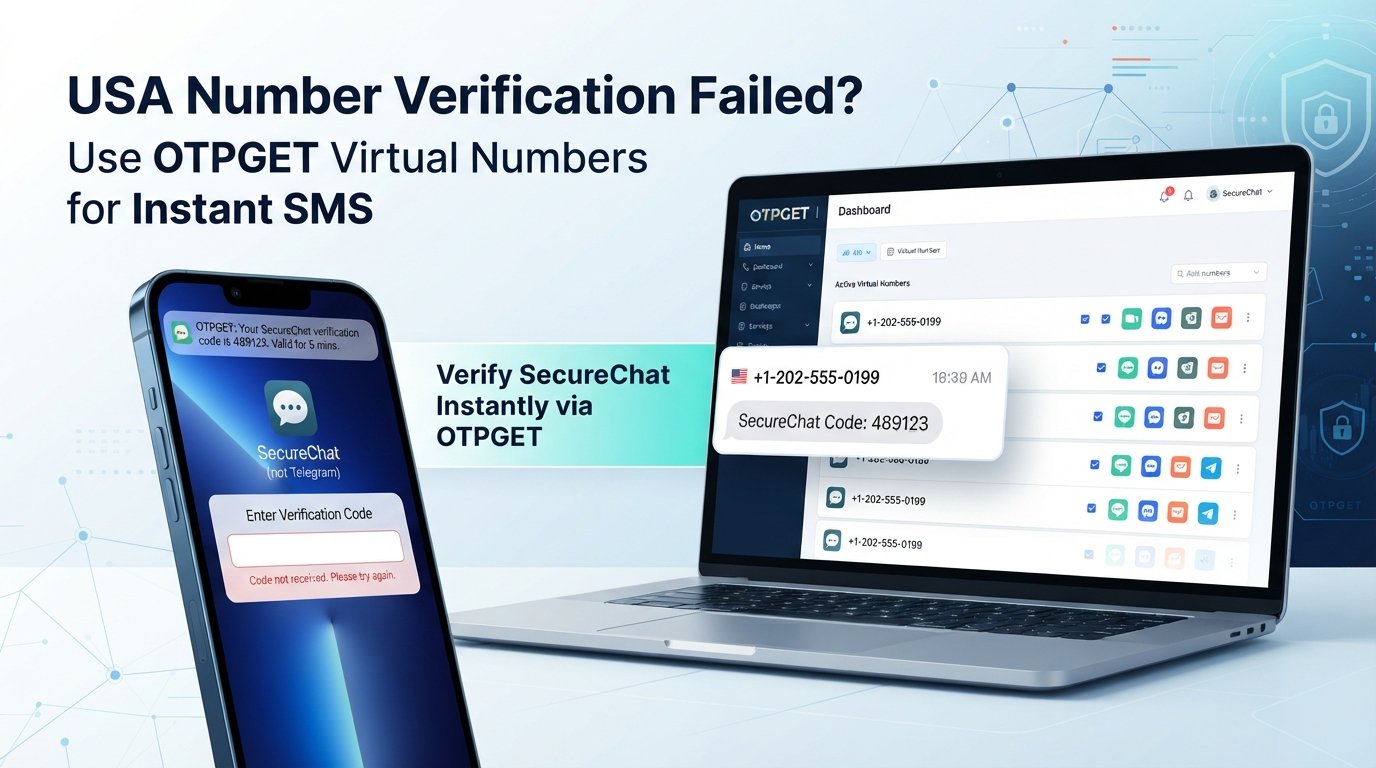
USA Telegram Not Working? Use a Virtual Number with OTPGET Now
Trying to sign up for Telegram with a USA number should be straightforward. You enter your phone number, wait for the verification message, and expect the Telegram login code to arrive within moments.
But sometimes, nothing happens.
You may see a verification screen without receiving an SMS, request another code and still get nothing, or discover that the number you entered is not accepted. If you are dealing with USA Telegram not working, the problem is not necessarily your phone or your internet connection.
SMS delivery can be affected by mobile carriers, number history, network conditions, formatting, or Telegram's own automated verification and security systems. For users who need an alternative to their personal number, a virtual number for Telegram can be a practical option.
One service worth considering is OTPGET, which provides virtual numbers for online SMS and OTP verification. Below, we will look at why Telegram verification can fail, what you can troubleshoot yourself, and how OTPGET can fit into the process.
Why Is USA Telegram Not Working?
USA Telegram not working can have several possible causes. Telegram controls whether a number is accepted and how its verification process operates, while carriers and number providers control how SMS messages are delivered. That means a failed verification does not always have one obvious explanation.
Common possibilities include:
- Verification SMS delays: A verification message may take longer than expected to arrive.
- Carrier filtering: Mobile networks can sometimes filter or delay automated messages.
- Incorrect number formatting: Entering the wrong country code or an incomplete number can prevent delivery.
- Connectivity problems: Weak cellular service or network interruptions may interfere with SMS reception.
- Number history: A number that has been used previously may behave differently during verification.
- Temporary restrictions: Repeated verification attempts can sometimes trigger temporary limitations.
- Automated security checks: Telegram may apply its own rules when evaluating a phone number or login attempt.
- Virtual-number limitations: Some online numbers may not be accepted by particular services.
Because these factors are outside the user's direct control, repeatedly requesting another code is rarely the best first step.
Instead, check the basics, wait briefly, and determine whether the number can actually receive SMS messages.
Why Is Telegram Not Receiving the OTP?
When Telegram not receiving OTP becomes the problem, start with the simplest checks before changing your number.
A missing verification code does not automatically mean that Telegram is broken. It can be a delivery issue, a number issue, or a temporary verification problem.
Check these points first
- Confirm the country code. Make sure the number is being entered with the correct USA country code.
- Check every digit. A single incorrect digit can send the Telegram verification code somewhere else.
- Check your connection. Make sure your phone has usable cellular service or connectivity.
- Wait before requesting another code. Multiple requests in quick succession can make troubleshooting harder and may lead to temporary restrictions.
- Look for another verification method. Telegram may present a different verification option depending on the login situation.
- Confirm SMS reception. If the number cannot receive ordinary SMS messages, it is unlikely to receive the Telegram OTP.
- Consider the number type. Some services treat mobile, VoIP, and virtual numbers differently.
If the Telegram verification code is not received after these checks, switching to an appropriate virtual number may be worth considering.
Can a Virtual Number Fix Telegram Verification Problems?
A virtual phone number for Telegram is a number managed through an online service rather than a traditional physical SIM in your phone. Depending on the provider and number type, incoming SMS messages can be displayed through an online interface.
For someone experiencing a Telegram verification problem, this can provide an alternative way to receive an OTP without depending entirely on their primary mobile number.
Potential advantages include:
- Privacy: Keep your primary phone number separate from certain online registrations.
- Convenience: Access SMS through an online platform instead of relying on a physical SIM.
- Number separation: Use a dedicated number for a particular legitimate verification purpose.
- Country selection: Some providers offer numbers from specific countries, subject to availability.
- Online SMS management: Incoming verification messages can be easier to manage through a centralized interface.
However, there is an important limitation: not every virtual number is accepted by every service.
Telegram determines whether a particular number can be used for account verification. A virtual number provider can provide the number and SMS-receiving capability, but it cannot control Telegram's acceptance rules.
That distinction is important when choosing an online virtual number.
Why Choose OTPGET for a USA Virtual Number?
For users looking specifically for a USA virtual number for Telegram, OTPGET is a practical option to explore.
The basic idea is simple: instead of depending on your personal USA SIM whenever you need SMS verification, you can use an available virtual number through an online service and receive supported verification messages digitally.
OTPGET is particularly relevant when your goal is to obtain an SMS receiving number for a legitimate verification requirement.
The value is mainly about convenience and separation:
- Access virtual numbers online.
- Look for an available USA number when supported.
- Use the number for an appropriate verification process.
- Receive supported OTP messages through the service.
- Keep verification activity separate from your primary phone number.
For someone searching for an OTPGET USA number, the important thing is to select a number suitable for the intended service rather than assuming that every available number will work with Telegram.
This approach also avoids confusing two different issues. OTPGET can provide the virtual-number and SMS-receiving side of the process, while Telegram remains responsible for its own verification and number-acceptance decisions.
In other words, OTPGET is not a way to bypass Telegram security. It is a convenient virtual-number option for legitimate phone verification needs.
How to Use OTPGET for Telegram Verification
If you want to try an OTPGET virtual number for Telegram, the general process is straightforward.
Step 1: Visit OTPGET
Open the OTPGET platform and review the available virtual-number options.
Step 2: Select a USA virtual number
Choose an available USA number that is appropriate for the intended verification purpose. Availability and suitability can vary, so check the information provided by the service before proceeding.
Step 3: Enter the number in Telegram
When Telegram requests your phone number, enter the selected number using the correct country code and formatting.
Step 4: Request verification
Continue with Telegram's normal account verification process and wait for the verification message.
Step 5: Retrieve the OTP
If the number is supported and the SMS is delivered, retrieve the verification code through the supported OTPGET interface.
Step 6: Enter the code
Enter the received OTP into Telegram and follow the remaining verification instructions.
The key point is that this process should be used for legitimate Telegram account verification. Do not use virtual numbers to evade security controls, conduct spam, abuse accounts, or violate Telegram's rules.
OTPGET vs. Using Your Personal USA Number
Both approaches have legitimate uses. The better option depends on what you value most.
| Factor | Personal USA Number | OTPGET Virtual Number |
|---|---|---|
| Privacy | Uses your primary number | Can separate verification from your personal number |
| SMS access | Depends on your carrier and device | Managed through an online service |
| Number separation | Limited | Designed for separate verification use |
| Physical SIM | Usually required | Virtual-number approach |
| Convenience | Simple when SMS works | Useful when an online number is preferred |
| Verification reliability | Can vary | Can also vary by service and number |
| Telegram acceptance | Determined by Telegram | Still determined by Telegram |
A personal number is often the simplest choice when Telegram SMS arrives normally. A virtual USA number becomes more attractive when privacy, separation, or online SMS access is a priority.
The important thing is not to assume that a virtual number automatically provides better verification reliability. Compatibility can vary.
What to Do If Telegram Still Does Not Send an OTP
If the Telegram OTP is not coming, work through the problem methodically rather than repeatedly requesting codes.
Check the following:
- Verify the complete phone number and country code.
- Confirm that the selected number can receive SMS.
- Wait for possible delivery delays.
- Avoid making numerous verification requests in a short period.
- Check whether Telegram offers another verification method.
- Confirm that the virtual number is appropriate for Telegram verification.
- If an SMS cannot be received through the number provider, contact the provider's support team.
- If Telegram rejects the number, consider using another legitimate number that Telegram accepts.
It is also worth remembering that no third-party provider can guarantee acceptance by every service. A virtual SMS number can solve the SMS-access side of the problem, but the final verification decision belongs to Telegram.
Benefits of Using a Virtual USA Number for Telegram
A virtual USA number can be useful beyond simply receiving one verification message.
Privacy
Some users prefer not to share their personal number with every online platform they use. A separate number can create a degree of separation between personal communications and account verification.
Convenience
A virtual number can be managed online, making it useful when carrying an additional physical SIM is inconvenient.
Number separation
A dedicated verification number can help keep personal and online activities distinct.
Online SMS access
For supported services, receiving SMS online means you can view verification messages through the provider instead of depending exclusively on a physical handset.
Flexibility
Virtual numbers can be useful when a user needs access to a number from a particular country, subject to availability and service compatibility.
Easier management
For legitimate account setup, testing, or privacy-focused use cases, having a separate virtual phone number can simplify number management.
These benefits make services such as OTPGET worth considering when a personal USA number is not the preferred option.
Frequently Asked Questions
Why is my USA Telegram number not working?
Possible causes include SMS delays, carrier filtering, incorrect formatting, previous number usage, temporary restrictions, connectivity issues, or Telegram's automated verification rules. Check the number and wait before making repeated requests.
Why am I not receiving my Telegram OTP?
Confirm the country code, phone number, cellular connection, and SMS capability. If everything is correct but the code still does not arrive, the issue may involve SMS delivery or Telegram's verification process.
Can I use a USA virtual number for Telegram?
A USA virtual number may be usable for Telegram verification if Telegram accepts that particular number and the number can receive the required SMS. Compatibility is not guaranteed for every virtual number.
How can I receive a Telegram verification code?
Use a phone number that can receive Telegram's verification message, enter it correctly, and follow Telegram's current verification instructions. A suitable virtual number can be an alternative to a personal number where supported.
What should I do if Telegram does not send an SMS?
Check the number, country code, network, and SMS-receiving capability first. Avoid repeatedly requesting codes. If the issue continues, consider another appropriate number or contact the relevant provider.
Is OTPGET useful for Telegram verification?
OTPGET can be useful for users looking for a virtual number and online SMS-receiving option for legitimate verification purposes. Whether a specific number works with Telegram depends on Telegram's acceptance and verification behavior.
Can every virtual number receive Telegram OTPs?
No. Virtual numbers differ in type, availability, history, and service compatibility. Telegram may accept some numbers and reject others, so users should choose a number appropriate for the intended verification use.
What should I check before using a virtual number?
Check that the number is available for your intended country and purpose, can receive SMS, and is appropriate for the service you want to verify. Never assume that a virtual number is universally accepted.
Conclusion
When USA Telegram not working becomes a problem, the cause may be more complicated than a simple phone or internet issue. SMS delivery, carrier filtering, number history, formatting, temporary restrictions, and Telegram's own verification systems can all affect whether a login code arrives.
Start with basic troubleshooting: verify the number, confirm the country code, check SMS reception, and avoid repeatedly requesting new codes.
If you prefer not to rely on your personal USA number, a virtual number for Telegram can provide a convenient alternative. For users looking for online SMS access and a USA number, OTPGET offers a practical option to explore.
Just keep expectations realistic: a virtual number does not override Telegram's verification rules, and no provider can guarantee that every number will be accepted.
If privacy, convenience, and number separation are important to you, explore the available OTPGET virtual number options and choose one that fits your legitimate Telegram verification needs.


