Verification Code Arrives Twice: Why It Happens and What to Do
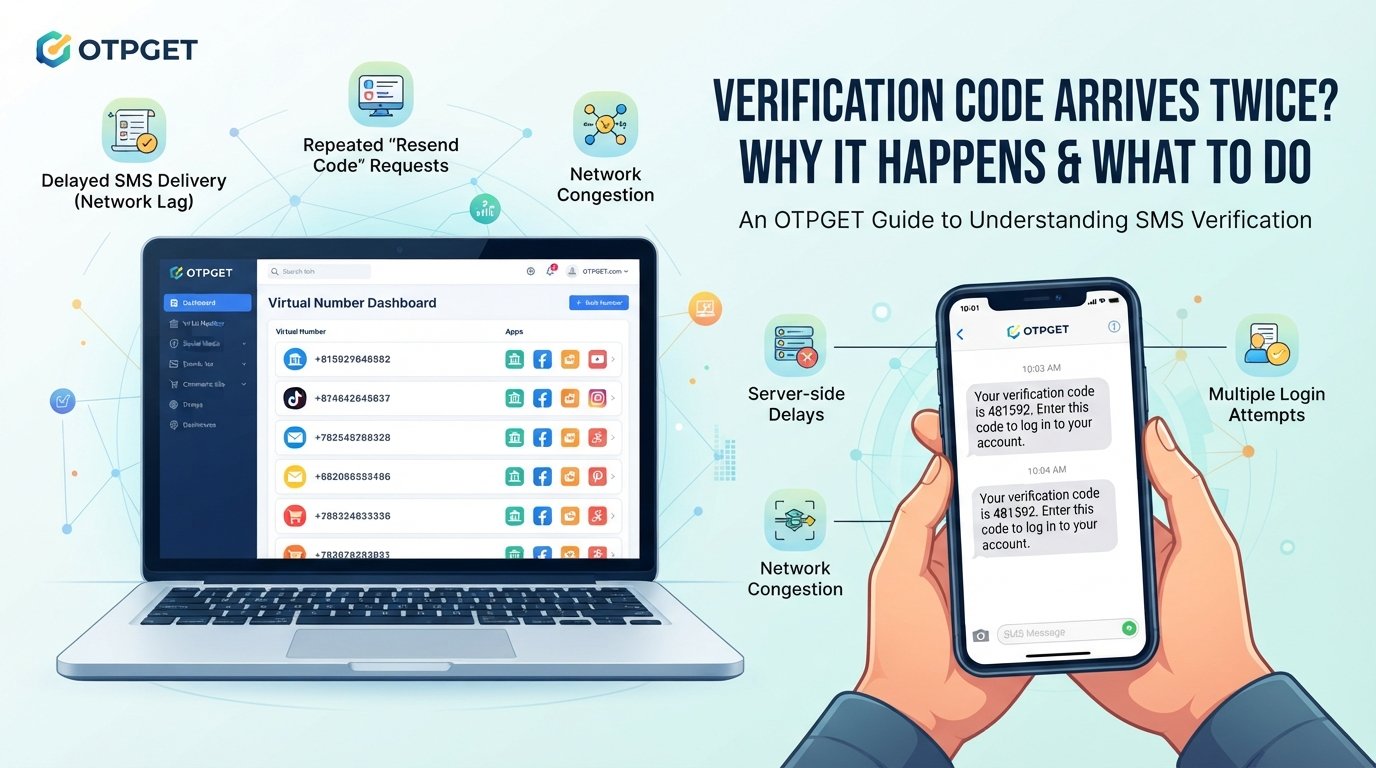
Verification Code Arrives Twice: Why It Happens
You request a verification code, wait for the message, and then suddenly receive the same code twice. It can be confusing, especially when both messages appear within a short period.
The good news is that a verification code arrives twice for several ordinary technical reasons. Delayed SMS delivery, repeated resend requests, network congestion, server delays, and multiple login attempts can all contribute to duplicate messages.
Understanding what is happening makes it easier to know which code to use, when to wait, and when a repeated verification message deserves more attention. If you regularly deal with online verification, an OTP receiving service such as OTPGET can also provide a more convenient way to manage supported verification workflows.
Why Does a Verification Code Arrive Twice?
A verification code is usually generated when a website or app needs to confirm that you control a phone number or another verification method. The code may be delivered through SMS or another communication channel.
Sometimes the system generates or sends the message correctly, but delivery does not happen instantly. A second request may then create another message before the first one reaches you.
Common causes include:
- Delayed SMS delivery: The first code may be stuck in a temporary delivery queue.
- Network congestion: Mobile networks can experience delays when messages are being processed.
- Clicking “Resend Code”: Requesting another OTP can trigger a new message before the original arrives.
- Server-side delays: The website or app may take longer than expected to process a verification request.
- SMS gateway delays: Communication between an online service and its SMS provider can sometimes be delayed.
- Multiple login attempts: Starting verification more than once can generate multiple authentication codes.
- Browser or app refreshes: Refreshing a verification page or restarting a workflow may cause another request.
- Temporary synchronization issues: The service, SMS provider, and user's device may not process events at exactly the same time.
So, if a verification code is received twice, it does not automatically mean something is wrong with your account.
Is It Normal to Receive the Same OTP Twice?
Yes, duplicate OTP messages can happen without indicating that an account has been compromised.
For example, you might request a code and see nothing for several seconds. Assuming the message failed, you tap Resend Code. The second request generates another OTP, while the first message finally arrives.
The important factor is context.
If you personally initiated a login, signup, password reset, or account verification, receiving more than one code can simply be the result of repeated requests or delayed delivery.
However, unexpected authentication messages deserve attention. If you receive verification codes when you have not attempted to access an account, do not enter or share those codes. Instead, review the relevant account and consider contacting the service if the unexpected messages continue.
An OTP is intended for your use during a specific verification process. Never give a verification code to another person, even if they claim to be from customer support.
What Happens When Two Verification Codes Arrive?
When two OTPs arrive, the correct response depends on how the particular service handles multiple verification requests.
Many systems use short-lived one-time passwords. A newer code may replace or invalidate an earlier code, but this behavior is not identical across every platform.
If two codes appear:
- Check whether you requested both.
- Look for instructions on the verification screen.
- If the service indicates that the newest code should be used, follow that instruction.
- Avoid repeatedly requesting new codes.
- If a code has expired, request another only when necessary.
The key point is that an OTP is temporary. Receiving a duplicate verification code does not necessarily mean both codes are valid simultaneously.
Common Reasons for Duplicate Verification Codes
Delayed SMS Delivery
A delayed SMS is one of the simplest explanations for a duplicate OTP.
Imagine requesting a code and waiting. The message may have already been generated, but network or delivery delays prevent it from reaching your phone immediately. If you request another code, the first message may arrive shortly afterward.
This can make it appear as though the service suddenly sent the same verification message twice.
Resending the OTP
Repeatedly pressing Resend OTP is another common cause.
Users often resend a code because they think the first message failed. But the original request may still be processing. When both messages eventually arrive, you see multiple verification codes close together.
If your OTP is delayed, waiting briefly before requesting another one can prevent unnecessary duplicate messages.
Network Problems
Mobile network congestion or temporary connectivity problems can affect SMS delivery.
Your internet connection may be working normally while SMS delivery experiences a separate delay. This is because online account activity and mobile messaging can involve different systems.
A temporary network issue can therefore result in an OTP arriving later than expected.
Server or SMS Gateway Delays
An online platform typically relies on communication between its own systems and an SMS provider or gateway.
If there is a delay anywhere along that path, an authentication code may take longer to arrive. A second request made during that delay can create another message.
This is one reason duplicate verification codes can occur even when the user has done nothing unusual.
Multiple Login Attempts
Starting the same login or account verification process several times can also generate multiple authentication codes.
For example, opening several login windows, refreshing the page repeatedly, or beginning verification on more than one device may create separate requests.
Keeping the verification process to one active session can help reduce confusion.
What Should You Do If Your OTP Arrives Twice?
If your OTP arrives twice, there is usually no need to panic. Follow these practical steps:
- Confirm that you requested the code. If you did not initiate the login or verification, treat the message differently and review your account security.
- Avoid immediately requesting another OTP. A delayed message may still be on its way.
- Check the verification screen. The service may tell you whether the latest code should be used.
- Use the appropriate current code. Follow the platform's instructions rather than assuming both codes are valid.
- Never share your OTP. A verification code should remain private.
- Watch for repeated unexpected messages. If codes continue arriving without any action from you, investigate the account.
- Contact the service if the problem persists. Support can clarify how its OTP system handles repeated requests.
These simple steps can resolve many duplicate verification code problems without unnecessary troubleshooting.
How to Reduce OTP and Verification Code Problems
You cannot control every part of an SMS verification system, but you can reduce avoidable problems.
Try these habits:
- Wait briefly before selecting Resend OTP.
- Avoid starting several login attempts at once.
- Keep your mobile connection reasonably stable.
- Check whether SMS filtering or blocking is affecting incoming messages.
- Review both your SMS inbox and relevant filtered folders.
- Follow the instructions displayed by the verification service.
- Avoid repeatedly refreshing the verification page.
- Keep your verification process organized instead of requesting multiple codes.
For people who regularly need online verification, using a suitable OTP receiving service can also make the process more convenient. This is where OTPGET can be useful for supported online verification workflows.
How OTPGET Can Help With Verification Codes
Dealing with repeated SMS messages can become frustrating when you regularly need authentication codes for online services.
OTPGET can help users receive verification codes online for supported verification workflows, giving them a practical approach to handling OTP-based verification without repeatedly dealing with the same basic SMS-delivery frustrations.
The goal is convenience. Instead of treating every OTP message as a confusing one-off event, users can use a dedicated approach to receiving verification codes and make their verification workflow easier to manage.
For people searching for an online SMS verification option, an SMS OTP service, or a way to receive OTP online, OTPGET is worth considering when its supported verification options match the service being used.
It is still important to remember that OTP availability and verification behavior can vary between online platforms. No service should be assumed to work with every website or verification system unless that compatibility is specifically confirmed.
Why Use OTPGET for Online Verification?
The main benefit of an OTP solution is reducing unnecessary friction around verification.
When a user frequently encounters OTP requests, having a convenient way to handle verification messages can help simplify the process.
OTPGET may be useful for users who want to:
- Make OTP-based workflows more convenient.
- Receive verification codes for supported online services.
- Reduce confusion around repeated verification attempts.
- Manage verification messages through a dedicated approach.
- Simplify routine online account verification.
Rather than viewing OTPGET as a replacement for basic account-security practices, think of it as a practical tool for handling supported verification-code needs.
You should still use verification codes carefully, follow each platform's instructions, and never disclose private authentication codes to another person.
Frequently Asked Questions
Why did I receive the same verification code twice?
A duplicate code can result from delayed SMS delivery, clicking Resend, network congestion, server delays, or multiple verification requests. It does not automatically indicate an account security problem.
Which OTP should I enter if two arrive?
Follow the instructions shown by the service. In many systems, the newest OTP is the relevant one, but OTP behavior varies between platforms.
Can a delayed SMS cause duplicate OTP messages?
Yes. A delayed first message can arrive after you have requested another code, making it appear that the same verification process generated duplicate messages.
Is receiving two verification codes a security problem?
Not necessarily. If you initiated the verification, duplicate messages may have a technical explanation. Unexpected codes that you did not request should be treated more carefully.
Why does my OTP arrive late?
Possible causes include mobile network congestion, SMS gateway delays, server processing delays, or temporary communication problems between the service and its messaging provider.
Can I receive verification codes online?
Some services provide online OTP receiving options for supported verification workflows. Availability depends on the service and the verification system being used.
How can OTPGET help with OTP verification?
OTPGET can help users receive verification codes online for supported workflows, offering a more convenient approach to handling OTP and online verification needs.
Final Thoughts
When a verification code arrives twice, the cause is often much simpler than it first appears. Delayed SMS delivery, repeated resend requests, network problems, server delays, and multiple login attempts can all produce duplicate messages.
If two OTPs arrive, first confirm that you actually requested them. Follow the service's instructions, use the appropriate current code, and never share an OTP with anyone else. Unexpected verification messages should be investigated rather than ignored.
For users who regularly deal with online verification, OTPGET can provide a convenient option for receiving verification codes through supported workflows. Instead of repeatedly struggling with delayed or confusing OTP messages, you can explore whether OTPGET fits the verification needs you have.
The key is to combine convenience with good security habits: request codes carefully, avoid unnecessary repeats, and keep every verification code private.


