Verify Fiverr Account With a Virtual Number: Full Guide and Tips
Verify Fiverr Account With a Virtual Number: What You Need to Know
Phone verification can be an important part of setting up and securing a Fiverr account, particularly for freelancers preparing to offer services. A verification code may be sent by SMS or another supported method, requiring you to have access to the phone number connected to the account.
That naturally raises a common question: Can you verify Fiverr account with a virtual number?
The answer requires an important distinction. While virtual numbers can be useful for receiving SMS verification codes on many online services, Fiverr's own help documentation currently states that virtual numbers, landlines, and VoIP services are not compatible with its phone-verification system. Fiverr also says that a valid, operational phone number is required and that verification attempts are limited.
That means you should not assume that an OTPGET number will be accepted for Fiverr verification.
However, understanding how virtual numbers work—and where services such as OTPGET fit into the broader SMS-verification process—can still be useful. OTPGET provides virtual and rental numbers designed for receiving eligible SMS messages, making it a practical option for platforms that support this type of number.
Let's look at how Fiverr verification works, what the virtual-number limitation means, and what you should consider before choosing a number.
Why Does Fiverr Require Phone Verification?
Phone verification is primarily a security measure. Linking a phone number to an account can provide another way for a platform to confirm that an account is associated with a reachable contact method.
According to Fiverr, phone verification helps enhance account security and maintain trust within its marketplace. Freelancers are required to verify their phone number before offering services, while certain clients may also be prompted to complete phone verification.
The general process is straightforward:
- Enter a phone number.
- Request a verification code.
- Receive the code through a supported method.
- Enter the code on Fiverr.
- Complete any additional verification steps requested by the platform.
For freelancers, phone verification can be part of the broader account and identity-verification process. Fiverr may also require additional personal, business, or identity information depending on the account and verification requirements.
What Is a Virtual Number?
A virtual phone number is a telephone number that is managed through an online service rather than being tied directly to a traditional physical SIM card in your phone.
Depending on the provider and number type, a virtual number may be able to receive SMS messages through an online dashboard or application.
People commonly use virtual numbers for:
- Receiving SMS verification codes
- Separating online services from personal communications
- Managing business-related communications
- Accessing SMS messages online
- Testing services that support virtual numbers
- Avoiding unnecessary exposure of a personal phone number
However, virtual number support is not universal. A service may accept SMS-enabled virtual numbers, reject VoIP numbers, restrict temporary numbers, or block certain number ranges altogether.
That distinction is especially important when discussing Fiverr.
Can You Verify a Fiverr Account With a Virtual Number?
If you're specifically looking to verify Fiverr account with a virtual number, the safest answer is: Fiverr's current documentation says no.
Fiverr explicitly states that virtual numbers, landlines, and VoIP services are not compatible with its phone-verification system. It also says that a phone number can only be associated with one Fiverr account and that verification attempts are limited.
Therefore, using a virtual number service with the expectation that it will definitely verify your Fiverr account would be misleading.
This does not mean virtual numbers are generally unusable for SMS verification. It means that acceptance depends on the platform.
OTPGET can provide virtual and long-term rental numbers for SMS-based verification workflows where the target service supports those number types. Its documentation describes obtaining numbers and checking the status of incoming SMS messages through its service.
So, if you're considering OTPGET for a different platform that accepts virtual numbers, it can be a practical option. For Fiverr specifically, however, you should follow Fiverr's supported verification methods instead.
How to Verify a Fiverr Account With a Virtual Number
Because Fiverr currently does not support virtual numbers for phone verification, the correct approach is not to attempt to bypass that restriction.
Instead, follow Fiverr's official verification process using a supported phone number.
1. Use a supported phone number
Fiverr recommends using an operational, valid, and reliable phone number. Its documentation also states that Google Voice and similar VoIP services are not supported.
2. Start verification from a computer
Fiverr's phone-verification instructions specify that the verification process must be initiated from a desktop or laptop rather than a mobile device.
3. Enter your country and phone number
When prompted, select the appropriate country and enter the supported phone number according to Fiverr's instructions.
4. Request the verification code
Choose the available verification method and wait for the SMS or other supported verification message.
5. Enter the verification code
Enter the code exactly as received. Fiverr notes that verification codes have a limited validity period, so avoid unnecessary delays once the message arrives.
6. Complete any additional security steps
Freelancers may also need to set up a security question or complete additional identity and business verification requirements.
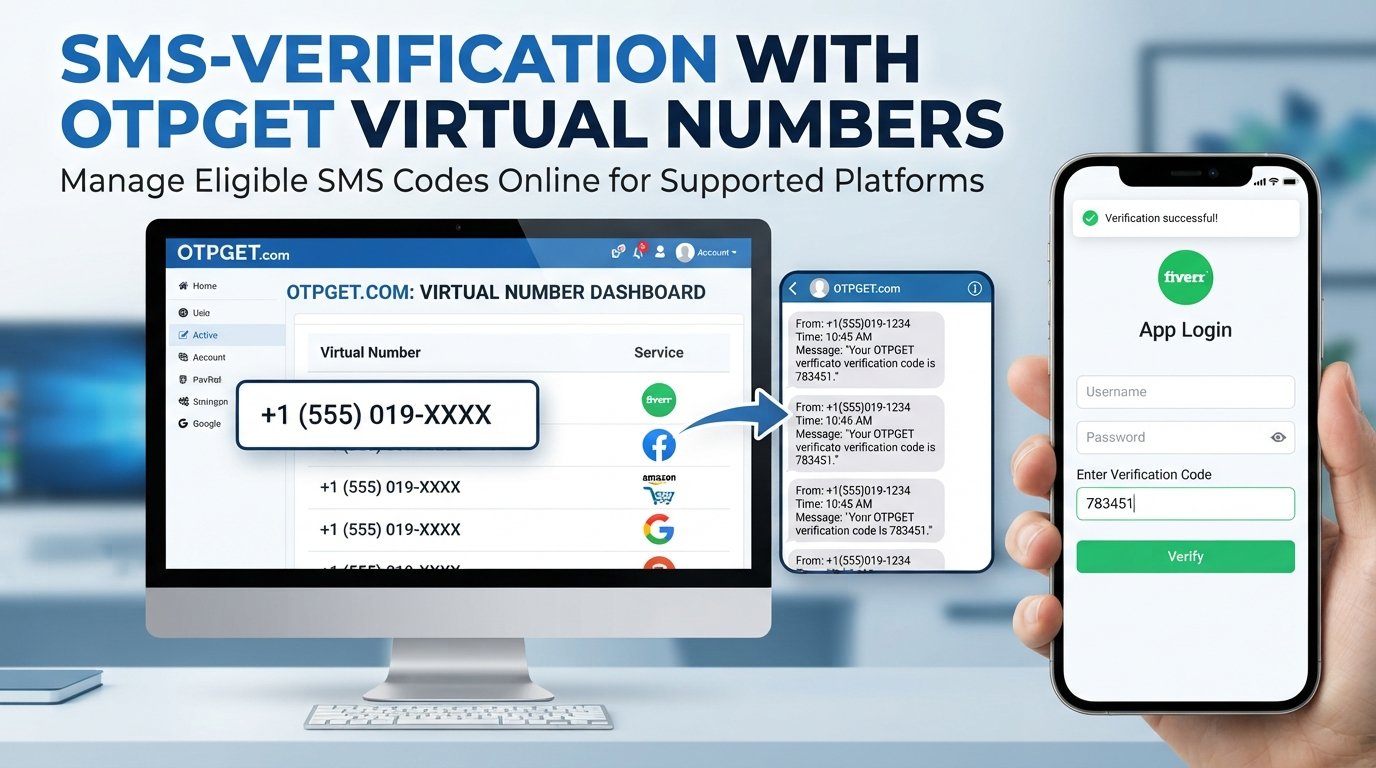
If you are using OTPGET for another platform that supports virtual numbers, the typical workflow is different: select an available number, use it with the supported service, monitor the OTPGET interface for the incoming SMS, and enter the received code into the service. OTPGET documents both number ordering and SMS-status checking.
Why Consider OTPGET for SMS Verification?
Although OTPGET should not be presented as a guaranteed solution for Fiverr phone verification, it can be useful when you need a virtual number for a service that actually accepts virtual numbers.
OTPGET's platform is designed around virtual and rental numbers and SMS-based verification workflows. Its documentation explains that users can request a number and check whether an SMS has been received for the corresponding order.
Potential advantages include:
- Online access: Manage eligible verification messages through an online service.
- Separation: Keep personal and online-service communications separate where appropriate.
- Convenience: Use a dedicated number for services that support virtual numbers.
- SMS-focused workflow: The service is designed around receiving verification messages.
- Flexible use cases: Virtual numbers can be useful for various platforms and services that permit them.
The key is to check the destination platform's requirements first. A number being technically capable of receiving SMS does not mean every website will accept it for account verification.
Benefits of Using a Virtual Number for Online Verification
For supported platforms, a virtual number can offer several practical advantages.
Privacy
Some users prefer not to provide their personal phone number to every online service they use. A separate number can help reduce unnecessary exposure of a personal contact method.
Convenience
An online number can make it easier to access eligible SMS verification messages without switching between devices or SIM cards.
Separation of communications
A dedicated number can help separate personal communications from online accounts, services, or business activities.
Easier SMS management
For supported verification workflows, having a dedicated number can make it easier to identify and manage one-time passwords.
Still, convenience should never take priority over the platform's rules. If a service does not support virtual numbers, using one is unlikely to solve the verification problem.
Things to Consider Before Using a Virtual Number for Fiverr
Before choosing any online phone number, consider the limitations carefully.
Not every platform accepts virtual numbers. Fiverr is a clear example: its documentation currently says virtual numbers and VoIP services are not compatible with phone verification.
Temporary numbers can create account-recovery concerns. If you lose access to a number associated with an account, recovering that account may become more difficult.
Numbers can have different capabilities. Some numbers may support SMS while others may not. Some platforms may also identify or block particular number types.
Availability can change. A number that is available today may not be available later, and the options offered by a virtual-number provider can vary.
Verification policies can change. Always check the platform's current instructions before starting the process.
Use numbers legitimately. A virtual number should not be used to impersonate another person, create deceptive accounts, evade platform restrictions, or circumvent security controls.
For Fiverr specifically, use a phone number that meets Fiverr's stated requirements rather than attempting to work around its restrictions.
OTPGET vs. Using Your Personal Number
For services that support virtual numbers, OTPGET can provide an alternative to using a personal number. But the right choice depends on the purpose of the account.
A personal number may be preferable when:
- Long-term account recovery is important
- The platform requires a traditional mobile number
- The service does not accept virtual or VoIP numbers
- You expect to use the number for future security checks
A virtual number may be preferable when:
- The platform explicitly supports virtual numbers
- You want to separate personal and online communications
- You need an online SMS-receiving workflow
- You do not want to expose your personal number unnecessarily
For Fiverr, the platform's stated restrictions make a supported personal or mobile number the safer choice for phone verification.
Tips for a Smooth Fiverr Verification Process
A few simple steps can prevent unnecessary verification problems:
- Double-check the phone number before submitting it.
- Use a number that meets Fiverr's supported requirements.
- Complete the process from a desktop or laptop.
- Make sure your phone can receive the selected verification method.
- Enter the verification code accurately.
- Avoid repeatedly requesting new codes.
- Follow Fiverr's on-screen instructions.
- Keep your account information accurate and truthful.
- Consider account recovery before changing your verified number.
- If verification fails repeatedly, consult Fiverr Support rather than trying to bypass the verification system.
Fiverr also notes that verification attempts are limited, so repeatedly experimenting with unsupported numbers can make the process more difficult.
Frequently Asked Questions
1. Can I verify my Fiverr account with a virtual number?
According to Fiverr's current help documentation, virtual numbers, landlines, and VoIP services are not compatible with its phone-verification system. Use a supported phone number instead.
2. What is the best virtual number for Fiverr verification?
There is no virtual number that can be recommended as a guaranteed Fiverr verification solution because Fiverr currently states that virtual numbers are not compatible with its phone-verification system. For platforms that support virtual numbers, compare providers based on number availability, SMS support, access, and account-recovery considerations.
3. Can I receive a Fiverr verification code online?
Fiverr's phone-verification process is designed around supported phone numbers and available SMS or WhatsApp verification methods, depending on the country. Virtual-number services should not be assumed to work with Fiverr.
4. Does OTPGET provide numbers for SMS verification?
Yes. OTPGET's documentation describes virtual and rental numbers and provides an SMS OTP workflow for requesting numbers and checking received verification messages. Whether a particular website accepts an OTPGET number depends on that website's requirements.
5. Why isn't my Fiverr verification code arriving?
Possible causes include carrier delays, incorrect number entry, filtering or blocking of SMS messages, or verification restrictions. Fiverr recommends waiting before making repeated requests and provides troubleshooting steps for users who do not receive a code.
6. Are virtual numbers safe for account verification?
Virtual numbers can be useful for services that explicitly support them, but they are not universally accepted. You should also consider long-term access and account recovery before using one.
7. Should I use a temporary or long-term virtual number?
For services that permit virtual numbers, a longer-term number can be more practical when future account access or recovery may depend on that number. For Fiverr, however, the platform currently says virtual numbers are not compatible with phone verification, so neither type should be treated as a supported Fiverr solution.
Conclusion
Phone verification is an important part of maintaining account security on Fiverr, particularly for freelancers. While the idea of using a virtual number for receiving a Fiverr verification code may sound convenient, Fiverr's current documentation explicitly states that virtual numbers and VoIP services are not compatible with its phone-verification system.
That distinction matters when choosing an SMS verification service.
OTPGET can be a practical option for receiving SMS verification codes on platforms that support virtual numbers. Its service provides virtual and rental numbers and tools for checking incoming SMS messages, but acceptance ultimately depends on the website or platform being verified.
If your goal is Fiverr account verification, follow Fiverr's supported verification process and use a compatible phone number. If you need a virtual number for another service that permits them, exploring OTPGET can be a useful next step.
The best verification solution is not simply the number that can receive an OTP—it is the number that is supported by the platform, accessible to you, and appropriate for long-term account security.
Suggested Internal Links
- Virtual number for SMS verification
- How OTP verification works
- Receive SMS online
- Temporary phone numbers
- OTPGET virtual numbers