Verify Upwork Account With a Virtual Number | OTPGET Guide Safely
Verify Upwork Account With a Virtual Number
Phone verification can be one of the more frustrating parts of setting up an online freelance account. You enter your number, wait for an SMS, and then discover that the number type may not be accepted or the verification code never arrives.
That naturally leads many users to search for ways to verify Upwork account with a virtual number.
A virtual number can be useful for legitimate online verification workflows because it can separate work-related messages from your personal phone. However, there is an important catch with Upwork: its official help documentation states that VoIP numbers cannot be used for phone verification, and its two-step verification guidance likewise requires a standard landline or mobile number for SMS verification.
So the right approach is not to look for a way around Upwork's security requirements. Instead, understand what type of number Upwork accepts and use a number you legitimately control.
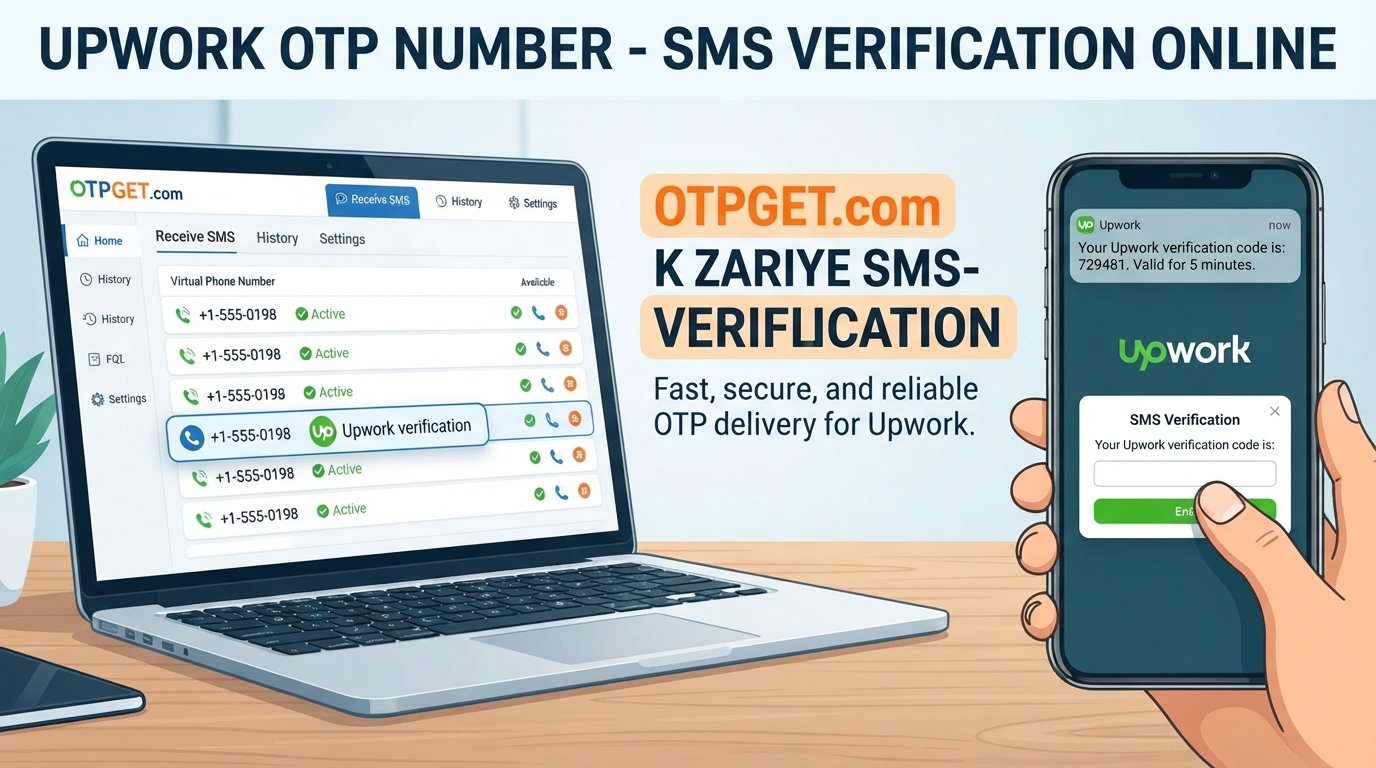
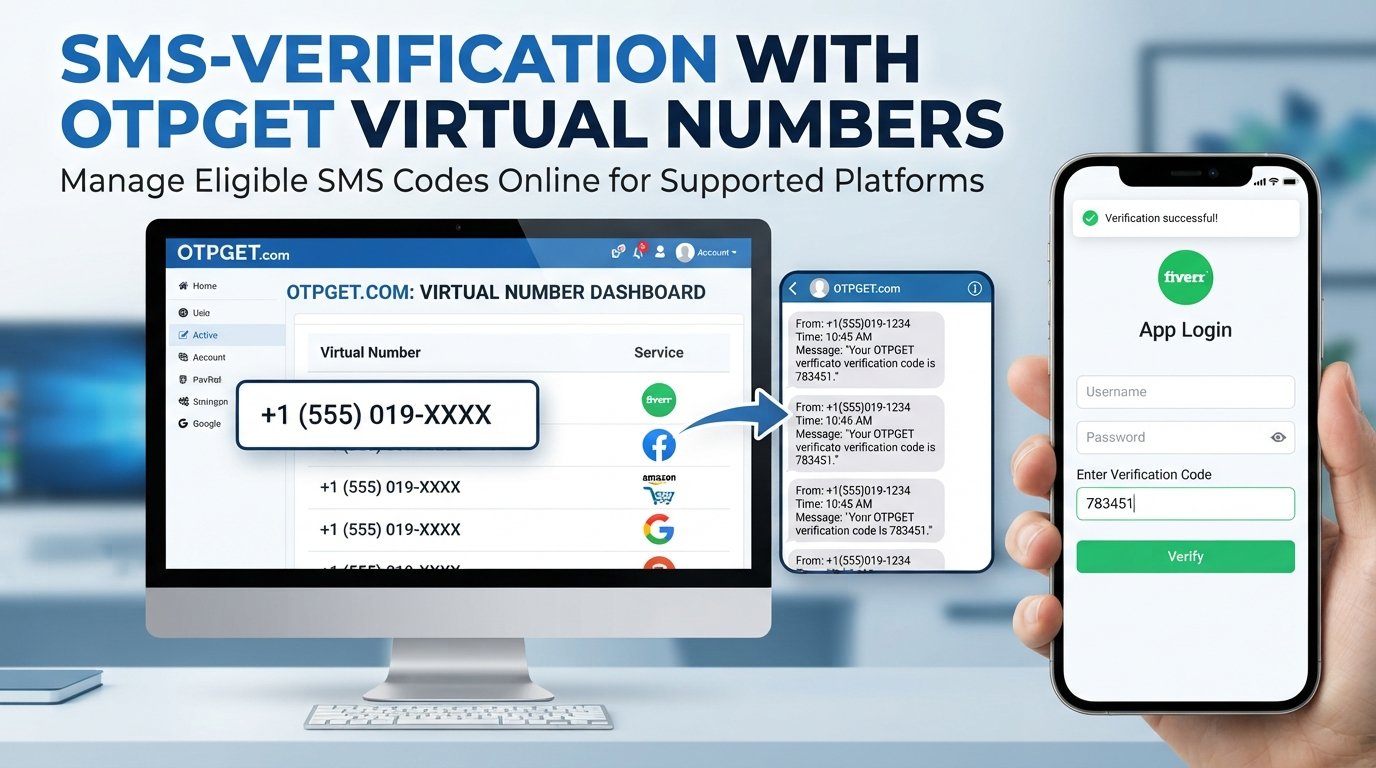
For users exploring virtual-number services, OTPGET can be worth considering for SMS/OTP workflows where the selected number and service are accepted by the platform. The key is to check compatibility before relying on a number for Upwork.
What Is Upwork Account Verification?
Upwork uses phone verification as one part of its account-security process. Depending on the situation, you may be asked to confirm a phone number by receiving a code through SMS.
The basic process is straightforward:
- You provide a phone number.
- Upwork sends a verification code.
- You receive the code by SMS.
- You enter the code in the relevant verification field.
- Upwork confirms the phone-number verification step.
The purpose is more than simply collecting a phone number. Upwork says phone verification helps protect its marketplace from scams, spam, and fraud.
It is also important to distinguish phone verification from identity verification.
A phone number does not prove your complete identity. Upwork may separately request government identification, location information, a selfie, a video interaction, or other information depending on its verification requirements.
In other words, an Upwork verification code confirms access to a phone number; it does not replace freelancer identity verification.
Can You Verify an Upwork Account With a Virtual Number?
It depends on the type of virtual number and Upwork's applicable requirements.
This distinction matters because "virtual number" is a broad term. Some services provide numbers through VoIP systems, while others may offer different types of phone connectivity.
Upwork's official phone-verification guidance specifically says that it cannot verify VoIP numbers and instructs users to use a non-VoIP number instead.
That means you should not assume that any virtual number for Upwork will work.
Before choosing a number, check:
- Whether the number is accepted by Upwork
- Whether it can receive the required SMS
- Whether it is a VoIP number
- Whether you legitimately control the number
- Whether you can retain access if Upwork asks you to verify again
This is where a service such as OTPGET may be useful as a number-access option, but acceptance is ultimately determined by Upwork. OTPGET should not be treated as a method for bypassing Upwork's verification controls.
Why Use a Virtual Number for Upwork Verification?
When permitted, a dedicated online phone number can offer some practical advantages.
Keep work and personal communications separate
Some freelancers prefer not to use their everyday personal number for every online service. A separate number can help keep account-related messages in their own channel.
Reduce unnecessary exposure of your personal number
Using a dedicated number can limit how often your primary mobile number is submitted to online services.
Manage verification messages separately
If you regularly deal with legitimate SMS-based services, having a dedicated number can make it easier to organize verification messages.
Useful when a suitable number is legitimately available
International freelancers, remote workers, and people managing separate business communications may sometimes need access to a number outside their primary mobile setup.
However, convenience should never come before compatibility. If Upwork requires a standard mobile or landline number, a virtual VoIP number is not a suitable substitute.
How to Verify Upwork Account With a Virtual Number
If Upwork's applicable requirements allow the number type you have selected, the general process is simple.
1. Sign in to Upwork
Sign in to your existing Upwork account or begin the account setup process.
2. Reach the phone-verification step
Continue until Upwork asks you to provide or confirm a phone number.
3. Obtain an appropriate number
If you are considering OTPGET, select a number that legitimately meets the applicable requirements and is capable of receiving the required SMS. Do not assume that every virtual number offered by a provider will be accepted by Upwork.
4. Enter the number
Enter the number carefully in the relevant Upwork verification field, including the appropriate country code if requested.
5. Request the verification code
Submit the number and wait for Upwork to send the SMS verification code.
6. Check for the SMS
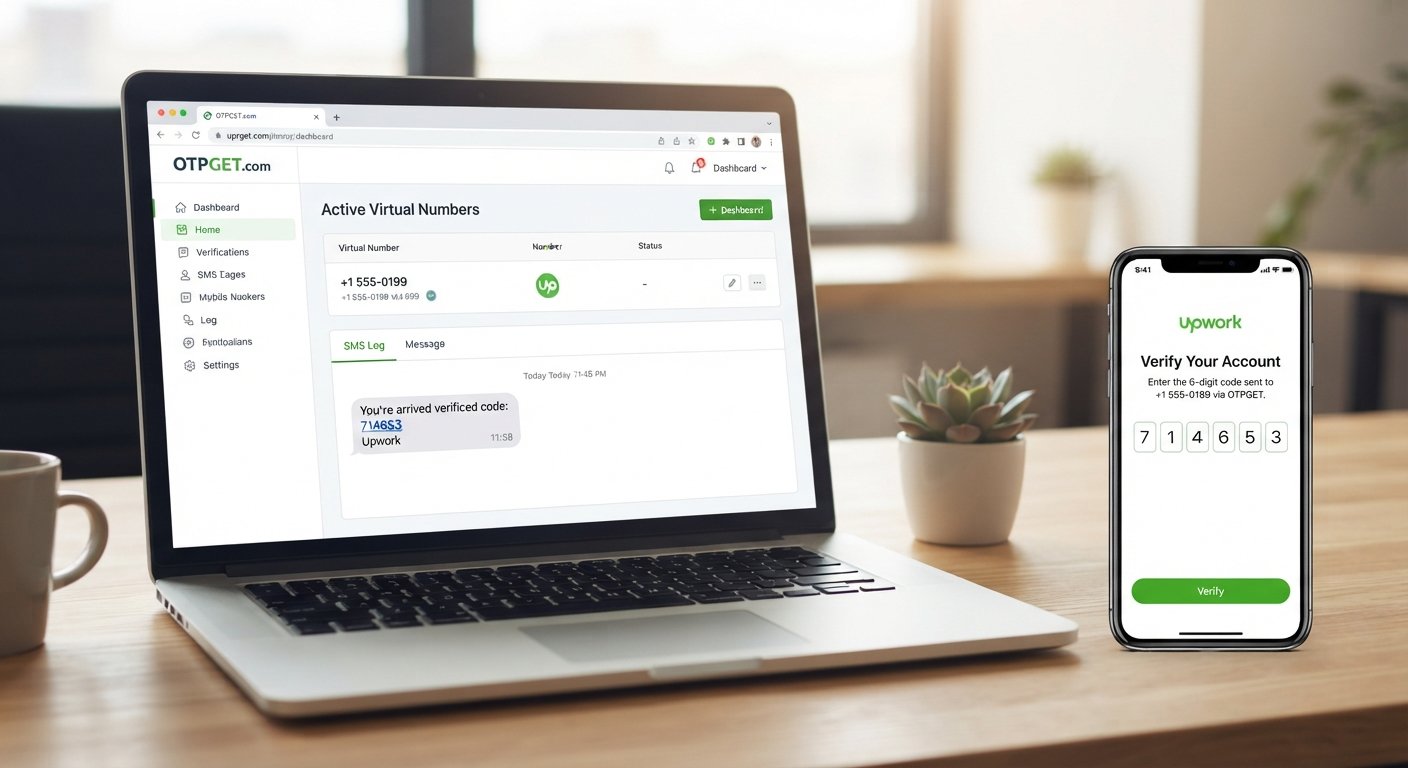
If the selected number supports the required message type, check the OTPGET interface for the incoming SMS.
7. Enter the verification code
Copy the received verification code into the relevant Upwork field.
8. Complete any additional verification
If Upwork asks for identity, location, security, or other information, complete those steps using your genuine information.
Upwork notes that verification codes should generally arrive promptly; if one does not arrive, it recommends checking the phone number and service coverage before trying again.
Why OTPGET Can Be a Convenient Option
Why OTPGET?
OTPGET can be considered by users looking for convenient access to virtual numbers capable of receiving SMS or OTP messages for legitimate online verification workflows.
The main appeal is simplicity: instead of managing another physical SIM for every online service, users can access a number through an online service when that approach is appropriate.
Potential advantages include:
- Convenient access to virtual numbers
- SMS/OTP reception through an online service
- Separation between personal and online-service communications
- A dedicated channel for verification messages
- An alternative to exposing a primary personal number where permitted
The important qualification is platform compatibility.
OTPGET does not guarantee that a particular number will be accepted by Upwork, and no virtual-number provider should be presented as a way to bypass Upwork's security checks. Since Upwork specifically restricts VoIP numbers for phone verification, users should confirm that their selected number meets Upwork's requirements before proceeding.
How to Choose the Right Virtual Number for Upwork
If you are considering a virtual phone number for Upwork, a little preparation can prevent unnecessary verification failures.
Check SMS capability. The number needs to receive the type of message Upwork sends.
Check the number type. This is especially important because Upwork's official guidance excludes VoIP numbers from phone verification.
Choose an appropriate country and number. Use a number that legitimately corresponds to your circumstances and is available for lawful use.
Avoid repeatedly changing numbers. Constantly switching numbers during an active verification process can create unnecessary confusion and may result in additional security checks.
Maintain access. If the number becomes part of your account's security setup, losing access can make future account recovery or verification more difficult.
Use your real identity. A virtual number should never be used to impersonate another person, create fraudulent accounts, or evade an account restriction.
Upwork also advises users to maintain multiple two-step verification methods where possible so that losing access to one method does not unnecessarily lock them out.
Common Problems With Upwork SMS Verification
Even with a valid number, SMS verification can occasionally fail.
Verification SMS does not arrive
First, confirm that the number was entered correctly. Check the receiving service and allow a little time for delivery before requesting another code.
The number is rejected
The number may be an unsupported type. With Upwork, this is particularly relevant for VoIP numbers.
The virtual number expires
Some temporary virtual numbers are intended for short-term use. If you may need the number again for account security, a number with ongoing access may be more appropriate.
The code is delayed
SMS delivery can be affected by carrier, routing, service, or platform-side issues. Avoid repeatedly requesting codes in rapid succession.
The number has been used on another Upwork account
Upwork states that users can only have one account, and a phone number associated with an existing account can trigger an error during account creation.
Additional verification is requested
Receiving an SMS code does not mean the entire account-verification process is finished. Upwork can require separate identity or security verification.
Virtual Number vs. Personal Mobile Number
| Factor | Personal Mobile Number | Virtual Number |
|---|---|---|
| Privacy | Uses your everyday number | Can separate online services from your personal line |
| Work/personal separation | Usually limited | Can provide a dedicated channel |
| SMS accessibility | Typically strong | Depends on the number and service |
| Convenience | No additional service required | Accessible online |
| Long-term access | Usually tied to your SIM/account | Depends on the provider and number type |
| Control | Usually directly controlled by you | Must ensure you retain legitimate access |
For Upwork specifically, the number type matters more than whether it is simply described as "virtual." A virtual number that Upwork classifies as unsupported will not become acceptable simply because it can receive SMS.
Is Using a Virtual Number Safe for Upwork?
A virtual number can be safe for legitimate online use, but safety depends heavily on how you use it.
Use a number that you legitimately control and never use it to misrepresent who you are.
You should also:
- Follow Upwork's verification and account rules.
- Never use a number to evade a suspension or account restriction.
- Never create duplicate accounts to get around platform limits.
- Protect verification codes from other people.
- Keep access to your verification number where possible.
- Use genuine identity and profile information.
- Complete additional identity checks when Upwork requires them.
Upwork's identity-verification process can involve government ID and other information, so a phone number should never be viewed as a replacement for identity verification.
For the most reliable information, check Upwork's official phone-verification guidance before choosing a number.
Frequently Asked Questions
Can I verify my Upwork account with a virtual number?
It depends on the number type and Upwork's requirements. Upwork's official guidance states that VoIP numbers cannot be used for phone verification, so you should not assume that a generic virtual number will work.
How do I receive an Upwork verification code?
Enter an eligible phone number in the relevant Upwork verification field and request the SMS. If the number is accepted and the message is delivered, enter the verification code into Upwork.
Can I use a virtual phone number for Upwork?
Only if the specific number type is accepted by Upwork. Its current help guidance excludes VoIP numbers from phone verification.
What should I do if the Upwork SMS code does not arrive?
Check the number carefully, confirm that the service can receive the required SMS, and wait before requesting another code. Upwork recommends checking the number and service coverage if a code is not delivered within a few minutes.
Is a virtual number the same as identity verification?
No. Phone verification confirms access to a phone number. Identity verification can involve government ID, location information, or other checks.
Can OTPGET receive Upwork verification SMS?
OTPGET can be considered for virtual-number SMS/OTP workflows, but you should not assume that every OTPGET number will be accepted by Upwork. In particular, check whether the selected number meets Upwork's restrictions before using it.
What should I check before using a virtual number for Upwork?
Check the number type, SMS capability, country, ongoing access, and compatibility with Upwork's current requirements. Most importantly, use the number legitimately and never use it to bypass account or identity restrictions.
Conclusion
Trying to complete Upwork account verification with a virtual number can seem like a simple matter of finding a number that receives SMS. In reality, the type of number matters just as much as its ability to receive a message.
Upwork's official guidance makes an important distinction: VoIP numbers are not accepted for its phone-verification process. That means users should avoid assuming that any temporary virtual number or online SMS number will work.
For legitimate verification workflows where the number is appropriate and accepted, OTPGET can be a convenient option to explore for access to virtual numbers and SMS/OTP reception.
The safest strategy is straightforward: use a number you legitimately control, follow Upwork's requirements, keep your account information accurate, and treat phone verification as only one part of the broader account-security process.
If you are considering OTPGET, explore the available number options carefully and select one only when its type and intended use are compatible with Upwork's requirements.
Suggested Internal Link Anchors
- [virtual phone numbers]
- [receive SMS online]
- [OTP verification services]
- [virtual number for SMS verification]