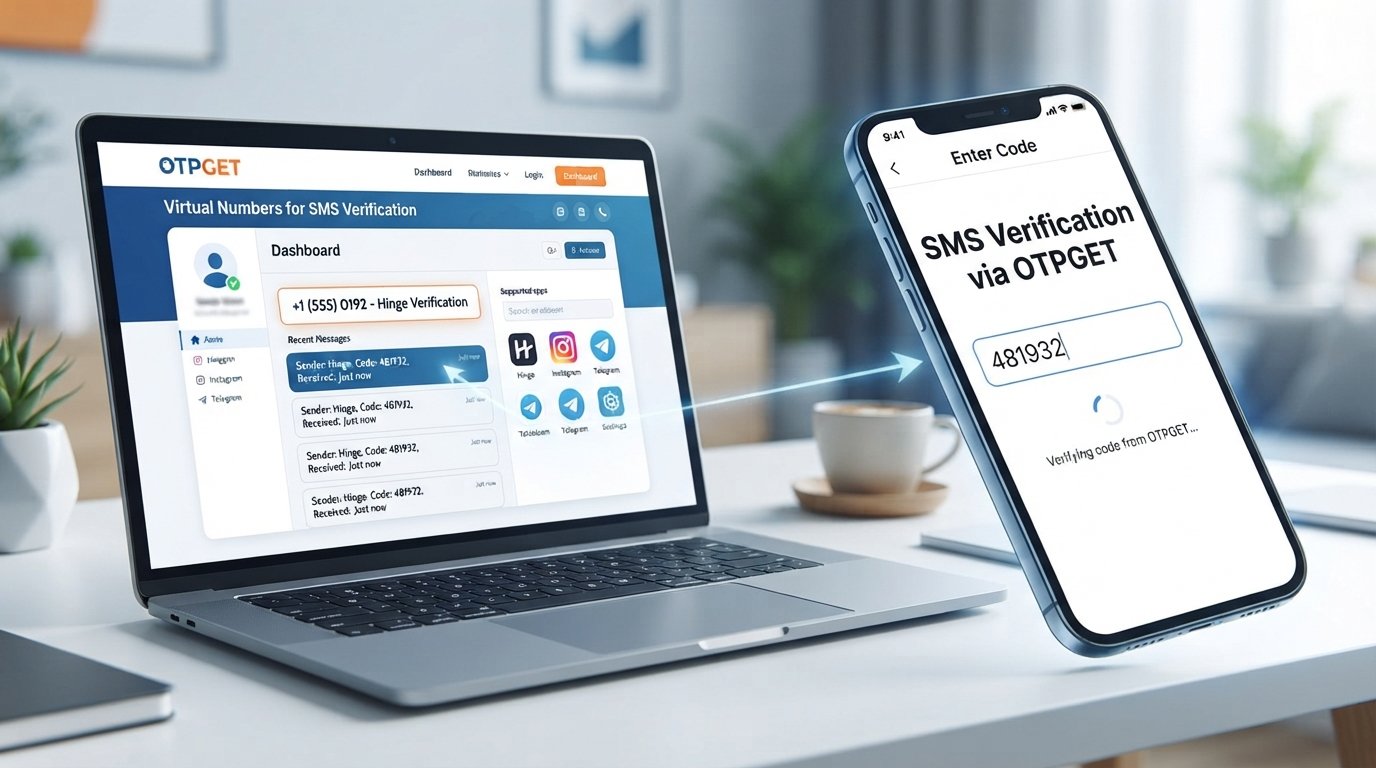
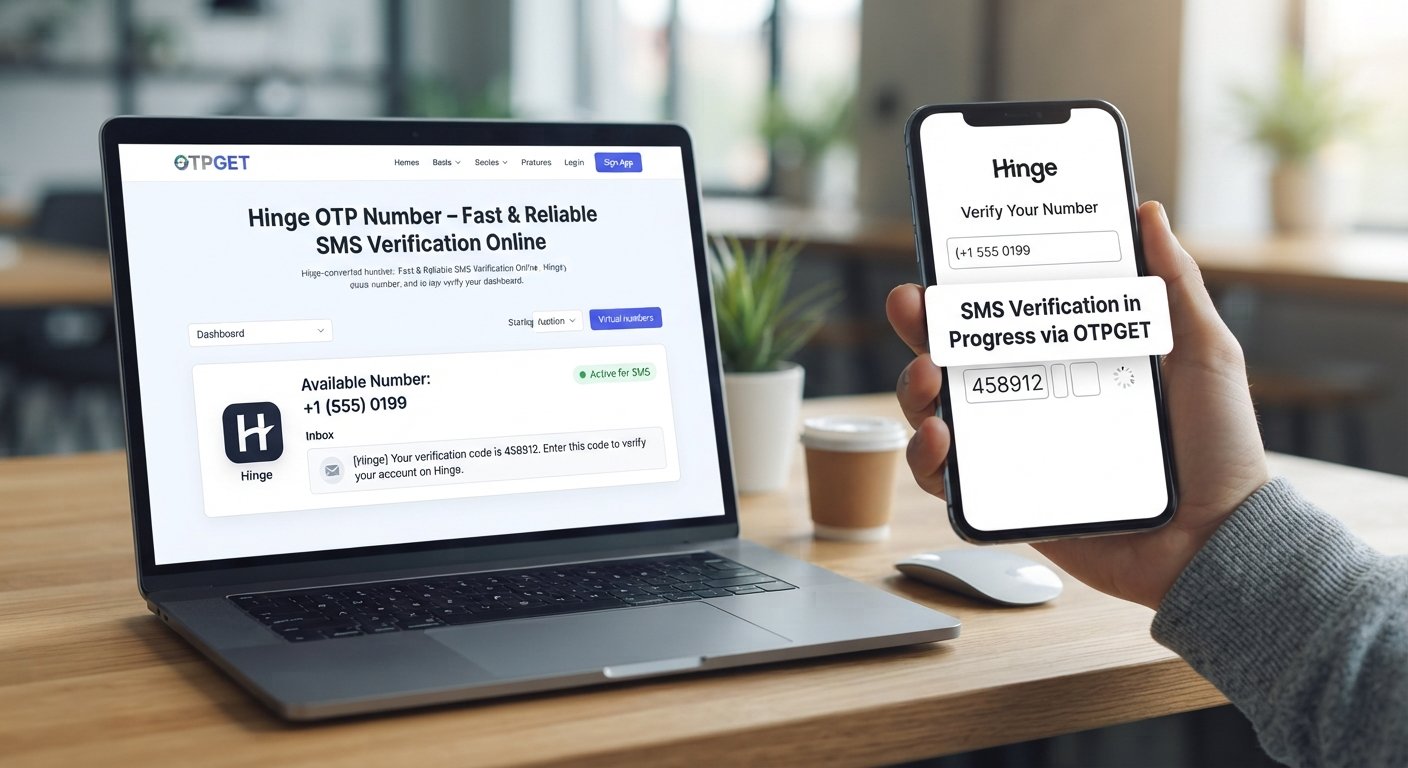
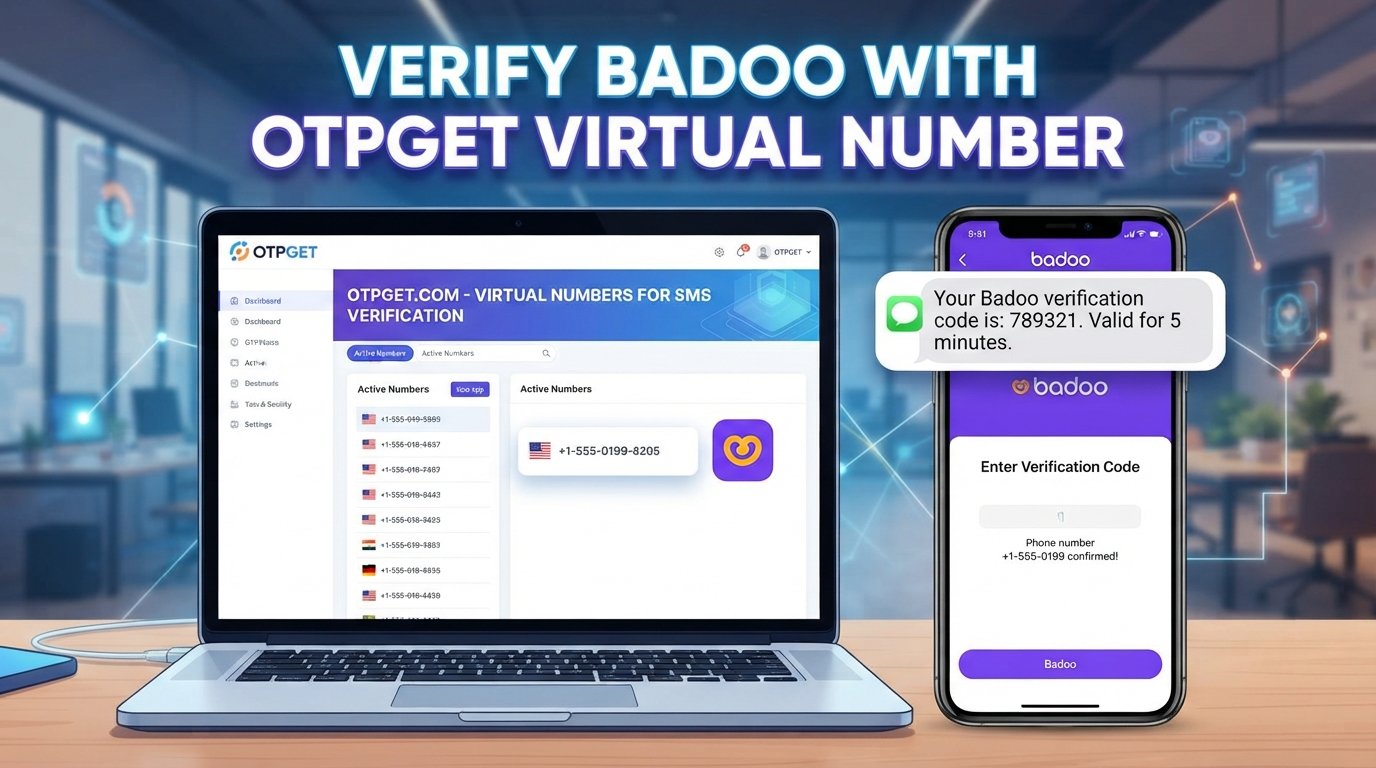
Verify Likee With a Virtual Number Using OTPGET: Simple Guide
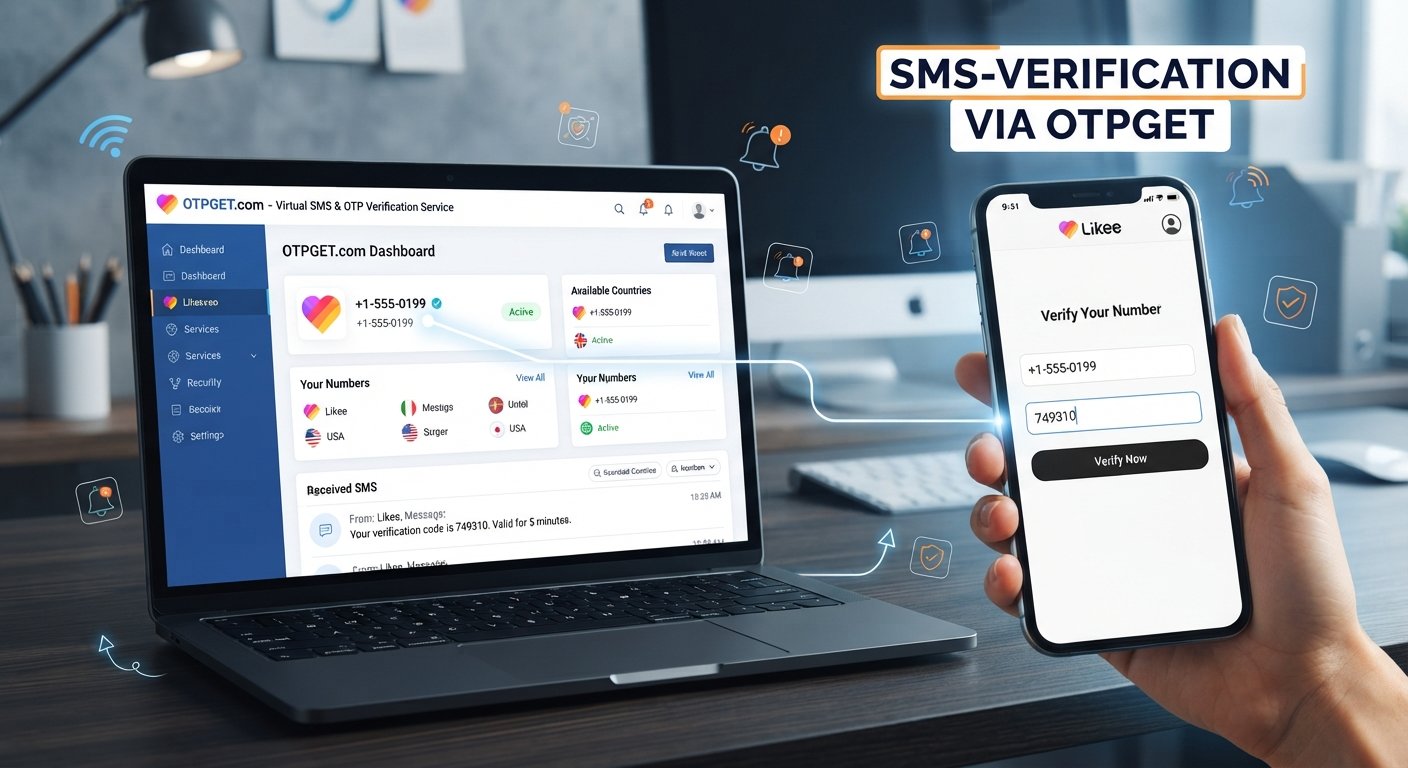
Verify Likee with a Virtual Number – OTPGet
Verifying a new account can be straightforward until you're asked to provide your personal phone number. For users who want to keep their primary number private, phone-based verification can raise an obvious question: Is there a practical way to complete legitimate Likee verification without using my everyday mobile number?
A virtual number can be one option.
A virtual phone number lets you receive SMS messages online rather than relying on a physical SIM tied to your personal phone. For users looking for a convenient verification workflow, OTPGET provides virtual numbers designed for SMS and OTP verification, giving you another way to separate online registrations from your personal number. OTPGET currently offers virtual numbers, rental numbers, and online OTP receiving services, subject to service and number availability.
If you want to verify Likee with a virtual number, the key is to understand how the process works, what limitations to expect, and how OTPGET can fit into a legitimate account-verification workflow.
Why Does Likee Require Phone Verification?
Phone verification is commonly used by online platforms to confirm that a person has access to a particular phone number.
During a typical verification process, the service sends a one-time password (OTP) by SMS. You enter that code into the app or website, and the service uses the successful verification as one signal that the phone number is accessible to you.
Phone verification can help with several general account-security goals, including:
- Confirming access to a submitted phone number
- Supporting account recovery and authentication
- Reducing certain types of automated or abusive activity
- Adding another layer to account registration
- Helping distinguish legitimate users from some forms of automated activity
The exact verification requirements and security checks used by Likee can change, so users should always follow the instructions presented directly by Likee.
The important point is that an OTP is not something to bypass. It is part of the normal verification process. A virtual number simply provides an alternative number that may be useful when privacy or convenience is a concern.
What Is a Virtual Number?
A virtual phone number is a telephone number that can receive calls or SMS through an online service rather than requiring a physical SIM card in your personal smartphone.
For SMS verification, the basic idea is simple:
- You obtain a virtual number from a provider.
- You enter that number when an online service requests phone verification.
- The service sends an SMS verification code.
- The message is received through the provider's system.
- You use the code to complete the normal verification process.
This can be useful when you don't want to expose your primary mobile number to every online service.
A virtual number is not necessarily permanent, either. Depending on the provider and product, numbers can be intended for temporary use or longer-term rental. OTPGET, for example, offers both virtual numbers for OTP verification and rental numbers for longer-term needs.
However, compatibility matters. Not every virtual number works with every platform, and a service may reject particular number types or carriers. That's why users should check availability for the specific service before relying on a number for verification.
Why Use a Virtual Number for Likee Verification?
There are several legitimate reasons someone might prefer a virtual number for Likee account verification.
Protect Your Personal Number
Your primary mobile number may be connected to banking, messaging, contacts, recovery accounts, and other important services. Keeping it separate from some online registrations can reduce unnecessary exposure.
Separate Personal and Online Activity
A virtual number can create a useful boundary between your everyday communications and accounts you use for online communities, apps, testing, or other legitimate purposes.
Convenience
An online SMS number can be useful when you need to receive a verification message without having another physical SIM available.
More Control Over Verification Messages
Instead of having every verification SMS arrive on your personal phone, a supported virtual number can provide a separate place to handle those messages.
These benefits don't mean a virtual number is universally better. Some platforms may not accept virtual numbers, while others may require a particular type of mobile number. Treat compatibility as an important part of the verification process.
How OTPGET Helps With Likee Verification
OTPGET is designed around virtual numbers and OTP/SMS verification. Its platform provides access to virtual phone numbers and lets users receive verification messages online. The service states that its platform covers numerous countries and services, although availability for a particular service can depend on the numbers currently offered and the service's own requirements.
For someone trying to verify Likee with a virtual number, the general workflow is:
- Choose a suitable virtual number through OTPGET.
Look for a number and service option that is available for your intended verification. - Enter the virtual number in Likee.
When Likee asks for a phone number during a legitimate registration or verification process, enter the selected number in the required format. - Request the verification code.
Likee sends an SMS verification code to the submitted number if the number is accepted. - Check OTPGET for the incoming message.
When supported, the incoming SMS or OTP can be viewed through the OTPGET system. - Enter the verification code in Likee.
Use the code exactly as provided and within the validity period specified by Likee. - Complete the normal verification process.
Follow any additional instructions shown by Likee.
OTPGET's documentation describes a workflow in which users select an available country and service, obtain a virtual number, and check its status for an incoming SMS code.
The important qualification is that OTPGET cannot guarantee that every Likee verification request will accept every virtual number or that every SMS will arrive successfully. Number availability, country, carrier, service compatibility, and Likee's own verification rules can all affect the outcome.
Benefits of Using OTPGET for Virtual Number Verification
For users who want to keep a personal number separate, OTPGET offers a straightforward concept: obtain a virtual number online and use it for supported SMS verification.
Potential benefits include:
- Greater phone-number privacy by separating some online registrations from your personal number
- Convenient online access to SMS verification messages
- Flexible number options depending on availability
- Temporary or rental options for different legitimate use cases
- A centralized verification workflow rather than relying solely on a physical SIM
OTPGET's published service information includes temporary virtual numbers, rental numbers, and a developer API for automated OTP workflows.
For an individual user, the most relevant feature is simply the ability to use an available virtual number for a supported verification purpose. There's no need to overcomplicate the process.
How to Verify Likee With a Virtual Number Using OTPGET
If you're new to virtual SMS numbers, the process can look more complicated than it really is.
Follow these general steps:
- Open OTPGET and access the virtual-number service.
- Choose the relevant country or number option based on what is available and appropriate for your verification.
- Check whether Likee is available as a supported service option. Availability can vary, so don't assume every number will work.
- Obtain the virtual number through the normal OTPGET process.
- Open Likee and begin its standard phone-verification process.
- Enter the OTPGET number exactly as required by Likee, including the appropriate country code.
- Request the Likee SMS verification code.
- Return to OTPGET and check for the incoming verification message when the number supports that service.
- Enter the Likee OTP code into the verification screen.
- Finish any remaining Likee account-verification steps.
If the Likee interface looks different from these steps, follow the instructions displayed inside the app. Interfaces and verification flows can change over time.
You can explore the OTPGET virtual-number service to check the options currently available.
Is Using a Virtual Number for Likee Verification Safe?
A virtual number can be a reasonable privacy and convenience tool, but it should not be treated as a guarantee of anonymity or security.
Start by choosing a reputable provider and protecting access to your account. Never share an OTP with another person, even if they claim to be helping with verification.
It's also important to understand that some online services may restrict virtual, temporary, or shared numbers. If Likee does not accept a particular number, don't try to bypass its verification system. Instead, use a number and verification method that Likee accepts.
OTPGET's own terms prohibit illegal, fraudulent, abusive, or harmful use of its services.
The safest approach is straightforward: use a virtual number for a legitimate purpose, protect your verification codes, and follow the rules of both OTPGET and Likee.
Why Choose OTPGET Instead of Using Your Personal Number?
The choice largely comes down to privacy and convenience.
| Consideration | Personal Number | Virtual Number Through OTPGET |
|---|---|---|
| Phone-number privacy | Your primary number is shared | Can keep your primary number separate |
| Physical SIM | Required for traditional SMS | Online number option |
| Verification workflow | SMS arrives on your phone | Supported SMS can be viewed online |
| Separation | Personal and online use are combined | Online verification can be separated |
| Flexibility | Tied to your mobile service | Options depend on available numbers |
| Compatibility | Generally familiar to platforms | Depends on the platform and number |
A personal number may still be the best choice when you want a long-term number directly associated with an account.
But when phone number privacy is the priority and the service accepts the available number, OTPGET can be a practical alternative.
Common Problems During Likee OTP Verification
Even when the process is set up correctly, SMS verification can occasionally run into problems.
OTP Not Arriving
Give the message a reasonable amount of time before requesting another code. Repeated requests can sometimes create additional delays or invalidate earlier codes.
Incorrect Number Format
Check the country code and number carefully. A small formatting mistake can prevent the SMS from reaching the intended destination.
Number Unavailable
Virtual numbers can be subject to real-time availability. If the desired option isn't available, you may need to choose another available number or try again later.
Code Expired
OTP codes are generally time-sensitive. If the code has expired, request a fresh one through the normal Likee verification process.
Too Many Verification Attempts
Repeatedly requesting codes can trigger temporary restrictions. Stop making repeated attempts and follow any waiting instructions shown by Likee.
Virtual Number Not Supported
Some platforms reject particular virtual or temporary numbers. If Likee doesn't accept the selected number, use an alternative verification method that Likee officially supports rather than attempting to circumvent the restriction.
Tips for a Smoother Likee Verification Experience
A few simple habits can make SMS verification less frustrating:
- Double-check the number before requesting an OTP.
- Use the correct country code and number format.
- Wait for the SMS before requesting another code.
- Enter the OTP promptly once it arrives.
- Never share verification codes with anyone.
- Use a number compatible with the service.
- Follow Likee's on-screen instructions rather than relying on outdated tutorials.
- Keep your OTPGET account credentials secure.
- Use virtual numbers only for legitimate activities that comply with applicable platform rules.
The goal isn't to find a way around verification. The goal is to make the normal verification process more convenient while giving you more control over which phone number you share.
Frequently Asked Questions
Can I verify Likee with a virtual number?
You may be able to verify Likee with a virtual number if Likee accepts the number and OTPGET has a compatible option available. Compatibility isn't guaranteed for every number or region, so check the available service options before starting the verification process.
What is a virtual number for Likee?
A virtual number for Likee is an online-accessible phone number that may receive SMS verification messages without requiring you to use your primary personal SIM number. It can be useful for users who want more separation between personal communications and online account registrations.
How do I receive a Likee OTP online?
If Likee accepts the virtual number you select, the verification SMS can be delivered to that number. With OTPGET, users can check the service's interface for an incoming SMS or OTP when the selected number supports the requested service.
Can I use OTPGET for Likee verification?
OTPGET can provide virtual numbers for SMS verification, but whether a particular number can be used for Likee depends on current availability and Likee's own verification requirements. Check OTPGET for an appropriate available option rather than assuming every number will be accepted.
Why is my Likee verification code not arriving?
The number may be incompatible, the SMS may be delayed, the number may have been entered incorrectly, or the platform may be limiting repeated requests. Check the number and country code, wait before requesting another OTP, and follow Likee's instructions.
Are virtual numbers safe for account verification?
Virtual numbers can be useful for privacy and convenience, but they don't guarantee anonymity or security. Use a reputable provider, protect your OTPs, avoid sharing account credentials, and follow the rules of the platform you're verifying.
What should I do if Likee does not accept a virtual number?
Don't attempt to bypass Likee's verification controls. Check that the number was entered correctly and, if the number remains unsupported, use another verification method that Likee officially provides or select a compatible number if one is legitimately available through your provider.
Final Thoughts
If you want to verify Likee with a virtual number while keeping your primary phone number separate, a virtual SMS number can be a practical option for legitimate account verification.
The process is straightforward when the number is compatible: select an appropriate number, enter it into Likee, wait for the verification SMS, retrieve the code through the provider, and complete Likee's normal verification flow.
OTPGET brings that workflow together through its virtual-number and OTP verification platform, with options that can vary by country, service, and current availability.
If privacy, convenience, and separation from your personal phone number matter to you, explore OTPGET and check the virtual-number options currently available for your verification need