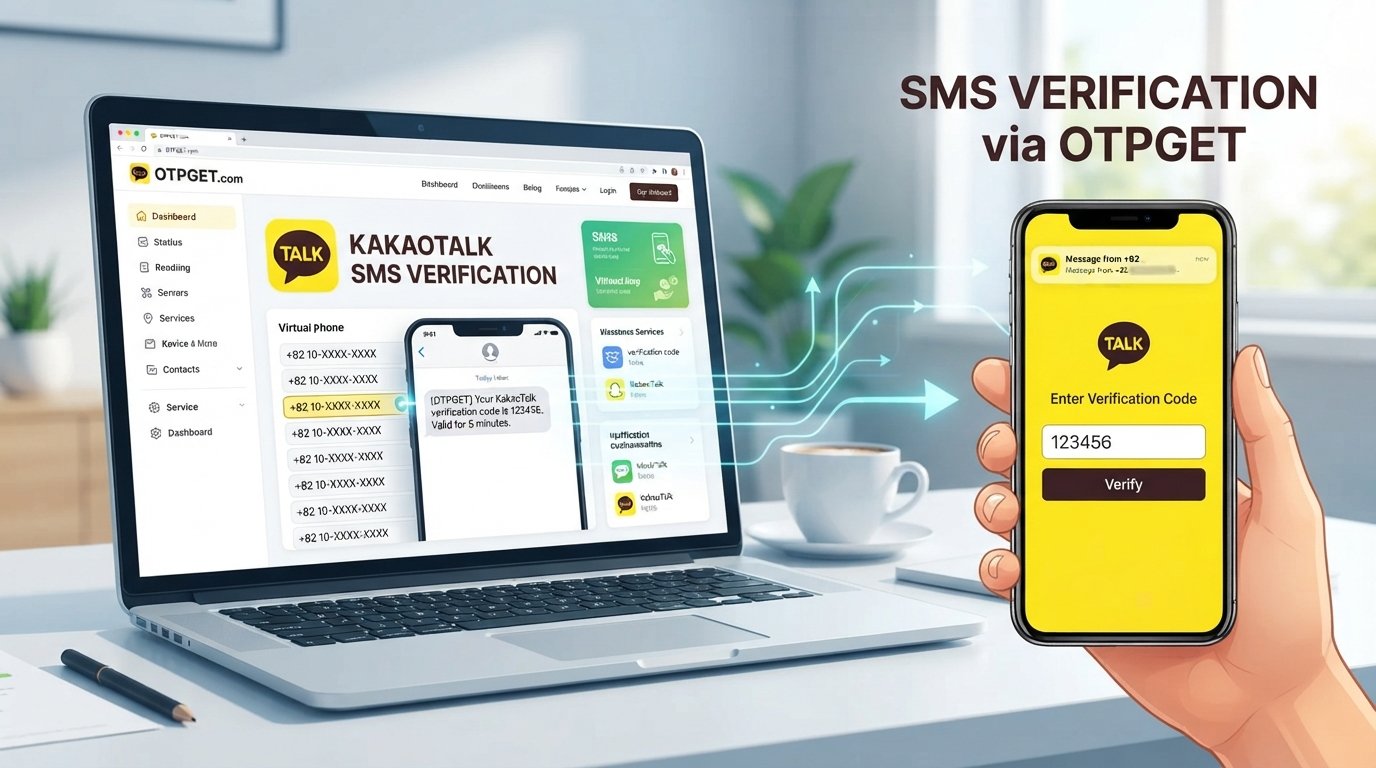
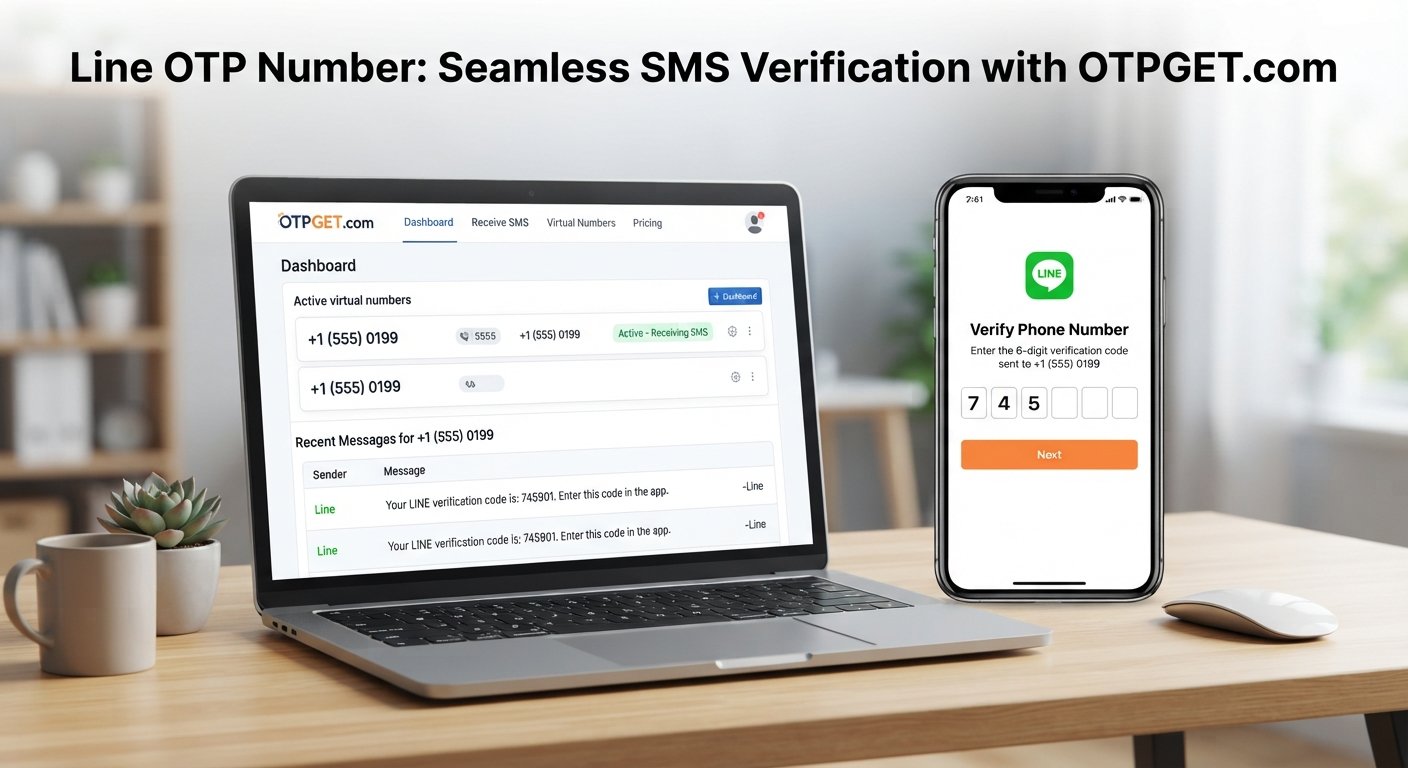
Verify LINE App With a Virtual Number: An OTPGET Guide for SMS
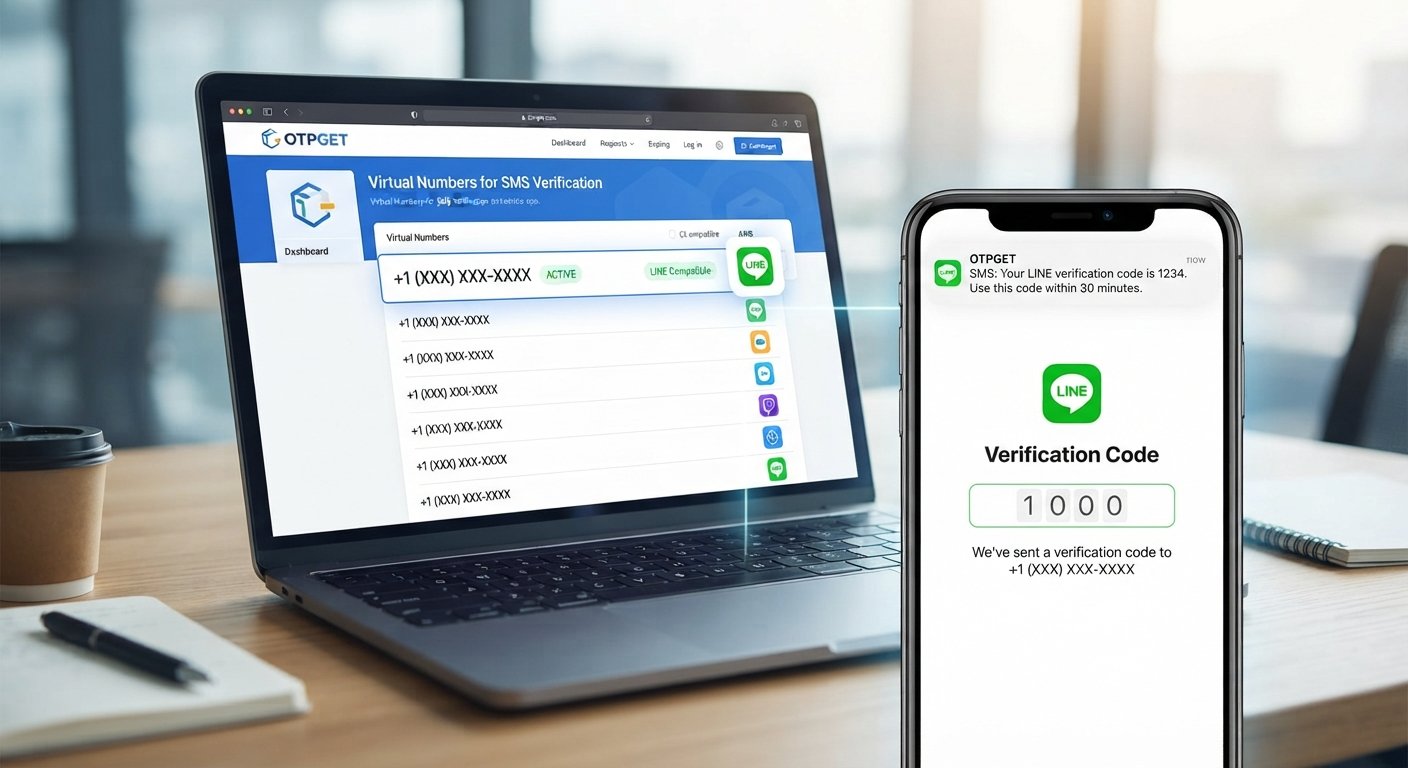
Verify LINE App With a Virtual Number: An OTPGET Guide for SMS
Signing up for an app can be simple until the verification screen asks for your personal phone number. If you are trying to verify LINE app with a virtual number, you may be looking for a way to keep your primary number separate from another online account or service.
A virtual number can provide an alternative way to receive SMS messages, depending on the service, number type, and verification requirements involved. It can be useful when you want a dedicated number for certain online activities rather than using your everyday mobile number.
OTPGET is one option to explore if you are looking for a virtual number that can receive verification messages. However, it is important to understand that having a virtual number does not automatically mean LINE will accept it. Number compatibility and verification requirements can vary.
Here is what to know before using a virtual number for LINE verification.
Why Use a Virtual Number for LINE Verification?
Your primary phone number is connected to many parts of your digital life. Using it for every app and online service may not always be convenient.
A separate virtual number can be considered for several practical reasons:
- Separate personal and online activity: A dedicated number can help keep certain verification messages away from your primary number.
- Greater control over contact sharing: You may prefer not to provide your everyday number to every online service that requests phone verification.
- Convenience: An online number can be useful when you need access to SMS messages through a supported virtual-number service.
- Dedicated verification use: Some people prefer having a separate number for selected app registrations and verification tasks.
- Simpler message management: Keeping verification-related SMS messages separate can make them easier to identify.
That said, a virtual number should not automatically be treated as anonymous or completely private. The level of privacy depends on the provider, how the number is managed, and what information the service requires.
How LINE Verification With a Virtual Number Works
The basic process for LINE app verification with a virtual number is similar to verification with a conventional phone number.
1. Choose an appropriate virtual number
Select a number that is intended to receive SMS messages and is suitable for your verification purpose. Pay attention to the country or region associated with the number.
2. Enter the number in LINE
During the relevant LINE registration or verification process, enter the virtual phone number with the correct country code.
3. Request the verification code
LINE may send a verification code to the number if the number is accepted for the verification process.
4. Check the SMS inbox
Open the SMS inbox associated with your virtual number and look for the incoming verification message.
5. Enter the OTP
Enter the received verification code into the appropriate LINE verification field.
6. Complete verification
If LINE accepts the number and the code is valid, the verification process can continue.
The important point is that successful verification is not guaranteed for every virtual number. Some services may distinguish between conventional mobile numbers, VoIP numbers, temporary numbers, and other types of virtual numbers. Always use a number that is appropriate for the service and follow LINE's verification requirements.
What Is a Virtual Phone Number?
A virtual phone number is a telephone number that can be managed through an online service rather than being tied to a traditional physical SIM card in the same way as a conventional mobile number.
Depending on the provider, a virtual number may support functions such as receiving SMS messages or calls. An SMS-enabled number is particularly relevant when you need to receive an OTP or verification code.
You may also see terms such as:
- Virtual number
- Online phone number
- Virtual phone number
- SMS-enabled number
- Virtual SMS number
- Temporary phone number
These terms are sometimes used interchangeably, but the actual capabilities can differ between providers and numbers.
For verification purposes, the key question is not simply whether a number is called "virtual." What matters is whether the number can receive the type of message required and whether the target service accepts that type of number.
Why OTPGET Can Be a Practical Option
If you are looking for a virtual number for LINE verification, the next challenge is finding a suitable number and accessing its incoming verification message.
This is where OTPGET can be relevant. OTPGET can be explored as an option for users who need a separate number for receiving OTP or SMS verification messages.
The practical appeal is straightforward: instead of relying entirely on your primary personal number, you can look for a separate number that fits your intended verification purpose.
When considering OTPGET, focus on the specific number and service available to you rather than assuming every number will work with every application. LINE may accept some numbers and reject others depending on its verification requirements.
A sensible approach is to:
- Review the available number and its supported SMS functionality.
- Confirm that it is appropriate for the verification task you have in mind.
- Use the number during the LINE verification process.
- Monitor the associated SMS inbox for the OTP.
- Follow LINE's instructions if additional verification is requested.
If you are considering a virtual number, explore OTPGET and check the available options and supported services before proceeding.
How to Choose a Virtual Number for LINE
Not every virtual phone number is equally suitable for app verification. Before selecting one, consider the following factors.
SMS support
The number needs to support the type of SMS message required for verification. A number that does not receive SMS cannot help with an SMS-based OTP.
Compatibility
A virtual number may work with one online service but not another. Check whether the number is appropriate for the verification service you intend to use.
Number availability
Virtual numbers can vary by country, region, service, and availability. Choose one that matches the requirements presented during registration.
Ease of accessing messages
The verification process is easier when you can clearly access the incoming SMS and identify the OTP.
Number ownership and reuse
Consider what happens to the number after verification. If you need the account for a long period, understand whether continued access to the number could matter for future recovery or security checks.
Privacy and transparency
Review how the virtual-number provider handles numbers and user information. A virtual number can separate your personal number from an online service, but it should not be assumed to provide complete anonymity.
Intended purpose
Use a number for legitimate verification purposes and follow the terms and security requirements of the service you are using.
What If the LINE Verification Code Does Not Arrive?
An OTP that does not arrive can be frustrating, but there are several possible explanations.
Common causes include:
- The phone number was entered incorrectly.
- The country code is incorrect.
- SMS delivery is delayed.
- The selected number is not supported.
- The number type is restricted by the service.
- There is a temporary issue with SMS delivery.
- Too many verification requests were made in a short period.
- The virtual-number service is experiencing a messaging problem.
Try these practical steps:
- Check the number carefully. Make sure the country code and digits are correct.
- Check the SMS inbox again. The message may take some time to appear.
- Avoid repeatedly requesting codes. Multiple requests can create confusion or temporary restrictions.
- Confirm SMS capability. Make sure the selected virtual number can actually receive the required message.
- Consider number compatibility. If LINE does not accept the number type, another appropriate number may be necessary.
- Follow LINE's instructions. Use the verification options and support channels provided by LINE rather than attempting to bypass its security controls.
- Check your virtual-number provider. If other SMS messages are also failing to arrive, the issue may be related to the number or service.
If you are using OTPGET, reviewing the number's supported functionality and intended verification use can help you determine whether it is appropriate for the task.
Virtual Number vs. Personal Number for Verification
Neither option is universally suitable for every situation. The right choice depends on why you need the number and how you expect to use the account afterward.
| Factor | Personal Number | Virtual Number |
|---|---|---|
| Privacy separation | Limited separation because it is your everyday number | Can provide separation from your primary number |
| Convenience | Usually straightforward if SMS is available | Convenient when the virtual service provides accessible SMS |
| SMS access | Typically through your mobile device | Depends on the virtual-number provider |
| Dedicated verification use | May mix personal and verification messages | Can be used as a separate number for selected purposes |
| Long-term account recovery considerations | Often remains under your control | Continued access may depend on the provider and number arrangement |
The biggest consideration with a virtual number is continued access. If an account later requires another verification code, losing access to the number could create an unnecessary problem.
Tips for a Smoother LINE Verification Experience
A few simple precautions can make the process easier:
- Double-check the country code before requesting an OTP.
- Make sure the selected number can receive SMS messages.
- Use a number appropriate for the service's verification requirements.
- Avoid requesting multiple codes repeatedly.
- Check the virtual SMS inbox carefully.
- Keep the verification code private and do not share it with others.
- Think about future account recovery before relying on a temporary or short-term number.
- Follow LINE's own verification instructions.
- If using OTPGET, review the available number and supported service information before starting.
Most importantly, treat the verification code like a password. It is intended for the verification process and should not be shared unnecessarily.
Frequently Asked Questions
Can I verify LINE with a virtual number?
It may be possible, but it depends on whether LINE accepts the specific virtual number and its number type. Not every virtual or VoIP number is necessarily supported, so compatibility should be checked before relying on one.
What is a virtual number for LINE verification?
A virtual number is an online-managed phone number that may be capable of receiving SMS messages. When SMS support and service compatibility are available, it can be used as an alternative number for certain verification processes.
How do I receive a LINE verification code?
Enter an appropriate phone number during the LINE verification process and request the code. If the number is accepted, the verification SMS may be delivered to that number. With an SMS-enabled virtual number, the code can be viewed through the provider's available SMS interface.
Why might a LINE OTP not arrive?
Possible reasons include an incorrect number, incorrect country code, SMS delivery delays, unsupported number types, temporary service problems, or too many verification attempts.
Is a virtual number the same as a regular phone number?
Not necessarily. A virtual number is generally managed through an online service rather than functioning exactly like a conventional mobile number connected to a physical SIM. Its capabilities depend on the provider.
Can OTPGET provide a number for verification?
OTPGET can be explored by users looking for a virtual number for receiving OTP or SMS verification messages. However, users should check the available numbers and supported services because acceptance can vary between applications.
What should I check before choosing a virtual number?
Check SMS support, country or region availability, compatibility with the intended service, message accessibility, provider transparency, and whether you will need continued access to the number for future account recovery.
Final Thoughts
Using a virtual number can be a practical way to verify LINE app with a virtual number when you want an alternative to your primary personal phone number. It can help separate verification activity from everyday communications while giving you access to SMS-based verification where the number and service are compatible.
The key is to choose carefully. A virtual number is not automatically accepted by every application, and continued access may matter if you need the account for future verification or recovery.
For users looking for a virtual number to receive verification messages, OTPGET is a practical option to explore. Review the available numbers and supported services, choose one appropriate for your intended purpose, and follow LINE's verification requirements.
The goal is simple: use a suitable number, protect your verification codes, and make sure you can maintain access to the number for as long as your account may require it.