How to Verify WhatsApp With a Canadian Number Using OTPGet Safely
How to Verify WhatsApp With a Canadian Number Using OTPGet Safely
Want to use WhatsApp with a Canadian phone number instead of your usual personal number? Whether you want to separate business conversations from private chats, communicate with Canadian contacts, or explore an online number for account registration, understanding the verification process is the first step.
A Canadian number can be useful for these purposes, but getting a number and successfully registering it with WhatsApp are two different things. The number must be eligible, you must be authorized to use it, and you must be able to receive the required verification code.
OTPGet is an option worth exploring for online phone number and SMS verification services. Its published website lists Canadian numbers and WhatsApp among its supported options, although actual availability and successful registration can vary. Explore OTPGet's official website.
In this guide, you'll learn how to verify WhatsApp with a Canada number, how OTPGet may fit into the process, what to do when an OTP doesn't arrive, and which privacy considerations matter before you begin.
Why Use a Canadian Number for WhatsApp Verification?
There are several reasons someone might want a Canadian number for WhatsApp verification.
Separate personal and business communication. If you communicate with customers, suppliers, or Canadian business contacts, using a separate number can help distinguish professional conversations from personal chats.
Manage international contacts. A Canadian number may be useful when your intended audience is based in Canada or when you need a contact number associated with that country.
Explore online verification options. Some users prefer investigating virtual phone numbers rather than immediately purchasing another physical SIM card. Depending on the provider, online numbers may offer a convenient alternative.
Keep a personal number separate. A separate number can reduce the need to share your primary contact number in every situation. However, a virtual number does not automatically provide anonymity or guarantee privacy.
Remember that obtaining a Canadian virtual phone number does not guarantee WhatsApp will accept it. WhatsApp requires an eligible number that you own or are authorized to register and that can receive the necessary verification code.
What Is OTPGet and How Can It Help?
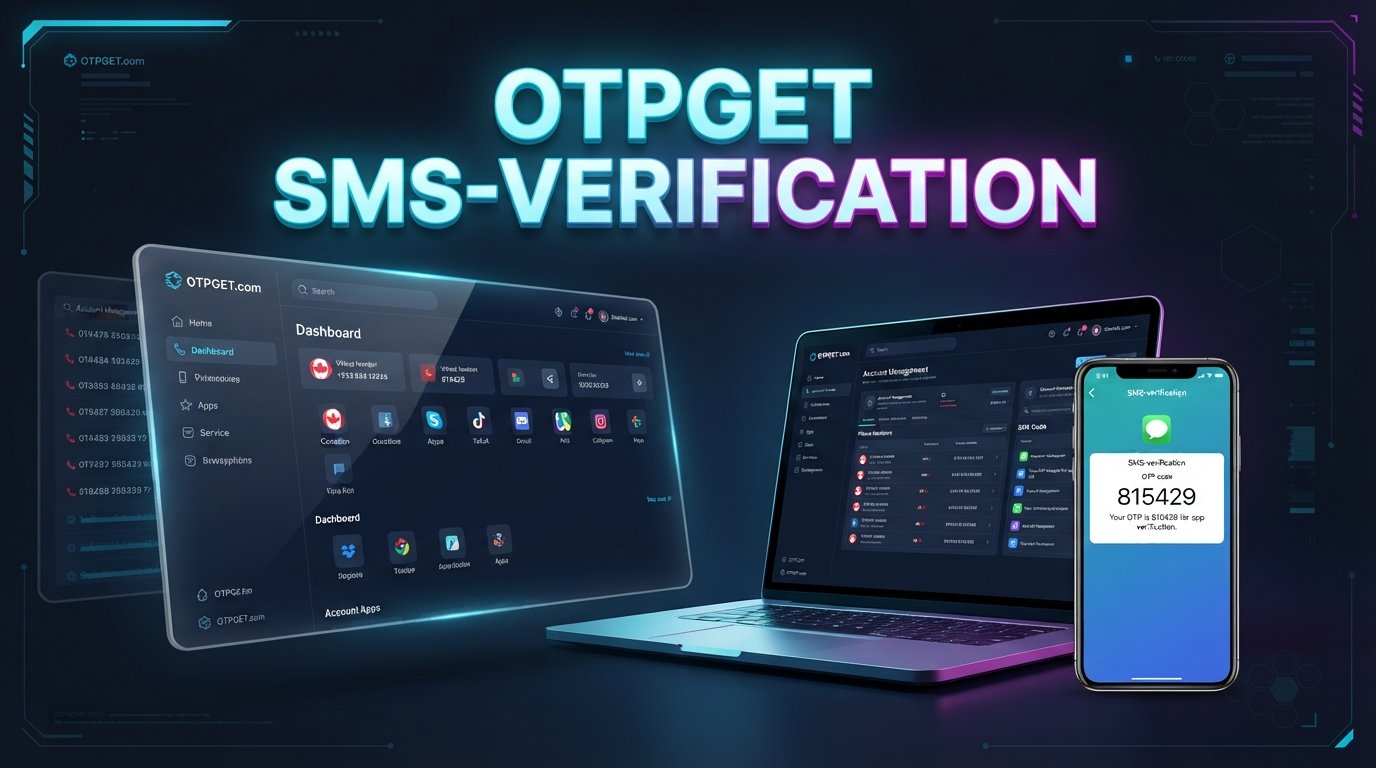
OTPGet is an online platform focused on virtual phone numbers and one-time password (OTP) verification. Its published service information describes temporary numbers, rental numbers, SMS verification, and options for developers.
The platform's website lists Canada among its available countries and WhatsApp among its supported services. These listings make OTPGet relevant to people investigating a Canada number for WhatsApp verification, but they should not be interpreted as a guarantee that a particular number will work for every registration attempt.
Online SMS verification services generally connect users with a phone number that can receive messages. When a supported service sends a verification code to that number, the code may become accessible through the provider's interface.
Before choosing OTPGet, check its current number availability, supported services, displayed prices, rental or usage conditions, and message-receiving capabilities. Also establish whether you will retain access to the number after registration.
OTPGet is a separate service, not WhatsApp itself. WhatsApp controls its registration requirements and determines whether a submitted number can be verified.
How to Verify WhatsApp With a Canada Number Using OTPGet
Follow these steps to understand the process. Each step depends on number availability, service compatibility, and WhatsApp's verification requirements.
Step 1: Visit OTPGet
Open the official OTPGet website. Review the available services and any account requirements before proceeding.
Read the service terms carefully so you understand what access you receive and whether the number is intended for temporary use or longer-term rental.
Step 2: Check for a Canadian Number
Look for Canada in the available country options. If a suitable number is listed, review its availability, intended use, price, and conditions.
Availability may change, and not every number necessarily supports every verification service. Do not assume that a Canadian number is available simply because the platform lists Canada as a supported country.
Step 3: Review WhatsApp Compatibility
Check whether WhatsApp is listed for the number or service you intend to use. Confirm that the number can receive the required type of verification message.
A number may be available for online SMS verification but still be rejected by WhatsApp. Shared numbers, previously used numbers, and numbers that cannot receive the required messages may present additional difficulties.
Use only a number you are authorized to register and that complies with the relevant service policies.
Step 4: Enter the Number in WhatsApp
Open the official WhatsApp application and begin the registration process.
Select Canada if that is the number's country, then enter the number in the international format requested by WhatsApp. Canada's country calling code is +1.
Check every digit before continuing. Avoid adding an unnecessary leading zero or duplicating the country code.
Step 5: Request the Verification Code
Follow WhatsApp's on-screen instructions to request a registration code. WhatsApp may offer SMS verification or a phone-call option when available.
The available methods depend on the registration flow and the number's eligibility. Do not repeatedly request codes if the first attempt is delayed.
Step 6: Check for the OTP
If OTPGet supports incoming WhatsApp verification messages for the selected number, check the appropriate message interface for an incoming code.
The code will arrive only if WhatsApp sends it successfully and the number and provider can receive it. If no message appears, review the number's status and the provider's instructions before trying again.
Step 7: Enter the Code
If the code arrives and the number is accepted, enter the current verification code into WhatsApp and complete the remaining registration steps.
Never share the code with another person. If the number is rejected or the message never arrives, use the troubleshooting steps below rather than attempting to bypass WhatsApp's security controls.
Benefits of Exploring OTPGet for Canadian Number Verification
OTPGet may be useful for people whose needs match its available services.
-
Online convenience: A virtual-number workflow can reduce the need to obtain a separate physical SIM immediately, provided an appropriate number is available.
-
Country selection: The platform lists Canadian numbers, giving users a place to investigate Canada-specific options.
-
Verification-focused services: OTPGet describes services for receiving SMS verification codes, including service-specific options.
-
Potential flexibility: Temporary and rental number options may suit different legitimate use cases, depending on their actual terms.
-
Information before purchase: Reviewing the available options and pricing helps you assess whether the service fits your requirements.
These are potential advantages, not guarantees of WhatsApp registration. Check the specific number's capabilities and costs before proceeding.
What If You Do Not Receive the WhatsApp Verification Code?
If your WhatsApp OTP is not received, several common issues may be responsible. Work through these checks patiently.
-
Confirm the number. Make sure the country code is correct and every digit matches the number selected from the provider.
-
Check message reception. Confirm that the number is active and eligible to receive the required SMS or call.
-
Review the provider's interface. Follow OTPGet's current instructions to check for an incoming message, if that feature is supported for your selection.
-
Wait for the timer. Allow WhatsApp's countdown to finish before requesting another code. Repeated attempts may trigger additional restrictions.
-
Try another official method. If WhatsApp offers phone-call verification for your registration, consider that option when available and supported by your number.
-
Check compatibility. Some online numbers may not be accepted, may have been used previously, or may be unable to receive messages from particular services.
-
Consider another eligible number. If the problem persists, use another number you control or contact your mobile provider.
For persistent WhatsApp verification problems, follow the official WhatsApp registration troubleshooting guidance. Avoid sharing codes or paying repeatedly for numbers without first understanding why verification failed.
Is It Safe to Use an Online Canadian Number for WhatsApp?
The answer depends on how the number is provided, who can access its messages, and whether you can retain control of it.
A shared or publicly accessible SMS inbox creates a privacy risk. Other people may be able to view messages sent to the same number, including verification codes. That makes shared numbers a poor choice for accounts containing private conversations or sensitive information.
There is also a long-term access problem. If you lose access to the number, you may struggle to verify your account again, recover access, or respond to future registration requests. A number that is reassigned or shared can create further complications.
For these reasons:
-
Use only numbers you are authorized to register.
-
Review the provider's privacy policy and number-retention conditions.
-
Avoid linking sensitive personal or business information to a number you cannot retain.
-
Never share WhatsApp registration codes or account passwords.
-
Enable WhatsApp's additional account-security features where appropriate.
-
Prefer a personally controlled mobile number for an account you intend to keep long term.
An online number may offer convenience, but it should not be treated as a guarantee of anonymity, confidentiality, or uninterrupted account access.
OTPGet vs. Other WhatsApp Verification Options
The right approach depends on whether convenience, privacy, or long-term number control matters most to you.
| Option | Convenience | Number control | Main limitation |
|---|---|---|---|
| Regular Canadian mobile SIM | Requires obtaining and activating a SIM | Generally stronger while the subscription remains active | May involve activation and ongoing service costs |
| Legitimate Canadian virtual-number provider | Can offer online access to a number | Depends on the provider and rental terms | WhatsApp compatibility varies |
| OTPGet online SMS service | Lets you explore available verification numbers online | Depends on the selected number and service conditions | Availability and successful WhatsApp verification are not guaranteed |
A regular mobile number that you control is generally the more dependable choice for a long-term personal account. A legitimate virtual-number provider may suit users who need online access and can confirm the number's capabilities.
OTPGet is worth investigating if its available Canadian numbers, supported services, and usage terms fit your needs. Compare the full conditions rather than choosing solely on convenience or the advertised availability of a number.
Frequently Asked Questions
Can I verify WhatsApp with a Canadian number?
Yes, it may be possible if the number meets WhatsApp's registration requirements and can receive the required verification code. Acceptance is not guaranteed for every virtual or online number.
Can I use OTPGet to receive a WhatsApp OTP?
Potentially. OTPGet lists WhatsApp and Canadian numbers among its published service options. Actual results depend on the selected number's availability, message-receiving capability, and WhatsApp's acceptance of the number.
What is the country code for Canada?
Canada's international calling code is +1. Enter the complete number in the format requested by WhatsApp, checking that the country code is not duplicated.
Why is my WhatsApp verification code not arriving?
Possible causes include an incorrectly entered number, delivery delays, an inactive or incompatible number, and temporary verification restrictions. Check the number, wait for the countdown, and follow WhatsApp's official troubleshooting instructions.
Is a virtual Canadian number suitable for long-term WhatsApp use?
It depends on whether you can retain control of the number and receive future verification messages. If the number expires, is shared, or becomes inaccessible, account recovery can become difficult. A personally controlled number is usually preferable for long-term use.
Is OTPGet guaranteed to work with every WhatsApp account?
No. Neither the availability of a number nor a provider's support listing guarantees registration. WhatsApp determines eligibility, while number availability, message delivery, and account-specific restrictions can affect the result.
Final Thoughts: Verify WhatsApp With a Canada Number Using OTPGet
Learning how to verify WhatsApp with a Canada number starts with choosing an eligible number, entering it correctly, and receiving the verification code through an accepted method. Online SMS verification can be convenient, but not every virtual number is suitable for WhatsApp registration.
OTPGet is an option to explore because its published information lists Canadian numbers and WhatsApp verification services. Before starting, check the available numbers, compatibility, costs, privacy conditions, and whether you can retain access to the number.
Ready to explore your options? Visit the official OTPGet website to review its available Canadian numbers and service terms. Choose only a number you are authorized to use, and proceed with WhatsApp's official verification process.