Verify WhatsApp With a Netherlands Number | OTPGet
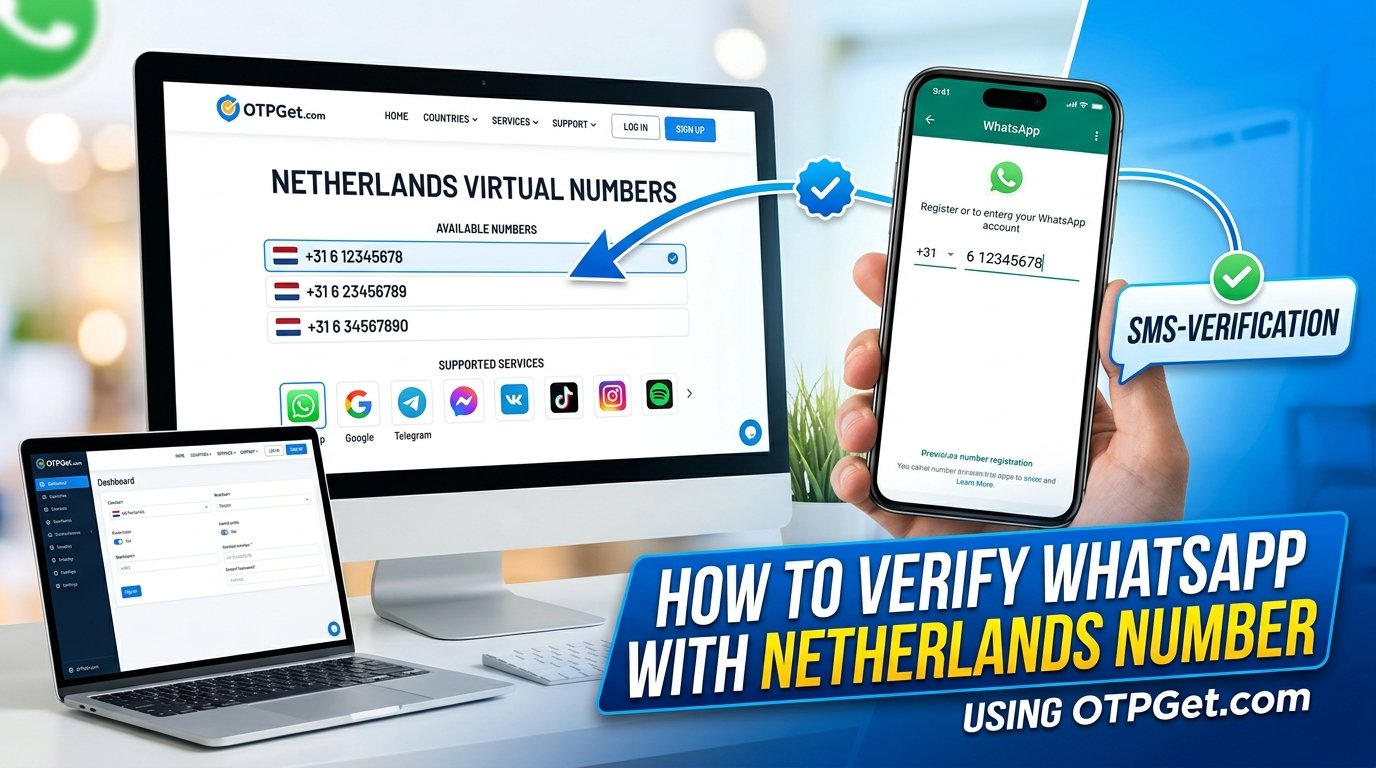
How to Verify WhatsApp With a Netherlands Number | OTPGet Guide
Need a Dutch phone number to register WhatsApp? Whether you communicate with contacts in the Netherlands, manage a legitimate business workflow, or need a separate number for permitted account registration, understanding your options can make the process easier.
Learning how to verify WhatsApp with a Netherlands number starts with choosing a number that WhatsApp accepts and that can receive the required verification code. This is where an online SMS verification platform such as OTPGet may be worth exploring. OTPGet's published website lists virtual numbers for multiple countries, including the Netherlands, and identifies WhatsApp among its supported services. However, availability and successful verification depend on the specific number and WhatsApp's acceptance requirements.
In this guide, you'll learn how Dutch virtual numbers work, how to explore OTPGet's Netherlands options, what to check before paying, and how to troubleshoot common verification problems.
Why Use a Netherlands Number for WhatsApp?
A Netherlands phone number can be useful when your communication needs involve Dutch contacts, customers, colleagues, or activities. It may also help you maintain a separate communication identity where WhatsApp's rules and the applicable service conditions permit it.
Common reasons include:
-
Personal communication: Staying reachable through a number associated with the Netherlands.
-
Business communication: Exploring a separate number for legitimate customer conversations or business registration.
-
International activities: Managing communication connected to Dutch clients, partners, or projects.
-
Testing registration workflows: Checking legitimate account-registration processes when you are authorized to do so.
A Dutch number does not automatically make your WhatsApp account anonymous, private, or more secure. Your account's security also depends on who controls the number, who can receive future verification messages, and how you protect your account credentials.
What Is a Netherlands Virtual Number?
A Netherlands virtual phone number is a number provided through an online telephony or verification service rather than necessarily through a traditional physical SIM card in your phone.
Depending on the provider and number type, incoming SMS messages may be made available through an online interface. This can allow a user to check a supported verification message without receiving it directly on a personal SIM.
For example, a service may list a Netherlands number for a particular verification purpose. If that number supports the intended service and the service sends an SMS to it, the incoming message may become accessible through the provider's designated interface.
There are important limitations to understand:
-
Not every number supports every service. WhatsApp may reject certain virtual, shared, or online numbers.
-
Delivery is not guaranteed. A number may be unavailable, unable to receive a particular message, or affected by temporary delivery issues.
-
Access can vary. Some numbers may be temporary, while others may have different rental or usage conditions.
-
Control matters. A number you cannot access again may make future account recovery difficult.
A Netherlands virtual number is therefore an option to evaluate, not a guarantee of successful WhatsApp registration.
How to Verify WhatsApp With a Netherlands Number Using OTPGet
OTPGet is a platform worth exploring if you need to check available Netherlands numbers for SMS verification. Its published website lists Netherlands numbers and WhatsApp as a supported service category. Before proceeding, verify the conditions of the specific number you intend to use.
Follow these steps.
Step 1: Visit OTPGet
Open the official OTPGet website:
Explore the available virtual-number services and identify the options relevant to your intended use. Use the official website to review current service information rather than relying on third-party descriptions.
Step 2: Explore Netherlands numbers
Look for the Netherlands as the country of origin. Check whether a suitable number is actually available for selection.
Do not assume that every listed Netherlands number is eligible for WhatsApp. Availability can vary, so focus on the specific number and its stated purpose.
Step 3: Check service compatibility and conditions
Before purchasing or selecting a number, review the information provided for that option.
Check:
-
Whether WhatsApp is listed as a supported service for the number.
-
The displayed price and any applicable usage conditions.
-
Whether the number is temporary or offered under different access terms.
-
How incoming messages are accessed.
-
Whether you can retain access if you need to verify the account again.
If these details are unclear, seek clarification through the provider's published instructions before proceeding.
Step 4: Open the official WhatsApp application
Open WhatsApp on your device and follow its normal registration process. Select the Netherlands country option if the selected number is Dutch, then enter the number in the international format requested by the application.
A Netherlands number uses the country calling code +31. Follow the number-formatting instructions displayed by WhatsApp, and do not add extra digits or prefixes that the interface does not request.
Step 5: Request the verification code
If WhatsApp accepts the number and offers SMS verification, request the registration code through the official application.
WhatsApp requires an eligible number that can receive the verification code. A virtual number may not meet its requirements, so be prepared for the possibility that the registration attempt will not succeed.
Step 6: Check the OTPGet interface
If the selected number and service support incoming WhatsApp verification messages, follow OTPGet's instructions for checking received SMS messages.
Look for the message associated with your registration attempt. If no code appears, do not assume that it will arrive immediately. Check the number's compatibility and message availability, and follow the displayed waiting instructions.
Step 7: Complete verification
If the code arrives and WhatsApp accepts it, enter the current code only in the official WhatsApp registration interface.
Never share your registration code with another person. If WhatsApp requests additional verification, follow its official instructions rather than attempting to bypass its security checks.
Step 8: Troubleshoot if necessary
If registration fails, recheck the country code, number eligibility, message availability, and the selected service's usage conditions. Follow any waiting period displayed by WhatsApp.
If the problem persists, consult WhatsApp's registration guidance and the provider's published support instructions before making another attempt.
Why Consider OTPGet for Netherlands SMS Verification?
Finding a Netherlands phone number is only part of the process. You also need to understand whether it supports your intended service, how incoming messages are accessed, and what happens after initial verification.
OTPGet is worth considering because its published website presents a range of virtual-number options, including Netherlands numbers, alongside SMS OTP verification services. The relevant question is whether a particular available number matches your requirements.
When evaluating OTPGet, focus on these practical considerations:
-
Online access: Check how the selected number and incoming messages are accessed.
-
Country selection: Confirm that a Netherlands option is available for your intended purpose.
-
Service compatibility: Look for explicit information about WhatsApp support for the specific number.
-
Transparent pricing: Review the displayed cost and all applicable usage conditions before proceeding.
-
Number access and reuse: Understand how long you can access the number and whether future verification messages may be available.
-
Instructions and assistance: Review the provider's published guidance and any available support channels.
These are checks to make before choosing a number, not guarantees that every OTPGet number has the same features or will work with WhatsApp.
Ready to explore your options? Visit OTPGet to review available Netherlands numbers and check the conditions for your intended verification service.
Common Problems With WhatsApp Verification and How to Fix Them
The verification code does not arrive
First, confirm that the selected number supports the intended service and that you entered it correctly. Check the relevant OTPGet interface for an incoming message, if the number supports this functionality.
Follow WhatsApp's displayed waiting instructions before requesting another code. Repeated requests in quick succession may make troubleshooting harder.
WhatsApp does not accept the number
WhatsApp determines which phone numbers it accepts. Some virtual, shared, or online numbers may be unsupported even when a provider lists them for SMS verification.
Check eligibility before paying where possible. If WhatsApp rejects the number, follow the official registration guidance and consider a personally controlled mobile number instead.
The number has already been used
A number's previous registration history may affect setup. If WhatsApp indicates that the number is associated with an existing account, follow its official registration or recovery instructions.
Do not attempt to access another person's account or use someone else's credentials.
Repeated verification attempts fail
Avoid requesting codes repeatedly within a short period. Respect the displayed cooldown period and follow the instructions in WhatsApp.
The issue may involve number eligibility, service restrictions, or temporary delivery problems. Changing numbers repeatedly without checking the cause may not solve it.
The code arrives, but verification still fails
Check that you are entering the latest code accurately and that the code corresponds to your current registration attempt. Use only the official WhatsApp application or registration interface.
If verification continues to fail, consult WhatsApp's official troubleshooting guidance and the relevant provider instructions.
Is It Safe to Use a Netherlands Virtual Number for WhatsApp?
The safety of a virtual number depends on how it is provided, who can access it, and whether you retain control over it.
A shared or recycled number may present a privacy and account-recovery risk. Someone else could potentially receive future messages sent to that number, depending on how the service allocates access. If you lose access to the number, you may also struggle to receive a future verification code.
Before using any online SMS verification service, understand its number ownership, access duration, and reuse policies. Do not assume that an online number is private, exclusive, permanent, or anonymous.
For important personal accounts, a dedicated number that you personally control and can reliably access is generally preferable. Avoid public or shared verification numbers for banking, sensitive personal accounts, or services containing confidential information.
Protect your WhatsApp account by keeping registration codes private and enabling available account-protection features. Receiving an OTP once is not the same as maintaining secure, long-term access to an account.
WhatsApp's official registration guidance explains that you must be able to receive the registration code and register a number you own. Review that guidance before choosing an alternative number.
OTPGet vs. Other Ways to Get a Netherlands Number
Different number options serve different needs. The right choice depends on how quickly you need access, whether WhatsApp accepts the number, and whether you need to keep it for the long term.
| Option | Accessibility | Number control | Verification compatibility | Best suited for |
|---|---|---|---|---|
| Traditional Dutch SIM card | May require a purchase and activation process | Generally direct control while the service remains active | Depends on the number and WhatsApp's requirements | Personal use and ongoing access |
| Mobile operator's digital-number service | Depends on provider and eligibility | Depends on the specific plan | Must be confirmed with the operator and WhatsApp | Users wanting a legitimate operator-managed option |
| Online SMS verification service such as OTPGet | Can provide online access to listed numbers | Depends on the number's terms and access model | Varies by number and service | Users whose needs match the available verification options |
A traditional SIM or operator-managed number may be more suitable when you need reliable, ongoing access. An online verification platform may be more convenient when a compatible number is available and your intended use fits the service conditions.
OTPGet is a practical option to investigate, but compare the actual terms rather than assuming that any online number offers permanent access or guaranteed WhatsApp compatibility.
Frequently Asked Questions
1. Can I verify WhatsApp with a Netherlands number?
Yes, it may be possible if WhatsApp accepts the number and you can receive the required verification code. Not every virtual or online number is eligible, so check compatibility before proceeding.
2. Can I receive a WhatsApp verification code online?
Online reception may be possible when the selected number supports WhatsApp verification and can receive the incoming message. Delivery is not guaranteed, and WhatsApp's registration requirements still apply.
3. How can OTPGet help with Netherlands WhatsApp verification?
You can explore OTPGet's available Netherlands numbers and review the listed service compatibility, pricing, and usage conditions. Choose only an option that matches your needs, and remember that successful verification depends on WhatsApp accepting the number.
4. Why is WhatsApp not accepting my Netherlands virtual number?
The number type may be unsupported, it may have previous registration history, or a temporary verification restriction may be affecting the attempt. Follow WhatsApp's official instructions and check the provider's number conditions.
5. Should I use a virtual number for a long-term WhatsApp account?
A personally controlled number with reliable ongoing access is generally preferable. If you use a virtual number, understand its access and reuse policies and consider whether you will be able to receive future verification codes.
Final Thoughts: Verify WhatsApp With a Netherlands Number Through OTPGet
Learning how to verify WhatsApp with a Netherlands number begins with choosing an eligible number, entering it correctly, and receiving the required registration code through an approved process.
OTPGet is a useful platform to explore if you need to investigate available Netherlands numbers for SMS verification. Before selecting an option, check its WhatsApp compatibility, price, access conditions, and potential limitations. No provider can guarantee that every virtual number will be accepted by WhatsApp.
For a long-term account, prioritize a number you own or personally control and can reliably access again.
Ready to explore your options? Visit OTPGet to check available Netherlands numbers and review the verification options that suit your needs.


