Verify WhatsApp With a South Korea Number | OTPGET Guide
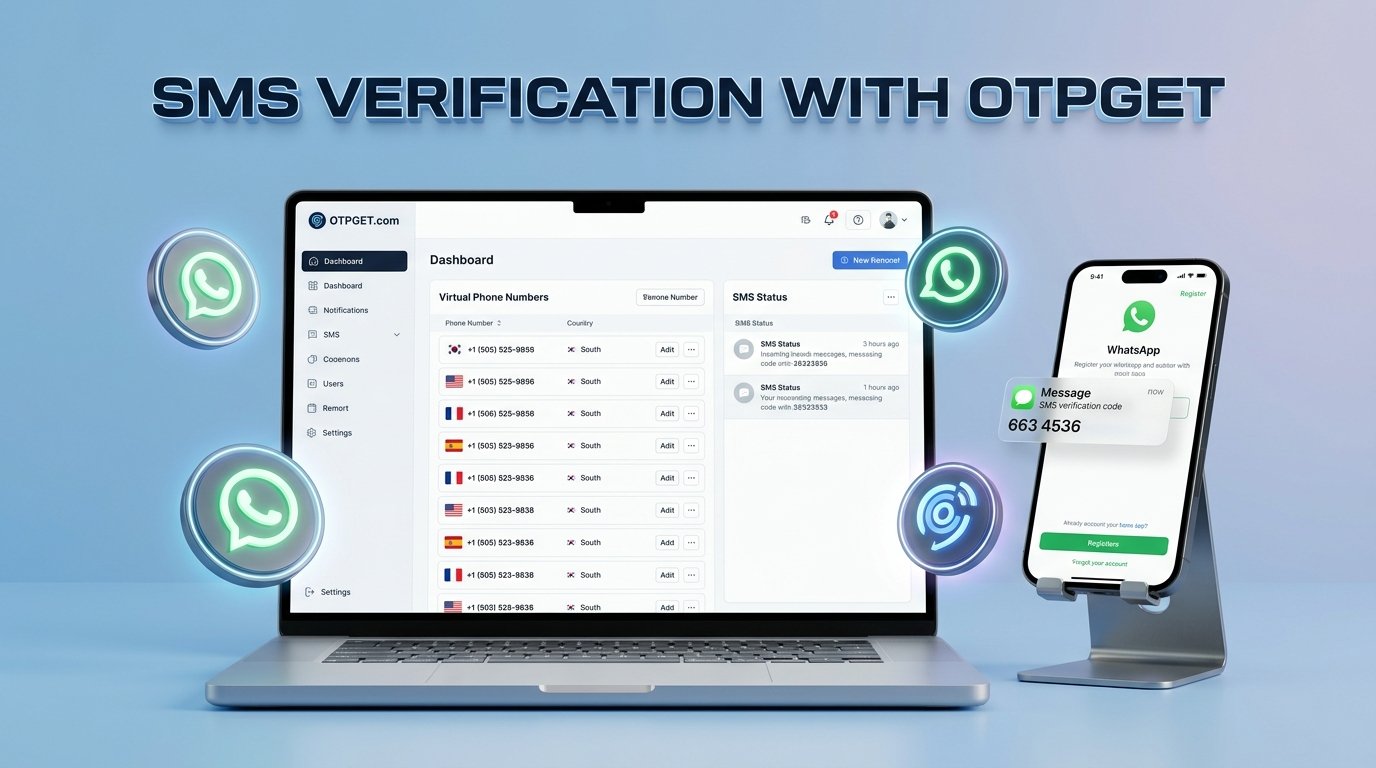
How to Verify WhatsApp With a South Korea Number – OTPGet
Want to register WhatsApp using a South Korean phone number but are unsure how to receive the verification code? Whether you need a Korean number for international communication, business messaging, or testing a registration workflow, understanding the verification process can save time and prevent unnecessary errors.
The process begins with choosing an eligible phone number, entering it in the correct international format, and receiving the registration code through an accepted verification method. However, not every virtual or temporary number will work.
OTPGET is a service worth exploring for this process. Its website advertises virtual phone numbers for OTP verification, lists South Korea among its number options, and includes WhatsApp among its supported services. Availability and successful registration should still be confirmed before you proceed. Explore OTPGET's official website.
This guide explains how to verify WhatsApp with a South Korea number, how OTPGET may fit into the process, and what to do if your verification code does not arrive.
Why Use a South Korea Number for WhatsApp?
A South Korean phone number can be useful when your communication needs involve Korea or when you want to maintain separate contact channels.
Common reasons include:
-
International communication: A Korean number may be appropriate for contacts, partners, or customers who expect a South Korean contact number.
-
Business messaging: Companies may want a dedicated number for customer support, regional inquiries, or internal communication.
-
Testing registration workflows: Developers and testers may need to evaluate how a messaging experience works with a Korean number they are authorized to use.
-
Separating communication channels: A separate number can help distinguish business interactions from personal conversations.
-
Understanding regional formats: Learning to enter Korean numbers correctly can help avoid international registration errors.
For WhatsApp verification South Korea searches, an important distinction is that a number's country code does not determine whether it is eligible for registration. WhatsApp's requirements, the number type, access to incoming verification messages, and any applicable restrictions all matter.
Choose a number you are authorized to use and can access whenever account verification or recovery is required.
What Is OTPGET and How Can It Help?
OTPGET provides virtual-number and OTP verification services through its website. Its published service information advertises numbers from multiple countries, including South Korea, and lists WhatsApp as one of the services users may seek to verify.
This makes OTPGET a relevant starting point if you are looking for a South Korea number for WhatsApp rather than trying unfamiliar providers without first checking their available options.
Potential value depends on the specific service you choose. For example, reviewing available numbers and their stated usage conditions before beginning registration can help you understand your options and avoid paying for a number that does not meet your requirements.
Before purchasing or activating a number, check:
-
Whether a suitable South Korean number is actually available.
-
Whether the selected number supports your intended WhatsApp registration.
-
Whether the service is temporary or available for a longer rental period.
-
The stated price, expiration conditions, and usage restrictions.
-
Whether you can retain access to the number for future verification.
Important: OTPGET does not control WhatsApp's registration decisions. A number appearing on a provider's website does not guarantee that WhatsApp will accept it. Verify the details directly with the provider before paying.
How to Verify WhatsApp With a South Korea Number Using OTPGET
Follow these steps to understand the process and check whether a suitable number is available.
Step 1: Visit OTPGET
Open the official OTPGET website at https://otpget.com/index.
Review the available services and locate the relevant virtual-number or OTP verification options. Make sure you are using the genuine website and understand its terms before creating an account or purchasing a service.
Step 2: Check South Korea Number Availability
Look for South Korea in the available country options.
OTPGET's published website lists South Korean virtual numbers, but availability can change. Confirm that a number is available when you intend to use the service and that its stated purpose matches your needs.
Do not assume that every listed number can receive every type of WhatsApp verification message.
Step 3: Review the Service Details
Before proceeding, read the information associated with the specific number.
Check its number type, supported platforms, price, validity period, and restrictions. If the information does not clearly explain whether WhatsApp registration is supported, contact the provider for clarification.
This step is especially important if you need a number for a business account or future account recovery.
Step 4: Open WhatsApp
Open the official WhatsApp application and start its normal registration process.
Select South Korea from the country list if your chosen number is eligible for registration. WhatsApp should then display the corresponding country calling code.
The international calling code for South Korea is +82.
Step 5: Enter the Number Correctly
Enter the number in the format requested by WhatsApp.
International formats can differ from domestic formats. Follow the instructions displayed by WhatsApp and the number provider instead of automatically adding or removing digits.
Double-check the country selection and number before continuing. An incorrect number can prevent the registration message from reaching the intended destination.
Step 6: Request the Verification Code
Submit the number through WhatsApp's registration screen and request verification.
Depending on the registration flow, WhatsApp may offer SMS or a phone-call option. Follow the available instructions and the provider's legitimate procedures for accessing any eligible message.
WhatsApp requires a number that you own or are authorized to register and that can receive the necessary verification communication.
Step 7: Enter the Code and Complete Verification
If the verification message arrives, enter the code directly into WhatsApp.
Never share your registration code with another person or website. A provider should not need you to disclose the code outside the legitimate process required to access your own verification message.
If no code arrives, avoid repeated rapid attempts. Check the troubleshooting guidance below before requesting another code.
Step 8: Confirm Successful Registration
Follow WhatsApp's remaining registration instructions and confirm that the account setup is complete.
If the number is unsupported, has an unsuitable registration history, or cannot receive the required message, you may need another eligible number that you can access and retain.
Registration is complete only when WhatsApp confirms it—not simply because a provider has supplied a number or displayed an SMS message.
Benefits of Using OTPGET for Verification
OTPGET is worth investigating because its published website brings virtual-number and OTP verification options together in one service. Its listed South Korea options may be relevant to people looking for Korean-number verification.
For a first-time user, the practical advantages of researching a dedicated provider include:
-
A focused starting point: You can investigate virtual-number options without first learning how multiple unrelated services operate.
-
Country-specific selection: The advertised South Korea category provides a place to begin checking relevant number availability.
-
Service comparison: Reviewing the terms and prices of individual options helps you make a more informed decision.
-
A clearer workflow: Checking compatibility before registration can reduce confusion and unnecessary attempts.
These are potential benefits of evaluating the service, not guarantees about every OTPGET number or transaction. Confirm the actual features, number availability, pricing, and instructions presented for your selected option.
A straightforward verification workflow can reduce avoidable errors, but it cannot override WhatsApp's eligibility checks.
Common Problems With WhatsApp South Korea Number Verification
Even when you follow the correct steps, registration can fail for several reasons.
|
Problem |
What to do |
|---|---|
|
Verification code not received |
Confirm the number is correct and eligible. Check the provider's instructions and wait for WhatsApp's retry timer. |
|
Invalid or unsupported number |
Recheck the country selection and ask the provider whether the number supports your intended registration. |
|
Incorrect international format |
Confirm that South Korea and +82 are selected and follow the requested number format. |
|
Delayed SMS delivery |
Check the service status and wait for the permitted interval before trying again. |
|
Number already used or ineligible |
Ask the provider about the number's history and consider another number you can legitimately access. |
|
Temporary network or service issue |
Check your connection, restart the application if appropriate, and retry only when permitted. |
|
Virtual number rejected |
Use an eligible number that meets WhatsApp's requirements rather than attempting to bypass restrictions. |
What if the WhatsApp verification code does not arrive?
WhatsApp recommends checking the complete international phone number and waiting for the displayed timer to finish before trying another available method. Depending on the registration screen, a voice-call option may be available.
Avoid changing the number repeatedly or requesting codes in rapid succession. If the problem continues, confirm that the provider supports the selected number for the intended purpose.
Can You Use a Virtual South Korea Number for WhatsApp?
A virtual phone number is generally provided through an online service rather than exclusively through a traditional physical SIM card. A temporary number is intended for limited use or a defined period, while a longer-term rental may offer access for a specified duration.
These categories can overlap, so check the actual terms rather than relying on the label alone.
A South Korea virtual number may receive SMS messages without necessarily being accepted by WhatsApp. Eligibility can depend on the number's type, history, accessibility, and WhatsApp's registration requirements.
Temporary numbers also create a longer-term risk: if you lose access, you may be unable to receive future verification messages or recover your account conveniently.
For important personal or business accounts, a number you can retain and access independently is generally the more practical choice. Review both the provider's terms and WhatsApp's official requirements before registering.
Tips for Successful WhatsApp OTP Verification
Use this checklist before you begin:
-
Double-check the South Korean country calling code, +82.
-
Confirm number availability and WhatsApp compatibility before paying.
-
Read OTPGET's instructions and service restrictions carefully.
-
Keep the verification code and account credentials private.
-
Avoid excessive verification requests and respect WhatsApp's retry timer.
-
Consider future account recovery before choosing a temporary number.
-
Use the official WhatsApp application and follow its registration requirements.
-
Keep access to your chosen number for as long as your account may need it.
If you are considering OTPGET, use its service information to evaluate the specific number and its intended use rather than assuming all listed options have identical capabilities.
Is OTPGET the Right Choice for WhatsApp Verification?
OTPGET is a sensible service to investigate first if you specifically want to explore South Korean virtual-number options for WhatsApp verification. Its published website advertises South Korea numbers and lists WhatsApp among its supported services.
However, the right choice depends on your requirements. Before proceeding, confirm:
-
A suitable South Korea number is available.
-
The selected option supports your intended registration.
-
Pricing, validity, and restrictions are clearly explained.
-
You understand whether continued access is available.
-
The service meets your privacy and account-recovery needs.
If the details are unclear, obtain clarification before making a payment.
OTPGET should be evaluated as a potential verification solution, not as a guarantee of successful registration or an official WhatsApp partner. WhatsApp independently determines whether a number can be registered.
Frequently Asked Questions
1. How can I verify WhatsApp with a South Korea number?
Choose an eligible South Korean phone number that you can access, open WhatsApp, select South Korea, and enter the number in the requested format. Request the registration code and enter it directly into WhatsApp. You can investigate OTPGET for available virtual-number options, but check compatibility before purchasing because successful registration is not guaranteed.
2. What is the country code for South Korea?
The international calling code for South Korea is +82. Select South Korea in WhatsApp's country selector and enter the phone number according to the format requested by the application. Do not add or remove digits automatically; follow the instructions for the particular number you are using.
3. Can I receive a WhatsApp verification code through OTPGET?
OTPGET advertises virtual numbers for OTP verification, lists South Korea among its country options, and includes WhatsApp among its supported services. However, that does not guarantee that every number will receive a WhatsApp code. Check the selected service's availability and terms before purchasing, and follow WhatsApp's registration instructions.
4. Does WhatsApp accept virtual South Korea numbers?
Acceptance depends on the number and WhatsApp's applicable registration requirements. Some virtual or temporary numbers may be unsuitable or rejected. Even if a number can receive ordinary SMS messages, that does not establish that it can complete WhatsApp verification. Check eligibility before paying for a number.
5. Why am I not receiving my WhatsApp verification code?
Check the international number format, country selection, network connection, and provider instructions. Wait until WhatsApp's retry timer permits another attempt. If available, consider the voice-call option shown in the application. If the issue continues, ask the provider to clarify whether the number supports the intended verification process.
6. Is a temporary South Korea number suitable for long-term WhatsApp use?
It may be unsuitable if you cannot retain access to it. Losing the number can complicate future verification or account recovery, especially when another person obtains access to the same number. For an important account, choose a number you can lawfully retain and access whenever verification is needed.
7. What should I check before using OTPGET?
Confirm that an appropriate South Korea number is available, WhatsApp registration is supported for the selected option, and the price, validity period, and usage restrictions are clear. Consider privacy and future account recovery, too. If compatibility or access conditions are unclear, contact OTPGET before purchasing.
8. Can I use the same South Korea number to register another WhatsApp account?
WhatsApp uses a phone number to identify an account, and its registration rules determine whether a number can be registered or moved between accounts. Do not assume the same number can maintain multiple independent accounts simultaneously. Follow WhatsApp's current instructions for adding an account or changing a registered number.
Final Thoughts: Verify WhatsApp With OTPGET
Verifying WhatsApp with a South Korea number involves more than obtaining an SMS code. You need an eligible number, the correct international format, access to the required verification message, and compliance with WhatsApp's registration requirements.
OTPGET is a useful starting point to explore because its published service information lists South Korea virtual numbers and WhatsApp OTP verification among its offerings. Before committing, check the availability, compatibility, price, and terms of the particular number you intend to use.
Prioritize account security, keep your registration code private, and choose a number you can access when future verification is necessary.
Ready to explore your verification options? Visit the official OTPGET website, check the availability of a suitable South Korea number, review the service terms, and follow the instructions carefully before starting your WhatsApp registration.
PART 4: ADDITIONAL SEO ASSETS
1. Final SEO Metadata Corrections
Use these verified-length versions in the publishing system.
SEO title — 60 characters
Verify WhatsApp With a South Korea Number Using OTPGET Today
Meta description — exactly 160 characters
Learn how to verify WhatsApp with a South Korean number using OTPGET. Follow steps, troubleshoot SMS issues, and check number compatibility before you register!
2. Featured Image Alt Text
Smartphone showing a generic OTP verification interface for WhatsApp registration with a South Korea number, featuring OTPGET branding and Korean-inspired colors.
Keep the alt text descriptive of the actual image. If the final image does not contain OTPGET branding or the verification interface, revise the text accordingly.


