How to Verify WhatsApp With a USA Number Using OTPGET Guide
How to Verify WhatsApp With a USA Number – OTPGET
Getting a WhatsApp account verified is normally straightforward: enter a phone number, receive a registration code, and enter that code in the app. The challenge comes when you specifically need a USA number for WhatsApp but do not have a suitable number available to receive the verification message.
That is where a virtual number can be useful for legitimate verification needs. OTPGET provides virtual phone numbers for SMS OTP verification and lists both USA numbers and WhatsApp among its supported options.
This guide explains how to verify WhatsApp with a USA number, how the verification process works, what can go wrong, and how OTPGET can simplify the process when a suitable virtual number is appropriate for your use case.
Why Do You Need a USA Number for WhatsApp Verification?
There are several legitimate reasons someone may want a USA number for WhatsApp rather than using their everyday mobile number.
For example, you may want:
- A separate number dedicated to WhatsApp communication.
- Greater separation between personal and business communications.
- A USA number while traveling or working internationally.
- A separate communication identity for an appropriate business or testing workflow.
- An alternative to exposing your primary mobile number for a particular legitimate registration.
A virtual USA number can provide another way to access SMS verification without requiring a physical SIM in every situation.
However, the important point is access and authorization. WhatsApp requires an active phone number that can receive its registration code. Its official guidance says the number must be verified through the registration process, normally using SMS or a phone call.
A USA number should therefore be used only when you are authorized to access it and your intended use complies with WhatsApp's rules.
How WhatsApp Number Verification Works
WhatsApp phone verification is designed to confirm that you can access the phone number being registered.
The basic process is:
- Open WhatsApp and begin registration.
- Select the appropriate country.
- Enter the phone number in international format.
- Request the registration code.
- Receive the verification code through the available verification method.
- Enter the code in WhatsApp.
- Complete the remaining account setup.
According to WhatsApp's help documentation, registration uses a unique six-digit code delivered through SMS or phone call, depending on the available option. WhatsApp also advises users not to guess the registration code and to wait for the registration timer before repeatedly requesting another code.
The key requirement is simple: you need access to the verification code sent to the number you are registering.
How to Verify WhatsApp With a USA Number
If you are looking for how to verify WhatsApp with a USA number, the process can be broken down into a few practical steps.
1. Choose a suitable USA number
First, obtain a USA phone number that is appropriate for your legitimate verification purpose.
For users who need a virtual option, OTPGET publishes USA virtual numbers for OTP verification and lists WhatsApp as a supported service. Availability can vary, so check the current options displayed by OTPGET before selecting a number.
2. Open WhatsApp
Launch WhatsApp on your device and start the standard phone-number registration process.
You do not need to change the normal WhatsApp verification procedure simply because you are using a USA number.
3. Select the USA country code
Choose United States (+1) as the country and enter the USA number exactly as provided.
Check every digit before continuing. A small formatting or number-entry mistake can prevent the verification message from reaching the intended destination.
4. Request the WhatsApp verification code
After submitting the number, WhatsApp will attempt to send the registration code through its available verification method.
This is where access to the number matters. If you cannot receive the message or call associated with the number, you cannot complete the normal phone verification process.
5. Receive the WhatsApp OTP
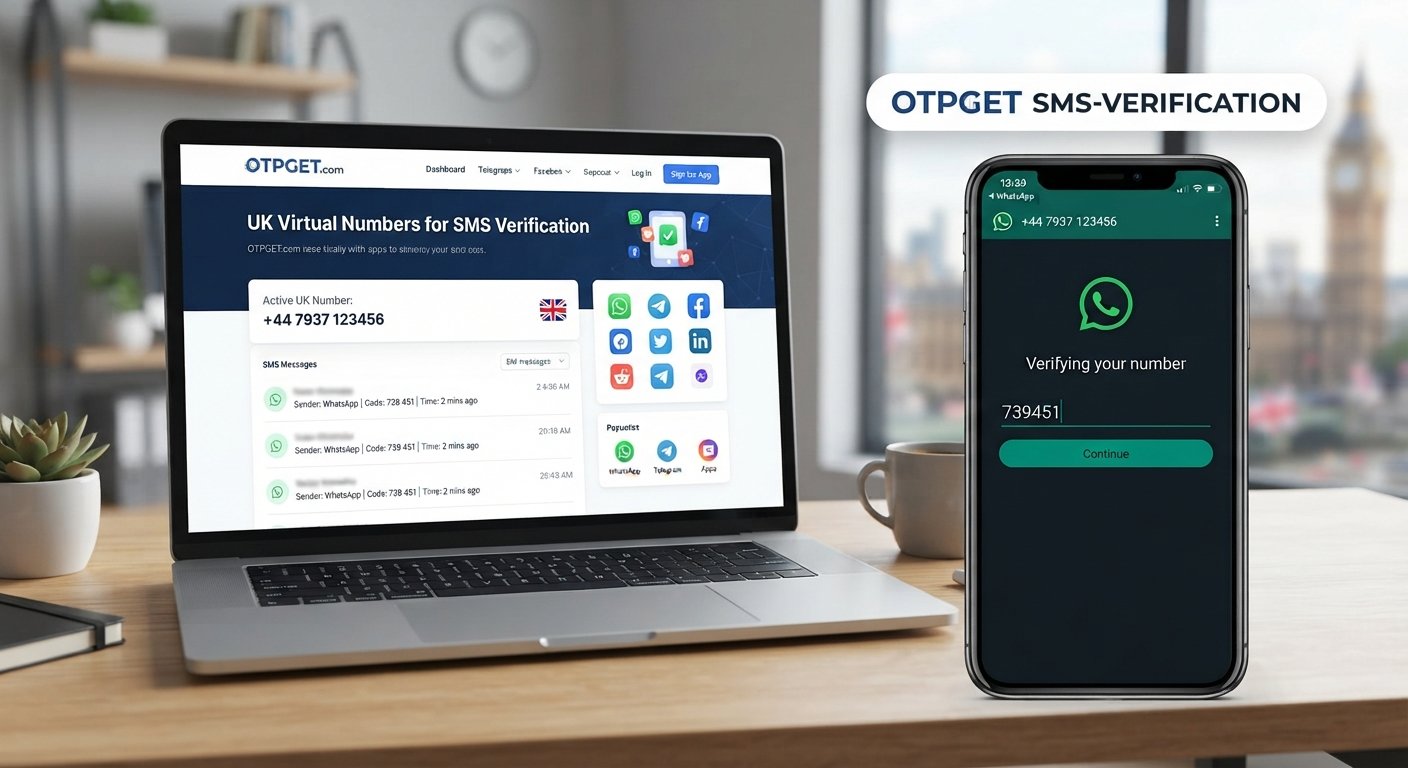
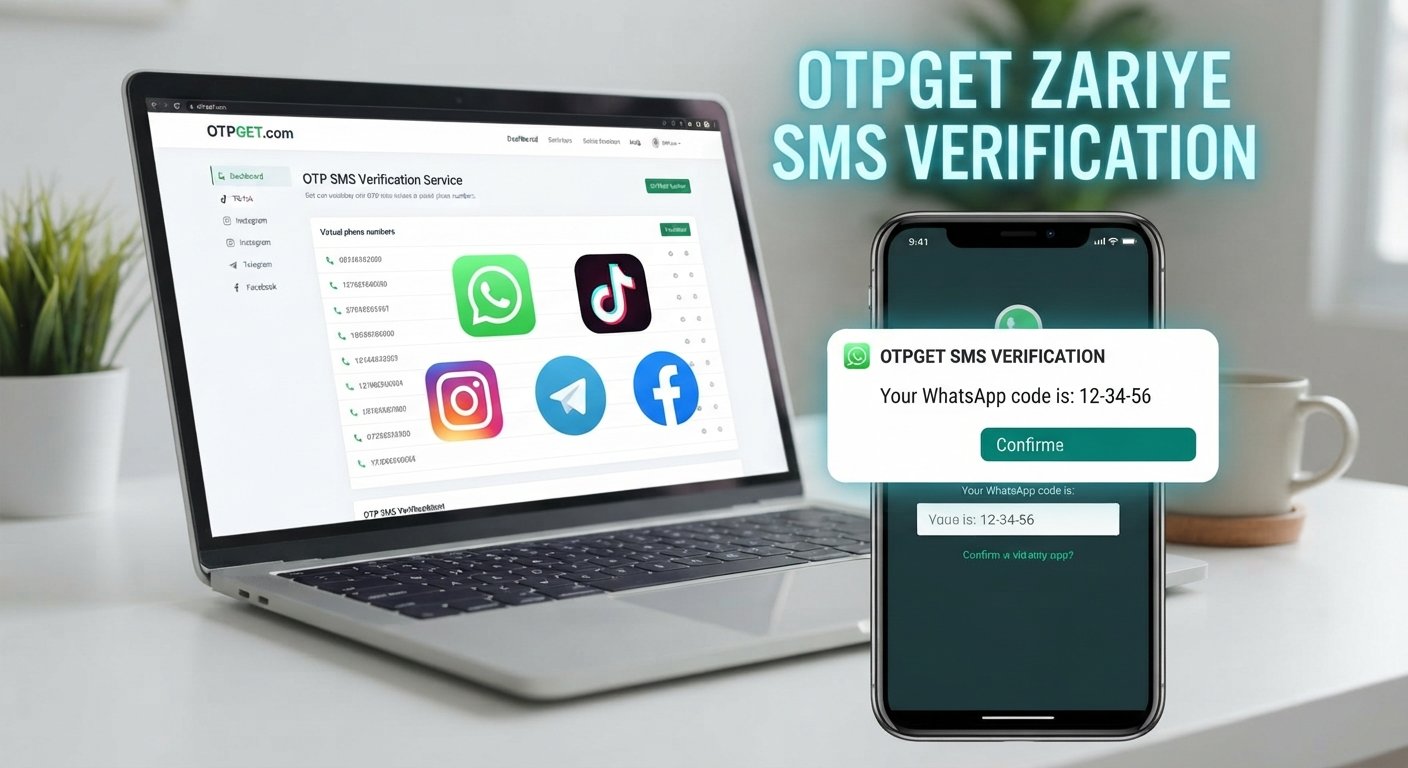
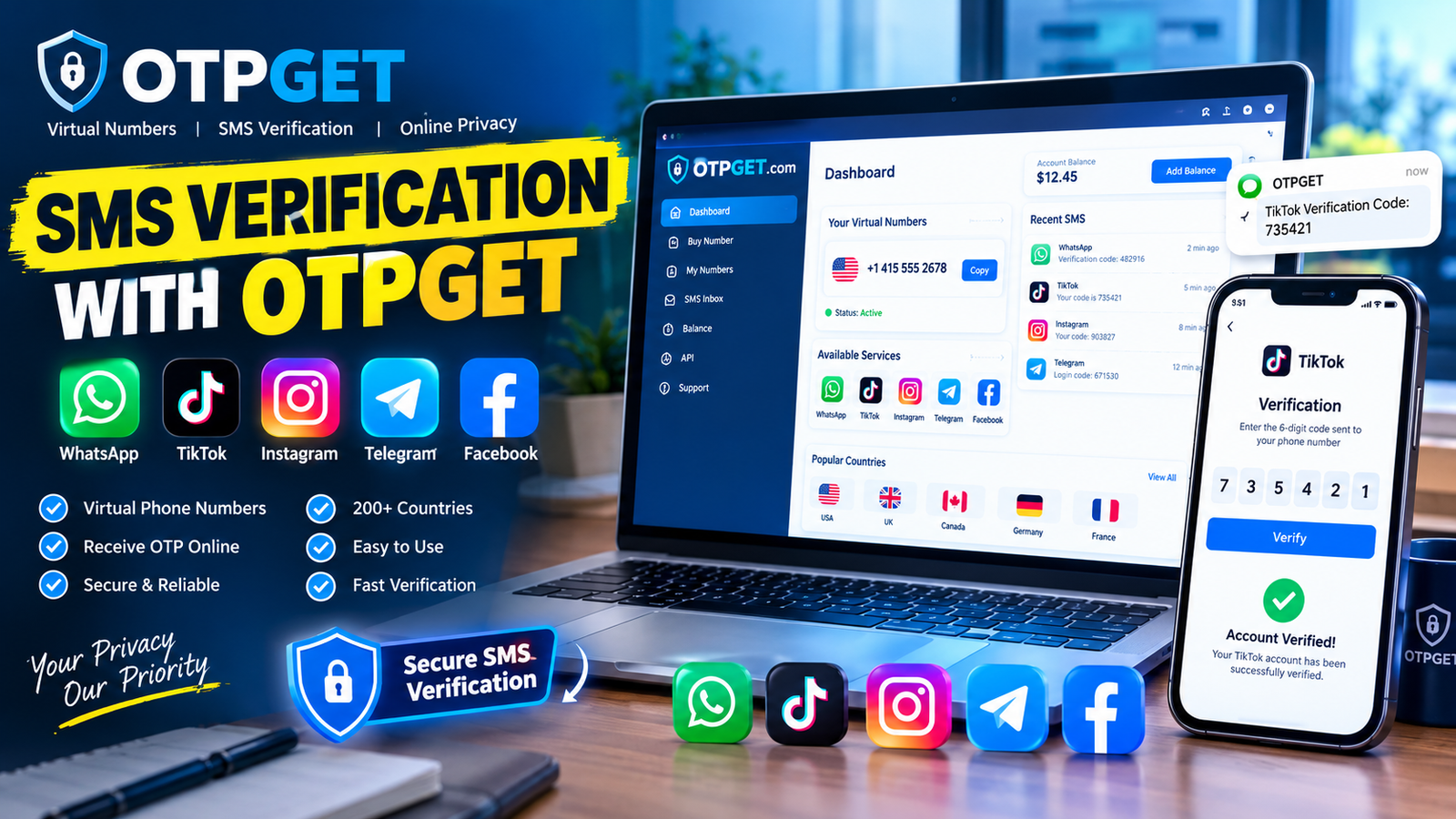
If you are using an eligible OTPGET number, monitor the OTPGET interface for the incoming verification message. OTPGET's published workflow describes selecting a country and service, obtaining a virtual number, and receiving verification SMS through its platform.
6. Enter the latest verification code
Enter the correct code into WhatsApp.
Do not share the code with another person, and do not enter it into an unrelated website or form. WhatsApp specifically warns users never to share their registration code.
7. Complete account setup
Once the number is successfully verified, continue with WhatsApp's normal setup instructions.
The result is a standard WhatsApp account registration using the number you verified.
Why Use OTPGET for WhatsApp Verification?
Finding a suitable number is often the hardest part when someone needs a USA number for WhatsApp without relying on a personal SIM.
OTPGET is designed around virtual numbers and OTP verification, making it a practical option to consider for legitimate verification workflows.
Its published service information includes:
- Virtual phone numbers from multiple countries, including the USA.
- SMS OTP verification numbers.
- WhatsApp among its listed supported services.
- Temporary and rental number options.
- An online dashboard for receiving verification messages.
- API options for supported developer workflows.
That makes the basic idea easier to understand: instead of searching independently for a number that may or may not be suitable, you can check OTPGET's current USA and WhatsApp availability in one place.
It is still important to remember that availability does not mean every number will work in every situation. WhatsApp controls its own registration and verification systems, and OTPGET should not be treated as an official WhatsApp service or as a guarantee that every verification attempt will succeed.
How OTPGET Makes the Process Easier
The overall workflow is relatively simple:
- Choose the service: Select WhatsApp and the USA as the relevant country/service combination where available.
- Obtain a number: Select an available OTPGET USA number appropriate for your intended verification.
- Enter the number: Use the number during WhatsApp's standard registration process.
- Request the OTP: Allow WhatsApp to send the verification message.
- Check OTPGET: Look for the incoming WhatsApp verification code through the available OTPGET interface.
- Complete verification: Enter the legitimate OTP into WhatsApp.
OTPGET's documentation describes both one-time virtual numbers and longer-term rental numbers, although the appropriate choice depends on the user's actual requirements.
For a simple verification need, the important factor is not having the most complicated setup. It is having an appropriate number that can receive the required verification message and that you are authorized to use.
Common Problems When Verifying WhatsApp With a USA Number
Even when the process looks simple, verification can sometimes fail.
Verification SMS does not arrive
First, check that the number and country code are correct. If everything looks correct, wait for WhatsApp's timer before requesting another code.
Repeatedly requesting verification codes can create additional waiting periods. WhatsApp specifically advises users to wait rather than repeatedly retrying.
The number was entered incorrectly
USA numbers should be entered using the format requested by WhatsApp after selecting the correct country.
Double-check the digits before submitting the number.
The OTP is delayed
SMS delivery is not always instantaneous. Give the verification process time to complete rather than repeatedly generating new requests.
If you are using OTPGET, check the current number/service status and the platform's instructions.
The number is already associated with an account
A number may have a previous WhatsApp history, particularly if it has been used by someone else. In such cases, follow WhatsApp's registration and account-recovery instructions rather than attempting to bypass the process.
The number type is unsuitable
Not every virtual or online number is necessarily accepted for every verification workflow. WhatsApp determines whether the number can be registered.
If a number does not work, check the available OTPGET options and confirm that the selected service and number type are appropriate.
You entered an old code
If multiple codes have been requested, make sure you use the latest valid verification code rather than an earlier message.
Tips for Successful WhatsApp Verification
A few simple habits can make WhatsApp phone verification less frustrating:
- Double-check the USA country code before submitting the number.
- Enter the phone number exactly as provided.
- Confirm that the number can receive the required verification message.
- Avoid requesting multiple codes in rapid succession.
- Use the most recent OTP you received.
- Follow WhatsApp's on-screen instructions.
- Use a number you are authorized to access.
- Never give your WhatsApp verification code to another person.
- Review WhatsApp's current registration requirements if verification fails.
- Use virtual numbers only for legitimate purposes and in accordance with applicable rules.
The goal is not to bypass WhatsApp's verification system. The goal is to provide an appropriate number through which you can complete the normal verification process.
Is Using a USA Number for WhatsApp Verification Safe?
The safety of a verification setup depends heavily on how the number and OTP are handled.
A verification code is sensitive because possession of the code can be part of proving access to a phone number. WhatsApp explicitly advises users not to share registration codes.
If you use a virtual USA number, consider these basic precautions:
- Use only a number you are authorized to access.
- Protect your OTP like a password.
- Never forward an unexpected verification code.
- Do not enter codes into suspicious websites.
- Follow WhatsApp's terms and registration requirements.
- Review the provider's policies before using its services.
- Avoid activities involving impersonation, harassment, fraud, spam, or unauthorized account access.
OTPGET provides OTP-related infrastructure, but it does not replace WhatsApp's own verification and security controls.
OTPGET: A Practical Way to Verify WhatsApp With a USA Number
The problem is straightforward: you need a USA number, WhatsApp needs to verify that number, and you need access to the resulting OTP.
Problem → USA number → WhatsApp OTP → Verification
For users with a legitimate reason to use a virtual number, OTPGET's virtual-number service provides a practical place to look for an available USA number and supported WhatsApp OTP option. Its published information specifically lists USA virtual numbers and WhatsApp OTP verification among its services.
The important qualification is that WhatsApp ultimately controls whether a particular number can be registered. OTPGET can provide the number and OTP-receiving infrastructure it advertises, but it cannot guarantee acceptance by WhatsApp for every number or situation.
If a virtual USA number fits your legitimate use case, explore the current USA number options on OTPGET, follow the normal WhatsApp registration process, and keep your verification code private.
Featured Snippet Answer
To verify WhatsApp with a USA number, select a suitable USA phone number, enter it in WhatsApp using the +1 country code, request the verification code, receive the OTP through the number provider, and enter the latest code in WhatsApp. OTPGET offers USA virtual numbers for supported OTP verification workflows.
FAQ Section
Can I verify WhatsApp with a USA number?
Yes, WhatsApp registration can use an active USA phone number as long as the number meets WhatsApp's requirements and you can receive the required verification code. WhatsApp states that users must register an active phone number and confirm access through its verification process.
How do I receive a WhatsApp verification code on a USA number?
Enter the USA number in WhatsApp with the +1 country code and request verification. If the number is eligible and can receive the message, the WhatsApp registration code is delivered through the available verification method. With an OTPGET number, check the OTPGET platform for the incoming SMS when supported.
Can OTPGET provide a USA number for WhatsApp verification?
OTPGET's published service information lists USA virtual numbers and WhatsApp among its supported OTP services. Availability can change, so users should check the current USA and WhatsApp options directly on OTPGET before proceeding.
Why am I not receiving my WhatsApp OTP?
Check the phone number and country code first. Make sure the number can receive the required message, then wait for WhatsApp's verification timer before trying again. Repeated requests can lead to additional waiting.
How long does a WhatsApp verification code remain valid?
WhatsApp does not present a universal fixed validity period in its general registration guidance. If you request another code, use the latest code provided and follow the timer and instructions shown in the app.
Can I use a virtual USA number for WhatsApp?
A virtual number may be suitable for some verification situations, but acceptance is determined by WhatsApp. OTPGET lists virtual USA numbers and WhatsApp OTP verification among its services, but users should confirm that the available number is appropriate for their intended use.
What should I do if WhatsApp does not accept my number?
Check the number format, country selection, and ability to receive verification messages. Avoid repeatedly requesting codes. If the number still cannot be registered, follow WhatsApp's official support and registration guidance rather than attempting to bypass its requirements.
Suggested Image Alt Text
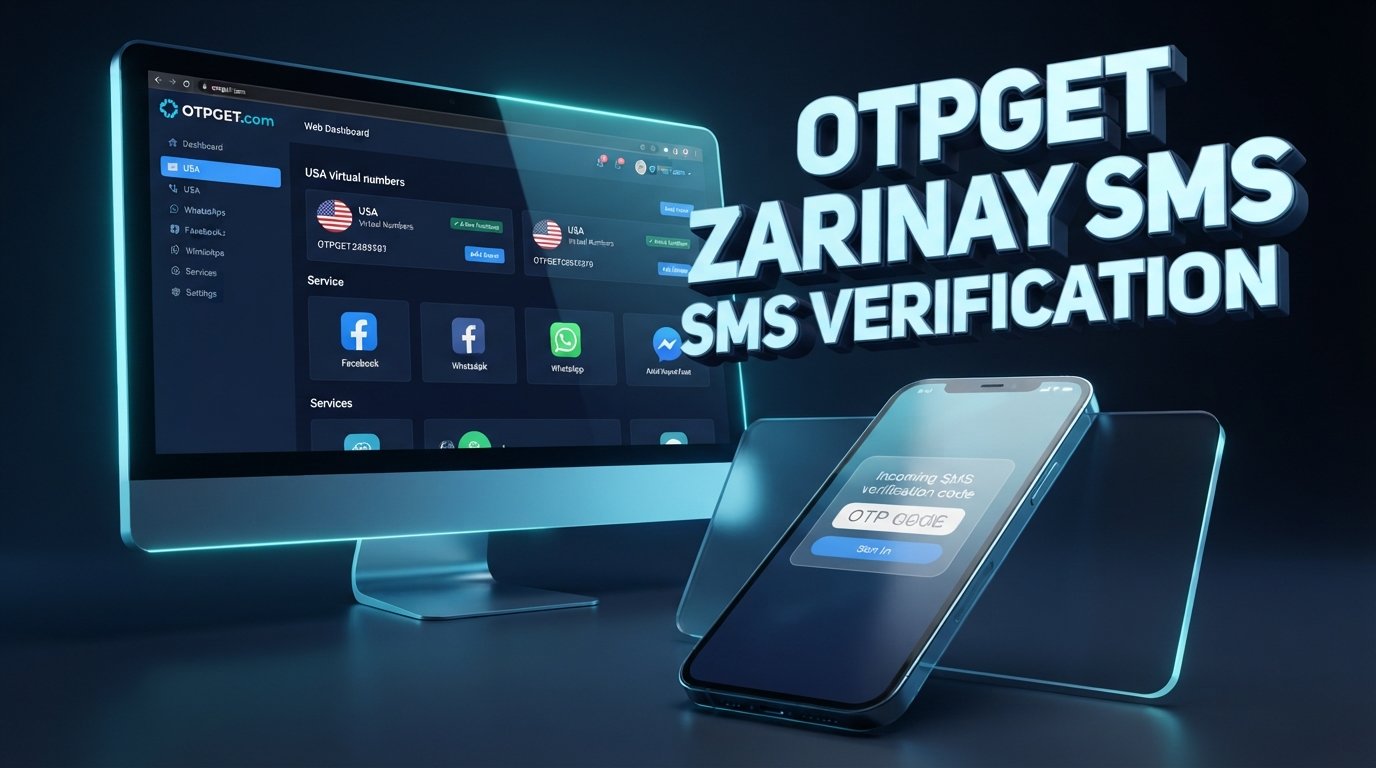
Modern smartphone showing WhatsApp-style phone verification with a USA +1 number, OTP code interface, and OTPGET virtual number branding.