How to Get a Virtual Number for Facebook Verification Easily
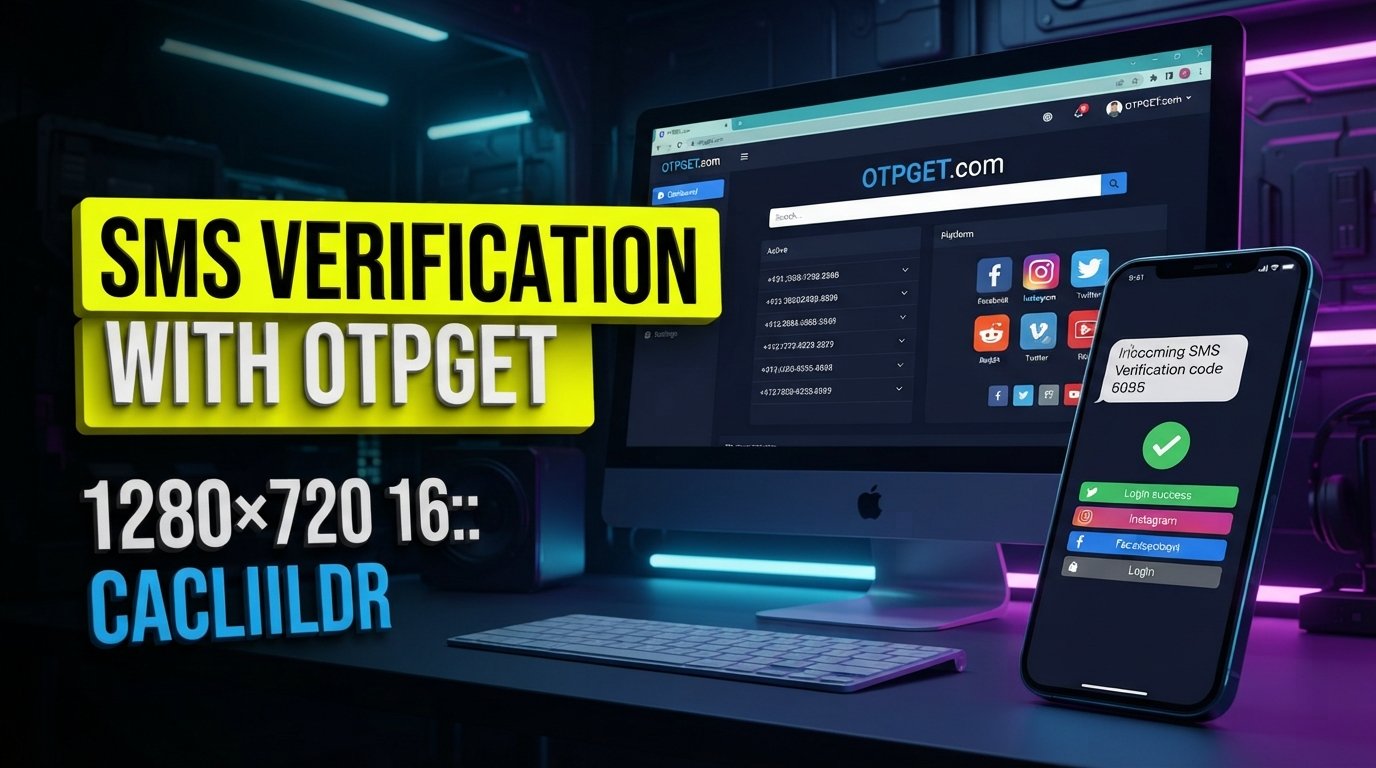
How to Get a Virtual Number for Facebook Verification
When Facebook asks for a phone number, many users immediately think of using their personal mobile number. But that is not always the only option worth considering.
A virtual number can provide another way to receive an SMS verification code without putting your primary phone number directly into another online service. For people who want a dedicated number for online verification, a virtual phone number service can be a practical alternative.
This guide explains how a virtual number for Facebook verification works, what to consider before choosing one, how the verification process generally works, and where OTPGET can fit into the process. OTPGET offers virtual numbers designed for SMS OTP verification, including numbers associated with supported services.
The important point is that a virtual number is not a guarantee of Facebook verification. Facebook can apply its own requirements, and acceptance may depend on the particular number and circumstances.
What Is a Virtual Number for Facebook Verification?
A virtual phone number is a telephone number that can be accessed through an online service rather than directly through a physical SIM card in your phone.
For SMS verification, the service receives incoming text messages sent to the virtual number. Depending on the provider, those messages can then be viewed through an online dashboard or another supported interface.
This makes a virtual number different from a traditional mobile number. With a conventional SIM, the SMS normally arrives on your physical device. With an online virtual number, the provider handles the number and the incoming message digitally.
The basic process is straightforward:
- Obtain an eligible virtual number.
- Enter the number on the relevant verification screen.
- Request an SMS verification code.
- Wait for the message to arrive.
- Enter the received code into the verification form.
OTPGET documents a similar workflow for its SMS OTP service, including selecting a service and country, obtaining a virtual number, and checking the activation status for an incoming SMS.
Why Do People Use a Virtual Number for Facebook Verification?
There are several legitimate reasons someone may prefer a virtual number for online verification.
Separating personal and online activity
Some users simply do not want to provide their primary mobile number for every online service they use. A dedicated virtual number can help separate personal communications from verification-related messages.
Privacy considerations
Using a separate number can reduce the need to distribute your personal phone number across multiple online services. However, privacy depends heavily on the provider you choose and how that provider manages numbers and messages.
Convenience
A virtual number can be useful when you need to receive an SMS online rather than relying on a physical SIM. This can be particularly convenient for people who manage online services from a computer.
Dedicated verification use
Some users want a number specifically for online verification-related tasks. A virtual SMS number can provide that separation, provided the intended platform accepts the number.
Managing online services
Virtual numbers can also have legitimate business, development, testing, or account-management uses. OTPGET, for example, provides virtual numbers, rental numbers, and SMS OTP functionality for supported services.
Whatever the reason, users should use a virtual number for legitimate purposes and follow Facebook's applicable account and verification rules.
How to Get a Virtual Number for Facebook Verification
Getting a virtual number is generally a simple process, but the exact interface depends on the provider.
1. Choose a reputable virtual-number provider
Start with a service that clearly explains how its numbers work and whether they support incoming SMS or OTP messages.
OTPGET is one option to evaluate. Its documented SMS OTP service lets users select available countries and services and request a virtual number for receiving SMS verification codes.
2. Select an appropriate number
Choose a number that matches the country and service requirements applicable to your verification attempt.
Availability can vary, so do not assume that every number will be accepted by every platform.
3. Confirm SMS or OTP support
Before using the number, check that it is intended to receive the type of verification message you need.
This distinction matters because having a phone number does not automatically mean that every service will deliver verification SMS messages to it.
4. Enter the number on Facebook
When Facebook requests a phone number during its normal verification process, enter the virtual number in the appropriate field.
Use the correct country code and number format shown by the service.
5. Request the verification code
Submit the verification request through Facebook's normal interface.
If Facebook sends an SMS to the number and the number is eligible to receive it, the message should appear through the virtual-number provider.
6. Check for the incoming SMS
Open the provider's dashboard or supported SMS interface and look for the verification message.
OTPGET's documentation describes checking an activation status for the arrival of an SMS code.
7. Enter the code
Copy the legitimate verification code from the received message and enter it into Facebook's verification screen.
8. Complete any additional verification
SMS verification may not be the only step required. If Facebook requests additional verification, follow the instructions displayed by Facebook rather than attempting to bypass them.
A virtual number can make receiving an SMS more convenient, but it cannot guarantee that Facebook will accept a particular number or complete verification.
How OTPGET Can Help With Facebook Verification
OTPGET is the featured solution in this guide because its service is specifically built around virtual numbers and SMS OTP verification.
Its website describes virtual phone numbers for OTP verification across numerous countries and supported services, including Facebook. Its documented workflow allows users to select a country and service, obtain a number, and monitor the number for an incoming verification SMS.
For someone looking for a virtual number for Facebook verification, that can make OTPGET worth considering.
The general workflow is:
- Choose an appropriate virtual number or supported service.
- Use the number where the platform permits it.
- Request the normal Facebook verification SMS.
- Check OTPGET for the incoming message.
- Enter the received OTP into Facebook.
- Follow any additional instructions Facebook provides.
OTPGET also documents longer-term rental numbers, which may be relevant when someone needs continued access to a number rather than a one-time verification workflow.
The important limitation is equally straightforward: OTPGET does not guarantee Facebook verification. Platform acceptance can depend on Facebook's requirements and the specific number available at the time.
That makes OTPGET most useful as a practical tool for accessing a virtual number and receiving supported SMS messages—not as a way to bypass Facebook's security or verification requirements.
Virtual Number vs. Personal Phone Number for Facebook
Both options have legitimate uses. The right choice depends on your privacy preferences, accessibility needs, and how you intend to manage the account.
| Factor | Virtual Number | Personal Phone Number |
|---|---|---|
| Privacy | Can keep your primary number separate | Directly connects verification to your personal number |
| Convenience | Accessible through the provider's service | Usually available directly on your phone |
| Accessibility | Depends on provider access and number status | Generally available wherever your mobile service works |
| Reusability | Depends on the number's terms and provider | You generally retain control of your personal number |
| Control | Depends on provider and rental terms | Usually greater direct control |
| Verification considerations | Acceptance varies by platform and number | Still subject to Facebook's verification requirements |
A virtual number can offer useful separation, while a personal number can provide more direct long-term control. Neither option guarantees a particular verification outcome.
What to Look for in a Virtual Number Service
Not all virtual-number services work in the same way. Before choosing one, consider these factors.
SMS and OTP support
Make sure the provider supports incoming SMS and the type of verification message you need.
Number availability
A provider may have different numbers available at different times. Check the currently available options rather than assuming a particular number or country will always be offered.
Reliability
Look for a service with a clear process for receiving messages and checking their status.
Ease of use
A straightforward dashboard can make it easier to locate incoming verification messages.
Privacy
Understand how the provider handles numbers and incoming messages before using the service.
Clear pricing
Check the provider's current pricing and number terms before purchasing. Avoid assuming that a temporary number and a rental number have identical costs or conditions.
Number ownership or rental terms
Understand whether the number is temporary, rented for a defined period, or otherwise subject to provider-specific terms.
Platform compatibility
Most importantly, check whether the intended platform and verification method are supported. OTPGET's site lists Facebook among its supported services, but actual acceptance can still depend on the platform and specific number.
Common Problems With Facebook SMS Verification
Even when the process is correct, verification messages may not arrive as expected.
Verification code not arriving
First, check that the number was entered correctly and that the selected service supports incoming SMS.
Delayed SMS
Messages can sometimes be delayed because of network, carrier, provider, or platform-side issues. Give the system some time before requesting another code.
Number not being accepted
Facebook may reject a particular number. If that happens, check whether the number type is supported and follow Facebook's available instructions.
Previously used numbers
Some virtual numbers may have been used previously. This can create complications depending on how the platform handles phone numbers.
Incorrect number format
Double-check the country code and formatting before submitting the number.
Additional verification requested
Facebook may ask for additional information or another verification method. Follow those instructions rather than trying to circumvent them.
Avoid repeatedly requesting codes in a short period. If the problem continues, check both the provider's status and Facebook's available account-help options.
Is a Virtual Number Safe for Facebook Verification?
A virtual number can provide privacy and separation from your personal phone number, but it should not automatically be considered completely safe or risk-free.
The provider matters.
Before using a virtual number, consider:
- How the provider handles incoming messages
- Whether the number is temporary or rented
- Who can access the number
- How long you retain access
- Whether the number could later be assigned differently
- Whether the service clearly explains its terms
Account security matters too. If an account is important to you, consider how you would recover access if the virtual number is no longer available.
OTPGET offers both temporary OTP numbers and longer-term rental options, so users should select a service arrangement that matches their legitimate needs and understand the applicable terms.
Most importantly, use virtual numbers responsibly and follow Facebook's applicable rules.
Tips for a Smoother Verification Process
A few simple steps can reduce avoidable problems:
- Enter the phone number exactly as provided.
- Use the correct country code.
- Confirm that SMS reception is supported.
- Check that the selected number is intended for the required service.
- Avoid repeatedly requesting verification codes.
- Keep track of how long you can access a temporary or rented number.
- Consider your account recovery needs before relying on a temporary number.
- If Facebook requests additional verification, follow its instructions.
- If using OTPGET, check the current number and service options before starting the verification process.
The goal is not to bypass verification. It is simply to use an appropriate communication method when a virtual number is permitted and suitable for the situation.
Frequently Asked Questions
Can I use a virtual number for Facebook verification?
You may be able to use a virtual number if Facebook accepts that number and sends a verification SMS to it. Acceptance is not guaranteed, so the result can depend on the number and Facebook's current verification requirements.
How do I receive a Facebook verification code online?
Use a virtual number service that supports incoming SMS for the relevant service. After entering the number and requesting verification, check the provider's online interface for the incoming code.
What is the best type of virtual number for OTP verification?
Look for a number that supports incoming SMS, is available for the intended service, and comes from a provider with clear terms and reliable access. There is no single number type that guarantees acceptance by every platform.
Can I use a temporary phone number for Facebook?
A temporary number may work if Facebook accepts it and sends the verification message to that number. However, temporary numbers can have limited availability or retention, so consider account recovery before using one.
Why is my Facebook verification code not arriving?
Check the number format, country code, SMS support, and provider status. The message can also be delayed or the number may not be accepted for the verification request.
Can a virtual number replace my personal phone number?
For some online verification purposes, a virtual number can provide an alternative to your personal number. It should not automatically be treated as a permanent replacement, especially if you need long-term account recovery access.
How does OTPGET help with virtual number verification?
OTPGET provides virtual numbers intended for SMS OTP verification. Its documented process allows users to select an available service and country, obtain a number, and check for an incoming SMS code.
Final Thoughts
A virtual number for Facebook verification can be useful when you want a dedicated number for online verification without immediately using your primary mobile number.
The process is generally simple: choose a suitable virtual number, enter it where Facebook requests a phone number, request the verification SMS, retrieve the code through the provider, and complete Facebook's normal verification process.
OTPGET is a practical option to consider because its service is built around virtual numbers and SMS OTP reception, with documented options for temporary numbers and longer-term rentals.
Still, a virtual number is not a guarantee of Facebook verification. Number availability, platform requirements, SMS delivery, and other factors can affect the outcome.
If you decide to use a virtual number, evaluate the provider carefully, choose a number that fits your needs, and follow Facebook's verification instructions. For readers looking for an online SMS and virtual-number solution, OTPGET is worth exploring as one available option.
Internal Linking Suggestions
- What Is a Virtual Number?
- How Does OTP Verification Work?
- Best Uses for Virtual Phone Numbers
- How to Receive SMS Online
- Guide to Online Phone Verification


