Virtual Number for WhatsApp: Simple Guide to Easy Verification
Virtual Number for WhatsApp: A Practical Guide
Using your personal phone number for every online service is not always convenient. You may want to keep personal and business conversations separate, create an additional communication channel, or simply avoid exposing your primary number when signing up for an online service.
That is where a virtual number for WhatsApp can be useful.
A virtual number is a phone number that can be accessed through an online service rather than being tied to a traditional physical SIM in the usual way. Depending on the provider and the service being verified, it may be possible to use such a number to receive the SMS verification code required by WhatsApp.
The important part is choosing a number that is actually suitable for the verification process. Compatibility can vary, and temporary or virtual numbers are not universally accepted by every platform.
This guide explains how WhatsApp verification works, what to look for in a virtual number, common problems to expect, and how OTPGET can help you obtain a number and access verification messages where supported.
What Is a Virtual Number for WhatsApp?
A virtual number for WhatsApp is a phone number supplied through an online service that may be used for communication or account verification instead of relying on your primary mobile number.
A traditional mobile number is generally issued by a telecommunications provider and associated with a physical SIM or eSIM. A virtual phone number, by contrast, is typically managed through an online platform.
There is also an important distinction between a virtual number and a temporary phone number:
- Traditional mobile number: Usually tied to your regular mobile service and intended for ongoing personal use.
- Virtual phone number: Provided through an online service and may be accessible without a conventional physical SIM.
- Temporary phone number: Intended for limited or short-term access and may expire or become unavailable later.
For WhatsApp verification, the key issue is not simply whether a number is virtual. The number must also be capable of receiving the required verification message and be accepted by WhatsApp's verification system.
That means availability and compatibility can vary from one number to another.
[Internal link opportunity: virtual phone numbers]
Why Use a Virtual Number for WhatsApp?
There are several practical reasons someone might consider using an online number for WhatsApp.
Separate personal and business communication
A dedicated number can help keep work-related conversations apart from personal chats. This can be particularly useful for freelancers, small businesses, online sellers, or people managing separate communication channels.
Keep your primary number private
Some users prefer not to use their main phone number for every online account. A virtual number can provide another number for supported registrations and verification processes.
This should not be confused with guaranteed anonymity. The privacy offered depends on the provider, the number type, and how the account is used.
Maintain an additional communication channel
Where WhatsApp and the device setup support multiple accounts, having another eligible number can make it easier to separate different types of communication.
For example, you might use one number for personal contacts and another for customers or an online project.
Handle online verification
A virtual number can also be useful when an online service requires SMS verification. Instead of relying on your primary mobile number, you can use a number obtained specifically for the relevant verification process.
The main consideration is whether that particular number supports the service you are trying to verify.
How Does WhatsApp Number Verification Work?
WhatsApp generally requires a phone number to be verified before an account can be activated.
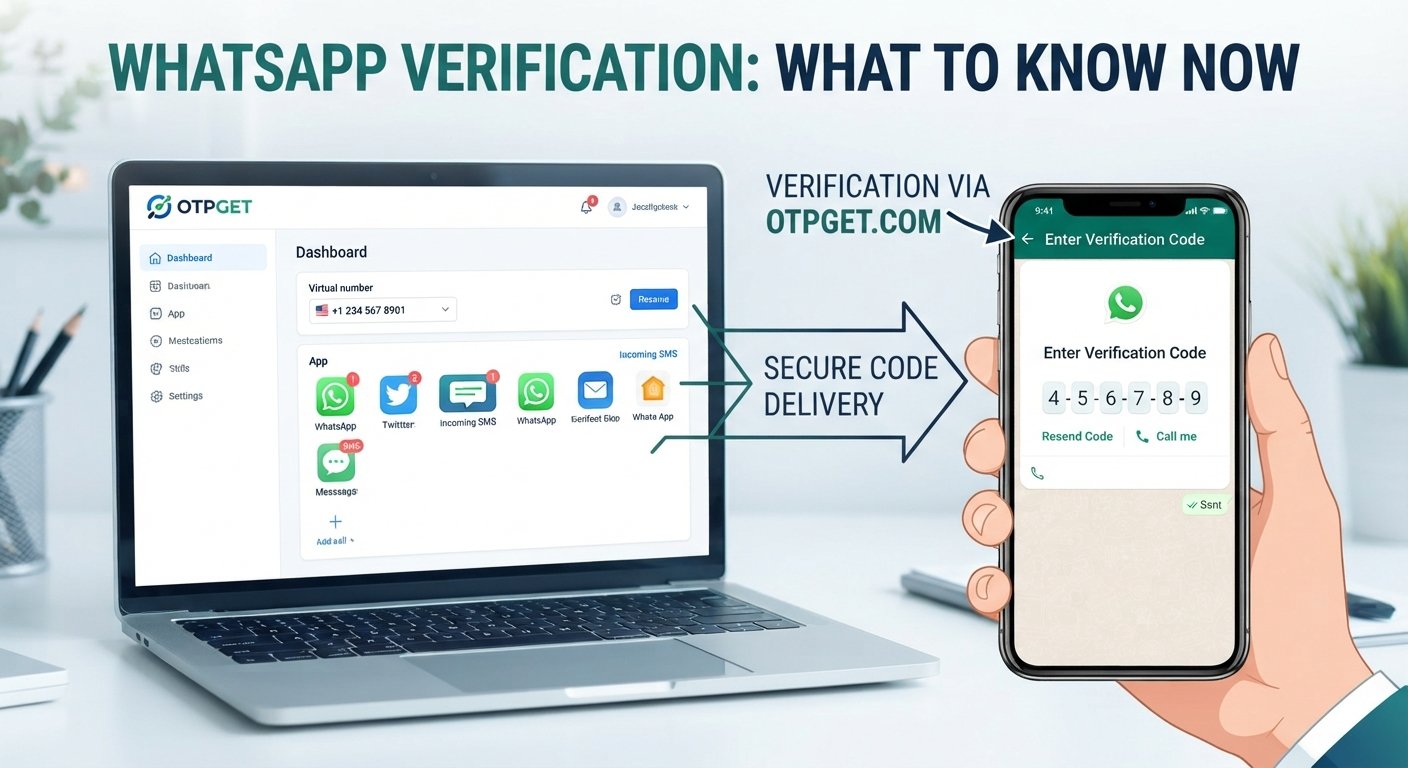
At a high level, the process works like this:
- Enter a phone number into WhatsApp during account setup.
- Request verification through the available method.
- Receive a verification code if the number and delivery method are supported.
- Enter the code into WhatsApp.
- Complete verification if WhatsApp accepts the number and code.
The verification code is an important security step because it confirms access to the phone number being registered.
When using a virtual number, the process is similar, but there is an additional consideration: the number must be able to receive the verification message, and WhatsApp must accept that type of number.
Not every temporary number, VoIP number, or online SMS number will work with every service. Repeated verification requests can also create delays or temporary restrictions, so it is sensible to avoid unnecessary attempts.
[Internal link opportunity: SMS verification]
How OTPGET Can Help You Get a Virtual Number for WhatsApp
If you are looking for an online number specifically for verification, OTPGET can be a practical starting point.
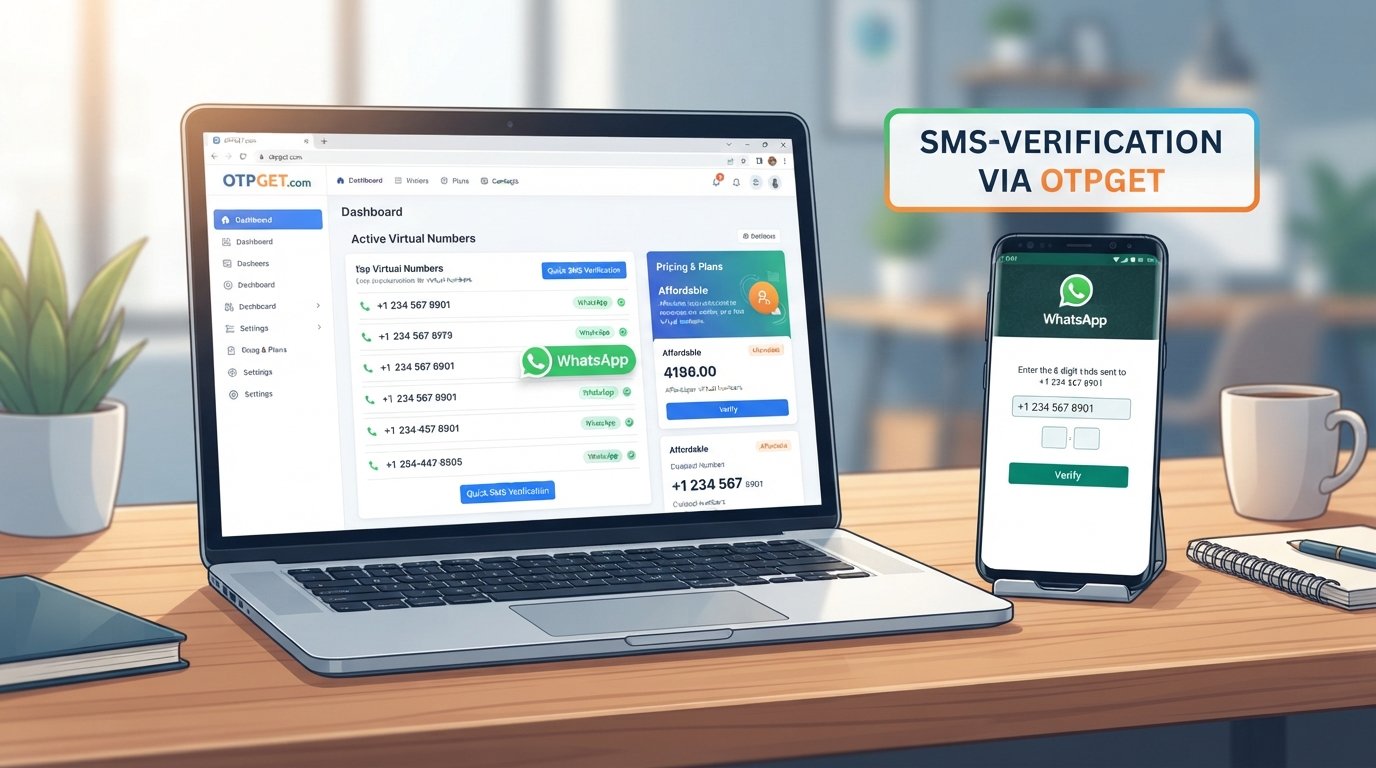
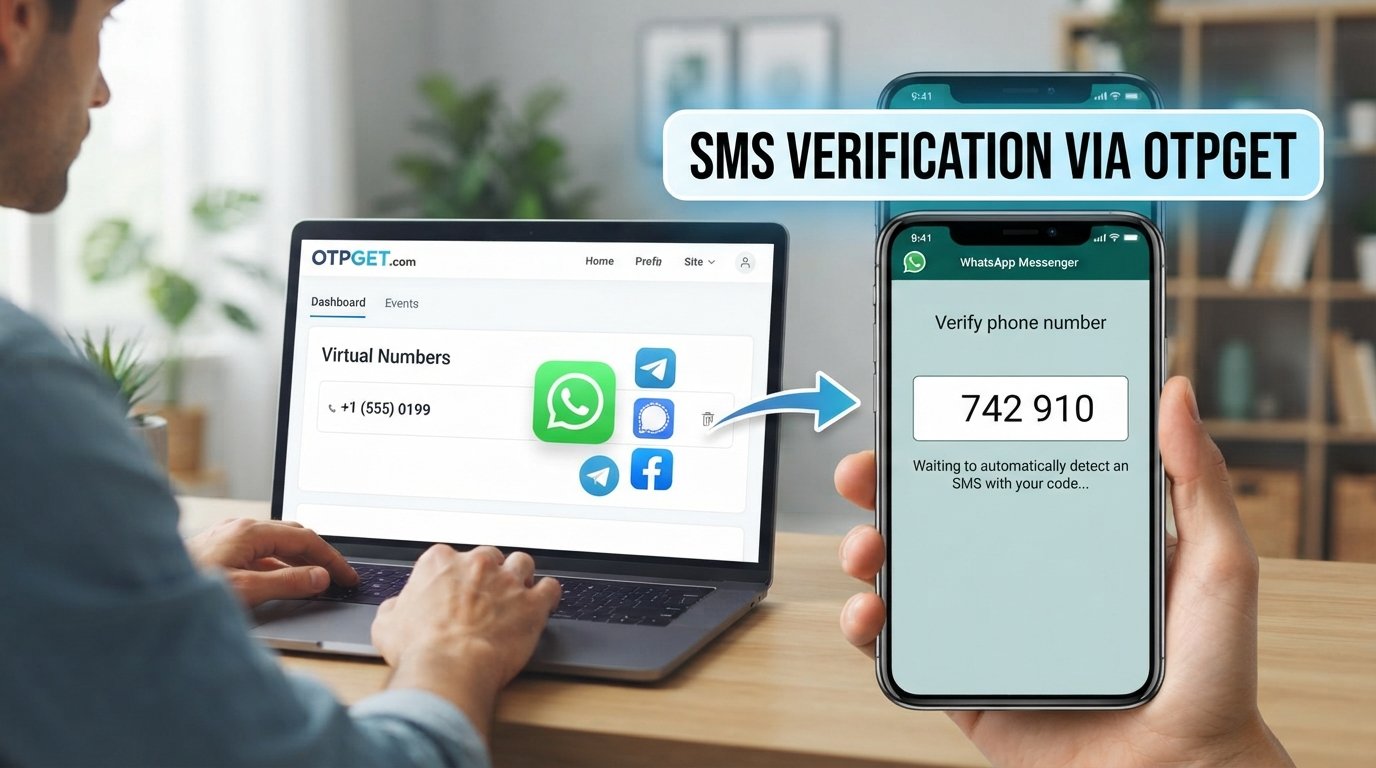
The basic idea is straightforward: obtain an available virtual number through the service, use it for the supported verification process, and retrieve the incoming OTP or SMS where the service provides that functionality.
A typical process may look like this:
- Visit OTPGET and review the available virtual-number or verification options.
- Choose an appropriate number based on the service and availability shown.
- Obtain the number through the available OTPGET process.
- Enter the number in WhatsApp when prompted for a phone number.
- Request the WhatsApp verification code.
- Check OTPGET for the incoming SMS or OTP, where supported.
- Enter the verification code into WhatsApp.
- Finish the setup if WhatsApp accepts the number and completes verification.
The important qualification is that not every number is guaranteed to work with WhatsApp. Acceptance depends on WhatsApp's verification systems, the number type, availability, and other factors.
For that reason, check the options and limitations shown by OTPGET before selecting a number. If your WhatsApp account is important for long-term communication, also consider whether the number will remain accessible for future verification or account recovery needs.
The service can be especially useful for people who want a straightforward way to obtain a number and access an OTP without immediately using their primary mobile number.
[Internal link opportunity: receive OTP online]
What to Look for in a WhatsApp Virtual Number
Choosing the first available number is not always the best approach. Several factors can affect whether a virtual number fits your needs.
SMS and OTP support
First, determine whether the number can receive the type of verification message required. If SMS delivery is not supported, it may not be useful for a WhatsApp verification attempt.
Number availability
Virtual numbers can have limited availability depending on country, service, and demand. Check the available options before starting the registration process.
Service compatibility
A number that works with one website or app may not necessarily work with another. Compatibility with WhatsApp should therefore be treated as a requirement to check rather than an automatic feature of every virtual number.
Access duration
Find out whether the number is temporary or remains accessible for longer. This matters if you expect to need the number again.
Privacy considerations
Review how the provider handles access to numbers and incoming messages. Avoid sharing verification codes unnecessarily, and understand that a virtual number does not automatically provide complete privacy or anonymity.
Cost transparency
If a number or verification service involves a fee, make sure you understand what you are paying for and whether the number is intended for temporary or longer-term use.
Virtual Number for WhatsApp vs. Your Personal Number
Both options can serve different purposes. The right choice depends on how you plan to use the account.
| Consideration | Personal Number | Virtual Number |
|---|---|---|
| Privacy | Uses your primary number | Can separate your primary number from the account |
| Communication | Suitable for everyday personal use | Useful for dedicated or secondary communication |
| Convenience | Usually already accessible | Requires access through the provider |
| Verification | Generally designed for mobile verification | Compatibility depends on the number and service |
| Long-term control | Typically remains under your mobile account | May depend on provider terms and number availability |
| Typical use | Personal communication | Secondary accounts, projects, or supported verification |
A personal number can be simpler when long-term access is the priority. A virtual number can make more sense when separation and online access are more important.
Can You Use a Temporary Number for WhatsApp?
A temporary number may be suitable for some verification situations, but it requires more caution than a number you expect to retain.
The biggest concern is future access.
If a temporary number expires, is reassigned, or becomes unavailable, you may not be able to receive another verification code sent to it later. That can create problems if WhatsApp asks you to verify the number again.
Before using a temporary phone number, consider:
- How long you expect to need the account
- Whether you can access the number again
- Whether the number supports SMS verification
- Whether WhatsApp accepts that number type
- Whether losing the number would affect account access
For an account that you expect to use for an extended period, a more persistent number may be more appropriate.
Common Problems With WhatsApp Virtual Numbers
Virtual-number verification can be convenient, but several issues can occur.
The verification SMS does not arrive
The number may not support the required message type, delivery could be delayed, or WhatsApp may not accept the number for verification.
Check the number status and available messages before repeatedly requesting another code.
The number is already being used
A number may have previously been associated with an account. Follow WhatsApp's instructions if it reports that the number is already registered.
The number is unsupported
WhatsApp may reject certain virtual, VoIP, or temporary numbers. If that happens, using a different eligible number may be necessary.
The number expires
Temporary numbers can become unavailable. If you lose access before you finish verification or later need another code, recovery may become difficult.
Too many verification attempts
Repeatedly requesting codes can lead to delays or temporary limits. Give the process time and follow the instructions displayed by WhatsApp rather than continuously retrying.
You lose access to the number
This is one of the most important considerations. If the WhatsApp account depends on a number you can no longer access, future verification or recovery may be affected.
Best Practices When Using a Virtual Number for WhatsApp
A few simple habits can make the process more manageable.
- Use a number you can reliably access while completing verification.
- Check SMS support before selecting a virtual mobile number.
- Avoid repeated OTP requests when a message is delayed.
- Never share a WhatsApp verification code with someone else.
- Understand the number's duration and limitations before using it.
- Keep access to the number if the account may require future verification.
- Follow WhatsApp's rules and verification requirements.
- Choose a more persistent number when long-term account access matters.
- Review provider information before purchasing or activating a number.
These practices are useful whether you obtain a number through OTPGET or another virtual-number provider.
Frequently Asked Questions
What is a virtual number for WhatsApp?
It is an online-provided phone number that may be used to register or verify WhatsApp where the number is compatible with WhatsApp's verification system and can receive the required code.
Can I use a virtual number to verify WhatsApp?
It may be possible. The number needs to support the required verification method, and WhatsApp must accept that number. Compatibility is not guaranteed for every virtual or temporary number.
How do I receive a WhatsApp verification code?
After entering an eligible phone number in WhatsApp, request verification. If the number supports the process, WhatsApp sends a verification code through the available method. When using an online number, the incoming SMS may be accessible through the provider.
Can OTPGET provide a number for WhatsApp verification?
OTPGET can help users obtain virtual numbers and access OTP or SMS verification messages where supported. Whether a particular number works with WhatsApp depends on availability and WhatsApp's acceptance of that number.
Is a temporary number suitable for WhatsApp?
It can be suitable for some short-term situations, but temporary access carries a risk: the number may expire or become unavailable. Consider a more persistent number if you need dependable long-term access.
Can I use a virtual number instead of my personal number?
In supported situations, yes. A virtual number can provide a separate number for WhatsApp instead of using your primary personal number. However, the number still needs to meet WhatsApp's verification requirements.
What should I do if the WhatsApp OTP does not arrive?
First, check that the number is correct and capable of receiving SMS. Avoid repeatedly requesting codes, review any instructions or waiting period shown by WhatsApp, and check whether the selected number is supported. If necessary, try an alternative eligible number.
Conclusion
A virtual number for whatsapp can be useful when you want to separate personal communication from another WhatsApp account or need an alternative number for a supported verification process.
The concept is simple, but the details matter. Number availability, SMS support, compatibility, access duration, and future control can all affect the experience. Temporary numbers can be convenient, but they may be less suitable when you need long-term access.
If you are looking for a practical way to obtain an online number and receive verification messages, OTPGET can help you explore available virtual-number options and access OTPs where supported.
Before choosing a number, consider how long you need it, whether you can reliably receive SMS, and whether the number is appropriate for WhatsApp verification. With those factors in mind, a virtual number can provide a useful alternative to relying exclusively on your personal phone number.