Virtual Number for Facebook Marketplace Verification: Guide 101
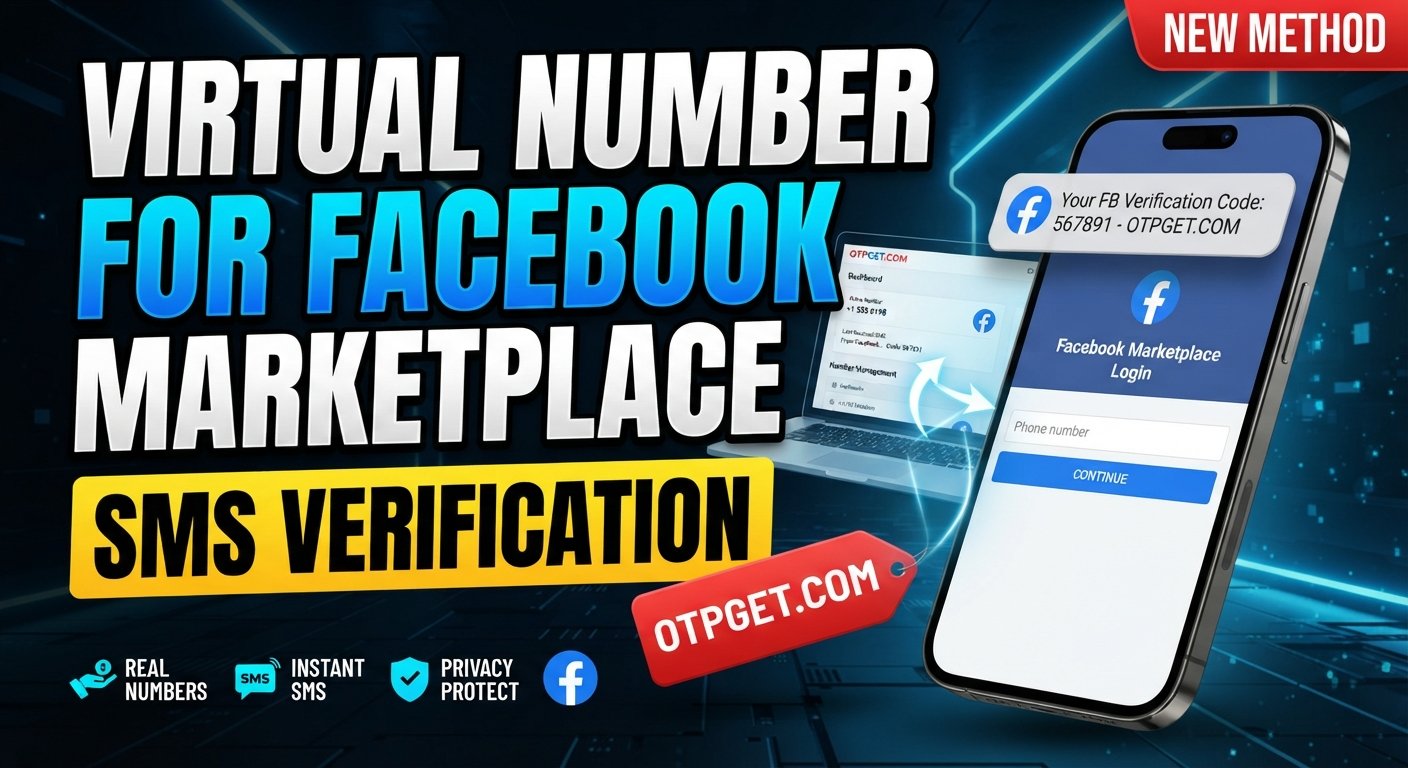
Virtual Number for Facebook Marketplace Verification: Guide
Phone verification is a familiar step when using online platforms, but not everyone wants to connect every service to their personal mobile number. For people who use Facebook Marketplace, this can create a practical privacy question: is there another legitimate way to receive a verification code?
A virtual number for Facebook Marketplace verification can be one option where Facebook permits the number type. Instead of relying on your everyday mobile number, a virtual phone number can provide access to SMS messages through an online service.
That is where a service such as OTPGET can be useful. It gives users a practical option to explore when they need a virtual number for legitimate verification purposes and want to reduce unnecessary exposure of their personal phone number.
However, there is an important distinction: a virtual number is not a way to bypass Facebook's security systems. Facebook can apply additional checks, restrict certain number types, or request identity information depending on the account and situation. Facebook also notes that some users may be asked to verify their identity to continue using features such as Marketplace.
With that in mind, let's look at how virtual numbers and SMS verification fit into the Marketplace experience.
What Is a Virtual Number for Facebook Marketplace Verification?
A virtual phone number is a phone number that is provided and managed through an online service rather than being tied directly to your everyday physical SIM card.
For SMS verification, the basic process is straightforward. A website or app requests a phone number, sends a verification message to that number, and asks the user to enter the code contained in the message.
A virtual number can perform this role where the platform accepts that particular number type.
The main difference from a personal mobile number is how the number is managed:
-
Personal number: Usually connected to your everyday mobile SIM and personal communications.
-
Virtual number: Managed through an online service and potentially kept separate from your personal communications.
-
Temporary number: A virtual number intended for a limited verification or communication purpose, depending on the provider.
-
Business number: A separate number used to keep professional communications apart from personal activity.
The important point is that not every virtual number will necessarily be accepted. Platform compatibility, number availability, account status, and the type of number can all affect the outcome.
Why Do People Use Virtual Numbers for Verification?
Privacy is one of the biggest reasons people consider an online phone number.
Many users prefer to keep their primary mobile number limited to personal contacts, banking, family communication, and other important services. Using a separate number for selected online services can make that information easier to compartmentalize.
Other legitimate reasons include:
-
Privacy: Keep your personal number from being unnecessarily shared with additional online services.
-
Separation: Maintain a distinction between personal and business-related communications.
-
Convenience: Access verification messages through an online service where supported.
-
Business workflows: Use a separate contact channel for certain legitimate business activities.
-
Organization: Keep verification-related messages separate from everyday SMS conversations.
This does not mean a virtual number is automatically more secure or more appropriate than a personal number. It simply gives users another option when the platform and number provider support the intended use.
How Facebook Marketplace Verification Works
Facebook's verification experience can vary depending on the account, location, feature, and security checks involved. Marketplace is part of Facebook's broader buying and selling ecosystem, and Facebook provides additional safety and account-security features around its services.
When phone verification is requested, the general SMS workflow looks like this:
-
Enter the required phone number.
Use a number you are legitimately authorized to use and that is accepted by the service. -
Request a verification code.
Facebook sends an SMS or provides another available verification method. -
Receive the OTP.
If the number supports the required SMS service, the verification message is delivered to the associated phone-number service. -
Enter the verification code.
Submit the OTP in the appropriate Facebook verification field. -
Complete additional checks if requested.
A phone number may not be the only verification requirement. Facebook can request further information or identity documentation in some circumstances.
The key takeaway is simple: phone verification and full account or Marketplace eligibility are not necessarily the same thing.
OTPGET as a Virtual Number Solution
For someone searching for a virtual number for Facebook Marketplace verification, OTPGET can be a practical service to consider when the required number and SMS functionality are available.
The appeal is primarily about convenience and separation. Rather than automatically giving your personal mobile number to another online service, you can explore whether an appropriate virtual number is available for your legitimate verification requirement.
Potential advantages include:
-
A separate number for online verification
-
Reduced reliance on your personal mobile number
-
Convenient access to SMS or OTP messages where supported
-
A straightforward verification workflow
-
Better separation between personal and online communications
OTPGET should be viewed as a tool for legitimate verification needs, not as a method for circumventing Facebook's security or account restrictions.
Because number availability and platform acceptance can change, users should check the currently available options before beginning a verification attempt.
How to Use OTPGET for Legitimate Verification
If Facebook presents a phone verification request and you want to consider a virtual number, the general workflow can be kept simple.
Step 1: Choose the Appropriate Service or Number
First, review the available virtual-number options and determine whether the relevant number type is appropriate for your intended use.
Availability can vary by service, destination platform, and number inventory.
Step 2: Obtain the Number
Use the normal OTPGET process to obtain an available number suitable for the verification purpose.
Do not assume that every available number will work with every platform. Compatibility is always something to consider before proceeding.
Step 3: Enter the Number Where Facebook Requests Verification
When Facebook asks for a phone number, enter the virtual number according to Facebook's instructions.
Make sure the number is entered correctly, including the appropriate country or area code when required.
Step 4: Receive the Verification Code
Request the verification SMS through Facebook.
If the selected number supports the required service, the verification message can be delivered through the applicable SMS interface.
Step 5: Enter the Code
Once the verification message arrives, enter the OTP into the Facebook verification field.
Verification codes should be treated as sensitive information. Never share them with another person unnecessarily.
Step 6: Complete Additional Verification if Requested
If Facebook asks for another security or identity check, follow Facebook's instructions.
A virtual phone number does not replace other requirements that Facebook may apply to an account or Marketplace feature.
Benefits of Using a Virtual Number for Facebook Marketplace
For eligible and supported use cases, a virtual number can offer several practical benefits:
-
Better separation: Keep marketplace-related verification separate from personal SMS.
-
Greater privacy: Reduce unnecessary exposure of your primary mobile number.
-
Convenient SMS access: Receive verification messages through a supported online service.
-
Business practicality: Maintain separate communication channels for legitimate business activities.
-
Simpler organization: Keep verification messages distinct from personal conversations.
-
Flexible options: Depending on availability, users can explore number types that suit their specific online needs.
These benefits should be balanced against compatibility. A virtual number is not automatically accepted by Facebook, and using one does not guarantee Marketplace access.
Virtual Number vs. Personal Phone Number
Neither option is universally better. The right choice depends on your privacy preferences, account requirements, and whether Facebook accepts the number.
| Factor | Personal Number | Virtual Number |
|---|---|---|
| Privacy | Directly connected to your personal communications | Can provide separation from your personal number |
| Convenience | Usually already available on your phone | Convenient when managed through a supported service |
| Separation from personal communications | Limited | Stronger separation is possible |
| SMS availability | Generally dependent on your mobile carrier | Depends on the provider and number availability |
| Platform acceptance | Often broadly familiar to platforms | Acceptance can vary by number type and platform |
| Ongoing access | Usually controlled by you through your mobile service | Depends on the service and number arrangement |
If long-term account recovery is important, consider whether you will continue to have access to the number. A number that is no longer accessible can create unnecessary account-management problems.
Things to Know Before Using a Virtual Number
Before choosing a virtual number, keep several considerations in mind.
Facebook may not accept every number type. A platform can apply its own technical and security requirements.
Number availability changes. A service may have different numbers available at different times, and not every number is suitable for every destination.
Some services restrict virtual or VoIP numbers. Number classification can affect whether SMS verification works.
Verification requirements can change. Facebook may introduce additional checks or modify how particular account actions are handled.
A phone number does not guarantee Marketplace access. Facebook may consider other account, eligibility, security, or identity factors.
Long-term access matters. If you use a number for an account that may require future security codes, make sure you understand how long the number remains available.
Facebook itself emphasizes account-security tools such as login alerts and two-factor authentication, so verification should be treated as part of a broader account-security strategy.
Most importantly, follow Facebook's applicable Terms, Community Standards, Commerce Policies, and verification instructions. Do not use a virtual number to create deceptive accounts, evade restrictions, or engage in prohibited activity.
Common Problems With Facebook Marketplace Phone Verification
Verification code does not arrive
Check that the number is active, correctly entered, and capable of receiving the required SMS. Avoid repeatedly requesting codes in quick succession. If the problem continues, check the provider's current service availability and Facebook's troubleshooting guidance.
The number is not accepted
The number type may not be supported, or Facebook may not accept that particular number. Consider using your normal personal number or another legitimate verification option available to you.
The number is already associated with an account
A number may have previous account associations or restrictions. Instead of attempting to work around the restriction, use an appropriate number that you are authorized to use or follow Facebook's account-support process.
SMS delivery is delayed
SMS delivery can depend on routing, provider availability, carrier conditions, and the destination platform. Give the message time to arrive and avoid excessive resend attempts.
Facebook requests additional verification
A phone OTP may only be one part of the process. If Facebook requests identity documentation or another security check, complete the requested process through Facebook's official interface. Facebook confirms that identity documentation may sometimes be requested for access to features such as Marketplace.
Temporary service availability problems
If an online number is unavailable or cannot receive the required message, check whether another supported option is available. Availability should never be treated as a guarantee of successful verification.
Why OTPGET Can Be a Practical Choice
The main reason to consider OTPGET is straightforward: it can provide a convenient virtual-number option for users who have a legitimate verification requirement and prefer not to rely on their personal phone number.
It can be particularly useful when privacy and separation are important, provided the relevant number is available and supported for the service you're using.
The best approach is to think of OTPGET as part of the verification workflow—not as a replacement for Facebook's requirements.
Before starting, confirm that:
-
The intended number type is available.
-
The number can receive the required SMS where supported.
-
You are using the number for a legitimate purpose.
-
Your Facebook account complies with applicable requirements.
-
You understand that additional verification may still be requested.
Explore OTPGET to see whether the available virtual-number options match your verification needs.
Frequently Asked Questions
1. What is a virtual number for Facebook Marketplace verification?
It is an online phone number that may be used to receive an SMS verification code where Facebook accepts that number type. It can provide separation from your personal mobile number.
2. Can I use a virtual number for Facebook verification?
Potentially, yes, where Facebook accepts the specific number type and your account meets its requirements. Acceptance is not guaranteed, and Facebook may request additional verification.
3. Is a virtual number better than my personal number?
It depends on your needs. A virtual number can offer greater separation and privacy, while a personal number may provide more predictable long-term access. Platform compatibility should also be considered.
4. Can OTPGET receive Facebook verification codes?
OTPGET may be useful for receiving verification SMS where the relevant number and service are supported. Users should check current number availability and compatibility rather than assuming every number will receive every platform's OTP.
5. Why might Facebook reject a virtual number?
Possible reasons include number-type restrictions, previous associations, platform security requirements, availability issues, or other account-specific checks. Facebook's requirements can vary.
6. Is Facebook Marketplace verification guaranteed with a virtual number?
No. A virtual number does not guarantee verification, account approval, or Marketplace access. Facebook can require additional checks based on its own systems and account requirements.
7. What should I do if I do not receive the OTP?
Confirm that the number was entered correctly and is currently able to receive SMS. Wait before requesting another code, check service availability, and follow Facebook's official troubleshooting or account-support options if the issue continues.
Final Thoughts
Phone verification can be an important part of managing online accounts, but privacy matters too. For users who would rather not rely on their personal mobile number for every online service, a virtual number for Facebook Marketplace verification can be a practical option when the platform and number type support it.
The process is generally simple: obtain an appropriate number, enter it when Facebook requests verification, receive the OTP, and submit the code. However, a virtual number is only one part of the process. Facebook can apply additional account, security, identity, and Marketplace requirements.
That makes choosing a provider only part of the decision. You should also consider privacy, number availability, SMS functionality, continued access, and platform compatibility.
For users exploring those requirements, OTPGET offers a practical virtual-number option to investigate. It can help reduce reliance on a personal phone number where supported, while keeping the verification workflow straightforward.
Explore OTPGET and review the available virtual-number options to find an option that fits your legitimate verification needs—while continuing to follow Facebook's requirements and policies.