VPN and OTP Verification: Common Problems, Causes and Fixes
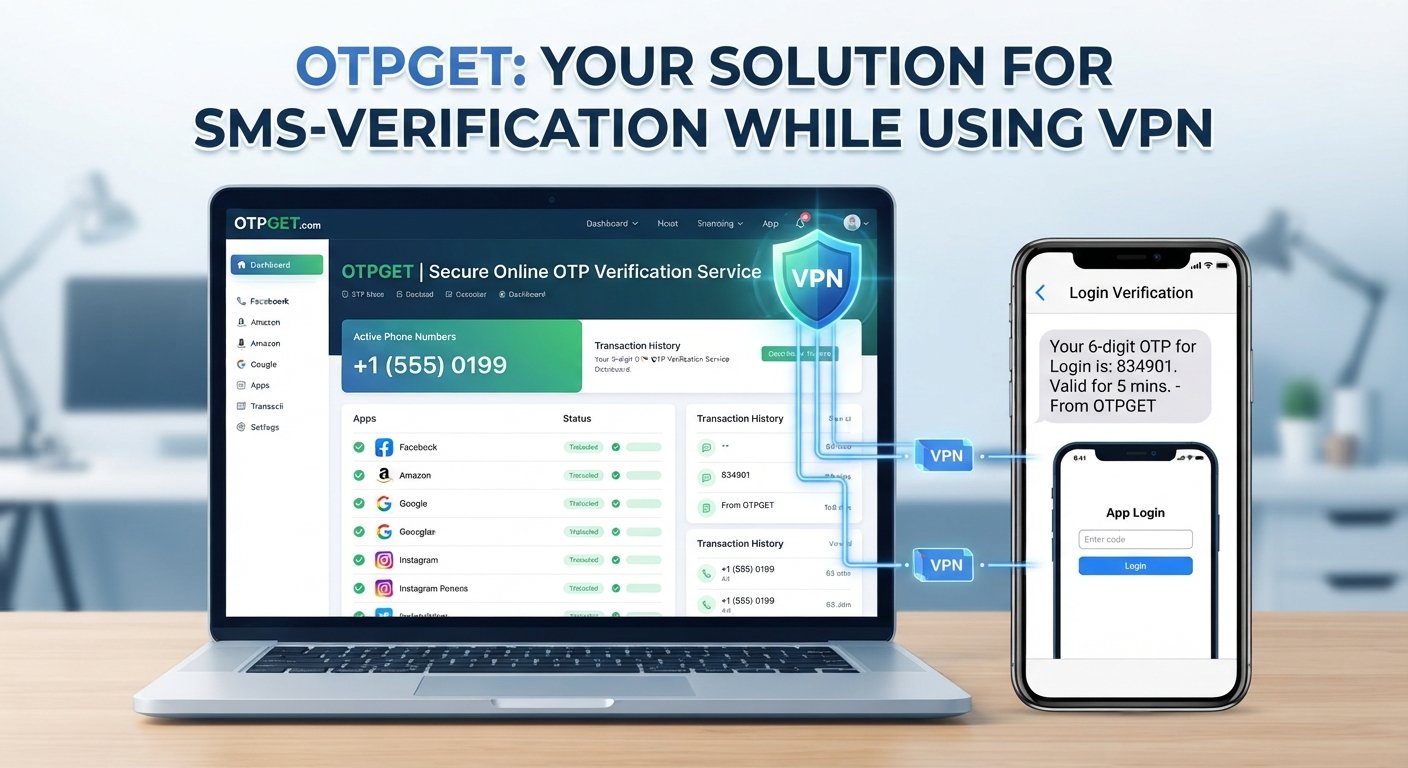
VPN and OTP Verification: Does It Cause Problems?
Using a VPN is a common way to improve privacy, secure an internet connection, or access the internet through a different network location. At the same time, many websites and apps rely on one-time passwords (OTPs) to confirm that a user controls a particular phone number or account.
This raises an important question: Can VPN usage interfere with OTP verification?
The short answer is that a VPN does not automatically stop OTP verification. However, it can sometimes contribute to verification friction when a website or app detects an unexpected IP address, location mismatch, unusual login behavior, or other security signals.
An OTP may also fail for reasons completely unrelated to a VPN, such as mobile network problems, expired codes, excessive verification requests, or incorrect account information.
Understanding the difference can make troubleshooting much easier. For legitimate verification needs, services such as OTPGET may also provide a practical way to handle supported OTP verification requirements without unnecessarily complicating the process.
How VPNs and OTP Verification Work Together
A VPN, or virtual private network, routes internet traffic through a VPN server. As a result, websites generally see the VPN server's IP address rather than the user's normal public IP address.
For example, someone connecting from one location may appear to a website as though the connection is coming from a different location because of the selected VPN server.
An OTP, or one-time password, is a temporary verification code used to confirm an action or identity. In SMS-based verification, a service sends a code to a phone number, and the user enters that code into the relevant website or app.
OTPs are commonly used for:
- Account sign-in
- New account registration
- Phone verification
- Password recovery
- Two-factor authentication
- Transaction or security confirmation
The VPN and OTP processes are technically different. The VPN primarily affects the internet connection and visible network information, while an SMS OTP is generally delivered through mobile messaging infrastructure.
However, the website requesting the OTP may consider information about the connection when deciding whether a verification request appears normal.
Can a VPN Cause OTP Verification Problems?
Yes, a VPN can sometimes contribute to OTP verification problems, but it is not automatically the cause.
A service may evaluate several signals during a login or verification attempt. If the connection suddenly appears to originate from a different country, uses an IP address associated with many users, or differs significantly from previous account activity, additional security checks may occur.
Possible factors include:
- IP address changes: Switching between VPN servers can make the connection appear to come from different IP addresses.
- Location mismatches: The apparent IP location may not match the user's usual account activity or other information.
- Shared VPN IP addresses: Many people may use the same VPN server IP, which can affect how a service evaluates the connection.
- Unusual login patterns: Rapid changes in connection locations or repeated verification attempts can trigger additional checks.
- Fraud-prevention systems: Some services use automated risk signals to identify activity that requires closer verification.
- Repeated OTP requests: Requesting multiple codes in a short period can result in temporary restrictions.
It is also important to distinguish between a VPN affecting access to a service and a VPN preventing an SMS from being delivered.
In many cases, the VPN does not directly block the SMS. Instead, the website may delay, reject, or restrict the verification request before or during the verification process.
If an OTP never arrives, the problem could just as easily be related to the mobile carrier, phone settings, network coverage, an incorrect number, or an expired verification session.
Common OTP Problems When Using a VPN
VPN and OTP verification problems can appear in several different ways. Identifying the specific symptom is the first step toward finding the right solution.
- OTP not received with VPN: The verification request may not complete normally, or the SMS may be delayed because of the service, carrier, or connection context.
- Verification code delayed: SMS delivery can sometimes take longer than expected. Requesting additional codes immediately can make the situation more confusing.
- Verification request rejected: A service may reject a request when its security system detects unusual connection or account activity.
- Too many verification attempts: Multiple requests within a short period may trigger a temporary restriction.
- Location or IP mismatch: The VPN's apparent location may differ from the user's normal location or account activity.
- Temporary verification restrictions: Some services temporarily limit verification attempts after repeated failures or unusual activity.
- OTP expires before entry: One-time codes normally have a limited validity period. A delayed message may arrive after the original code has expired.
- Multiple OTP messages arrive late: Earlier requests may still be delivered after a newer code has been requested. Usually, the newest valid code is the one to use.
- Service-specific security checks: Some websites and apps apply their own verification rules, so behavior can vary considerably between services.
The key point is that OTP not working does not automatically mean the VPN is responsible.
Why Do Some Services React to VPN Connections?
From a security perspective, websites and apps have good reasons to pay attention to network activity.
Account takeover attempts, automated abuse, suspicious logins, and fraudulent transactions can involve unusual network patterns. A VPN connection is not inherently suspicious, but certain VPN characteristics may become one factor in a broader risk assessment.
For example, a service may consider:
Fraud Prevention
Security systems may evaluate whether a verification request resembles normal account activity. A sudden change in network information can become one signal among many.
Account Takeover Protection
When someone attempts to access an account from an unusual environment, additional verification can help protect the account owner.
IP Reputation
Some IP addresses may have a history of excessive automated traffic or other suspicious activity. A shared VPN address can therefore receive different treatment from a residential connection.
Geographic Inconsistencies
If an account normally appears to connect from one location but suddenly appears elsewhere, a service may ask for additional verification.
Shared IP Addresses
VPN servers can be used by many people at the same time. This means one IP address may represent numerous unrelated users, making network-based risk assessment more complicated.
These checks do not mean VPN users are doing anything wrong. They are generally part of broader security processes designed to distinguish ordinary activity from potentially risky behavior.
How to Troubleshoot OTP Verification Problems
If you experience OTP verification issues, work through the basics before assuming the VPN is the problem.
- Check the phone number. Make sure the number entered for verification is correct and formatted as required by the service.
- Confirm SMS reception. Check whether the phone can receive ordinary SMS messages and has adequate mobile network coverage.
- Wait before requesting another OTP. Repeated requests can sometimes create additional delays or temporary restrictions.
- Check the VPN connection. If the service appears to be reacting to an unusual IP or location, consider whether the VPN is contributing to the verification friction.
- Try a trusted network when appropriate. If the service permits it, testing the verification process through a normal, trusted connection can help identify whether the network environment is relevant.
- Restart the verification process. A new verification session may resolve a stale or incomplete request.
- Check the code's expiration. If a code has expired, request a new one rather than repeatedly entering an old code.
- Use the newest OTP. When several codes arrive late, older codes may no longer be valid.
- Contact support if the issue continues. The service provider may be able to explain whether an account-level or verification restriction is affecting the process.
- Consider a legitimate OTP verification service. For supported and lawful use cases, an online verification service can provide another practical way to manage OTP requirements.
Always follow the terms, security requirements, and verification policies of the website or application you are using.
How OTPGET Can Help With OTP Verification
When OTP verification becomes inconvenient, the goal should be to identify a legitimate and practical way to complete the verification process rather than trying to circumvent a platform's security controls.
OTPGET can be considered by users who need a convenient approach to supported OTP verification requirements. As an online OTP verification service, it can be relevant for legitimate use cases involving SMS-based verification and related phone verification needs.
One potential benefit of using a dedicated verification service is convenience. Instead of treating every verification problem as a VPN problem, users can consider whether they have an appropriate verification option for the service and use case involved.
For example, someone researching online OTP verification may be looking for a practical service that helps simplify the process of receiving a verification code. Depending on the supported service and use case, OTPGET can provide a more convenient way to handle OTP verification.
It is important to keep expectations realistic. OTPGET should not be viewed as a way to bypass fraud detection, identity checks, account restrictions, CAPTCHA challenges, bans, or other legitimate platform controls. Users should continue to follow the requirements of the service they are accessing.
The right approach is to use OTPGET where its service supports the user's legitimate verification requirement and where doing so is consistent with the relevant platform's rules.
VPN vs. OTP Verification: What Actually Causes the Problem?
| Situation | Possible Issue | What to Check |
|---|---|---|
| VPN enabled | IP or location mismatch | Check the VPN connection |
| OTP requested repeatedly | Temporary restriction | Wait before retrying |
| SMS delayed | Carrier or network issue | Check mobile reception |
| OTP expired | Code is no longer valid | Request a new code |
| Service blocks unusual activity | Security system triggered | Follow service instructions |
| Verification remains difficult | OTP delivery challenge | Consider a legitimate OTP service such as OTPGET |
This comparison highlights why troubleshooting should focus on the actual symptom. A VPN may be involved, but it is only one possible factor.
Best Practices for Reliable OTP Verification
A few simple habits can reduce common OTP verification issues:
- Use accurate account and phone information.
- Keep your phone capable of receiving SMS messages.
- Avoid requesting multiple OTPs in rapid succession.
- Enter the newest valid OTP.
- Do not share OTPs with other people.
- Never publish verification codes publicly.
- Use reputable verification services for legitimate purposes.
- Follow the verification requirements of the platform.
- Avoid treating a VPN as the automatic explanation for every OTP problem.
- Consider OTPGET where it is appropriate and supported for your verification needs.
Good verification practices are ultimately about balancing convenience with account security. An OTP is sensitive information, so it should be handled with the same care as a password or other authentication credential.
8. FAQ Section
Does a VPN stop OTP verification?
No. A VPN does not automatically stop OTP verification. An OTP is generally delivered separately from the VPN connection, particularly when the code is sent by SMS. However, a website or app may react to the VPN's IP address, apparent location, or unusual login behavior and introduce additional verification friction.
Why am I not receiving an OTP while using a VPN?
The VPN may be contributing to a rejected or delayed verification request, but it is not necessarily the cause of the missing SMS. Check the phone number, mobile reception, message delivery, OTP expiration, and verification attempt limits. If possible and permitted, testing a trusted connection can also help identify the source.
Can a VPN change OTP delivery?
A VPN can affect the website or app requesting an OTP because it changes the visible network connection. It generally does not directly control SMS delivery to your phone. If the service treats the VPN connection differently, the verification request itself may be delayed, restricted, or rejected before the SMS process completes.
Should I turn off my VPN to receive an OTP?
Not necessarily. First determine whether the VPN is actually related to the problem. If the service permits it, temporarily testing the verification process without the VPN can help identify whether the connection is contributing to the issue. Follow the service's security requirements rather than disabling security tools unnecessarily.
What should I do if my OTP is not working?
Check that you are using the newest code, that the phone number is correct, and that the code has not expired. Avoid repeatedly requesting new codes. Check SMS reception and your network connection. If the issue continues, contact the service's support team or consider an appropriate legitimate OTP verification service.
Can OTPGET help with OTP verification?
OTPGET may be useful for legitimate OTP verification needs where its service supports the relevant use case. It can be considered as a practical online verification option, but users should not expect it to bypass security systems, account restrictions, identity checks, or other requirements imposed by a platform.
Is online OTP verification secure?
OTP verification can provide an additional authentication layer when implemented and used properly. Users should protect verification codes, avoid sharing them, and use reputable services. The security of a particular verification process also depends on the platform, delivery method, account protections, and how the user handles the OTP.
9. Conclusion
VPN and OTP Verification: What Should You Do?
VPNs do not automatically break OTP verification, and an OTP not working with a VPN does not necessarily mean the VPN is the root cause. Verification problems can come from many sources, including SMS delivery delays, mobile network issues, expired codes, incorrect phone numbers, repeated requests, or security checks triggered by unusual activity.
The best approach is to identify the actual failure point before changing your setup. Check the phone, OTP status, network, and service requirements, and avoid repeatedly requesting codes.
For legitimate verification needs, OTPGET can be a practical option where its service supports the relevant use case. It can help simplify online OTP verification without treating legitimate platform security controls as something to circumvent.
If you regularly encounter OTP verification friction, exploring a suitable service such as OTPGET may be a useful next step.


