What Is Temporary Email and How Does It Work? Complete Guide
What Is Temporary Email and How Does It Work?
Every website does not need your primary email address.
Signing up for a new service, downloading a resource, testing an application, or accessing a one-time feature may require an email address. The problem is that a simple registration can sometimes lead to promotional messages, newsletters, notifications, and other emails you never intended to receive.
That is where temporary email can be useful.
A temporary email address gives you a separate inbox for short-term tasks. Instead of handing over your everyday email address, you can use a disposable address when the communication is only needed for a limited purpose.
But how does a temporary inbox actually work? Can it receive verification emails and OTP codes? And what should you look for when choosing a temporary email service?
Let's break it down.
What Is Temporary Email?
A temporary email is an email address intended for short-term use rather than permanent communication. It can provide an inbox where you receive messages without using your normal personal or work email address.
A simple definition is:
Temporary email is a short-term email address and inbox used to receive messages for limited purposes such as registrations, testing, verification, and other temporary online interactions.
You may also hear terms such as disposable email, temp mail, temporary mail, throwaway email, or disposable mail. These terms generally describe the same broad concept: an email address intended for temporary rather than long-term use.
Unlike a conventional email account, a temporary email address may have a limited lifespan or limited access. Depending on the service, the inbox can eventually expire, be deleted, or become unavailable.
The main idea is separation. Your regular inbox remains reserved for important, ongoing communication, while a temporary inbox handles a short-term task.
How Does Temporary Email Work?
The basic process is straightforward. Although different providers implement temporary inboxes differently, the general workflow looks like this:
- A temporary email address is generated or provided.
You receive an address that can be used for a short-term purpose. - A temporary inbox becomes available.
The service connects the address to an inbox where incoming messages can be viewed. - You enter the address on a website or service.
For example, a registration form may ask you for an email address. - The website sends an email.
This might be a confirmation link, verification email, activation message, or code. - The temporary inbox receives the message.
You open the inbox and read the relevant information. - The address eventually expires or becomes unavailable.
The exact behavior depends on the temporary email service and its policies.
This makes a temporary email generator useful for situations where you need an inbox now but do not necessarily need a permanent mailbox afterward.
Why Do People Use Temporary Email?
The appeal of temporary email is mainly convenience, separation, and inbox management.
Common use cases include:
- Website registrations: Keep short-term registrations separate from your primary inbox.
- Email verification: Receive a confirmation message without immediately adding another subscription to your everyday inbox.
- Testing websites and applications: Developers and testers can use temporary addresses when checking registration or email workflows.
- Downloading resources: Some websites request an email before allowing access to a guide, download, or other resource.
- Reducing unwanted messages: A disposable email address can help keep promotional communication away from your main mailbox.
- Temporary online interactions: When an email address is needed only briefly, a temporary inbox may be more convenient than creating a new permanent account.
- Testing email workflows: Temporary addresses can help with basic testing of signup and verification processes.
For example, imagine you want to try an online service but are unsure whether you want ongoing promotional emails. A temporary email address can keep that interaction separate from your primary email.
That does not mean temporary email should be used to evade legitimate rules, create abusive accounts, commit fraud, or bypass a website's security controls. The appropriate use depends on the service and the website receiving the address.
Temporary Email for OTP and Verification Codes
One particularly useful application is receiving verification messages.
A website may send an email containing:
- A one-time password
- A verification code
- An account activation link
- A confirmation link
- A registration message
- Instructions for completing a signup
This is why people often search for temporary email for OTP, email for verification, receive verification codes, or receive OTP online.
The basic workflow is simple: provide the temporary address during an appropriate registration, wait for the verification message, open the temporary inbox, and use the code or link as instructed.
However, there is an important limitation: not every website accepts temporary or disposable email addresses. Some websites actively block disposable domains or apply additional registration restrictions.
Likewise, delivery depends on the sending website and the temporary email provider. A temporary inbox should therefore never be treated as a guaranteed method for receiving every verification email.
What Is OTPGET?
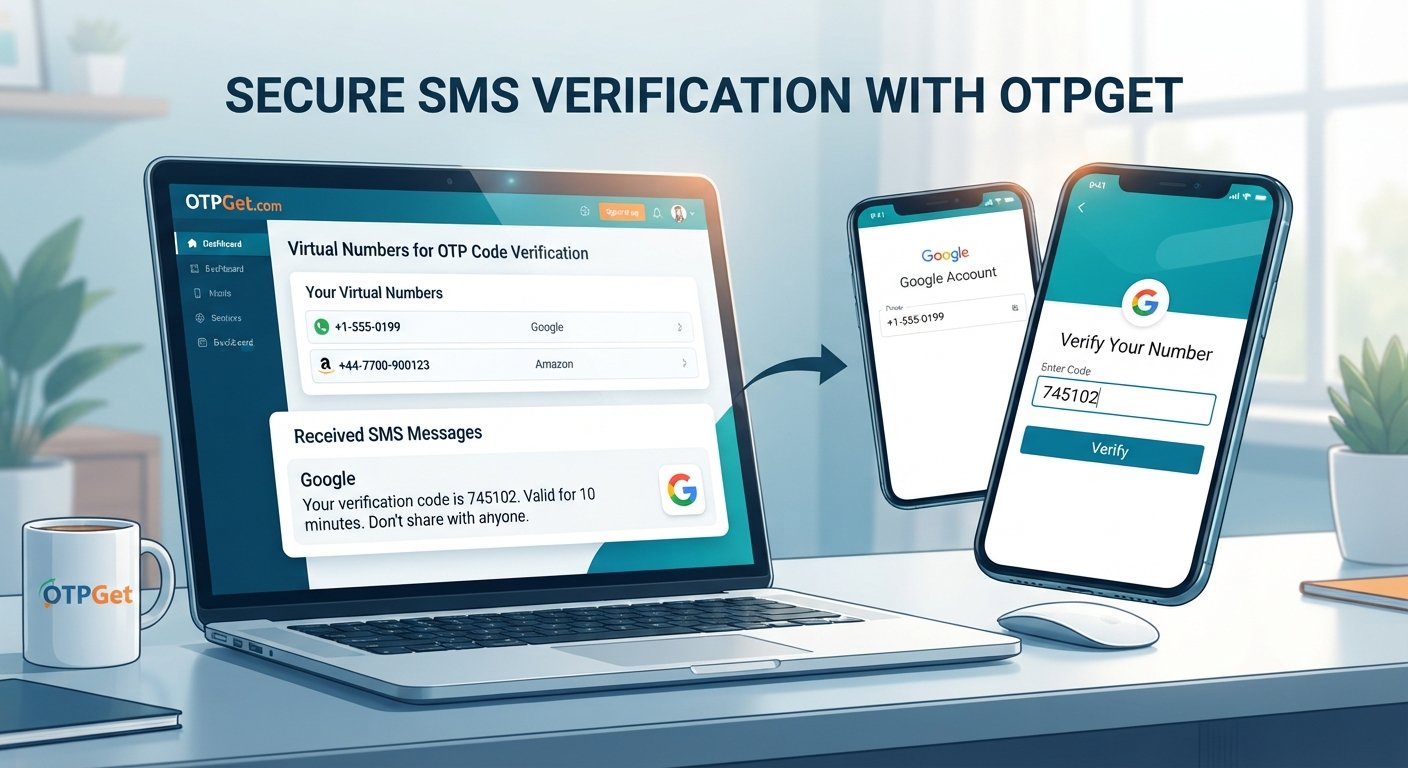
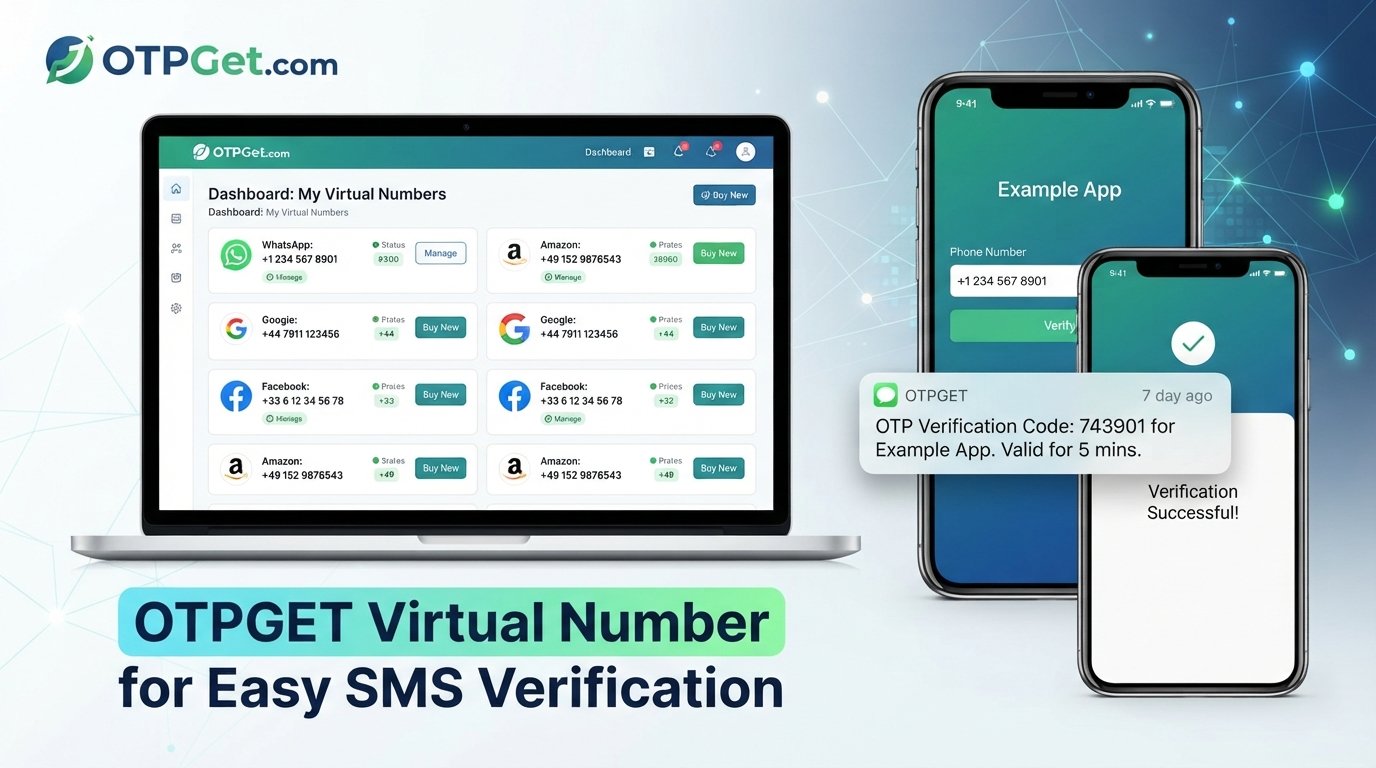
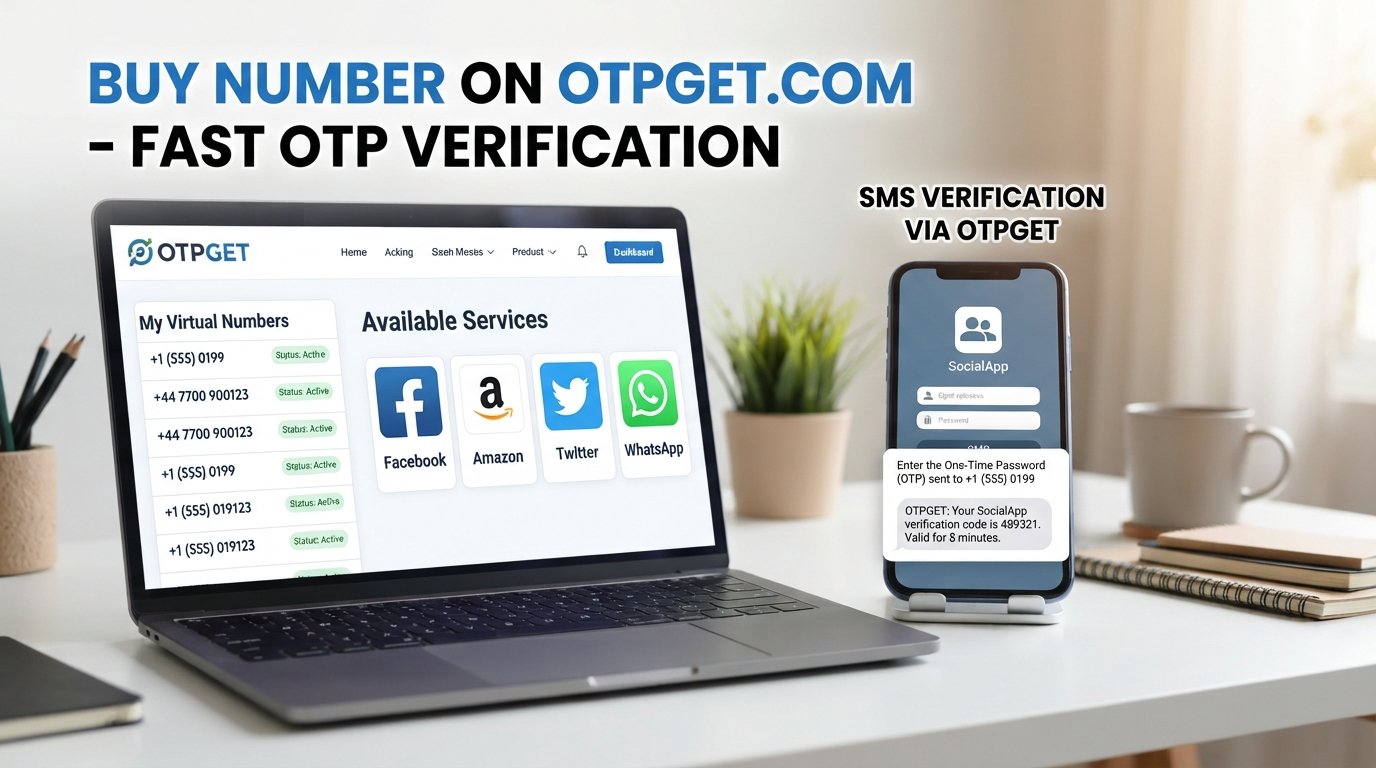
OTPGET is a service that includes temporary email options for receiving verification emails and OTP messages. Its published documentation describes a dedicated Email OTP API with temporary email addresses, email purchasing, code retrieval, cancellation, and related operations.
For someone searching for temp mail, a temporary email service, or a way to handle email verification separately from a primary inbox, OTPGET can be considered as one available option.
Its documentation describes two temporary-email flows. One can work around a particular service and domain, while another can work around a selected domain and site. The documented workflow includes obtaining an email address and then checking for the verification code.
That makes OTPGET particularly relevant to users whose short-term task involves verification email or OTP delivery rather than long-term correspondence.
OTPGET also documents an API for developers who want to integrate temporary email functionality into workflows programmatically.
The important point is to choose a temporary email solution based on the actual task. If you only need a short-lived inbox for a simple registration, a basic disposable mailbox may be enough. If your workflow specifically involves verification messages or programmatic access, a service such as OTPGET may be worth evaluating.
Benefits of Using a Temporary Email Address
A temporary inbox can be useful for several practical reasons.
Protect Your Primary Inbox
Instead of giving your everyday email address to every website, you can separate short-term registrations from important correspondence.
Reduce Unwanted Messages
A disposable email address can help reduce promotional emails and other messages reaching your regular inbox.
Limit Exposure of Your Regular Address
Using a separate address for temporary activities means fewer websites receive your primary email address.
Make Temporary Registrations Easier
For a website you only need to access briefly, a temporary email address can be more convenient than creating another permanent mailbox.
Simplify Testing
Developers, QA teams, and testers can use temporary addresses when checking signup forms, verification emails, and other email-based workflows.
Keep Communications Separate
A temporary inbox provides a simple boundary between important long-term communication and short-lived online interactions.
Limitations and Things to Consider
Temporary email is useful, but it is not a replacement for a permanent email account.
Before using one, consider the following:
- Some websites block disposable addresses. A registration may reject a temporary domain.
- The inbox may expire. You may lose access after the service's retention period or when the temporary session ends.
- Messages may not remain available indefinitely. Do not assume you can return later and recover an old verification email.
- Account recovery can become difficult. Important accounts generally need an email address you can access over the long term.
- Sensitive information should be handled carefully. A temporary inbox is not automatically appropriate for confidential documents or highly sensitive communications.
- Service policies vary. Understand how the provider handles inbox access, expiration, messages, and privacy before using it.
In short, temporary email works best when the communication itself is temporary.
Temporary Email vs Regular Email
| Factor | Temporary Email | Regular Email |
|---|---|---|
| Lifespan | Usually short-term or limited | Intended for long-term use |
| Privacy/convenience | Useful for separating temporary activity | Better suited to ongoing personal communication |
| Inbox persistence | May expire or become unavailable | Normally remains accessible |
| Best use cases | Registrations, testing, temporary verification | Personal, work, financial, and long-term communication |
| Account recovery | Generally unsuitable for important recovery addresses | Suitable for long-term recovery |
| Long-term communication | Not the primary purpose | Designed for ongoing communication |
| Spam exposure | Can help keep temporary messages separate | May receive messages from many services over time |
Neither option is universally better. The right choice depends on whether you need short-term convenience or reliable long-term access.
How to Choose a Temporary Email Service
If you are comparing temporary email services, look beyond whether an address can simply be generated.
Consider these factors:
Ease of Use
The process should be understandable without unnecessary steps. You should be able to access the temporary inbox and locate incoming messages easily.
Inbox Accessibility
Check how the service lets you view incoming emails and whether the inbox remains available for the amount of time you need.
Message Delivery
If your purpose involves email verification, timely delivery matters. A service should clearly explain how incoming messages are handled.
Privacy Considerations
Read the provider's policies. Understand what information the service collects, how temporary inboxes work, and what happens to messages after use.
Expiration Behavior
Find out whether the address expires automatically, how long access may remain available, and whether messages are retained.
Website Compatibility
No temporary email provider can guarantee acceptance everywhere. Some websites block disposable domains, so compatibility should be treated as a practical consideration rather than a promise.
Transparency
A reliable service should make its limitations and operating policies reasonably clear.
For readers specifically looking for temporary email for verification or OTP-related workflows, OTPGET is an option to consider. Its published documentation provides details about its temporary email API and verification-code workflow, allowing users to assess whether the service fits their particular use case.
Is Temporary Email Safe?
Temporary email can be useful for privacy and inbox separation, but "safe" depends on both the service and the way you use it.
One important consideration is whether an inbox is private to you or shared in some way. If messages can be accessed by other users, you should never place sensitive personal information in that inbox.
It is also wise to avoid using temporary addresses for accounts where you may later need password recovery, security notifications, billing information, or long-term access.
Before using a temporary email service, review its policies and understand how the address and inbox are handled.
The safest approach is to match the tool to the task: use temporary email for genuinely temporary needs and a trusted permanent email account for important, ongoing communication.
Common Questions About Temporary Email
What is a temporary email?
A temporary email is a short-term email address used to receive messages without relying on your primary email address. It is commonly used for registrations, testing, and temporary verification.
How does temporary email work?
A temporary email service provides an address connected to a temporary inbox. Websites send messages to that address, and you can read those messages through the service. Depending on the provider, the inbox or address may later expire.
Can temporary email receive OTP codes?
Yes, a temporary email service can receive an OTP when the sending website sends the code to that email address and accepts the temporary address. Compatibility and delivery depend on both services.
Is temporary email free?
Some temporary email services offer free access, while others use paid models or charge for specific features. Check the individual provider's current terms before choosing one.
How long does a temporary email address last?
There is no universal expiration period. The lifespan depends on the provider and its policies. Some addresses are designed for very short use, while other services may provide different access arrangements.
Can I use temporary email for website verification?
Yes, where the website accepts disposable email addresses. Temporary inboxes are commonly used for confirmation messages and verification links, but some websites block temporary domains.
Is temporary email safe?
It can be appropriate for low-risk, short-term activities, but it should not automatically be considered secure for sensitive information. Understand the provider's policies and avoid using temporary addresses for important long-term account recovery.
What is OTPGET?
OTPGET provides temporary email services for verification emails and OTP messages, alongside other verification-related services. Its documentation describes temporary email workflows for obtaining addresses and retrieving verification codes.
Final Thoughts
Temporary email is a practical tool for situations where you need an email address for a limited purpose but do not want to rely on your primary inbox.
It can help separate temporary registrations, testing activities, verification messages, and other short-term interactions from important long-term communication. At the same time, temporary inboxes have limitations: addresses can expire, messages may not remain available, and some websites may block disposable email domains.
The key is to use the right type of email for the right situation. Keep important accounts, recovery addresses, and sensitive communication tied to an email account you control for the long term.
For appropriate short-term verification and temporary inbox needs, OTPGET is one option worth exploring. Its documented temporary email functionality is specifically relevant to receiving verification emails and OTP messages, while its published documentation provides more detail about how those workflows operate.
If your goal is simply to keep temporary online activity separate from your primary inbox, explore OTPGET and see whether its temporary email options fit your particular use case.
Suggested Internal Link Anchors
- How to Use Temporary Email
- Temporary Email for OTP Verification
- Disposable Email Guide
- How to Protect Your Primary Inbox
- Temporary Email vs Regular Email